

AfterSession
AfterSession · Productivity
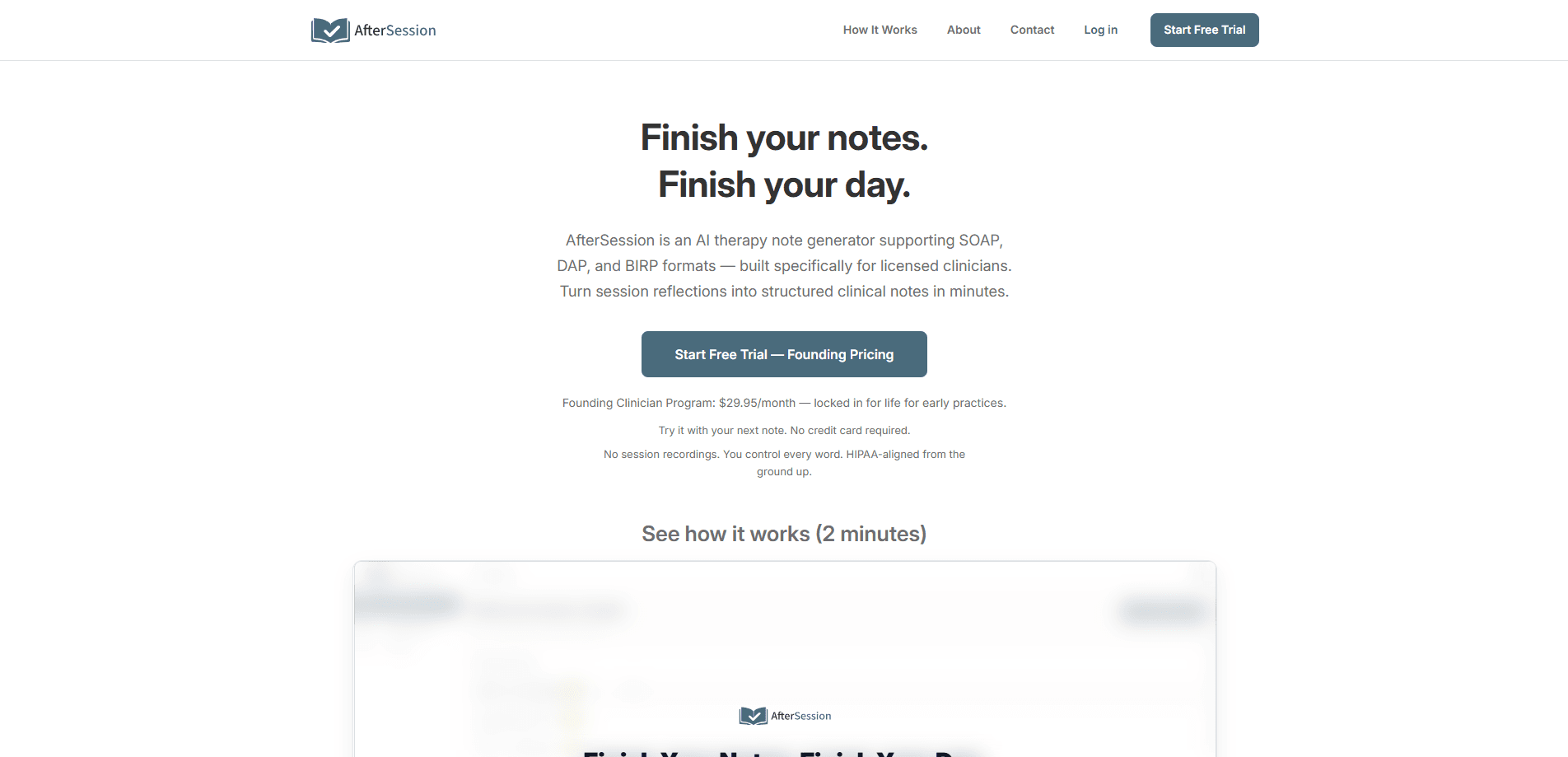
AfterSession is an AI therapy note generator built for therapists, counselors, psychologists, and social workers. Instead of recording your client like most AI scribes do, it works from a short recap you type or speak after the session, then drafts a structured progress note in SOAP, DAP, BIRP, GIRP, or PIE format. You review, edit, and approve every word before anything is saved. It's aimed at private-practice clinicians and small group practices who want faster AI clinical documentation without changing how they already work.
About AfterSession
What Is AfterSession
AfterSession is a web-based AI tool that drafts clinical progress notes from a brief summary you write or speak yourself. The pitch is simple: no session recording, ever. You describe what happened after the client leaves, and the AI turns your raw recap into a formatted note you can drop into whatever EHR you already use.
The problem it targets isn't new, but the approach is. Most AI scribes capture audio during the session, which raises consent questions and can feel intrusive to both clinician and client. AfterSession sidesteps that by working from your own after-the-fact reflection, so the therapeutic hour stays untouched while the blank-page dread of charting at 9 p.m. still disappears. Why does that matter so much for private practice?
The limits matter as much as the features. This is note generation only, with no scheduling, no billing, and no full EHR integration, so finished notes get copied into your existing system by hand. Clinicians who want a single all-in-one platform won't find it here, and according to the company it doesn't fit practices that need on-premise hosting either.
Getting Started
- Register for an account on the AfterSession site. The free trial runs for 7 days or 5 notes, and it needs no credit card.
- After a session, open the tool and type a short recap or record a quick voice note of what you remember.
- Pick your note format from SOAP, DAP, BIRP, GIRP, or PIE, then let the AI draft the structured note.
- Review and edit the draft. Custom prompts let you tune the tone so notes read in your own clinical voice.
- Save the note and export it as PDF or text, then paste it into your existing EHR.
Product Information
A quick look at AfterSession's pricing, supported platforms, and performance.
Best for
The users, tasks, and scenarios where this tool fits best.
Users
- Therapists and counselors in private practice
- Psychologists and social workers
- Small group practices with 2 to 10 clinicians
Tasks
- Writing progress notes after a session
- Structuring messy session thoughts
- Catching up on a backlog
Scenarios
- Finishing the same day so evenings stay free
- Between-session gaps when memory is freshest
- Practices that avoid recording clients for consent or comfort reasons
Key features
No Session Recording Required
This is what separates AfterSession from most AI therapy notes tools. You never record the client. Instead, you write or speak a brief recap after the session, and the AI drafts the note from that. For clinicians uncomfortable with in-session audio, or clients who'd rather not be captured, that's a real difference. It also removes the consent conversation that recording tends to bring up.
Multiple Clinical Note Formats
The tool handles progress notes for therapists in SOAP, DAP, BIRP, GIRP, and PIE, so you pick the format that matches how you already think about sessions and skip the friction of learning a new structure from scratch. That range covers most common documentation styles in mental health practice. You don't have to relearn a new note structure to use it.
Notes That Sound Like You
Custom AI prompts let you shape the tone and phrasing of the drafts. Instead of generic clinical boilerplate, notes can reflect your own voice and habits. Many clinicians care about this because a note that reads like a robot's work is one they'll rewrite anyway.
HIPAA-Aligned Privacy
AfterSession runs on HIPAA-aligned infrastructure, and Business Associate Agreements (BAAs) are available on paid plans. Voice notes are processed and then permanently deleted. According to the company, your client data is never used to train AI models. For a HIPAA-aligned note tool handling clinical records, those guarantees carry a lot of weight.
Works Alongside Your EHR
There's no integration to set up. You finish the note in AfterSession, then copy it into whatever system you already use. That means less setup friction, but it does mean a manual copy step each time. Clinicians who want native EHR sync will find this limiting. For teams juggling a dozen clients a day, that copy step adds up.
Cross-Device Capture
You can capture your thoughts on a phone, tablet, or desktop, and voice notes recorded between sessions are a common use case because details fade fast once the client walks out. Finish the note whenever you're ready rather than forcing it right away.
Pros and cons
Pros
- No session recording, which sidesteps consent issues and keeps the therapeutic hour private.
- Five note formats (SOAP, DAP, BIRP, GIRP, PIE) cover most clinical documentation styles.
- HIPAA-aligned workflow with BAAs on paid plans and audio deleted after processing.
- Custom prompts let notes match your clinical voice, cutting down on rewrites.
- Structured drafts come in under a minute, according to the company.
Cons
- No EHR integration means you copy every finished note into your system by hand.
- It's note generation only, with no scheduling or billing features, so it can't replace an all-in-one practice platform.
- Practices needing on-premise hosting are out of luck.
- The free trial covers note generation only; a BAA requires upgrading to a paid plan.
Frequently asked questions
It drafts clinical progress notes from a short post-session summary you type or speak. You give it your observations, and it returns a structured note in a format like SOAP or DAP. You edit and approve it before saving. It doesn't record or transcribe sessions.
Related content
Explore related tools, skills, and articles for AfterSession.
AfterSession Alternatives

Base Code
Base44 (Wix) · Coding · ProductivityBase Code is a shared cloud development environment from Base44. Teammates describe changes to an existing GitHub codebase in chat, preview them live and send them back as pull requests.

Knocket
Knocket (Tencent RTC team) · Productivity · Business · ChatbotKnocket is a free live chat and contact page tool that lets visitors message you from your website, app, or a shareable link, with every reply handled from Telegram or one inbox.

FloorGen
Vinit Kumar (FloorGen) · Productivity · China AIFloorGen is a browser-based floor plan maker that turns a sentence or a sketch into an editable 2D plan and a 3D walkthrough. Export to PDF, DXF or video, and draw without an account.