

Agenda Hero Magic
Agenda Hero · Productivity
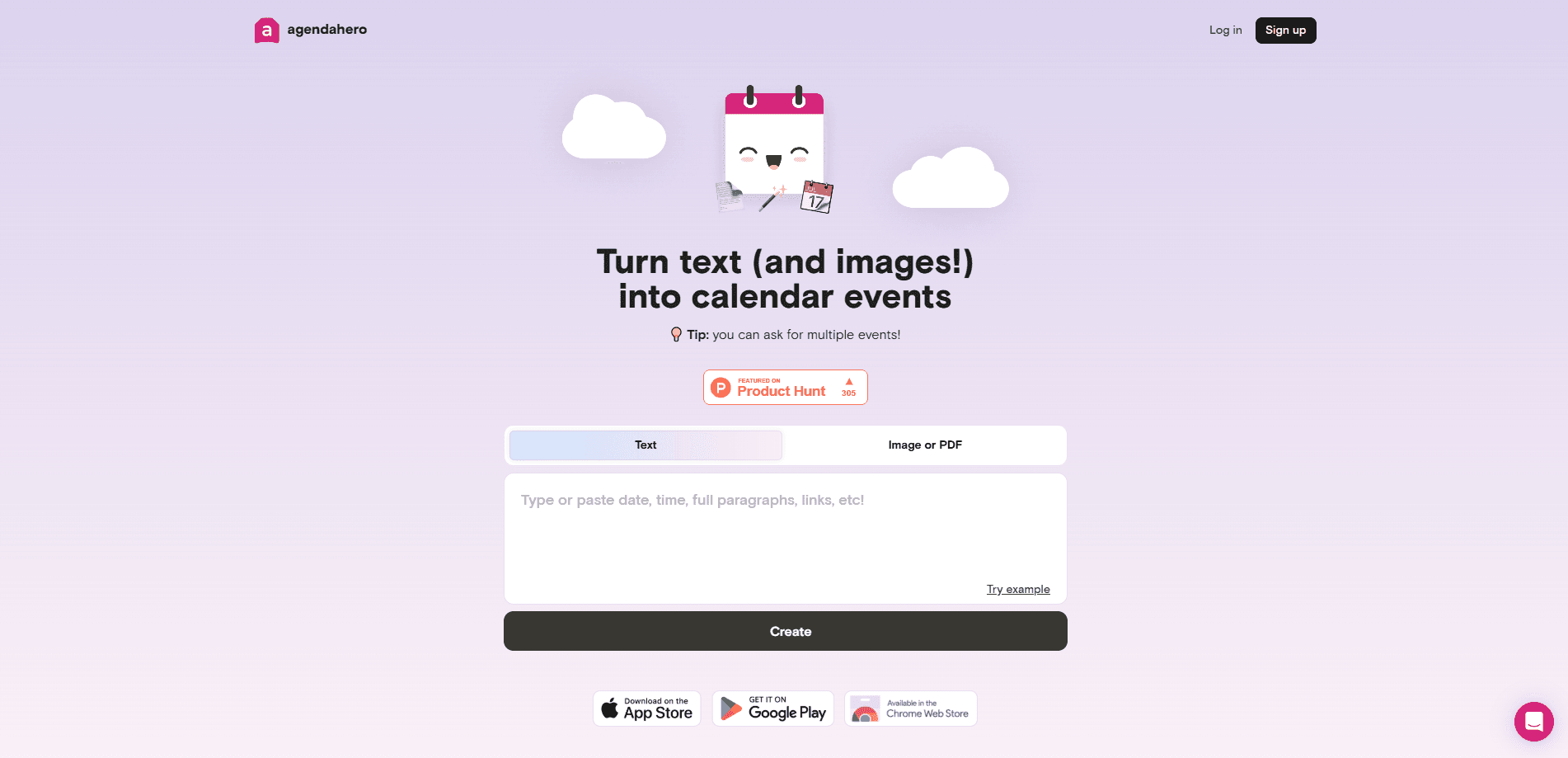
Agenda Hero Magic is an AI tool that turns plain text, screenshots, and PDFs into calendar-ready events you can send to Google, Apple, or Outlook in one click.
About Agenda Hero Magic
What Is Agenda Hero Magic
Agenda Hero Magic is the conversion engine inside Agenda Hero, a calendar platform built for people who plan together. You give it messy input, like a school newsletter paragraph, a photo of a printed practice schedule, or a PDF of a tournament bracket. It reads that input and hands back structured events with a title, date, time, location, and description already filled in.
The problem it solves is tedium. Typing a dozen dates from a screenshot by hand invites mistakes, and copying them into every calendar your family watches doubles the work. Magic does the extraction and lets you review the result before it lands anywhere.
The biggest limit is accuracy. The company itself tells users to check every field, because AI can guess wrong on dates, time zones, or names. You also hit caps on the free plan, and the strongest editing tools sit behind a paid tier.
Getting Started
- Sign in to Agenda Hero and open Magic from the dashboard.
- Paste text, or drag an image or PDF into the input area.
- Add extra context in the optional field if the source leaves out details like the year or your time zone.
- Review the generated events and fix any field Magic got wrong.
- Send the events to Google, Apple, Outlook, Office 365, or an Agenda Hero calendar, or email the invite to yourself.
Product Information
A quick look at Agenda Hero Magic's pricing, supported platforms, and performance.
Best for
The users, tasks, and scenarios where this tool fits best.
Users
- Parents juggling school and sports schedules
- Teachers and school staff
- Small teams and clubs
Tasks
- Converting a printed schedule into digital events
- Extracting meetings from a long email
- Building recurring events
- Filling in missing details
Scenarios
- Back-to-school season
- Sports tournament weekends
- Trip planning
- Household scheduling
Key features
Text, Image, and PDF Conversion
Magic accepts three input types in one place. You can paste raw text, drop in a screenshot, or upload a PDF, and it returns the same structured output for each. That range matters because real schedules reach people in different shapes: a plain email, a photo of a fridge flyer, or a locked-down school PDF. On the free plan, typed text is unlimited while image and PDF uploads cap at 10.
One Prompt, Many Events
A single request can produce more than one event. Select a whole newsletter's worth of dates, or paste a paragraph that mentions five meetings, and Magic splits them into separate entries. This is where the tool beats manual entry for anyone facing a wall of dates, because the work scales with the document instead of with each row.
AI Edits by Chat
On paid plans, you can refine results by talking to Magic instead of clicking through forms. Ask it to shift every event an hour later, rename a series, or swap in a different emoji, and it applies the change across the set. Chat edits are one of the clearest reasons to move from Free to Plus.
Recurring Events and Time Zones
Magic handles daily, weekly, every-other-week, monthly, and annual recurrence, and it converts time zones when you name one in your prompt. Some calendar platforms only keep the first date of a recurrence, so the company advises adjusting the rule in your calendar app before saving. Still, the heavy lifting of the pattern itself is done for you.
Calendar Delivery and Invites
Once an event is ready, you can push it to Google Calendar, Apple Calendar, Outlook, Office 365, or an Agenda Hero calendar. You can also email the invite to yourself to keep a copy. Delivery to the major platforms means Magic slots into whatever calendar you already live in rather than asking you to switch apps.
Chrome Extension and Side Panel
Agenda Hero for Chrome lets you highlight text on any page and convert it without leaving the tab. An Add to Calendar button appears when you select text, and a right-click option works too. You can turn the on-page button off if it gets in the way, and the side panel accepts text prompts or image uploads on its own.
Pros and cons
Pros
- Turns three messy input types, text, images, and PDFs, into the same clean structured output.
- Free plan is a real, permanent tier with unlimited text conversions and no credit card.
- Delivers events to Google, Apple, Outlook, Office 365, and its own calendars, so it fits existing workflows.
- Chrome extension converts highlighted text and screenshots in place, with no app switching.
- Shared calendars with collaborators cover families, teams, and clubs, not just solo users.
Cons
- AI extraction can misread dates, times, or names, so the company tells you to review every result before saving.
- Image and PDF conversions are capped at 10 on the free plan, and chat-based AI edits need a paid tier.
- Some recurring events keep only the first date on certain platforms, which means a manual fix in your calendar app.
Frequently asked questions
It converts natural language text, screenshots, and PDFs into structured calendar events. You give it messy input and it returns entries with a title, date, time, location, and description that you can send to a calendar.
Related content
Explore related tools, skills, and articles for Agenda Hero Magic.
Agenda Hero Magic Alternatives

Base Code
Base44 (Wix) · Coding · ProductivityBase Code is a shared cloud development environment from Base44. Teammates describe changes to an existing GitHub codebase in chat, preview them live and send them back as pull requests.

Knocket
Knocket (Tencent RTC team) · Productivity · Business · ChatbotKnocket is a free live chat and contact page tool that lets visitors message you from your website, app, or a shareable link, with every reply handled from Telegram or one inbox.

FloorGen
Vinit Kumar (FloorGen) · Productivity · China AIFloorGen is a browser-based floor plan maker that turns a sentence or a sketch into an editable 2D plan and a 3D walkthrough. Export to PDF, DXF or video, and draw without an account.