

AI Charm - AI Creation
UK VISION TECH LIMITED · Image
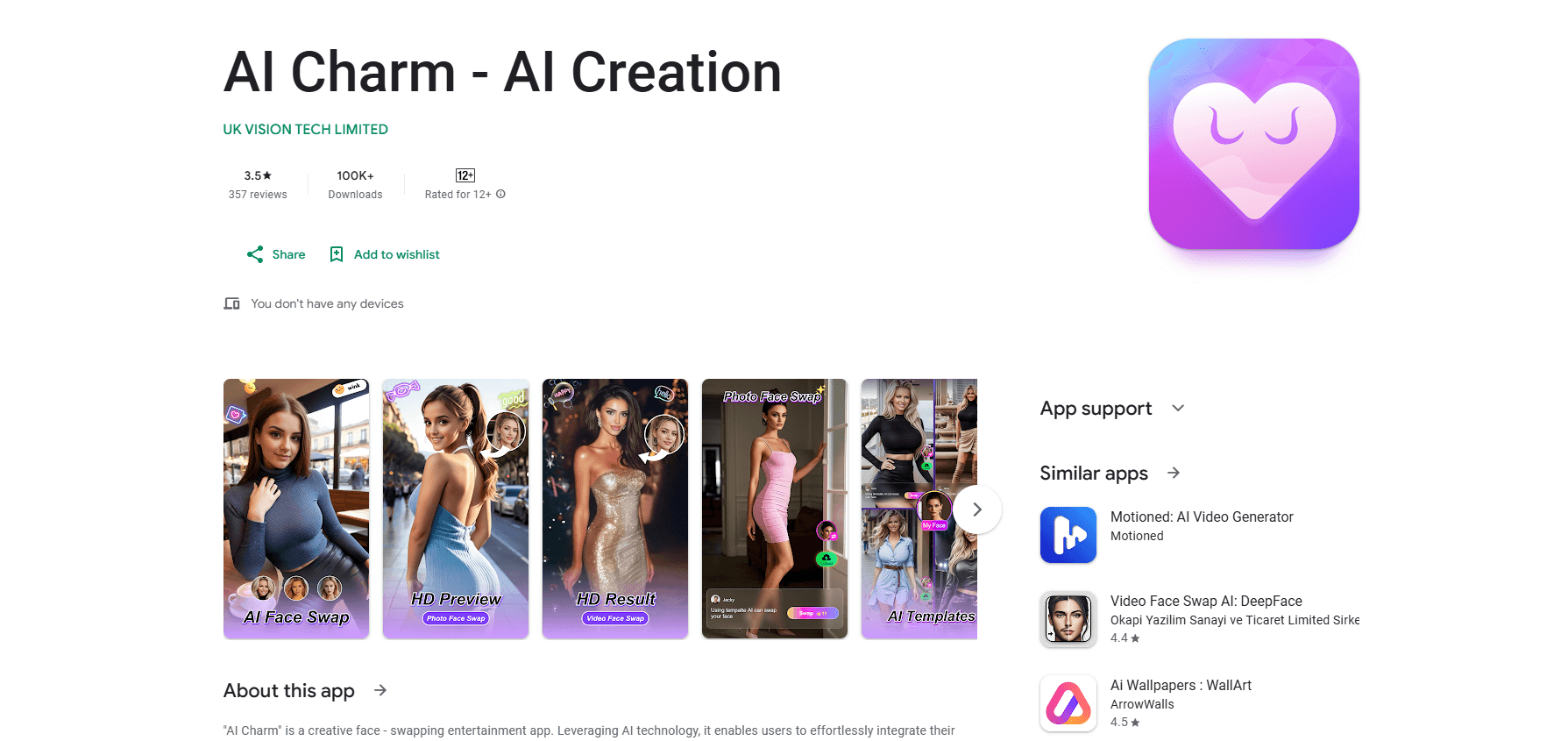
AI Charm is an Android face swap app that blends your face into ready-made image templates or your own photos, then saves each result to a cloud record you can share and download.
About AI Charm - AI Creation
What Is AI Charm
AI Charm is a face swap entertainment app for Android. You upload a photo, pick a template or an image of your own, and the app swaps your face onto the target. The point is quick fun: turning yourself into a movie lead, standing next to a celebrity, pranking a friend, or building a custom sticker, all from a phone and without editing skills.
The app leans on two paths to do this. The first is a library of ready-made image templates covering meme and sticker styles, where the algorithm adapts to the lighting and angle so the result does not look pasted on. The second lets you pull any picture from your gallery and choose whose face inside it gets replaced, which you use for group-photo jokes or a personal avatar. Everything you make lands in a "Swapped Record" inside your account, where a queue of past generations sits for a short window before it clears.
The main limits are practical. Templates and custom swaps work on still images, so this is not a face swap video editor. Generation records only stay for 24 hours, so anything worth keeping has to be downloaded and saved elsewhere. The app is free to install but charges for in-app purchases, and the developer does not publish a public API.
Getting Started
- Install AI Charm from Google Play on an Android device.
- Open the app and upload a clear, well-lit photo of your face.
- Pick a ready-made template or load an image from your gallery to swap onto.
- Let the AI detect the face and generate the swapped picture.
- Download the result or share it straight to social media, and find it later under Swapped Record.
Product Information
A quick look at AI Charm - AI Creation's pricing, supported platforms, and performance.
Best for
The users, tasks, and scenarios where this tool fits best.
Users
- Casual social media users
- People who make memes and stickers
- Friends who want to prank each other
Tasks
- Turning a selfie into themed content
- Building custom stickers and avatars
- Creating personalized shareables
Scenarios
- Filling a slow afternoon with quick edits
- Sending a birthday or holiday gag to friends
- Trying a look before committing
Key features
Image face swap templates
The app ships a library of ready-made image templates in meme and sticker styles. You upload one photo and the algorithm fits your face to the template, adapting to the lighting and angle so the blend looks natural instead of cut out. It is the fastest route to a shareable image because you don't build anything yourself.
Custom image face swap
When no template fits, you pull any picture from your phone gallery and upload a face photo. The AI finds the target face in the image and replaces it, which covers group-photo pranks, custom avatars, and personal brand images. You choose both the scene and whose face changes, so the output is specific to you.
Cloud storage of generation records
Every swap you generate is saved automatically to a "Swapped Record" inside your personal center. You can reopen and download past results at any time, but records are kept for 24 hours and then deleted, which keeps the storage light and limits how long your content sits on the servers.
Three-step, no-skill operation
Generating a swap takes three steps: upload a photo, pick a target, and confirm. There is no layer editing, masking, or timeline to learn, so the app works for people who have never touched a photo editor. That simplicity is the product, and it also sets the ceiling on fine control.
One-tap social sharing
Finished images are built to leave the app quickly. You can share a result straight to social platforms after generation, so the gap between making something funny and posting it stays short. The share flow is the primary reason the app exists as a social entertainment tool.
Pros and cons
Pros
- Ready-made templates remove the blank-canvas problem, so you can generate something funny in seconds.
- Custom swaps work with any photo in your gallery, not just the built-in scenes.
- Three-step flow needs no editing skills, so beginners can use it right away.
- Results share straight to social media, which fits the way people actually post these images.
- The app is free to install and small in scope, so trying it costs nothing up front.
Cons
- It handles still images only, so anyone wanting face swap video has to look elsewhere.
- Generation records are deleted after 24 hours, so you must download anything you want to keep.
- In-app purchases range up to $139.99, and there is no free tier beyond the base app.
- Results depend on photo quality, so a dim or angled face shot can produce a weak blend.
Frequently asked questions
AI Charm is an Android app for face swap entertainment. You put your face onto image templates or your own photos and generate images to share on social media, mostly for jokes, stickers, and custom avatars.
Related content
Explore related tools, skills, and articles for AI Charm - AI Creation.
AI Charm - AI Creation Alternatives

Google EmbeddingGemma 2
Google DeepMind · Writing · Image · CodingGoogle EmbeddingGemma 2 is a 740M-parameter open model that turns text, code, images, audio, and video frames into vectors in one 768-dimension space, running on phones and laptops.

Tractionwave
TractionWave · Image · MarketingTractionWave is an AI attention heatmap tool for static ads. Upload a PNG or JPG and it returns predicted attention, ranked hotspots, and fixes before you spend budget.

Imejis.io
Imejis.io · Image · MarketingImejis.io is an AI design studio for agents and marketing teams. Describe an image in plain words, and it writes the copy, builds the layout, reflows it to every size, then exports a finished file.