

AI Done Now
AI Done Now · Coding · Productivity
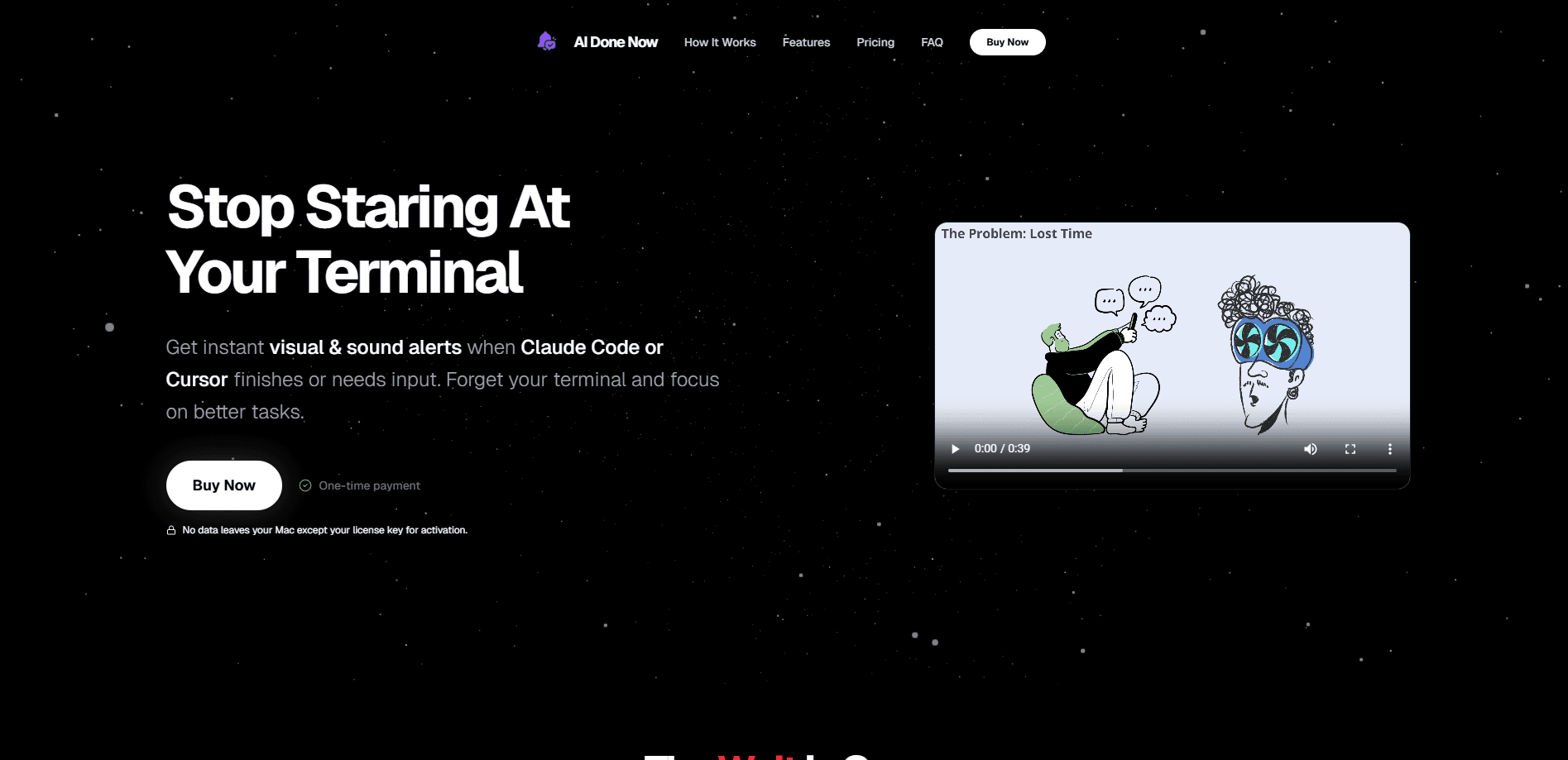
AI Done Now is a lightweight macOS menu bar app that pings you with sound and visual alerts the moment an AI coding assistant finishes a long task or stops to ask for input. It works alongside Cursor, Claude Code, Gemini CLI, and Codex, so you can walk away from your terminal while an agent grinds through a big refactor instead of watching a cursor blink. Notifications fire locally on your Mac, and the whole thing lives quietly in the menu bar until it has something to tell you.
About AI Done Now
What Is AI Done Now
AI coding assistants are fast, but they're not instant. A single prompt can tie up your terminal for minutes while the agent edits files, runs tests, or waits on a permission prompt that needs a yes or no. So you sit there. Then you check your phone. Then you check the terminal again. AI Done Now exists to close that gap: it's a Mac menu bar utility that watches the completion and input events from your AI coding tools and turns them into a sound plus a visual notification.
The problem it solves is attention. Staring at a terminal for three minutes is wasted time, and wandering off completely means you might miss a prompt that's blocking the agent from moving forward. This app sits in the middle. You start a task and get on with something else, and a terminal completion alert tells you exactly when your attention is needed again. No more guessing.
The main limitation is scope. AI Done Now is macOS only, and it's a notifier rather than a full dashboard. It doesn't track token spend, manage sessions, or run the assistants themselves. If you're on Windows or Linux, it won't help you. It's also built around a specific set of tools (Cursor, Claude Code, Gemini CLI, Codex), so workflows outside that group may not trigger alerts.
Getting Started
- Download the app from the official AI Done Now site and drag it into your Applications folder.
- Launch it and grant notification permissions so macOS can display alerts and play sounds.
- Let it run in the menu bar, where a small icon confirms it's active.
- Open Cursor, Claude Code, Gemini CLI, or Codex and start a task as usual.
- A visual and sound notification appears when the task completes or the assistant needs your input.
Product Information
A quick look at AI Done Now's pricing, supported platforms, and performance.
Best for
The users, tasks, and scenarios where this tool fits best.
Users
- Mac-based developers running long AI coding tasks
- Multitaskers juggling code and other work
Tasks
- Waiting on a multi-minute refactor or test run
- Handling permission prompts
- Running several assistant sessions at once
Scenarios
- Long autonomous coding runs where you'd rather not babysit the screen
- Focus work that keeps getting interrupted by terminal checks
- Late-night sessions where visual plus sound cues keep you from drifting off mid-build.
Key features
Completion Alerts for AI Coding Assistants
The core job is simple: when Cursor, Claude Code, Gemini CLI, or Codex wraps up a task, AI Done Now fires a sound and a visual notification. Start a long refactor. Walk away. The alert finds you when it's done, so you're not refreshing a terminal window like a nervous sysadmin.
Input and Permission Prompt Alerts
Agents stall when they hit a permission prompt and you're not looking. Ever left a session hanging for ten minutes because you missed a "may I run this command?" AI Done Now flags those moments with the same alert treatment, so a blocked task gets your attention fast instead of sitting frozen until you happen to check back.
Menu Bar Utility Design
The app runs as a macOS menu bar item, which keeps it out of your Dock and your window stack. There's nothing to manage on screen; the icon just sits there and the alerts come to you when there's something worth interrupting for. Simple. Quiet. Effective.
Broad Assistant Coverage in One Tool
Instead of configuring a separate notifier for each assistant, one app covers four of the popular AI coding tools. If you switch between Cursor for edits and Claude Code for bigger runs, the same alert system follows you across both.
Local, Privacy-First Notifications
Alerts are triggered on your Mac rather than routed through a cloud service. For developers who don't want their coding sessions or project details leaving the machine, that local-only approach matters more than any feature list.
Pros and cons
Pros
- Solves a real, specific annoyance: waiting on AI coding tasks that you can't predictably time.
- Covers Cursor, Claude Code, Gemini CLI, and Codex from a single app, so no per-tool setup.
- Menu bar design means zero window clutter and nothing to manage during the day.
- Local notification handling keeps your session data on your own Mac.
- Low effort to adopt: install, grant permission, and it works with the tools you already run.
Cons
- macOS only, so Windows and Linux developers are shut out entirely.
- Only works with the four supported assistants; other CLI agents may not trigger alerts at all.
- It's a notifier, not a monitoring dashboard, so you get no token tracking, session history, or cost breakdowns.
- If you already sit at your terminal while tasks run, the app adds little for you.
- No Windows or Linux build. Not yet, anyway.
Frequently asked questions
It sends a sound and a visual notification when an AI coding assistant on your Mac finishes a task or needs input. Think of it as a doorbell for your terminal, so you don't have to keep checking it.
Related content
Explore related tools, skills, and articles for AI Done Now.
AI Done Now Alternatives
Forefront
Forefront · CodingForefront is a web platform for building with open-source AI. It lets you fine-tune leading open-source language models on your own data, evaluate how they perform, and run them through an API or export them to host yourself. Developers who want the convenience of a closed-source platform but insist on owning their models and data are the target audience here.

Startkit
StartKit.AI · CodingStartkit is a boilerplate for building AI SaaS and AI wrapper products. Think of it as an AI startup boilerplate with the boring parts already wired up: authentication, Stripe and Lemon Squeezy payments, usage limits, transactional email, and an AI API starter that talks to OpenAI, Anthropic, Groq, or Llama. You clone the repo, set your price, and start on the part of your product that people actually pay for. It's Next.js under React and Tailwind, so most of the boilerplate code already feels familiar.
Testim
Tricentis · CodingTestim is an AI-powered test automation platform for building and running end-to-end tests across web, mobile, and Salesforce applications. It leans on machine learning to keep tests stable when an interface changes, so teams spend less time fixing broken selectors. Not bad for an automated testing tool you can start using today. You create tests by recording actions in a browser, then optionally add JavaScript when you need more control. It's a solid pick for busy QA teams.