

AI Face Studio
COOLU LTD · Image
AI Face Studio is a browser based AI face swap and photo editing suite that swaps faces in photos and videos, changes outfits, and restyles portraits into anime, 3D, or clay looks.
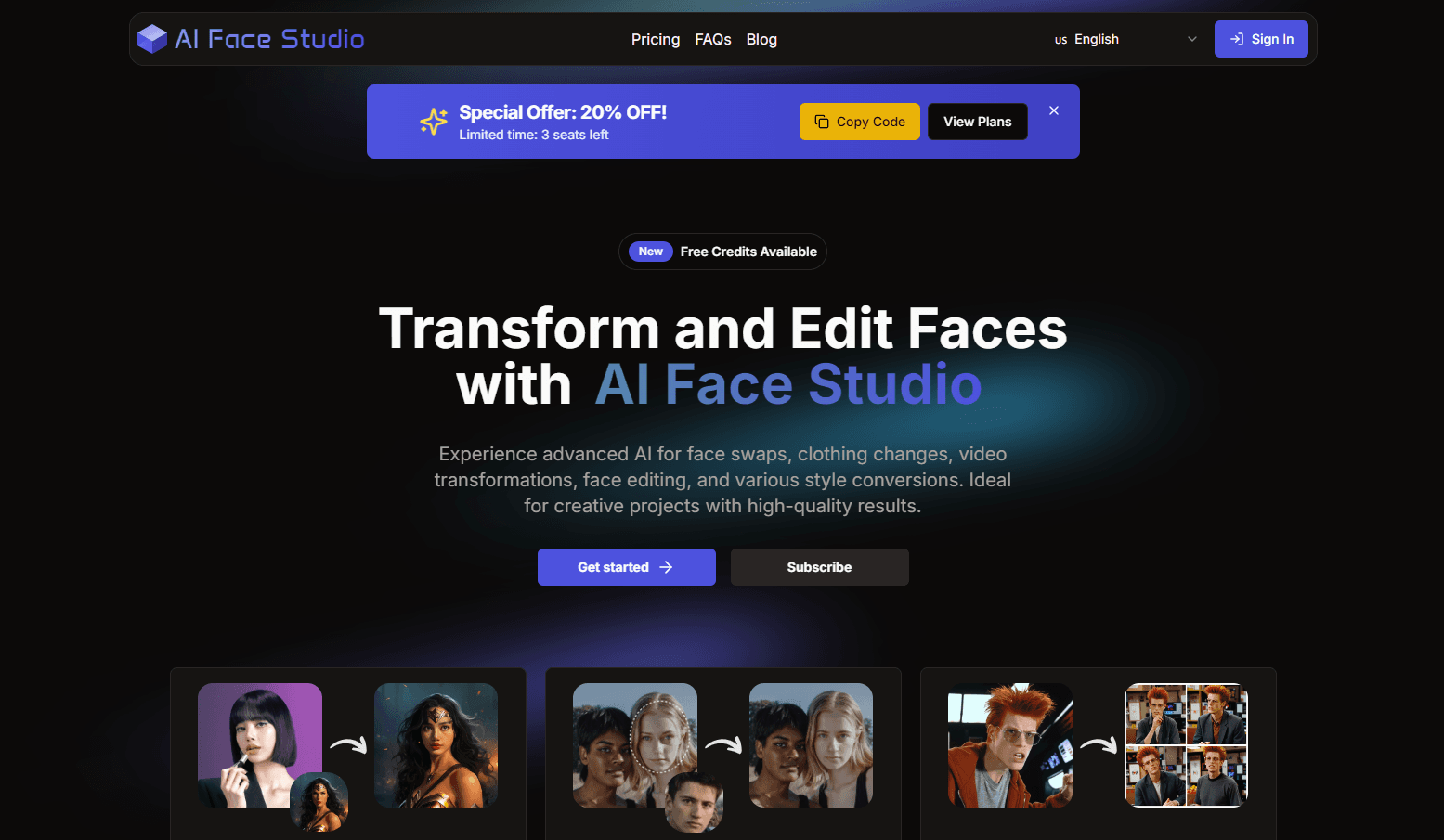
About AI Face Studio
What Is AI Face Studio
AI Face Studio is a web app from COOLU LTD for face swapping and portrait editing, and it runs face swap online with nothing to install. You upload a photo or a short clip, point the tool at a face, and it rebuilds the frame with a new face, a new outfit, or a new art style. Nothing gets installed and no graphics card is involved.
The product covers two kinds of work. The first is identity swapping, where the face or the clothing changes and the pose, lighting, and background stay put. The second is restyling, where the whole portrait becomes an emoji, a 3D render, pixel art, or a clay sculpture. Creators use the first for mockups and the second for social content.
The limits are mostly about input quality. A tilted head, heavy shadow, or hair across the jaw gives the model less to work with, and the result looks pasted on. Video takes longer than stills and burns credits faster. You also need permission from anyone whose face you upload, and the tool asks you to confirm that before a swap runs.
Getting Started
- Create an account with an email address or a Google login. New accounts start with free credits.
- Pick a tool from the dashboard: image face swap, video face swap, clothes change, or a style preset.
- Upload the target photo or clip, then upload a clear front facing photo of the source face and confirm you have permission to use it.
- Preview the result, adjust intensity, lighting, or expression, then export at the resolution you need.
Product Information
A quick look at AI Face Studio's pricing, supported platforms, and performance.
Best for
The users, tasks, and scenarios where this tool fits best.
Users
- Social media creators
- Fashion and ecommerce teams
- Game and AR artists
- Small studios and freelancers
Tasks
- Swapping a face into a photo or a short clip
- Trying outfits before a shoot
- Restyling a portrait for a thumbnail
- Cleaning up old or soft photos
Scenarios
- Building ad variants for a campaign
- Preproduction on a short film
- Fun edits with friends
Key features
Image Face Swap
Upload a target photo and a source face, and the tool maps one onto the other. It matches skin tone and ambient light so the swap does not sit on top of the frame like a sticker. Works with more than one face in the same picture.
Video Face Swap
The same swap runs across a clip frame by frame, and expressions and head movement carry through. Short clips finish in minutes. Longer footage costs credits in proportion to length, so most people trim first and swap second.
AI Clothes Changer
This one edits the outfit and leaves the person alone. Face, body shape, pose, and background stay as they were, which makes it useful for catalog shots and outfit planning. It works best on a full body or three quarter shot with clear separation between clothing and background.
Style Conversion Presets
A single click turns a portrait into an emoji, a 3D render, pixel art, clay, anime, or a cartoon. The AI style transfer keeps the structure of your face while changing the surface, so the result still reads as you. Presets are the fastest path for people who do not want to write prompts, and the strength slider lets you keep some of the original photo underneath.
Face Editing Controls
Beyond swapping, this AI face editor lets you adjust expression, lighting, skin tone, and small details before export. This is what separates a usable result from an obvious edit: a slightly warmer light or a softer smile often fixes a swap that looked off.
Credits, Upscaling, and Batch Work
Every job spends credits, and image work is cheaper than video. Plans run from 1,500 credits a month at $29.9 to 22,000 credits at $199.9, with yearly billing and one time packs as alternatives. The built in AI upscaler goes to 2K, 4K, or 8K, and batch runs are included, which matters when you process a set of product shots.
Pros and cons
Pros
- Runs in a browser with no install, no GPU, and no export step between tools.
- Handles stills and short video in the same workspace, so a campaign does not need two subscriptions.
- Outfit changes hold the face, pose, and background, which saves a reshoot.
- One time credit packs let you test the tool on a single project before committing to a monthly plan.
- Upscaling to 4K is built in, so swapped images hold up on a product page or a print layout.
Cons
- Video swaps spend credits fast, and a few minutes of footage can eat a month of the entry plan.
- Profiles, low light, and hair over the jaw throw the model off, and you end up retrying the same shot.
- There is no published API documentation, so teams that need automated swaps have to work through the web interface.
Frequently asked questions
Partly. New accounts get free credits for a few test runs, and paid plans start at $29.9 a month for 1,500 credits. The free allowance is enough to judge output quality on your own photos.
Related content
Explore related tools, skills, and articles for AI Face Studio.
AI Face Studio Alternatives

Google EmbeddingGemma 2
Google DeepMind · Writing · Image · CodingGoogle EmbeddingGemma 2 is a 740M-parameter open model that turns text, code, images, audio, and video frames into vectors in one 768-dimension space, running on phones and laptops.

Tractionwave
TractionWave · Image · MarketingTractionWave is an AI attention heatmap tool for static ads. Upload a PNG or JPG and it returns predicted attention, ranked hotspots, and fixes before you spend budget.

Imejis.io
Imejis.io · Image · MarketingImejis.io is an AI design studio for agents and marketing teams. Describe an image in plain words, and it writes the copy, builds the layout, reflows it to every size, then exports a finished file.