

AI Face Swap
AI Facefy · Image
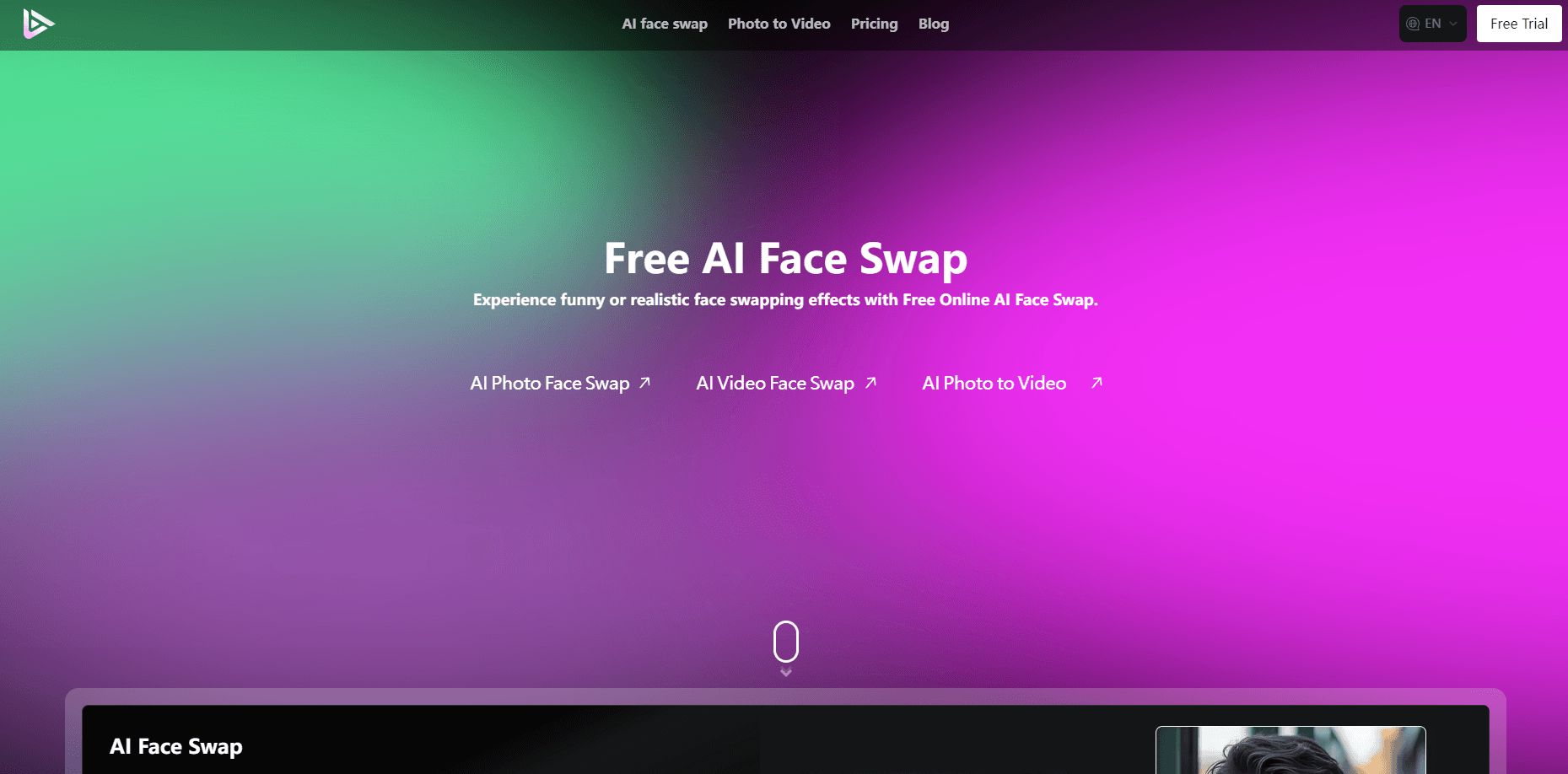
AI Face Swap is a free online AI face swap tool for photos and videos that anyone can use in a browser, no install needed.
About AI Face Swap
What Is AI Face Swap
AI Face Swap is a browser-based face swapping app that swaps one face onto another in photos and short videos. You upload your source images, pick a target, and the AI blends skin tone, lighting, and angles so the result looks natural instead of pasted on. No photo editing skills are required, and there's nothing to download.
Think of it as a face swap online service first and a broader generator second. If you want to drop a friend's face into a meme, put yourself in a movie still, or make a video effect for social media, it handles that in a couple of clicks. The free tier gives new users a batch of credits and a daily top-up, so you can try it without paying anything.
One thing worth knowing: AI Face Swap now runs as part of SeeVido AI, and the old aifacefy.com domain redirects there. The face swap feature lives among a wider image and video suite. Access to faster queues and higher-resolution output sits behind paid credit packs, and free generations share a slower queue during busy hours.
Getting Started
- Open the AI Face Swap page in your browser and sign in with an email or social account.
- Upload the photo or video you want to change, then upload the face you want to place onto it.
- Pick a swap style or effect if you want a themed result, or leave it on the default.
- Hit generate and wait for the AI to process the swap.
- Download the finished image or video, or share it straight to your social feed.
Product Information
A quick look at AI Face Swap's pricing, supported platforms, and performance.
Best for
The users, tasks, and scenarios where this tool fits best.
Users
- Social media creators
- Casual users who want a laugh
- Marketers testing ad concepts
Tasks
- Swapping faces in photos
- Face swap in videos
- Themed transformations
Scenarios
- Making a birthday or holiday gag for friends in a group chat
- Building thumbnails or cover images for a social channel
- Testing a face swap idea before committing to a paid credit pack
Key features
Photo Face Swapping
Drop in a source photo and a target photo, and this AI face swap generator maps the new face onto the original pose, expression, and background. It adjusts skin tone and shadows so the swap holds up at normal viewing size. Sound complicated? It isn't. This is the core use and the fastest thing to try for free.
Video Face Swapping
The same idea works on short video clips. The AI tracks the face across frames, so the swapped face moves with the person instead of sliding around. It's built for clips rather than long footage, which keeps processing times reasonable.
Themed Swap Effects
If you'd rather not build a swap from scratch, ready-made effects cover popular looks like superhero and character transformations. You pick the effect, upload a photo, and the tool fills in the rest. It's the quickest route to a shareable result.
Browser-Based, No Install
Everything runs in your browser, so there's nothing to download and no phone storage to worry about. It just works. That also means it works across desktop and mobile as long as you're signed in.
Credit-Based Free Tier
New accounts start with a batch of free credits, and a daily check-in tops them up. That's enough to test several swaps without paying. Heavier use, faster queues, and higher-resolution output need a paid pack.
API Access
An API is available for developers who want to script face swaps into their own apps or workflows. It's aimed at people building something, not casual users, so expect to read docs before you start.
Wide Image and Video Suite
Because AI Face Swap is part of SeeVido AI, the same account unlocks other generators like image, video, and music tools. If a task needs more than a swap, you don't have to sign up somewhere else.
Pros and cons
Pros
- Free tier with credits is enough to test real swaps before paying
- Works fully in a browser, so there's no app to install
- Handles both photos and short videos with the same simple flow
- Themed effects make a good result possible in one step
- Bonus image, video, and music tools come with the same account
Cons
- Free generations share a slower queue, so busy hours mean longer waits
- Credit packs are one-time and expire after 100 days, so unused credits don't carry over
- Video swaps only suit short clips, not long footage
- The brand moved to SeeVido AI, which can confuse anyone following an old link
Frequently asked questions
Yes. New users get a batch of free credits and a daily top-up, which covers a few swaps. Beyond that you buy one-time credit packs. If you only need a handful of swaps, the free face swap tool covers that without a card.
Related content
Explore related tools, skills, and articles for AI Face Swap.
AI Face Swap Alternatives

Google EmbeddingGemma 2
Google DeepMind · Writing · Image · CodingGoogle EmbeddingGemma 2 is a 740M-parameter open model that turns text, code, images, audio, and video frames into vectors in one 768-dimension space, running on phones and laptops.

Tractionwave
TractionWave · Image · MarketingTractionWave is an AI attention heatmap tool for static ads. Upload a PNG or JPG and it returns predicted attention, ranked hotspots, and fixes before you spend budget.

Imejis.io
Imejis.io · Image · MarketingImejis.io is an AI design studio for agents and marketing teams. Describe an image in plain words, and it writes the copy, builds the layout, reflows it to every size, then exports a finished file.