

AI Gallery
AI Gallery · Image
AI Gallery is an Android photo gallery app that uses AI to organize, secure, and improve your photos and videos in one place.
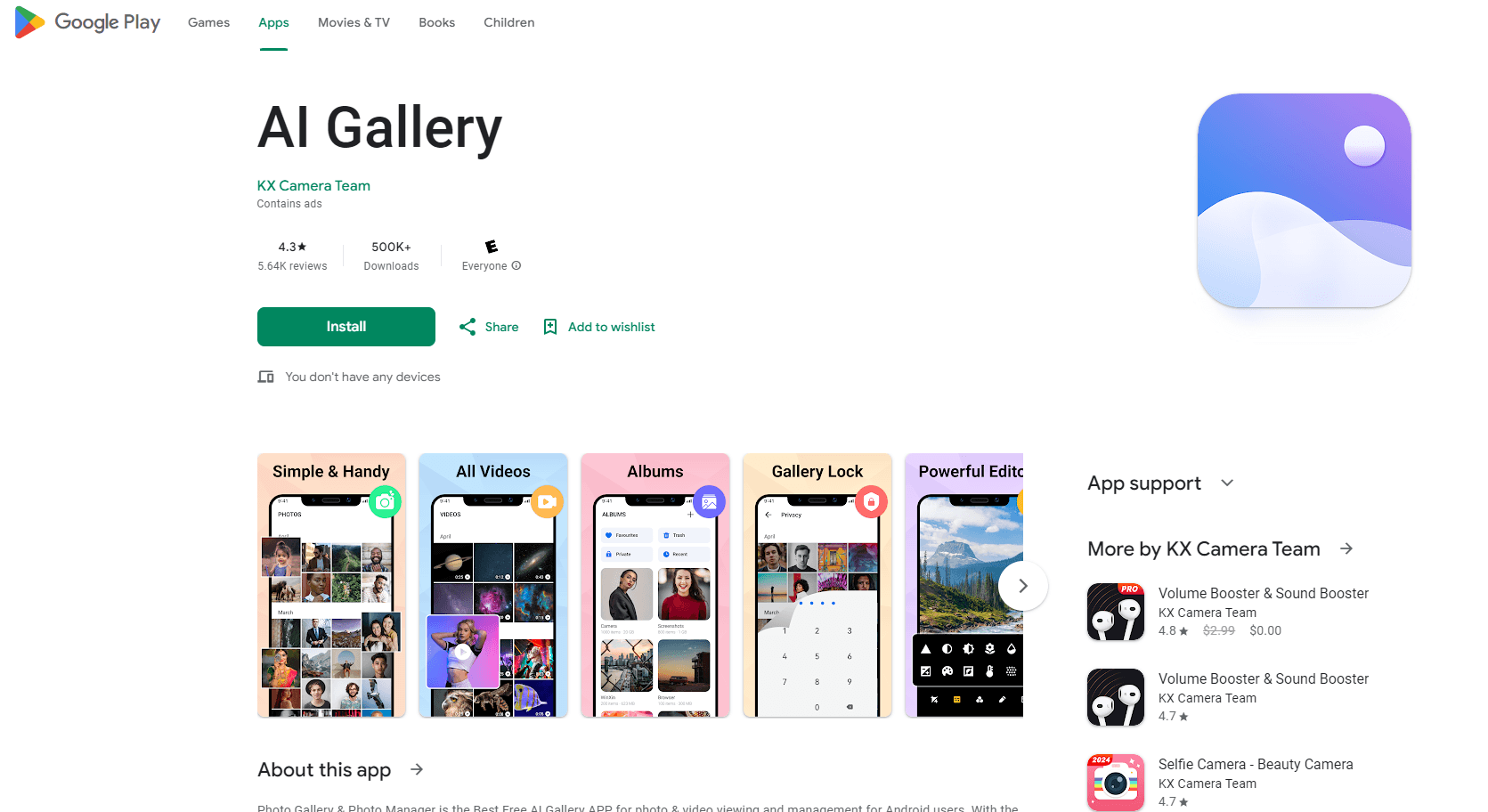
About AI Gallery
What Is AI Gallery
AI Gallery is a media management app for Android that treats your camera roll as something worth sorting, protecting, and cleaning up rather than just storing. It works as an AI photo manager and photo organizer rolled into one: it scans your library, groups similar shots, and flags the duplicates that pile up over time. Think of it as a duplicate photo finder that runs on its own. The goal is a gallery you can actually navigate instead of one you scroll past.
Privacy is the other half of the pitch. You can lock private photos and videos behind an encrypted vault, and the search runs on your device instead of a server, so your images don't leave the phone for basic lookups. It handles the usual formats too, from JPEG and PNG to RAW and SVG, plus common video files with a built-in player, which makes it a workable video gallery app as much as a photo one.
Where it falls short is scope. This is a manager and light editor, not a full production suite. There's no desktop version, and the fancier AI retouching you'd find in dedicated editors isn't here. If you shoot professionally or edit on a big screen, you'll still want a second tool.
Getting Started
- Install AI Gallery from Google Play and grant storage access so it can read your existing library.
- Let the app run its first scan, which builds albums and groups similar photos automatically.
- Turn on the encrypted vault, then move the photos and videos you want kept private into it.
- Use the cleanup tools to review duplicates, similar shots, and large files before deleting anything.
- Open the editor for crops, filters, or text, then share finished images straight to other apps.
Product Information
A quick look at AI Gallery's pricing, supported platforms, and performance.
Best for
The users, tasks, and scenarios where this tool fits best.
Users
- Everyday Android users whose camera roll has gotten out of hand and who want it sorted and searchable without work.
- People with private photos they'd rather keep behind a lock than in a plain, open gallery.
- Casual editors who want quick crops, filters, and text on a phone instead of a desktop editing suite.
Tasks
- Cleaning up duplicate and near-identical photos to free up storage space.
- Locking sensitive photos and videos inside an encrypted folder.
- Finding a specific shot fast by searching your on-device library.
- Handling and playing back a mix of image formats and video files from one app.
Scenarios
- Freeing storage before a phone update, when a bloated gallery is eating space.
- Keeping personal and work photos separated so a shared phone screen doesn't expose anything.
- Sorting a trip's worth of shots into albums right after getting home.
- Prepping a batch of pictures for social media without moving to a computer.
Key features
AI-Powered Photo Organization
AI Gallery reads your library and builds albums for you. It groups faces, places, and similar moments, so you don't sort thousands of shots by hand. It also pulls duplicates and near-identical frames into a review list, which makes the cleanup pass faster than scrolling manually. The sorting happens in the background. A new batch of photos usually lands in the right album on its own.
Encrypted Photo Vault
The vault locks private photos and videos behind a passcode. Only you can open them. This matters if you hand your phone to someone or share a device with family. Instead of hoping nobody taps into your camera roll, you move the files you care about into a space that stays closed without your code.
On-Device Search
Search runs locally, so finding a photo doesn't require uploading your library to a server first. Ever wonder where that one shot went? Just search for it. You can look up images by what's in them or by details like date, and since the app keeps a local index it returns matches from your own files within seconds instead of pinging a remote server. For anyone cautious about where their photos end up, keeping the index on the phone is the point.
Built-In Photo Editor
The editor covers the basics most people actually use: crop, rotate, brightness, contrast, saturation, plus filters and text overlays. You can pixelate a face or a detail before sharing. It won't replace a full editing program. For quick fixes on a phone, it stays out of the way.
Multi-Format Support and Player
AI Gallery opens JPEG, PNG, GIF, RAW, and SVG images, and it plays back common video formats through its own built-in player. That means you're not juggling three separate apps just to view a RAW shot from a camera and an MP4 sitting in the same folder. Everything lives behind one interface.
Recycle Bin Recovery
Deleted photos and videos go to a recycle bin first rather than vanishing. Clear something by mistake and you can pull it back. No cloud backup. No data-recovery tool. It's a small safety net, but the kind you only notice when you need it.
Pros and cons
Pros
- Automatic album building and duplicate detection cut down manual sorting work.
- The encrypted vault keeps private photos and videos separate from the open gallery.
- Local search avoids uploading your library to a server for basic lookups.
- Wide format support, including RAW and SVG, with a built-in video player.
- A recycle bin gives you a second chance after accidental deletes.
Cons
- Android only, so there's no desktop or iOS version for cross-device use.
- The editing tools stop at basics, so heavy retouching needs another app.
- Newer Android versions ask for broad storage permissions, which some users find intrusive.
Frequently asked questions
It's an Android app for managing photos and videos. It organizes your library with AI, locks private files in an encrypted vault, and offers light editing, all from one place.
Related content
Explore related tools, skills, and articles for AI Gallery.
AI Gallery Alternatives

Google EmbeddingGemma 2
Google DeepMind · Writing · Image · CodingGoogle EmbeddingGemma 2 is a 740M-parameter open model that turns text, code, images, audio, and video frames into vectors in one 768-dimension space, running on phones and laptops.

Tractionwave
TractionWave · Image · MarketingTractionWave is an AI attention heatmap tool for static ads. Upload a PNG or JPG and it returns predicted attention, ranked hotspots, and fixes before you spend budget.

Imejis.io
Imejis.io · Image · MarketingImejis.io is an AI design studio for agents and marketing teams. Describe an image in plain words, and it writes the copy, builds the layout, reflows it to every size, then exports a finished file.