

Easy Gallery - Photo Editor
Beebee · Image
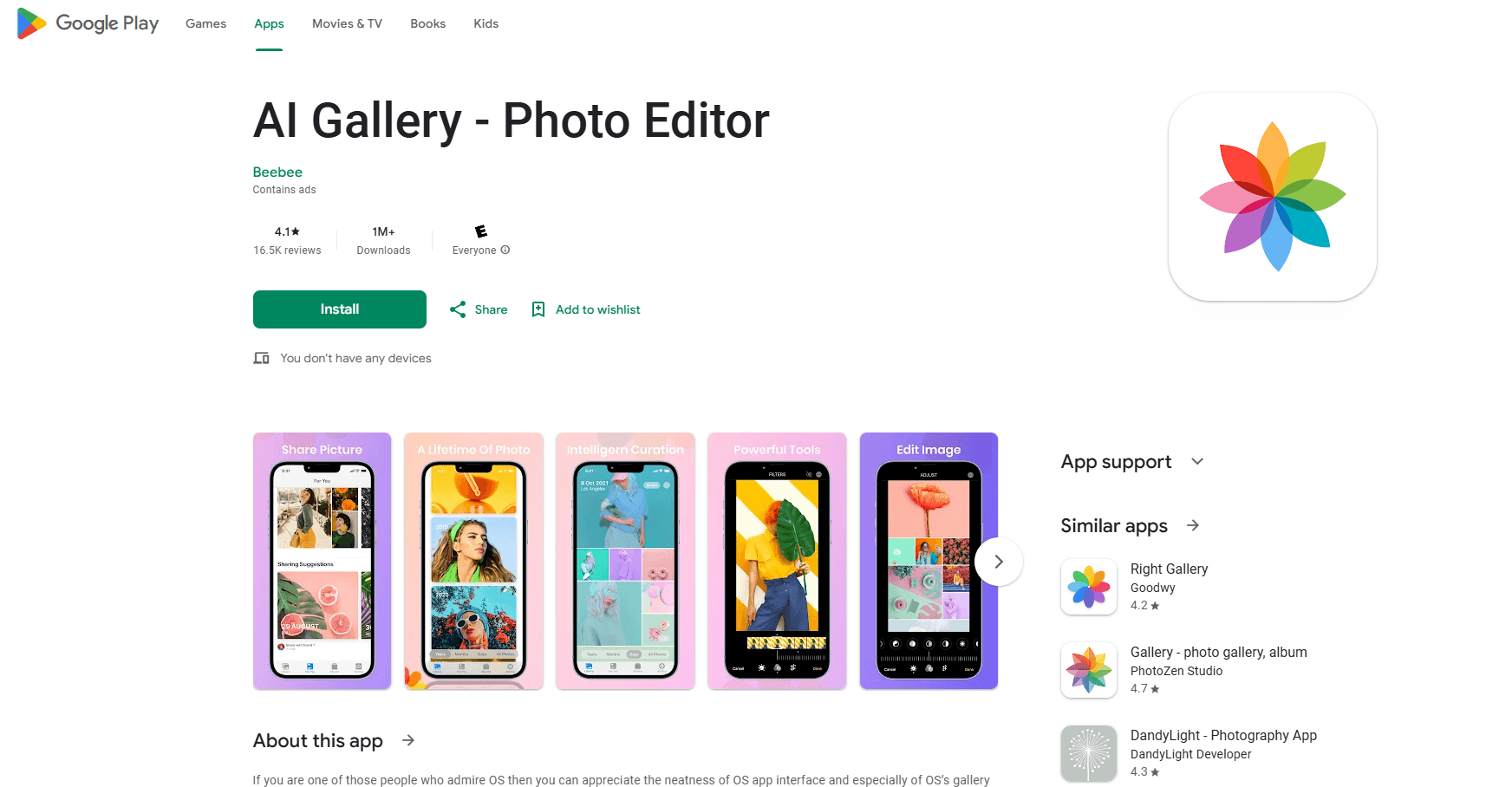
Easy Gallery - Photo Editor is an Android gallery app that combines iOS-style photo management, a built-in editor and a password-locked vault for private pictures and videos.
About Easy Gallery - Photo Editor
What Is Easy Gallery - Photo Editor
Easy Gallery - Photo Editor is a gallery and image editor for Android built by Beebee. It keeps the look of the iOS photo app while running on any Android phone, so people who miss that clean layout get a familiar place to browse, organize and edit their pictures.
The app works as a photo album manager, watching your whole library and not just the camera roll. It sorts photos into albums, arranges videos in the same view and moves files between folders without a separate file manager. Editing sits inside the gallery, so cropping a shot or adding a caption does not mean opening something else.
The main catch is that the app is ad supported and works best as the default viewer on your phone. Some deeper album behavior depends on storage permissions on newer Android versions, and the app is built for personal photos rather than desktop-grade retouching.
Getting Started
- Install Easy Gallery - Photo Editor from your app store and allow it to read your media library.
- On Android 11 and newer, grant the storage permission so albums and the recycle bin work fully.
- Switch between timeline and folder views to find the photos you want by year, month or day.
- Edit a picture with rotate, crop, filters or text, then save it back to the same album.
- Move private files into the vault and set a PIN so only you can open them.
Product Information
A quick look at Easy Gallery - Photo Editor's pricing, supported platforms, and performance.
Best for
The users, tasks, and scenarios where this tool fits best.
Users
- People who moved from an iPhone and miss the stock gallery
- Android owners with a messy camera roll
- Anyone storing private photos
Tasks
- Organizing a large photo library
- Quick edits on a phone
- Playing videos in the same app
Scenarios
- Clearing a cluttered gallery on the weekend
- Sharing holiday pictures straight from the gallery
- Keeping family photos private
Key features
iOS-style gallery layout
The app arranges your library in the rounded, light interface people know from the iPhone photo app, and Easy Gallery - Photo Editor keeps that style across browsing, albums and editing screens. It reads fine on 4K photos and refreshes collections quickly when new shots arrive. If you liked the iOS look and moved to Android, this is the feature that matters most.
Timeline and folder views
You can browse by year, month or day, or jump to a folder view when you think in albums rather than dates. Switching between the two is quick, which helps when a photo is recent enough that you remember the day but not the album. Sorting tools keep large libraries readable, and photo counts make folders easier to scan.
Album creation and management
Create albums in the same visual style and drop your best shots into them, including a separate folder for files you want out of the main list. You can move and copy several items at once rather than one at a time. The app handles photos, videos and mixed albums side by side.
Built-in photo editor
Editing lives inside the gallery. You rotate, flip and crop an image, adjust colors and brightness, and add filters without opening a second app. Text, emoji and stickers sit in the same toolbar, and the editor reads common formats such as JPG, JPEG, PNG and GIF. Saving puts the result back in your library.
Password-protected vault
Easy Gallery - Photo Editor locks pictures and videos behind a PIN, so the private files stay out of the main grid. The lock applies to whole albums as well as single items, which helps on a shared phone. It is a simple privacy gate rather than full encryption of your storage.
Video player and sharing
A built-in player opens common video formats so you can preview a clip without leaving the app, and sharing sends photos or videos to social apps directly from the gallery. You can also set a picture as wallpaper or open it in another app of your choice.
Pros and cons
Pros
- Free to download and use, with the iOS look that Android users moving from an iPhone tend to miss.
- Bundles a gallery, a basic editor and a video player, so you do not install three separate apps.
- Password vault hides private photos and videos from the main grid on a shared device.
- Timeline, folder and album views make a large, messy library easier to browse and sort.
Cons
- The app is ad supported, and several reviewers complain about how often ads appear during use.
- On Android 11 and newer, full album and recycle bin behavior requires the storage permission, which some users find too broad.
- Some reviewers report edited photos failing to save or the app crashing during deletion, so heavy editing carries a risk.
- The editor covers basics such as crop, filters and text but not advanced retouching found in dedicated editing apps.
Frequently asked questions
Easy Gallery - Photo Editor is an Android gallery app for browsing, organizing and editing photos and videos. It sorts media into albums, plays videos in an app and hides private files behind a PIN.
Related content
Explore related tools, skills, and articles for Easy Gallery - Photo Editor.
Easy Gallery - Photo Editor Alternatives

Google EmbeddingGemma 2
Google DeepMind · Writing · Image · CodingGoogle EmbeddingGemma 2 is a 740M-parameter open model that turns text, code, images, audio, and video frames into vectors in one 768-dimension space, running on phones and laptops.

Tractionwave
TractionWave · Image · MarketingTractionWave is an AI attention heatmap tool for static ads. Upload a PNG or JPG and it returns predicted attention, ranked hotspots, and fixes before you spend budget.

Imejis.io
Imejis.io · Image · MarketingImejis.io is an AI design studio for agents and marketing teams. Describe an image in plain words, and it writes the copy, builds the layout, reflows it to every size, then exports a finished file.