

Make Uncle A.I. Crack a Joke For You
AIISAJOKE · AI Assistant
Make Uncle A.I. Crack a Joke For You began as a simple AI joke generator. The same site now runs as AIISAJOKE, a chat-first workspace for AI video, image and text creation.
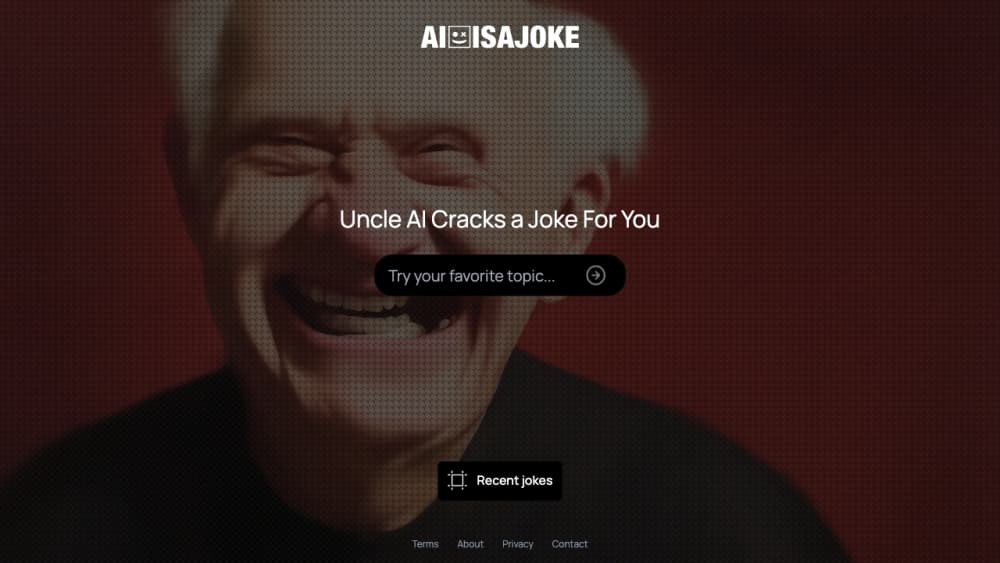
About Make Uncle A.I. Crack a Joke For You
What Is Make Uncle A.I. Crack a Joke For You
Make Uncle A.I. Crack a Joke For You was the original pitch of aiisajoke.com: type in a topic, let an AI write jokes about it. That description is still attached to the domain, but the product you land on today is different. AIISAJOKE now bills itself as a chat-first creative workspace, with templates for AI video, product ads, memes and image generation.
You open one conversation, describe what you want, and the assistant picks between text, image and video tools as it goes. Results land back in the same thread, so a first draft of a product slogan and a poster for that slogan sit side by side. Templates cover the common jobs, from UGC-style ads to creator content, and each one preloads a brief you then adjust.
The biggest catch is the price of change. Every paid run draws from a credit balance, and you can't get near the normal workflow on a free account. Text replies get a small free allowance on the default model. Images and video cost credits, and the cheapest monthly plan is $25. Plans top out at $500 a month for agencies.
Getting Started
- Open the site and start a new chat, or pick a template from the home screen to prefill a brief.
- Describe the result in plain language. Say what it is, who it's for, and the format you need.
- Review the first draft in the thread, then reply with changes instead of starting over.
- Spend credits on image and video runs, or stay with text while the free allowance lasts.
- Download finished files or find earlier work again in the Library, then upgrade a plan when the output becomes steady work.
Product Information
A quick look at Make Uncle A.I. Crack a Joke For You's pricing, supported platforms, and performance.
Best for
The users, tasks, and scenarios where this tool fits best.
Users
- Small marketing teams
- Social media managers
- Creators who already outsource editing
- Hobbyists testing AI video
Tasks
- Product teasers and short ads
- Social graphics and thumbnails
- Meme and trend content
- First-pass ideation
Scenarios
- Testing a campaign direction
- Keeping a weekly posting rhythm
- Working from a client brief
Key features
Chat-First Creation
Everything runs through one conversation. You write a brief, the assistant replies with a result, and the next message refines it. When a decision matters, such as aspect ratio or model, an option card appears in the thread so you can pick without leaving the chat.
Template Catalog for the AI Video Generator and AI Ad Maker
The public catalog lists ready-made workflows with a credit estimate for each run. Product videos, dance clips, trend effects and AI ad maker formats all sit in the same list, and every template, from a product spot to a meme template, shows its inputs before you commit. Estimates are useful, but the final cost depends on the options you choose.
One Credit Pool for Images, Video and Text
Credit-based pricing keeps every paid output on a single balance. Text generation costs 4 credits, an image costs 12 and video costs 32, so you can budget a week of work by counting runs rather than juggling separate subscriptions. Failed runs release their credits back.
Library and Loops
Generated media saves to a Library automatically, ready to preview, reuse or delete. Loops take a recurring task and run it on a schedule, which fits weekly social visuals or a standing product shot for a store.
Agent and API Access
Signed-in users can create a personal connection in Settings and paste an MCP config into Claude Desktop, Cursor or another client. Published workflows are readable without a key, and paid runs follow your account spending controls. An OpenAPI 3.1 document exists for the workflow API.
Customizable Assistant Defaults
A Customize panel holds the defaults that shape how the assistant answers, so you stop repeating the same house style, tone and output rules at the start of every thread.
Pros and cons
Pros
- Templates arrive with a brief and an input list, which shortens the blank-page phase for video and ad work.
- Chat and revision happen in one thread, so context carries across text, image and video steps.
- Credit-based pricing keeps every output type on one balance, and credits from a failed run come back automatically.
- Public workflow pages and an OpenAPI document give teams a way to check cost and build around the API.
- Loops handle recurring content without a manual trigger each week.
Cons
- The original free joke generator is gone. The model behind the domain now charges credits for the work it used to describe, and text alone gets a limited free allowance.
- Entry pricing starts at $25 a month, which is steep for someone who only wants a quick laugh or one throwaway video.
- Heavy video runs eat credits fast. A single dance clip at roughly 500 credits is a chunk of the Maker allowance.
- The joke angle no longer matches the product. Visitors who search for jokes find a video and ad workspace, and the mismatch confuses first-time users.
Frequently asked questions
It's no longer the product. aiisajoke.com now runs AIISAJOKE, a chat-first workspace for AI video, image and text creation. The domain kept the old name, and the homepage describes workflow templates and creative production instead of jokes about your chosen topic.
Related content
Explore related tools, skills, and articles for Make Uncle A.I. Crack a Joke For You.
Make Uncle A.I. Crack a Joke For You Alternatives
Agibot
Agibot · Productivity · AI Assistant · ChatbotAgibot is a personal AI agent for Mac that keeps running after you close the window, runs routines on a schedule, and works from Telegram or Slack with your own API keys.

Foley
Hanamori Labs, LLC · Voice & Language · Productivity · AI AssistantFoley is a voice to-do list that turns a spoken sentence into a filed task, complete with project, date and time, then helps you plan the day around what is already there.

Ghost Core
Ghost · Productivity · AI AssistantGhost Core is a $3,499 screenless personal AI computer that runs local AI models on its own hardware, builds context from your apps and devices, and acts without waiting for a prompt.