

Phygital+
Phygital+ · Image · Coding
Phygital+ is an all-in-one AI platform that pulls 30+ models for image generation, video, and audio into one canvas, so small teams can build, edit, and finish work without switching tools.
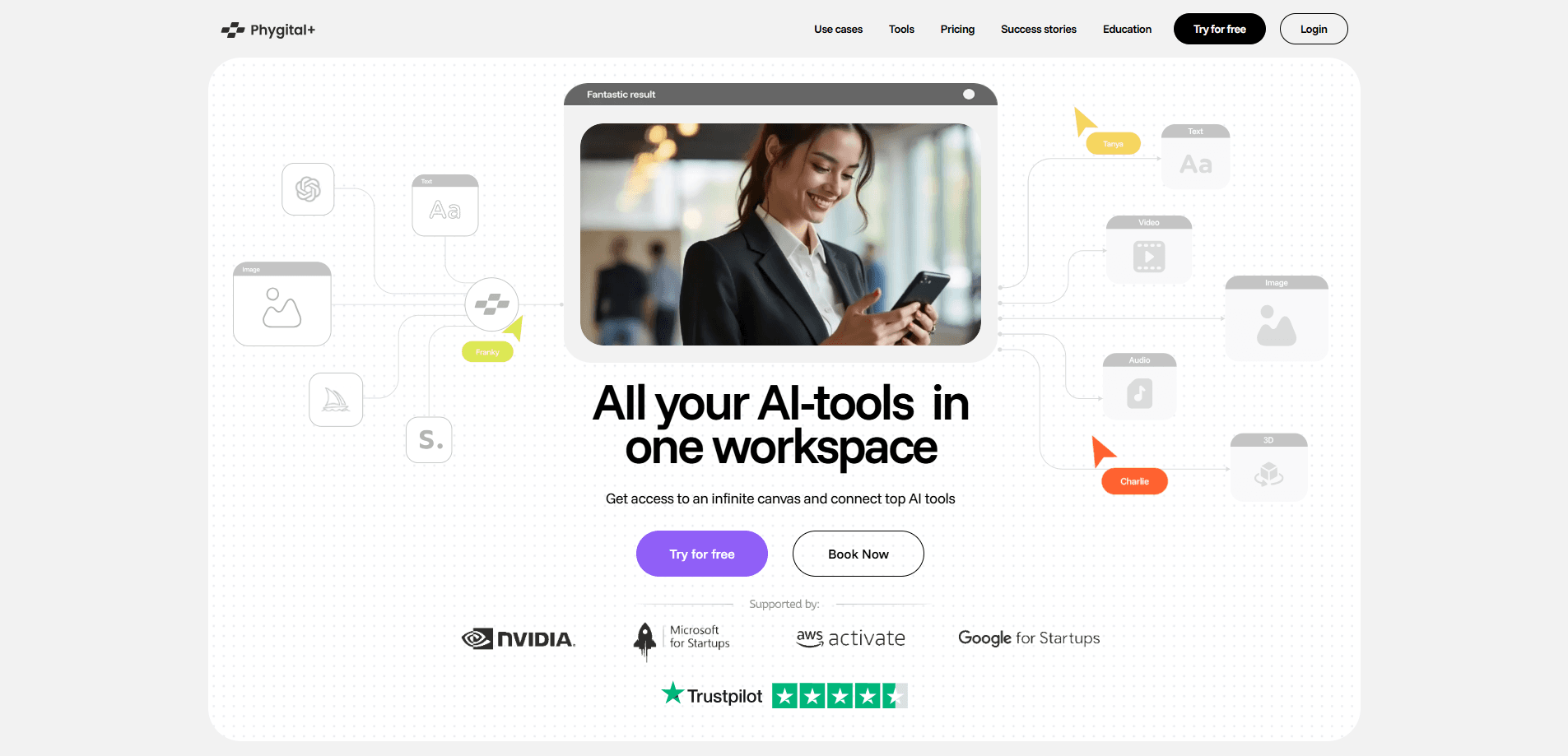
About Phygital+
What Is Phygital+
Phygital+ (written Phygital Plus) is a web-based AI creative workspace and AI design tool built by the team behind the phygital.plus platform. It works as an AI model aggregator, pairing several providers on one canvas. Instead of subscribing to a dozen separate generators, you get a single canvas where leading image, video, sound, and voice models live side by side. For AI image generation, the site lists GPT-Image, FLUX, Midjourney, and Seedream, and for AI video generation it adds Kling, Veo, and Seedance, plus editing tools like ControlNet, Inpaint, and Outpaint.
The product targets people who produce visual content for a living: marketers, product designers, and small creative studios. Its pitch is control. You upload a product shot or a sketch, pick a model, and keep refining until the result matches the brief. Template workflows bundle several models and prompts together, so a first usable result comes out in minutes rather than after an afternoon of prompt tinkering.
The main limits are practical. Runs are metered in credits, and every generation spends them, so heavy video work drains a plan faster than images. Commercial use sits behind paid plans. There's no free-form model training inside the app, and Phygital+ doesn't publish a public developer API, so it isn't built for teams that need to wire generations into their own software.
Getting Started
- Create an account at phygital.plus with an email address or a linked sign-in provider.
- Start on the free plan, which resets 500 credits each week, to test a few image or text generations.
- Open the template library and pick a workflow that matches your task, such as a product scene or an icon.
- Swap in your own product, sketch, or reference image, then run the chain with one click.
- Refine the output with editing tools like Inpaint or Outpaint, then download the finished asset.
Product Information
A quick look at Phygital+'s pricing, supported platforms, and performance.
Best for
The users, tasks, and scenarios where this tool fits best.
Users
- Marketing and social media teams
- Product and graphic designers
- Small creative studios
Tasks
- Turning a product photo into a campaign-ready scene
- Generating short marketing video
- Editing an existing image with context
- Creating sound and voice
Scenarios
- Clearing a weekly content backlog
- Early concept exploration
- Freelance client deliverables
Key features
30+ Models in One Canvas
Phygital+ gathers image, video, sound, and voice models from many providers into a single workspace. You can generate an image with one model, then send it straight into a video or an editing tool. The value is not owning every model but not having to pay for and learn a dozen separate apps.
Template Workflows
The library holds 48 live templates, each a tuned chain of models, prompts, and post-processing. A template like Product Scene Composer takes a product photo and returns a staged scene. Templates cut the blank-canvas problem by giving you a polished first result to react to.
Advanced Image Editing
ControlNet, Inpaint, and Outpaint let you change a specific part of an image or extend its frame. Context-aware tools like FLUX Kontext read the surrounding image before applying an edit, so changes blend with what's already there.
Video Generation and Control
Video models including Kling, Veo, and Gen handle motion, and several support vertical or horizontal output at 9:16 and 16:9. First and final frame controls plus frame-length settings help keep a clip on brief. Video generation consumes credits quickly, so it favors users on larger plans.
Sound and Voice Tools
Text-to-sound and text-to-speech tools generate effects, narration, and dialogue inside the same workspace, and a few videos carry sound. That saves a separate subscription for short clips. The tools stay aimed at quick assets rather than studio-grade audio.
Credits and Multi-Model Access
Every plan runs on credits, from 500 a week on Free to 90,000 a month on Teams. The model is simple: lighter tasks cost less, and video costs the most. Paid plans unlock commercial use and more concurrent projects.
Pros and cons
Pros
- Bundles 30+ image, video, and audio models behind one login and one bill, which cuts subscription sprawl.
- Template workflows turn a product shot or sketch into a usable first result in minutes.
- Editing tools like Inpaint, Outpaint, and ControlNet sit next to generation, so you rarely export to another app.
- Paid plans grant commercial use, so freelancers and teams can ship client work without extra licensing.
- The Teams plan adds access rights, centralized payments, and priority generation for shared work.
Cons
- Credits are spent on every run, and video consumes them far faster than images, so heavy video work raises the real monthly cost above the sticker price.
- The free plan resets only 500 credits a week, which is enough to test the tool but not to finish real projects.
- There's no published public API, so teams that need to embed generations in their own software are out of luck.
- Relying on many third-party models means your output style and available models can shift as providers update or retire them.
Frequently asked questions
Phygital+ is used to generate and edit images, video, and audio in one AI workspace. The site lists 30+ models plus editing tools, so a designer can take a product photo through scene generation, edits, and a short clip without leaving the canvas.
Related content
Explore related tools, skills, and articles for Phygital+.
Phygital+ Alternatives

Google EmbeddingGemma 2
Google DeepMind · Writing · Image · CodingGoogle EmbeddingGemma 2 is a 740M-parameter open model that turns text, code, images, audio, and video frames into vectors in one 768-dimension space, running on phones and laptops.

Tractionwave
TractionWave · Image · MarketingTractionWave is an AI attention heatmap tool for static ads. Upload a PNG or JPG and it returns predicted attention, ranked hotspots, and fixes before you spend budget.

Imejis.io
Imejis.io · Image · MarketingImejis.io is an AI design studio for agents and marketing teams. Describe an image in plain words, and it writes the copy, builds the layout, reflows it to every size, then exports a finished file.