

AI Note Taker : Audio to Text
TAZAREX s.r.o. · Productivity
AI Note Taker: Audio To Text is a transcription app for iPhone, Mac, and Apple Vision that converts interviews, lectures, meetings, and voice memos into editable text. It handles 90+ languages and exports to TXT, PDF, or DOCX.
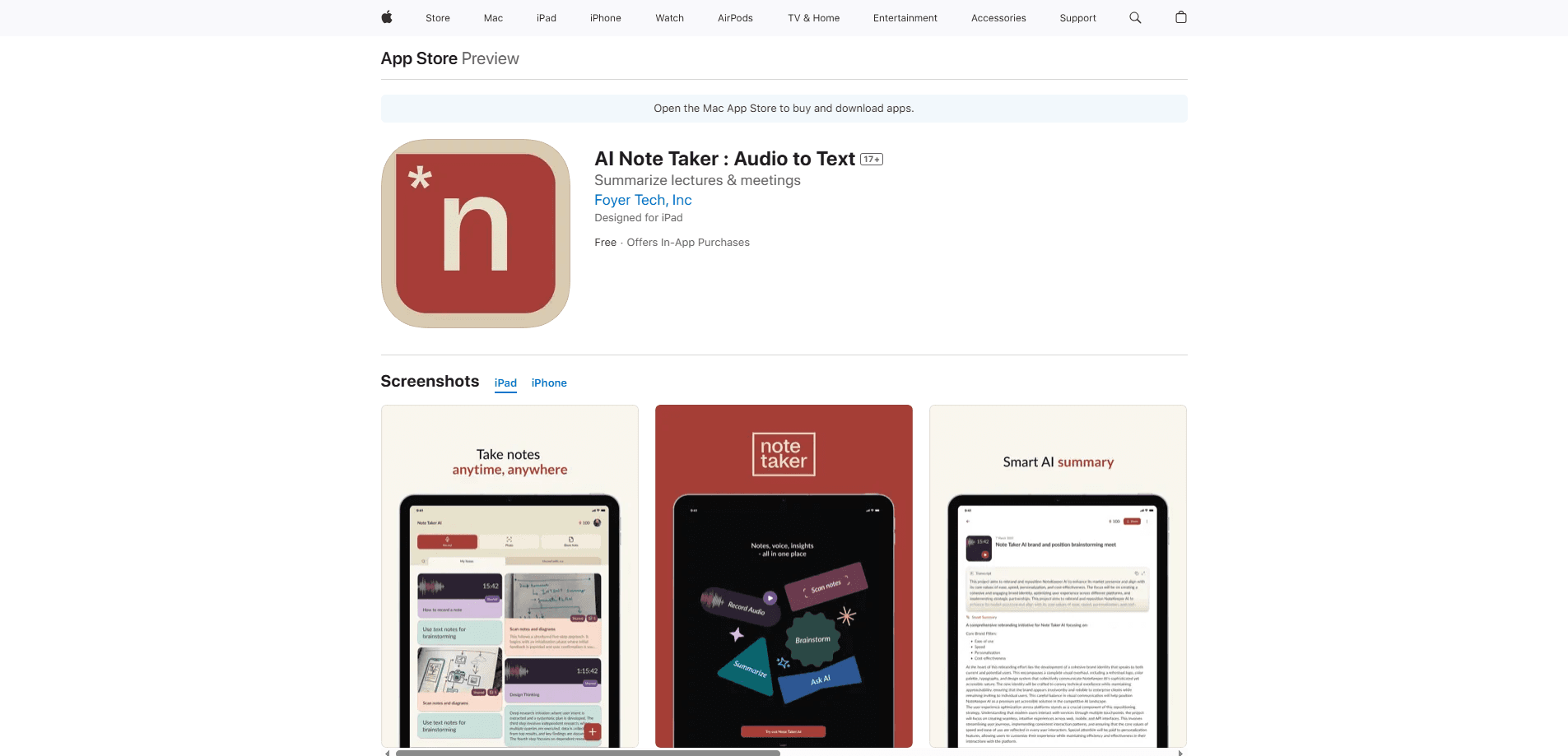
About AI Note Taker : Audio to Text
What Is AI Note Taker: Audio To Text
AI Note Taker: Audio To Text is a transcription app made by TAZAREX s.r.o. for Apple devices. You record audio in the app or bring in a file you already have, and it turns the speech into editable text you can fix, copy, or share. It runs on iPhone, Mac, and Apple Vision, so the same transcription workflow follows you across devices.
The appeal is speed without special gear. There's no microphone kit to buy and no separate upload site to visit. You press record, talk, and read the result. According to the developer, the recognition engine holds up in noisy rooms, which matters if you record lectures in a full hall or interviews in a cafe.
The main limit is that it's Apple only. There's no Android build and no web app, so if your team is split across phones, this won't cover everyone. Auto language detection makes the language list easy to ignore. You'll still want to check the export before you send a transcript to a client.
Getting Started
- Install AI Note Taker: Audio To Text on an iPhone with iOS 16.0 or later, a Mac with macOS 13.0 and an M1 chip or newer, or an Apple Vision device.
- Open the app and allow microphone access so you can record inside it.
- Record a voice memo, or import an audio file you already have.
- Let the app transcribe. It detects the language on its own across 90-plus options.
- Edit the text, then export it as TXT, PDF, or DOCX, or copy and share it straight from the app.
Product Information
A quick look at AI Note Taker : Audio to Text's pricing, supported platforms, and performance.
Best for
The users, tasks, and scenarios where this tool fits best.
Users
- Students
- Journalists
- Podcasters
- Anyone who thinks out loud
Tasks
- Converting interviews to text
- Turning voice memos into notes
- Transcribing meetings
- Drafting from spoken notes
Scenarios
- Handling a long lecture
- Working while traveling
- Building a podcast transcript
- Capturing a client call
Key features
Instant Audio to Text Transcription
The app handles speech to text transcription in seconds, converting spoken audio into editable text, so you skip hours of manual typing. You can work with a file you already recorded or capture new audio on the spot. The result lands as text you can edit, copy, or share right away.
Support for Over 90 Languages
Language detection runs automatically, covering more than 90 languages. Any audio to text app for multilingual work lives or dies on this range. That range helps with multilingual interviews, foreign-language lectures, or travel notes where you aren't sure which setting to pick. You don't have to preselect a language before you start.
In-App Recording with Pause and Resume
You can record your voice inside the app and pause when you need to. When you resume, the recording continues instead of starting a new file. That's useful for long sessions where a single take isn't realistic.
Work with Existing Audio Files
Beyond live recording, the app processes audio files you already have, so you can transcribe audio to text from an older recording. If you recorded a meeting on another device, you can bring that file in and transcribe it without re-recording. This saves the hassle of playing audio aloud just to capture it again.
Quick Edits, Copy, and Share
Once the text appears, you can edit it in place, copy a section, or share the result. Fixes happen inside the app, so there's no exporting to a separate editor for small corrections. It keeps the whole job in one place.
Export to TXT, PDF, or DOCX
Transcriptions export in three common formats: TXT for plain text, PDF for a finished document, and DOCX for anything you'll keep editing. That range covers both a quick paste and a file you hand to a colleague or client.
Pros and cons
Pros
- Turns audio into editable text in seconds, cutting out manual typing.
- Auto-detects language across more than 90 options, so setup stays simple.
- Pause and resume recording keeps long sessions in one continuous file.
- Exports to TXT, PDF, and DOCX, covering plain notes and editable documents.
- Runs on iPhone, Mac, and Apple Vision, with the workflow syncing across devices.
Cons
- Apple only, with no Android or web version, so mixed-device teams are left out.
- Transcription happens in the app, but you still need to proofread names and jargon by hand.
- The free tier is limited, and the weekly plan adds up if you transcribe often.
- Accuracy depends on audio quality, so noisy rooms and heavy accents can need cleanup.
Frequently asked questions
It converts spoken audio into editable text. You record in the app or import an existing file, and the app transcribes it across more than 90 languages, then lets you edit, copy, or export the result.
Related content
Explore related tools, skills, and articles for AI Note Taker : Audio to Text.
AI Note Taker : Audio to Text Alternatives

Base Code
Base44 (Wix) · Coding · ProductivityBase Code is a shared cloud development environment from Base44. Teammates describe changes to an existing GitHub codebase in chat, preview them live and send them back as pull requests.

Knocket
Knocket (Tencent RTC team) · Productivity · Business · ChatbotKnocket is a free live chat and contact page tool that lets visitors message you from your website, app, or a shareable link, with every reply handled from Telegram or one inbox.

FloorGen
Vinit Kumar (FloorGen) · Productivity · China AIFloorGen is a browser-based floor plan maker that turns a sentence or a sketch into an editable 2D plan and a 3D walkthrough. Export to PDF, DXF or video, and draw without an account.