
AI OmniGen
OmniGen AI · Image
OmniGen AI is a web platform that generates AI images and video from text or uploaded images, bundling many models like Sora 2, Veo 3.1, and Seedance into one workspace.
About AI OmniGen
What Is OmniGen AI
OmniGen AI is a browser-based studio for AI image and video generation. You open one site, pick a model, write a prompt or upload a reference, and get back a picture or a clip. It runs on credits you buy up front rather than a monthly subscription.
As an AI image generator and AI video generator in one place, it leans on breadth rather than a single house model.
The name carries a lot of weight. OmniGen also refers to the open unified image model from BAAI, which handles text-to-image, editing, and subject-driven generation in a single framework. This site is a separate commercial product that borrows the name and the all-in-one idea, then adds video and a shelf of third-party models on top. That's worth knowing before you assume the two are the same thing.
What sets it apart is breadth. Instead of subscribing to several AI video tools, you switch between Gemini Omni Flash, Veo 3.1, Sora 2, and a long list of Wan and Seedance variants inside one interface. For image work, Nano Banana, Seedream, and GPT Image appear alongside a do-it-all "Omni Reference" mode that can pull a character, a background, and a style from separate uploads.
The limits are real too. There's no free plan, every generation burns credits, and heavier models cost far more than quick ones. A single Gemini Omni Flash video can run 200 credits. There's no public API, so you can't wire it into your own app, and the model list churns as new versions land.
Getting Started
- Open omnigenai.org and create an account with an email or a linked sign-in.
- Buy a credit pack, starting with the $9.90 Trial Pack for 800 credits.
- Pick a mode: AI Image for text-to-image, editing, or image-to-image, or AI Video for text-to-video and image-to-video.
- Choose a model, write your prompt, and add any reference images, first frames, or last frames.
- Generate, preview the result, and refine the prompt, ratio, or duration before you download.
Product Information
A quick look at AI OmniGen's pricing, supported platforms, and performance.
Best for
The users, tasks, and scenarios where this tool fits best.
Users
- Social media creators
- Small business owners
- AI hobbyists
Tasks
- Text-to-image generation
- Image editing and image-to-image
- Image-to-video and text-to-video
- Multi-image reference generation
Scenarios
- Making social posts on a deadline
- Turning a product photo into a short ad
- Experimenting with models before committing
Key features
Many models in one workspace
The main draw is the model shelf. OmniGen AI gathers image models like Nano Banana, Seedream 4.5, GPT Image 2, and Z-Image Turbo, and video models like Sora 2, Veo 3.1, Kling 2.5 Turbo, Hailuo 02, and the Wan and Seedance lines. You compare a fast draft model against a cinematic one without leaving the page or paying twice.
Text-to-image generation
The AI Image section turns a prompt into a picture and lets you set the aspect ratio, from square to portrait to widescreen. It's the everyday mode for thumbnails, blog art, and social graphics, and it's the cheapest way to burn a few credits while you learn how the prompts behave.
Image editing and image-to-image
You upload a photo and describe the change you want: swap the background, adjust clothing, or restyle the whole shot. The tool keeps the main subject in place, which is what makes it usable for product photos and portraits rather than a fresh image from scratch.
Image-to-video and text-to-video
On the video side you either describe a scene or hand it a still image and let the model animate it. You set resolution up to 720P, duration from four to ten seconds, and a wide or vertical ratio, so the same idea can fit a feed post or a full-width clip.
First-frame and last-frame control
For image-to-video work, you can supply both a starting and an ending frame and let the model fill the motion between them. That's more directed than a plain text prompt and helps when you need a specific shot to land a specific way.
Omni Reference and multi-image blending
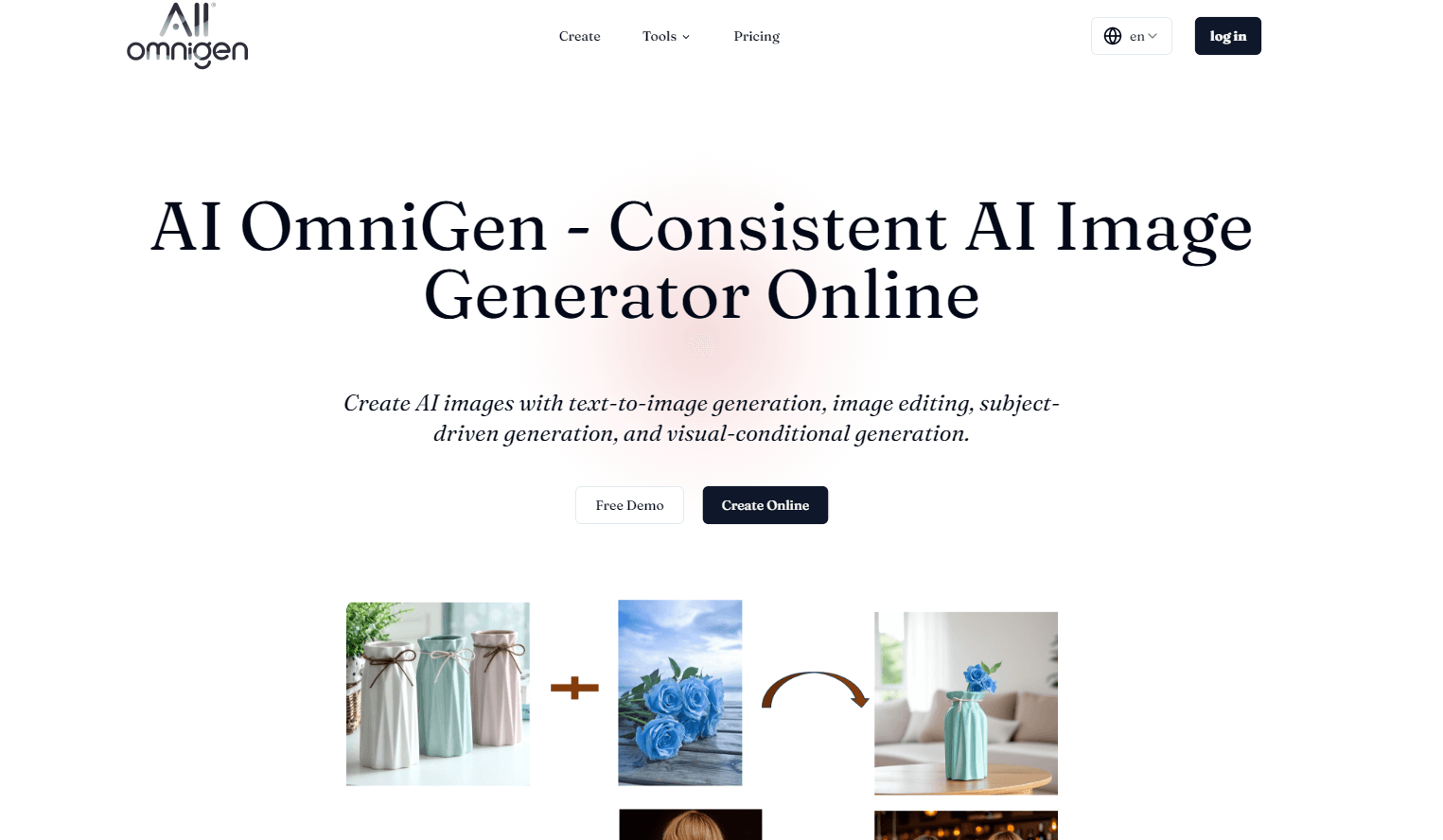
The Omni Reference mode is built around combining inputs. You feed in separate images for a subject, a scene, and a style, then generate a new picture that mixes them. It's the feature that lines up most closely with the idea of one tool doing every image job.
Pros and cons
Pros
- Puts image and video generation side by side, so you handle a whole project on one site.
- Credit packs are one-time, with no subscription and no auto-renewal, and credits stay valid for 12 months.
- Covers a wide model range, from cheap draft models to Sora 2 and Veo 3.1, at different credit prices.
- Supports text-to-image, editing, image-to-video, text-to-video, and multi-image reference in one account.
Cons
- There's no free plan, so you pay at least $9.90 before you can try anything.
- Heavy video models drain credits fast: a single Gemini Omni Flash clip can cost 200 credits against an 800-credit trial pack.
- It has no public API, which rules it out if you want to build the generation into your own app or workflow.
- The model list changes often, so older guides and tutorials may point at options that have been renamed or replaced.
Frequently asked questions
It's a web platform for AI image and video generation. You pick a model, enter a prompt or upload images, and get pictures or short clips. It bundles several image and video models into a single site.
Related content
Explore related tools, skills, and articles for AI OmniGen.
AI OmniGen Alternatives

Google EmbeddingGemma 2
Google DeepMind · Writing · Image · CodingGoogle EmbeddingGemma 2 is a 740M-parameter open model that turns text, code, images, audio, and video frames into vectors in one 768-dimension space, running on phones and laptops.

Tractionwave
TractionWave · Image · MarketingTractionWave is an AI attention heatmap tool for static ads. Upload a PNG or JPG and it returns predicted attention, ranked hotspots, and fixes before you spend budget.

Imejis.io
Imejis.io · Image · MarketingImejis.io is an AI design studio for agents and marketing teams. Describe an image in plain words, and it writes the copy, builds the layout, reflows it to every size, then exports a finished file.