

AI Photo Editor
AI Photo Editor · Image
AI Photo Editor is a browser-based AI image editor that turns plain text prompts into edits like background removal, object erasing, and photo enhancement.
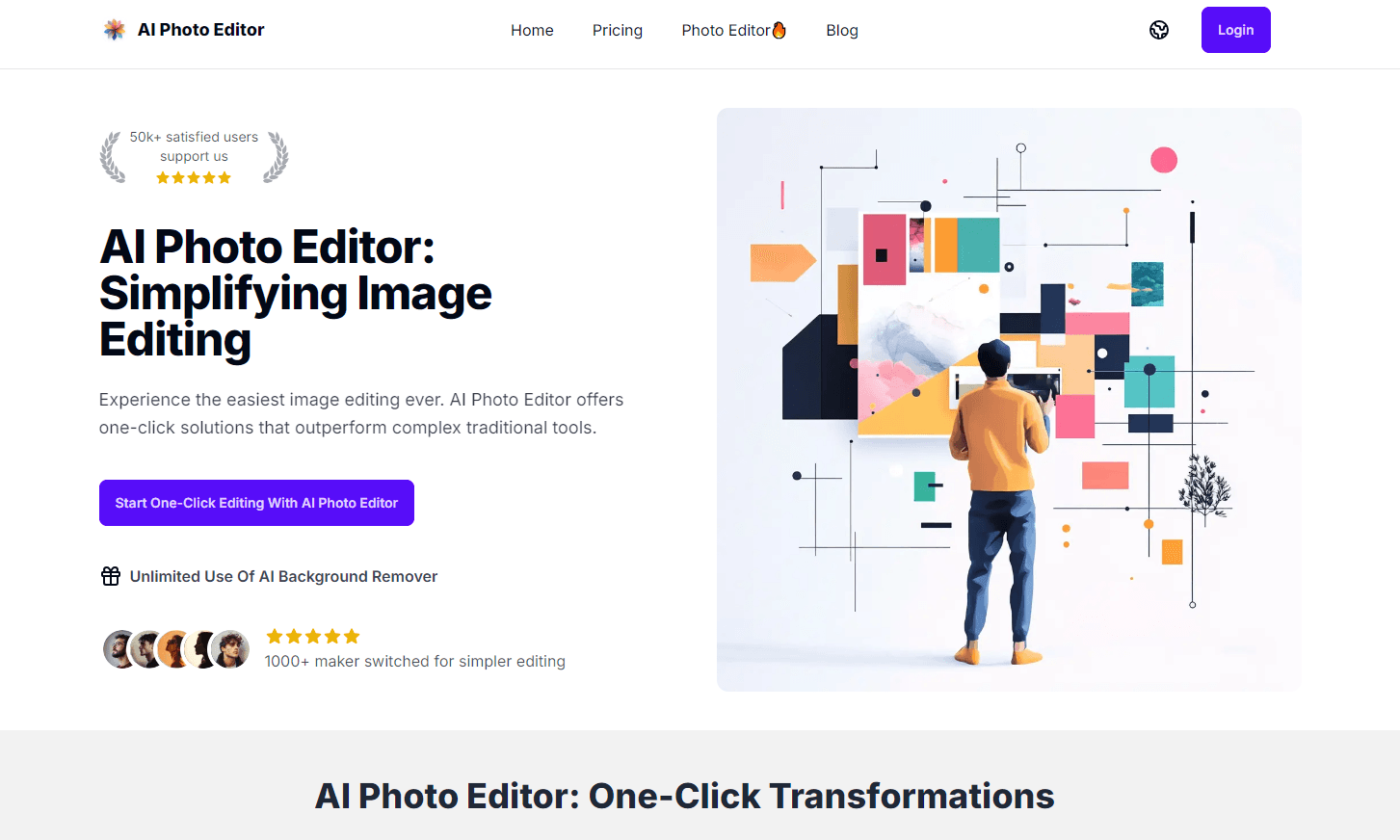
About AI Photo Editor
What Is AI Photo Editor
AI Photo Editor is an online tool for editing images with AI instead of manual sliders. You describe what you want in a sentence, upload one or more pictures, and the tool edits them for you. It runs entirely in the browser. Nothing to install.
So it doubles as a background remover, an object eraser, and a general AI image editor in one place, without you learning any of the tools those jobs normally require. Open a tab, type a line, get an edit back. That's the whole pitch.
Most people reach for it when the edit they want is the one traditional editors make painfully slow, and that's a longer list than you'd expect once you start counting the jobs you've been putting off. Cutting a person out of a busy background, wiping a stranger out of a holiday photo, or fixing a face that lost detail takes minutes of careful masking in normal software. Here you type "remove the people in the back" and it's done.
The catch is that it's a credit-based service. Free access gets you started, but heavier use, higher resolutions, and the fastest models sit behind paid plans, and that billing model shapes how you actually use the product from day one rather than something you can ignore until later. If you edit a few images a month it's fine. If you edit hundreds, you'll feel the meter running. So who should actually pay for this?
Getting Started
- Open aiphotoeditor.ai in your browser. No account is required to try a first edit.
- Upload up to 10 images, or leave the upload empty and generate from a prompt alone.
- Pick the model, then type a prompt describing the change you want.
- Set resolution, aspect ratio, and image count, then hit generate and check the result.
- Download the image in PNG or another supported format, and upgrade to a paid plan if you need more credits.
Product Information
A quick look at AI Photo Editor's pricing, supported platforms, and performance.
Best for
The users, tasks, and scenarios where this tool fits best.
Users
- Social media creators
- E-commerce sellers
- Casual hobbyists
Tasks
- Background removal
- Object erasing
- Photo enhancement
Scenarios
- Preparing listing images for a shop or marketplace on a deadline.
- Turning a plain snapshot into a stylized visual for a campaign or story post.
- Cleaning up a batch of travel photos before sharing them with friends or clients.
Key features
Text-Prompt Editing
You edit by describing the change rather than dragging tools around. The tool reads a sentence like "replace the sky with a sunset" and applies it, which cuts out the layer and mask work most editors demand. Simple as that. It's aimed at people who know what they want visually but not how to build it.
Background Removal and Object Erasing
Two of the core jobs here are cutting subjects out and removing things that shouldn't be in the frame. Both run from a prompt, so you don't need selection tools or precise brush work. For product photos and quick social posts, that's usually the whole task. No masking. No guesswork.
Multiple AI Models
The editor connects to several image models, including Nano Banana and GPT Image 2, and you choose which one handles the job. Different models have different strengths and credit costs, so you can trade speed and quality against how much you're spending.
Resolution and Aspect Ratio Control
Output goes up to 4K, and you can set the aspect ratio and number of images per run. Higher resolutions are limited to paid tiers, which matters if you need print-quality or large-format output rather than something sized for a phone screen and a feed. If you only post online, the default resolution is enough. No upgrade needed.
Character Consistency
The tool keeps a character looking the same across multiple generations, which is the hard part of building a recurring persona that doesn't drift between posts and confuse the audience following it. Creators making AI influencers or serial content use this to avoid a different face every time. It's a narrow need, but a real one.
Credit-Based Pricing
Everything runs on credits. Plans hand out a set number per month, with instant top-ups on annual billing, and one-time add-on packs for the occasional heavy month. Free access is enough to test, and the entry Basic plan covers light use. It's simple.
Pros and cons
Pros
- Runs in the browser with no install, so it works from a laptop, tablet, or phone.
- Text prompts make common edits like background removal fast for non-designers.
- Several image models in one place, so you can pick the one that fits the job.
- Output up to 4K and a commercial license on paid plans.
- A free tier lets you test the editor before paying.
Cons
- Credit limits catch up fast if you generate a lot of images, and top-ups add cost.
- The better models and 4K output are locked behind paid plans.
- Cloud-based processing means your uploads leave your device, which rules it out for sensitive images.
Frequently asked questions
It's an online AI image editor for background removal, object erasing, photo enhancement, and other prompt-driven edits. You describe the change in text and the tool applies it in the browser.
Related content
Explore related tools, skills, and articles for AI Photo Editor.
AI Photo Editor Alternatives

Google EmbeddingGemma 2
Google DeepMind · Writing · Image · CodingGoogle EmbeddingGemma 2 is a 740M-parameter open model that turns text, code, images, audio, and video frames into vectors in one 768-dimension space, running on phones and laptops.

Tractionwave
TractionWave · Image · MarketingTractionWave is an AI attention heatmap tool for static ads. Upload a PNG or JPG and it returns predicted attention, ranked hotspots, and fixes before you spend budget.

Imejis.io
Imejis.io · Image · MarketingImejis.io is an AI design studio for agents and marketing teams. Describe an image in plain words, and it writes the copy, builds the layout, reflows it to every size, then exports a finished file.