

AI Poster Maker
BMTech Nexus LLC · Image
AI Poster Maker is an AI poster generator that turns text prompts into finished posters for non-designers.
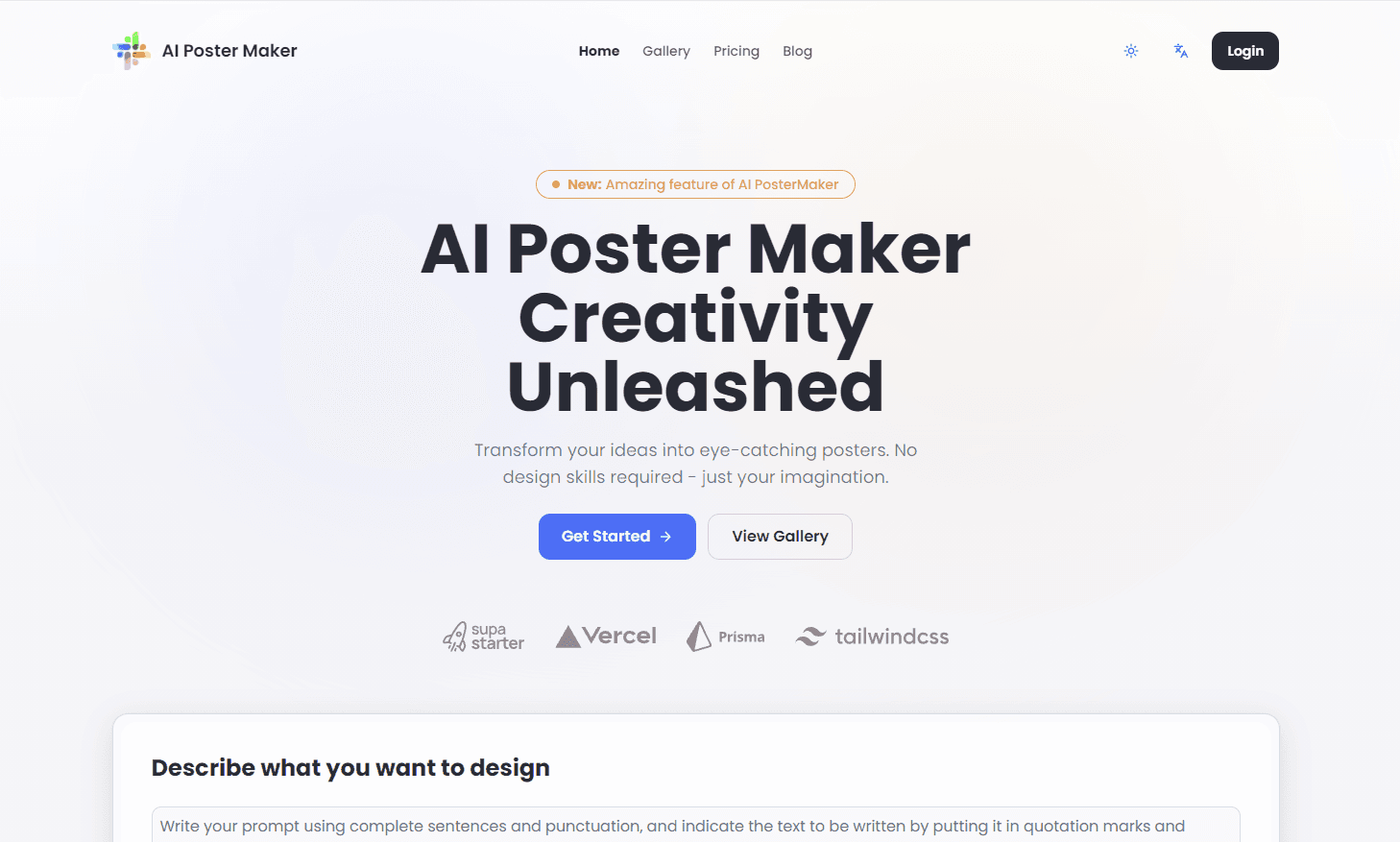
About AI Poster Maker
What Is AI Poster Maker
AI Poster Maker is a web-based AI poster generator operated by a US software team that has been shipping online AI tools since 2024. You describe an idea in plain language, add the headline and any extra text, then pick a style and size. The tool handles the rest. Layout, typography, balance, artwork. All of it.
The main problem it solves is the design bottleneck. Small businesses, event organizers, and solo creators often need a poster today, and many of them have no designer on hand, no budget for one, and no interest in learning a professional editing suite to fill the gap. This tool skips that learning curve entirely: no layers, no templates to fight with, no export settings to guess.
The catch is control. You get a fixed set of styles and aspect ratios, not a full canvas editor, so pixel-level tweaks to spacing or fonts aren't part of the deal. Every generation also costs credits, and the free tier is small. If a print shop has to sign off on exact margins, you'll still finish the file somewhere else. No way around that.
Getting Started
- Open the site and sign in with email, Google, or GitHub; you get a small starter credit balance.
- Type a description of the poster into the prompt box, then enter the headline and any subtitle or extra text you want shown.
- Choose a poster style and an aspect ratio that fits the format you're targeting.
- Hit generate. The AI renders a draft poster using your credits.
- Review the result, adjust your wording or style, and regenerate until it looks right, then download.
Product Information
A quick look at AI Poster Maker's pricing, supported platforms, and performance.
Best for
The users, tasks, and scenarios where this tool fits best.
Users
- Small business owners who need promo posters without hiring a designer, and can work from a prompt plus a clear headline.
- Event organizers making announcements and flyers fast, provided the 5 aspect ratios cover their print or social format.
- Social media managers who produce frequent visual posts, if the monthly credit allowance matches their posting cadence.
Tasks
- Turning a rough idea into a first-pass poster draft
- Creating event announcements, sale banners, and promo graphics from text alone.
- Producing quick concept variations in different styles before committing to a direction.
Scenarios
- A cafe owner needs a weekend promotion poster by Friday and has no design software.
- A community group wants a clean announcement graphic for a meetup.
- A freelancer needs a few styled concepts to show a client before the real design work starts.
Key features
Text to Poster in Three Steps
You describe the poster, add your headline, and generate. The AI composes the whole layout rather than leaving you with a blank canvas. That's the core appeal: a usable draft without touching design software.
Multiple Poster Styles
Four styles cover general use, realistic imagery, and design-forward looks, with an automatic option when you don't want to decide. Each style changes how the AI interprets the same prompt, so you get a genuinely different take on one idea rather than four near-identical renders that force you to squint at the differences.
Flexible Aspect Ratios
Five aspect ratios handle common formats, from square social posts to taller print-oriented layouts. Match the ratio to the placement up front and you avoid awkward cropping later, when the poster has already been exported and you're stuck redoing the whole thing in a second tool to make it fit.
Credit-Based Pricing
Generations and edits run on credits, with 40 credits spent per generation. Free accounts get 90 credits, Pro adds 2,000, Premium 7,000, and Ultimate 17,000. The model suits occasional use better than constant output.
Built-In Text and Headline Control
You set the exact headline, subtitle, and extra text instead of hoping the AI spells your message right. Nail the wording first. For promotional posters where the text carries the message, this keeps the AI focused on the visuals.
Storage and Downloads by Plan
Paid tiers include result downloads and faster generation without a watermark, and storage runs 7 days on Pro, 15 on Premium, and 30 on Ultimate. Free accounts skip storage and downloads, which limits them to previewing results.
Pros and cons
Pros
- No design skills required: describe the poster and the AI handles layout and composition.
- Fast first drafts, so you can test several directions in one sitting.
- Clear headline and text fields keep your message accurate instead of letting the AI improvise it.
- Credit packs and monthly plans both exist, so you can pay once or subscribe.
- The team states it never trains on your data and deletes generated content within 24 hours.
Cons
- No public API, so you can't wire poster generation into your own app or workflow.
- Free plan blocks downloads and storage, so you can't really use the output without paying.
- The style and ratio set is fixed, which frustrates anyone wanting fine manual control.
- Credits expire, and a generation costs 40, so heavy users burn through allowances quickly.
Frequently asked questions
It generates posters from text prompts. You type a description, add your headline, choose a style, and the AI produces a poster draft for promotions, events, or social posts without design work.
Related content
Explore related tools, skills, and articles for AI Poster Maker.
AI Poster Maker Alternatives

Google EmbeddingGemma 2
Google DeepMind · Writing · Image · CodingGoogle EmbeddingGemma 2 is a 740M-parameter open model that turns text, code, images, audio, and video frames into vectors in one 768-dimension space, running on phones and laptops.

Tractionwave
TractionWave · Image · MarketingTractionWave is an AI attention heatmap tool for static ads. Upload a PNG or JPG and it returns predicted attention, ranked hotspots, and fixes before you spend budget.

Imejis.io
Imejis.io · Image · MarketingImejis.io is an AI design studio for agents and marketing teams. Describe an image in plain words, and it writes the copy, builds the layout, reflows it to every size, then exports a finished file.