

AI Trip Planner
BuildAI · AI Assistant
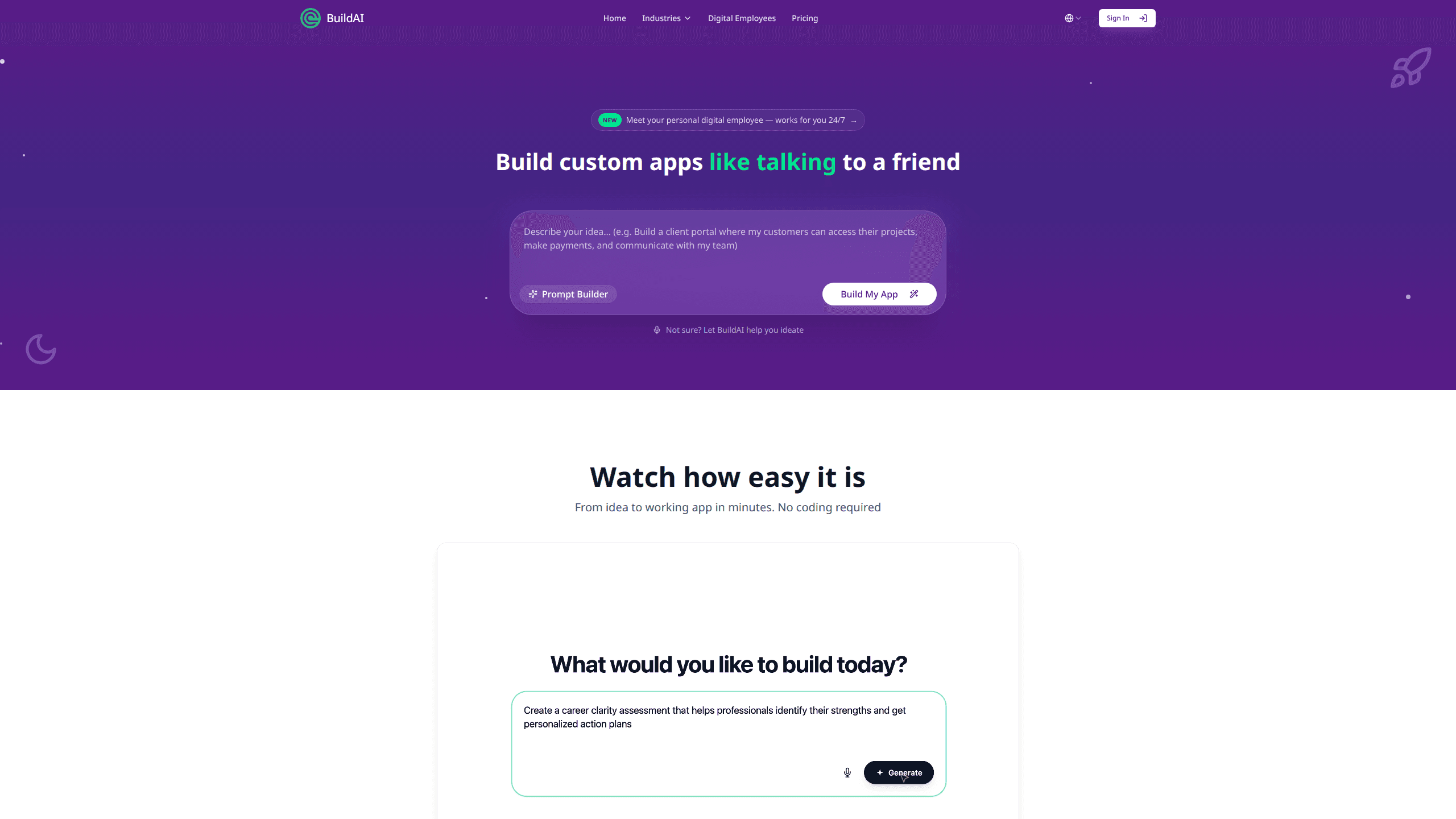
AI Trip Planner is a no-code AI app builder from BuildAI for people who want their own travel product instead of another fixed template. You describe the itinerary app, booking portal, or client tool you have in mind, and the platform returns a working app with a database, user accounts, and payments already in place. It suits travel founders, tour operators, and creators who can picture the app but don't want to hire a development team to build it.
About AI Trip Planner
What Is AI Trip Planner
AI Trip Planner is a travel-focused way to use BuildAI, a no-code platform for building AI apps and online businesses. The pitch is blunt: software used to be for tech companies, and now it isn't. You type what you want the way you'd tell a colleague, and the builder turns it into something you can actually publish.
Most trip-planning tools hand you a template and call it a day. This one is aimed at the mismatch a lot of travel businesses run into. A tour operator doesn't need a generic SaaS dashboard. They need a booking flow, an intake form, and an itinerary view that fit how they run trips. BuildAI puts the database, authentication, and payment plumbing in place so you can spend your time on that logic instead of the setup. So what do you actually get? A working app, not a mockup.
The main limit is cost and scope. Custom domains, payments, and integrations sit behind the Moon plan and up, and the builder messages and AI credits that drive your app are metered every month. It also expects you to arrive with a reasonably clear idea of the app you want. It builds what you describe, not what you forgot to mention.
Getting Started
- Sign up for a BuildAI account and open the builder from the home page.
- Type a description of the travel app you want, in plain language, into the prompt box.
- Review the first version the builder returns, then refine it by sending more messages.
- Add the pieces your business needs, such as payment tiers, user roles, and AI features.
- Publish the app, and on a paid plan connect your own domain before sharing it with customers.
Product Information
A quick look at AI Trip Planner's pricing, supported platforms, and performance.
Best for
The users, tasks, and scenarios where this tool fits best.
Users
- Travel founders
- Tour operators and travel agencies
- Travel creators and content makers
Tasks
- Building a custom itinerary app
- Setting up paid access
- Running customer support around the clock
Scenarios
- Moving off spreadsheets
- Launching a travel product without a technical co-founder
- Serving customers between trips
Key features
Prompt-based app building
You describe the app the way you'd tell a colleague what you need, and the builder returns a working version to react to. From there you refine by sending more messages, so the tool fits how you think rather than forcing you through a rigid setup wizard. Each instruction you send counts as one builder message against your monthly allowance.
Built-in database and user management
Every app comes with a database and user authentication already wired in, which is the part that usually stalls a travel idea before it starts. Role-based access control lets you decide who sees what, handy when travelers, guides, and admins all touch the same trip. You skip the backend build entirely.
Payments and subscriptions
You can add payments and subscription tiers in minutes and gate access by plan. That turns an itinerary tool from a free utility into something customers actually pay for, which is the difference between a hobby project and a business. The payment system is available from the Moon plan up. Not cheap, but a real business tool.
AI features and digital employees
Apps on the platform can include AI that reads from your own content, so answers reflect your trips and your tone rather than a generic model. BuildAI also offers digital employees that work for your users 24/7, which fits travel well: people plan trips at odd hours and expect an answer.
Integrations
The builder connects to thousands of tools and services, so you can automate workflows across the apps your travel business already runs on. Custom integrations start at the Moon plan. That covers most setups.
Branding, custom domain, and publishing
You can publish apps directly, remove BuildAI branding on paid plans, and connect a custom domain so the product reads as yours. Custom domains begin at Moon and scale with the tier.
Industry and use-case templates
BuildAI organizes its offering by industry and by what you're trying to do, with prebuilt directions for launching a product, serving customers, or running internal operations. Travel overlaps all three, which gives you a starting point instead of a blank page.
Pros and cons
Pros
- Prompt-first building means you can get a travel app off the ground without hiring a developer
- Database, authentication, and payments come included, which cuts setup time to almost nothing
- Clear plan ladder with a free tier that's genuinely usable for testing an idea
- Digital employees and AI features fit round-the-clock travel support
- Yearly billing saves about 20% across every paid plan
Cons
- Custom domains, payments, and integrations all sit behind the Moon plan and up, so real use costs real money
- Builder messages and AI credits are metered, which means busy apps outgrow the cheaper tiers
- It's a general app builder pointed at travel, not a travel-only tool with prebuilt itineraries ready to go
- You need a fairly clear idea of the app you want before the builder is much help
Frequently asked questions
No. BuildAI's own promise is no coding required. You describe the app and refine it through chat, and the database, authentication, and deployment are handled for you. If you can explain your idea clearly, you can build with it.
Related content
Explore related tools, skills, and articles for AI Trip Planner.
AI Trip Planner Alternatives

Iplan AI
Iplan AI · Productivity · AI AssistantIplan AI is an AI travel planner that turns a few trip details into a full day-by-day itinerary in seconds. You answer questions about your destination, interests, budget, and travel companions, and the tool builds a plan you can edit, share, and carry with you on any device. It targets travelers who want a solid draft without spending hours in spreadsheets and browser tabs. Think of it as an itinerary generator that does the tedious part for you.

Screenhelp
Screenhelp · Productivity · AI AssistantScreenhelp is an AI screen assistant that turns a single keyboard shortcut into real-time help. You press Ctrl+Shift+Space, it captures what's on your screen, and it streams an answer into a private panel in about two seconds. Think of it as an AI screenshot helper you trigger on demand. It runs on Mac, Windows, and the web, starts free with 30 answers a month, and stays invisible during screen sharing on Zoom, Teams, and Google Meet.

Rainbow
Rainbow · AI AssistantRainbow is an AI weather forecast app built around short-term precipitation nowcasting. Its engine pushes min-by-min rain and snow predictions up to four hours ahead, blending live satellite and radar feeds into hyperlocal forecasts. The app adds live rain radar, a seven-day outlook, precipitation alerts, home-screen widgets, and a hurricane tracker, and it runs on both Android and iOS with a free tier plus paid upgrades.