

Happy Video AI-AI Video Maker
Flux Labs · Image · Voice & Language · Video
Happy Video AI is an all-in-one studio that runs several leading video, image and music models in one place, so you can turn text or a photo into a finished clip without switching tools.
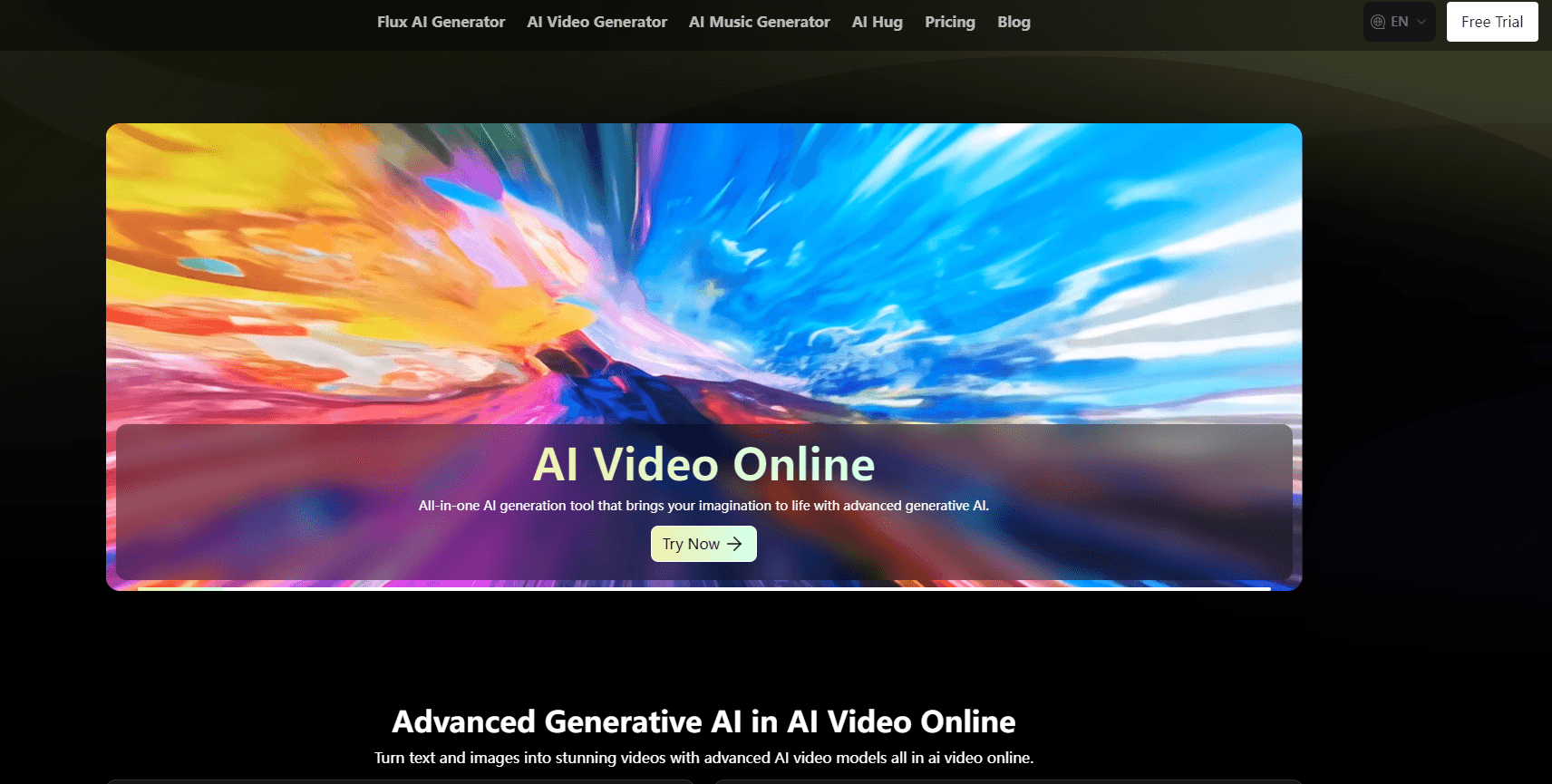
About Happy Video AI-AI Video Maker
What Is Happy Video AI
Happy Video AI is the app name for VideoWeb AI, a browser and mobile creative suite from Flux Labs. Instead of training one model of its own, it collects the big names in generative media behind a single login. Kling, Google Veo, ByteDance Seedance, Vidu, Hailuo, Pixverse, Sora and Runway cover video. Nano Banana and Seedream cover images. A separate engine handles music.
That mix is the point. A person who wants a fast draft picks a cheap model, and a person who needs a polished hero shot switches to a stronger one without leaving the tab. The site calls the approach a creative agent, but the plain version is simpler: one workspace, many engines, one credit balance.
The credits run across everything you make. Video eats far more than image, and heavier models cost more per second than lighter ones, so the same balance buys a lot of stills or a little footage. Free accounts get a starting bundle of credits and a daily check-in top-up, but they sit in a shared queue and keep a 15-day history. No watermark lands on free downloads, which is less common than you might expect.
There are limits worth naming. It's a cloud platform, so your footage depends on remote GPUs and prompt quality. Realistic text inside a clip is still shaky across the whole category, not just here. And because the toolkit is broad rather than deep, people with one specific need may find a specialist tool that fits tighter.
Getting Started
- Open videoweb.ai or install the Happy Video AI app on Android or iOS.
- Sign up, which lands a bundle of free credits, and claim the daily check-in for more.
- Pick a tool from the menu: the AI video maker, image to video, text to video, photo to video, or a music tool.
- Choose a model, then write a prompt and, for image-driven modes, upload a start frame.
- Set resolution, aspect ratio and duration, then generate and download the result.
Product Information
A quick look at Happy Video AI-AI Video Maker's pricing, supported platforms, and performance.
Best for
The users, tasks, and scenarios where this tool fits best.
Users
- Marketers and small brands
- Solo creators on a budget
- Social content makers
Tasks
- Text to video
- Image to video
- AI image and music generation
Scenarios
- Running a product ad
- Building a social campaign
- Testing a story idea
Key features
Multiple video models behind one login
The library spans Kling, Google Veo, ByteDance Seedance, Vidu, Hailuo, Pixverse, OpenAI Sora, Runway Gen-4 and Luma. Each model has a different strength: some favor motion, some favor realism, some favor price. You swap between them inside the same project, so a rough pass and a final pass can come from different engines. That saves the account juggling that owning several subscriptions would require.
Text to video, image to video and reference to video
The standard modes sit next to each other. A prompt alone can build a clip. A single image can become the first frame and carry the scene forward. Reference to video goes further, holding a character or an item steady across a shot, which is the part that usually breaks in cheaper tools.
AI image generator
For stills, the platform leans on Nano Banana and Seedream among others. Those models handle quick posters, product shots and concept art, and the results feed straight into the video tools as start frames. It rounds out a workflow where an image becomes a clip without a separate app.
AI music generator
A text prompt produces a custom soundtrack rather than a stock loop. Music matters more than people admit in short video, and having it in the same workspace means a finished clip ships with its own audio instead of a licensed track.
No watermark and a daily free tier
Free downloads carry no watermark, and new accounts get a credit bundle plus a daily check-in top-up. Free users also reach a set number of the lighter tools each day. It's a lower-friction way to test real prompts than a trial that expires in a week.
Web and mobile, one balance
The service runs in a browser and through Android and iOS apps, and credits are shared across devices. A clip can be started on a phone and finished on a laptop, which fits creators who move between screens through the day.
Pros and cons
Pros
- One account reaches a wide set of top video, image and music models.
- Free tier gives real credits, a daily top-up and no watermark on downloads.
- Multiple model choices let users trade quality against cost per clip.
- Vertical, square and widescreen output cover social and web formats.
- Web and app share the same balance, so work moves between devices.
Cons
- Credits vanish fast on video, and the stronger models cost the most.
- Realistic on-screen text and complex hands stay unreliable.
- The free queue is shared, so waiting times rise at busy hours.
- Little public detail on data handling and commercial licensing.
- No documented public API for teams that want to build on it.
Frequently asked questions
It's the app brand for VideoWeb AI, an all-in-one creative suite from Flux Labs. It runs several leading AI models for video, images and music from a single account, so users can move from a prompt or a photo to a finished clip without switching apps.
Related content
Explore related tools, skills, and articles for Happy Video AI-AI Video Maker.
Happy Video AI-AI Video Maker Alternatives

Google EmbeddingGemma 2
Google DeepMind · Writing · Image · CodingGoogle EmbeddingGemma 2 is a 740M-parameter open model that turns text, code, images, audio, and video frames into vectors in one 768-dimension space, running on phones and laptops.

Tractionwave
TractionWave · Image · MarketingTractionWave is an AI attention heatmap tool for static ads. Upload a PNG or JPG and it returns predicted attention, ranked hotspots, and fixes before you spend budget.

Imejis.io
Imejis.io · Image · MarketingImejis.io is an AI design studio for agents and marketing teams. Describe an image in plain words, and it writes the copy, builds the layout, reflows it to every size, then exports a finished file.