

AI Voice Note Taker
SpeechText.AI · Voice & Language · Productivity
AI Voice Note Taker is a voice to text Chrome extension for online voice typing that turns speech into text in real time, with auto-punctuation, 30+ languages, and a saved note history.
About AI Voice Note Taker
What Is AI Voice Note Taker
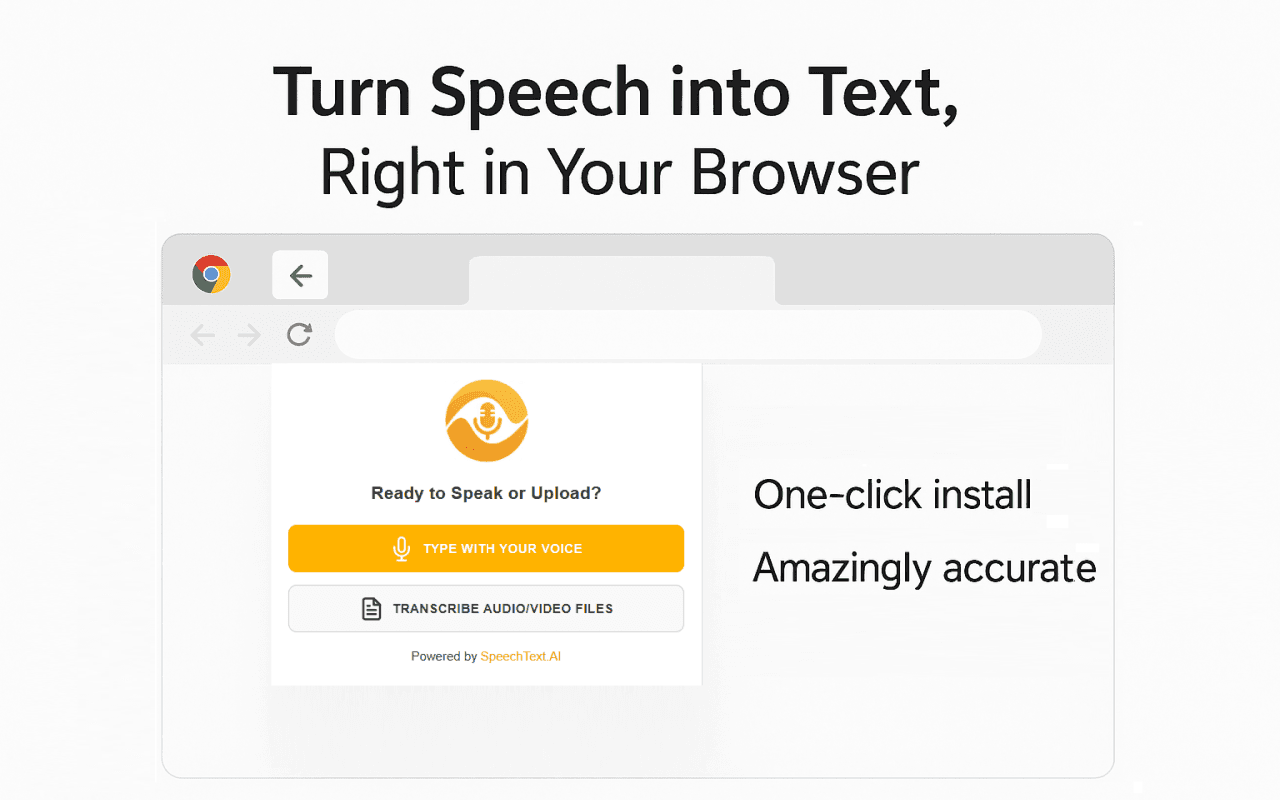
AI Voice Note Taker is a browser extension that converts speech to text while you talk. You install it in Chrome, click the mic, and start speaking. The words land on the page as you go, so you can draft an email, a lecture note, or a blog post without stopping to type.
The problem it targets is the gap between thinking speed and typing speed. People talk faster than they write, and long-form typing breaks the flow of an idea. SpeechText.AI, the company behind the extension, supplies the speech recognition engine, and it says the transcription reaches up to 98% accuracy. A live auto-punctuation toggle adds periods and question marks as you speak, which keeps the output readable without manual cleanup.
The limits matter here. This only runs inside Chrome, so there's no standalone app, no Safari, and no phone version. The store listing shows English as the interface language, while dictation covers 30+ languages. Transcription depends on the SpeechText.AI cloud service, so a working internet connection is required.
Getting Started
- Open the Chrome Web Store listing and click Add to Chrome to install the extension.
- Pin the extension to your toolbar so the mic button is one click away.
- Click the icon, then pick your language from the dropdown if you're not dictating in English.
- Click the mic and start talking. Punctuation shows up on its own unless you turn auto-punctuation off in settings.
- Save the entry, or copy the text into your editor. You can also upload a recorded audio or video file to transcribe it.
Product Information
A quick look at AI Voice Note Taker's pricing, supported platforms, and performance.
Best for
The users, tasks, and scenarios where this tool fits best.
Users
- Students recording lectures
- Writers and bloggers stuck on a first draft
- Professionals drafting emails and meeting minutes
- People with mobility or vision challenges
Tasks
- Dictating a quick note or message
- Turning a recorded meeting into searchable text
- Drafting long-form text by voice
Scenarios
- A student capturing a fast-moving lecture
- A blogger brainstorming a post on a slow afternoon
- A remote worker writing up a call
Key features
High-Accuracy AI Transcription
The extension runs on the SpeechText.AI speech recognition engine, which the company says hits up to 98% accuracy. That number comes from the vendor, so treat it as a claim rather than a lab result. In practice, accuracy depends on your microphone, background noise, and how clearly you speak.
Multilanguage Dictation
You can dictate in more than 30 languages and switch between them with a dropdown. The menu sits right in the extension, so moving from English to Spanish to French doesn't need any setup. It suits global teams and language learners who write in more than one tongue.
Live Auto-Punctuation
The tool adds periods and question marks as you talk, which saves the cleanup pass you'd normally do after dictating. You can switch it off with one click in the settings if you'd rather control punctuation yourself. The feature is what makes the raw transcript usable without heavy editing.
Notes Organization and History
Every entry can be created, saved, deleted, and reopened from a history dropdown. Auto-saving means a closed tab doesn't wipe your work. This turns the extension from a one-shot dictation box into something closer to a running notebook.
Customization Options
You can toggle light and dark themes, turn auto-punctuation on or off, and give each note a custom title. The settings are simple, but the titles help when you build up a long list of saved transcripts and need to find one fast.
Automatic File Transcription
Beyond live dictation, you can upload pre-recorded audio or video files and have them converted into searchable text. That covers interviews, recorded calls, and old voice memos you'd otherwise have to transcribe by hand.
Flexible Export
Transcripts download as text files, or you can copy and paste them into an editor or a content management system. The plain-text output keeps the results portable rather than locking them inside the extension.
Pros and cons
Pros
- Runs right in Chrome, so there's no separate app to install or launch
- Supports 30+ languages with a one-click switch between them
- Auto-punctuation cuts the manual cleanup after dictating
- Note history with auto-save protects work if you close the tab
- Handles uploaded audio and video files, not just live speech
Cons
- Chrome only, with no mobile, Safari, or standalone version for people outside the browser
- The store listing shows English as the only interface language, which narrows the audience despite the multilingual dictation
- Transcription relies on the SpeechText.AI cloud, so a dropped connection stops the text
- Up to 98% accuracy is the developer's own claim, and real results vary with your mic and room
Frequently asked questions
It's a Chrome extension that converts your speech to text in real time. You click the mic, talk, and the words appear on the page with auto-punctuation. It also transcribes uploaded audio and video files and stores past entries in a history list.
Related content
Explore related tools, skills, and articles for AI Voice Note Taker.
AI Voice Note Taker Alternatives

Jarq
Jarq (Birzhan Abishev) · Writing · Voice & Language · ProductivityJarq is a Mac app that translates, shortens, fixes, or rewrites the text you select without leaving the app you're in, and types dictated speech at your cursor.

Angebotsmeister
rainmaker labs GmbH · Voice & Language · Productivity · BusinessAngebotsmeister is an AI quoting app for German tradespeople: speak the job on site, get positions with quantities and prices, then send a PDF quote and invoice from one record.

Sente
teai.io · Voice & Language · Coding · ChatbotSente is an AI coding agent CLI from teai.io: one curl command installs it, it wraps OpenCode, and it reaches more than 380 models through one OpenAI-compatible endpoint.