
AI2sql
AI2SQL · Coding
AI2SQL is an AI SQL assistant that turns plain English into queries on your own database schema, then runs them read-only so you can check the rows before anyone else sees them.
About AI2sql
What Is AI2SQL
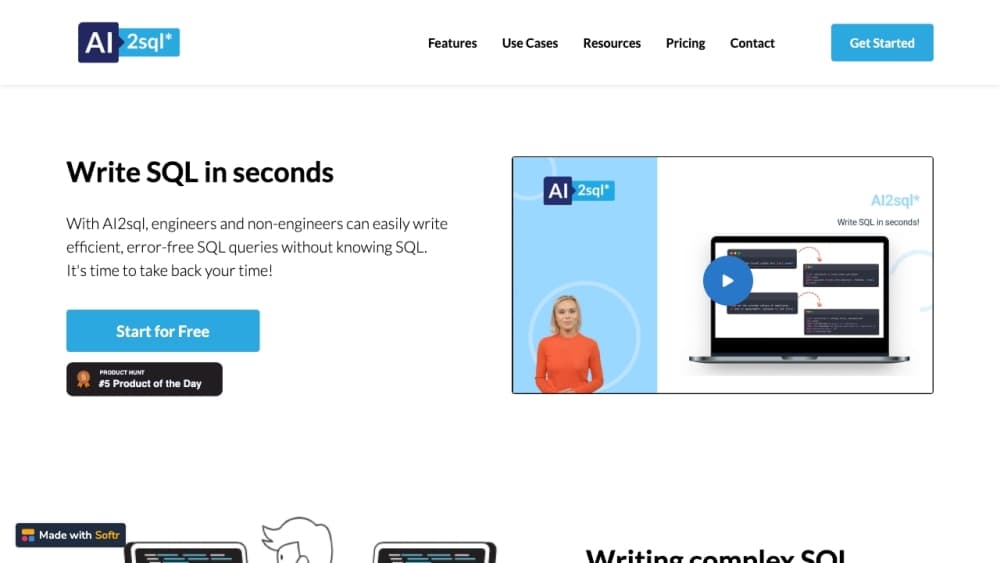
AI2SQL is an AI SQL generator built for people who work with databases but don't want to hand-write every join. You point it at a Postgres, MySQL, SQL Server, Snowflake, BigQuery, MongoDB or Oracle database with read-only credentials, and it maps your tables, columns, joins and business terms. Then you describe the result you want in everyday language and it writes the query in that database's dialect, using your real column names.
Most generic generators work from a blank page, so they invent table names that don't exist in your schema. AI2SQL's whole pitch is grounded output. It knows which tables you actually have, which is why its queries tend to run on the first try instead of after four rounds of renaming.
The catch is that the useful half sits behind the Pro plan. Connecting your own database, running queries against it and getting tuning advice are all Pro and Team features. On Start and the free plan you get the demo database, a query cap and the basic model.
Getting Started
- Sign up at ai2sql.io and pick a plan. The free plan allows 3 queries a day on a demo database, and every paid plan opens with a 7-day trial.
- Choose a database engine, or connect your own with read-only credentials if you're on Pro or Team.
- Describe the result you want in the prompt box, in English or another language. Say which columns you need, how rows should be filtered and how you want them sorted.
- Read the generated SQL, then use the SQL explain view, the fixer or the tuning pass if something looks off.
- Run the query read-only to see the rows, or copy it into your own client.
Product Information
A quick look at AI2sql's pricing, supported platforms, and performance.
Best for
The users, tasks, and scenarios where this tool fits best.
Users
- Data analysts
- Developers
- Beginners and students
- Small teams
Tasks
- Ad hoc reporting
- Debugging a broken query
- Reading inherited SQL
- Query optimization
Scenarios
- A stakeholder asks a data question mid-meeting
- Joining a project with an unfamiliar schema
- Practicing for a SQL assignment
- Working inside an AI editor
Key features
Text to SQL on your own schema
This is the core of the product. Describe the output you want and AI2SQL writes the statement in the dialect of the database you selected, using names pulled from your live schema. The natural language to SQL step is the part most people come for, and the schema grounding is what makes the result usable rather than a template.
Explain any query, clause by clause
Paste a query from a colleague or an old ticket and the SQL explain view returns a plain-language walkthrough. It covers what each clause does and what the result set will look like, so you can judge a statement before running it against real data. Handy when nobody remembers who wrote the report.
Query optimization with the reasoning attached
Ask for a faster version and you get a rewritten statement plus the reasoning behind it. Typical notes point at a join that should be a filter, a missing index or a filter applied too late. The explanation matters more than the rewrite, since you can apply the same lesson to the next query.
Fix errors and dialect mismatches
The SQL fixer handles syntax errors, functions that don't exist in your engine and column names that moved. It returns the corrected statement and a short account of what was wrong, which is more useful than a silent patch. If you ported a MySQL query to SQL Server, this is the fastest way to find the leftovers.
Read-only runs with a row preview
On Pro and Team you can execute a query against a live connection without leaving the page. Credentials are read-only by design, so a generated DELETE can't touch production. Seeing the rows is the difference between a query that looks right and one that actually works.
MCP server for Claude, ChatGPT, Cursor and VS Code
AI2SQL runs an MCP server, so you can ask for SQL from inside the assistant you already use. Every plan can write SQL this way; Pro and Team also run read-only queries on connected databases. Setup takes a couple of minutes on the MCP page.
Formatting pass before a pull request
One click normalizes casing, indentation and line breaks across a query you didn't write. It sounds minor until you're reviewing a 90-line statement with three indent styles in it. The format step is the reason the output is presentable in a code review.
Pros and cons
Pros
- Schema-aware generation means fewer invented columns, which is the main failure mode of a generic SQL query builder.
- Generate, explain, fix, format and run live in one page, so a slow query doesn't turn into four browser tabs.
- The MCP server puts the same engine inside Claude, ChatGPT, Cursor and VS Code without extra glue.
- Pricing starts at $9/mo, and the one-time $29 Lifetime deal is cheap if you only need occasional help.
Cons
- Connecting your own database is a Pro feature at $19/mo, so the free plan can't show you how the tool handles your real schema.
- The free plan's 3 queries a day on a demo database is enough to test the interface, not enough to judge accuracy on your data.
- The desktop app covers Windows and macOS only, so Linux users are stuck with the browser.
Frequently asked questions
No. You describe the result in plain English and the tool writes the query. Some prior knowledge still helps, since you have to judge whether the joins and filters match what you meant.
Related content
Explore related tools, skills, and articles for AI2sql.
AI2sql Alternatives

Udon
Udon · Coding · ProductivityUdon turns an Apple Silicon Mac into a home server you run from a browser, with container controls, file shares, and an optional AI sysadmin.

offstage
offstage cloud · Coding · Productivityoffstage gives AI coding agents and CI jobs a real Mac: a fresh macOS account on Apple silicon, driven over an API and billed by the second.

BotBus
Chengdu Tuyang Tusen Technology Co., Ltd. · Coding · ProductivityBotBus lets you control AI coding agents from your phone and watch: approve commands, start tasks and read results while the code stays on your desktop.