
Aiarty Image Enhancer
Digiarty Software, Inc. · Image
Aiarty Image Enhancer is a desktop AI image upscaler from Digiarty that enlarges photos up to 8x, removes noise and blur, and rebuilds fine detail with generative models.
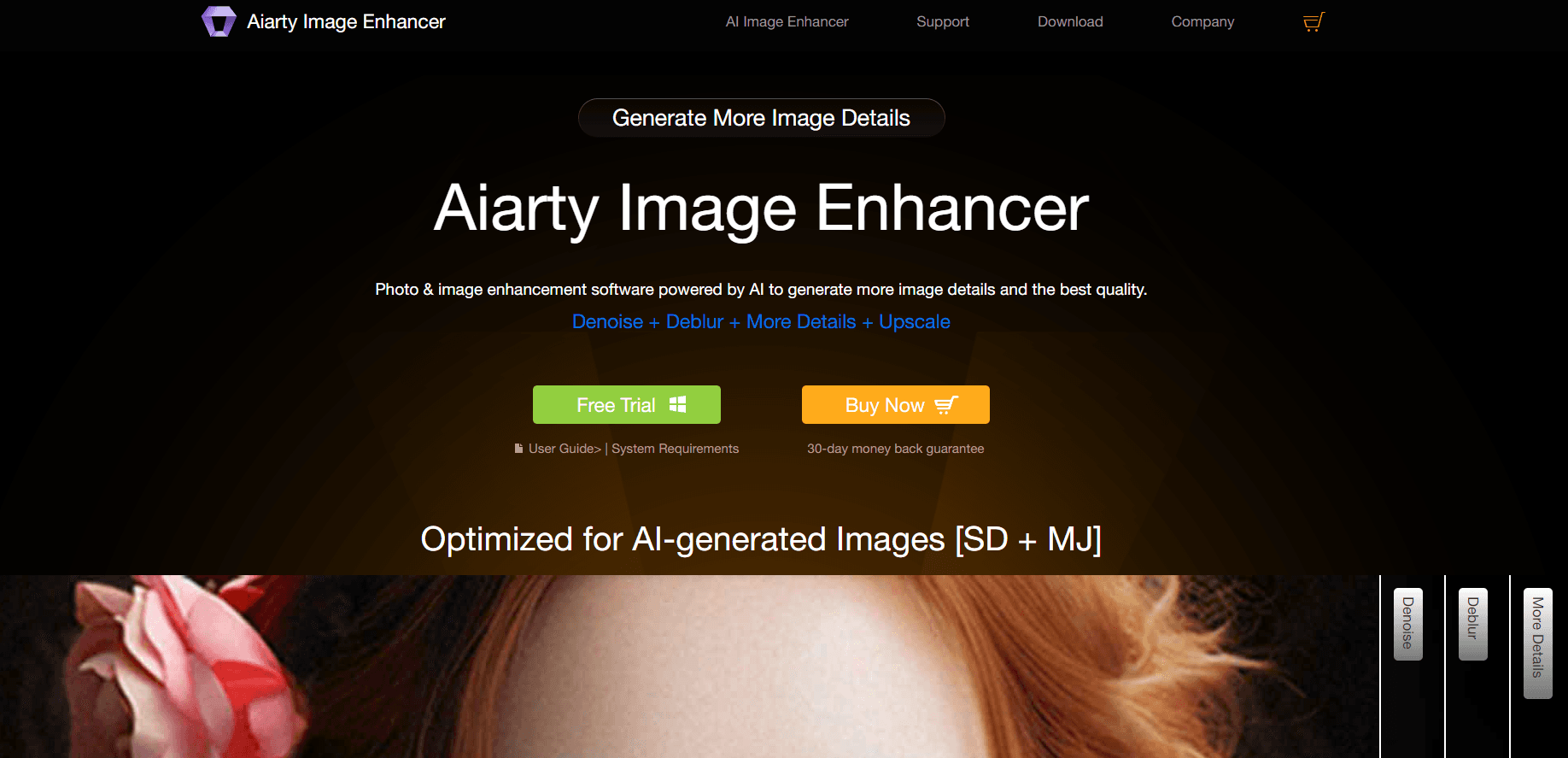
About Aiarty Image Enhancer
What Is Aiarty Image Enhancer
Aiarty Image Enhancer is an AI photo enhancer and image upscaling software for Windows and macOS, built for fixing photos that look soft, grainy, or too small. It runs a set of trained AI models on your own machine, so an image never leaves your computer. Drop in a shot, pick a model, choose a scale, and the app rebuilds texture instead of just stretching pixels.
The tool targets three common problems. Phone photos shot in low light come out noisy. Screenshots and old scans come out blurry. AI-generated art comes out at 1024 pixels and falls apart when you print it. Aiarty handles all three in one pass: denoise, deblur, and upscale.
The limits are practical rather than technical. It's an upscaler first, not a full editor, so you won't find layers, masks, or text tools that a designer would expect from Photoshop. Every model also needs a local download, and the first run takes a while on a slow connection. A machine without a supported GPU will still work, but batches crawl.
Getting Started
- Download the installer from the Aiarty site and run it on Windows or macOS.
- Launch the app and let it fetch the AI models you plan to use. They stay on disk for offline work.
- Drag a photo or a whole folder into the window, then pick a model, a scale factor, and an enhancement strength.
- Preview the result at 100 percent, adjust color or face settings if needed, then export to JPG, PNG, TIFF, or DNG.
Product Information
A quick look at Aiarty Image Enhancer's pricing, supported platforms, and performance.
Best for
The users, tasks, and scenarios where this tool fits best.
Users
- Photographers with a backlog of soft or noisy shots
- Print sellers and Etsy shops
- AI art creators
Tasks
- Rescuing low-light photos
- Fixing compressed downloads
- Restoring family scans
- Preparing images for print
Scenarios
- A wedding shoot where half the reception frames were shot at ISO 6400
- A wallpaper or banner project that needs a 4K or 8K canvas from a small source file.
- An archive cleanup where hundreds of scanned photos need the same treatment with consistent settings.
Key features
Generative Upscaling to 8x
The core of the app is an AI image upscaler that rebuilds detail as it enlarges. You can push a file to 2x, 4x, or 8x, or type a custom resolution and let the software work backward. Output goes past 32K on the long edge, which is more than most print shops ask for.
Noise Removal That Keeps Texture
High ISO grain, color speckles, and blotchy shadow areas are the usual reasons a photo looks cheap. The denoise models separate that noise from real detail, so you can denoise photos from a dim concert without turning skin into plastic. A strength slider decides how far it goes.
Deblurring for Soft and Compressed Files
Old scans, zoomed crops, and heavily compressed downloads all lose edge definition. The deblur pass rebuilds those edges, and it handles JPEG artifacts at the same time. You can deblur images that looked unusable and get something worth keeping.
Face Restoration
Portraits from group photos and old family albums often have soft eyes and smeared skin. The face model rebuilds facial detail in a separate pass, and you can dial the strength down when a face starts to look invented. It works on scanned prints as well as digital files.
Model Presets by Image Type
Five models cover the common cases. More-Detail GAN v3 aims at skin, hair, and fine patterns. AIGCsmooth v3 targets AI-generated art. Real-Photo v3 keeps photographic texture intact. Picking the right one matters more than any slider, and the preview makes the comparison quick.
Batch Image Processing with GPU Acceleration
You can queue hundreds of files, apply one set of settings, and walk away. The app uses NVIDIA CUDA, AMD, or Intel GPU acceleration where it's available, and it keeps the CPU load low enough to work in the background. Batch image processing is where the desktop app beats most browser upscalers.
Color, Lighting, and HDR Export
White balance, contrast, saturation, highlights, and shadows sit in a separate panel, and the HDR export keeps more color depth for prints. Version 3.14 adds EXIF and RAW metadata display plus a smoother handoff to Lightroom Classic.
Pros and cons
Pros
- Runs offline, so client photos and personal archives never upload to a server.
- The 8x upscale holds up on large prints, not just on a phone screen.
- Five models cover portraits, real photos, and AI art without buying separate tools.
- Batch processing with GPU acceleration saves hours on a big folder.
- The lifetime license covers three PCs and includes future updates.
Cons
- No layers, masks, or healing brush, so anything beyond cleanup needs another editor.
- Model downloads are large, and the first session on a slow connection is painful.
- The interface buries some controls in submenus, which slows down a first run.
- The trial watermarks exports, so you can't judge print quality before paying.
Frequently asked questions
It enlarges, sharpens, and cleans up photos with trained AI models. The three main jobs are upscaling to 8x, removing noise, and fixing blur, with face restoration as an optional extra.
Related content
Explore related tools, skills, and articles for Aiarty Image Enhancer.
Aiarty Image Enhancer Alternatives

Google EmbeddingGemma 2
Google DeepMind · Writing · Image · CodingGoogle EmbeddingGemma 2 is a 740M-parameter open model that turns text, code, images, audio, and video frames into vectors in one 768-dimension space, running on phones and laptops.

Tractionwave
TractionWave · Image · MarketingTractionWave is an AI attention heatmap tool for static ads. Upload a PNG or JPG and it returns predicted attention, ranked hotspots, and fixes before you spend budget.

Imejis.io
Imejis.io · Image · MarketingImejis.io is an AI design studio for agents and marketing teams. Describe an image in plain words, and it writes the copy, builds the layout, reflows it to every size, then exports a finished file.