

Aidee
Aidee · Productivity · Marketing
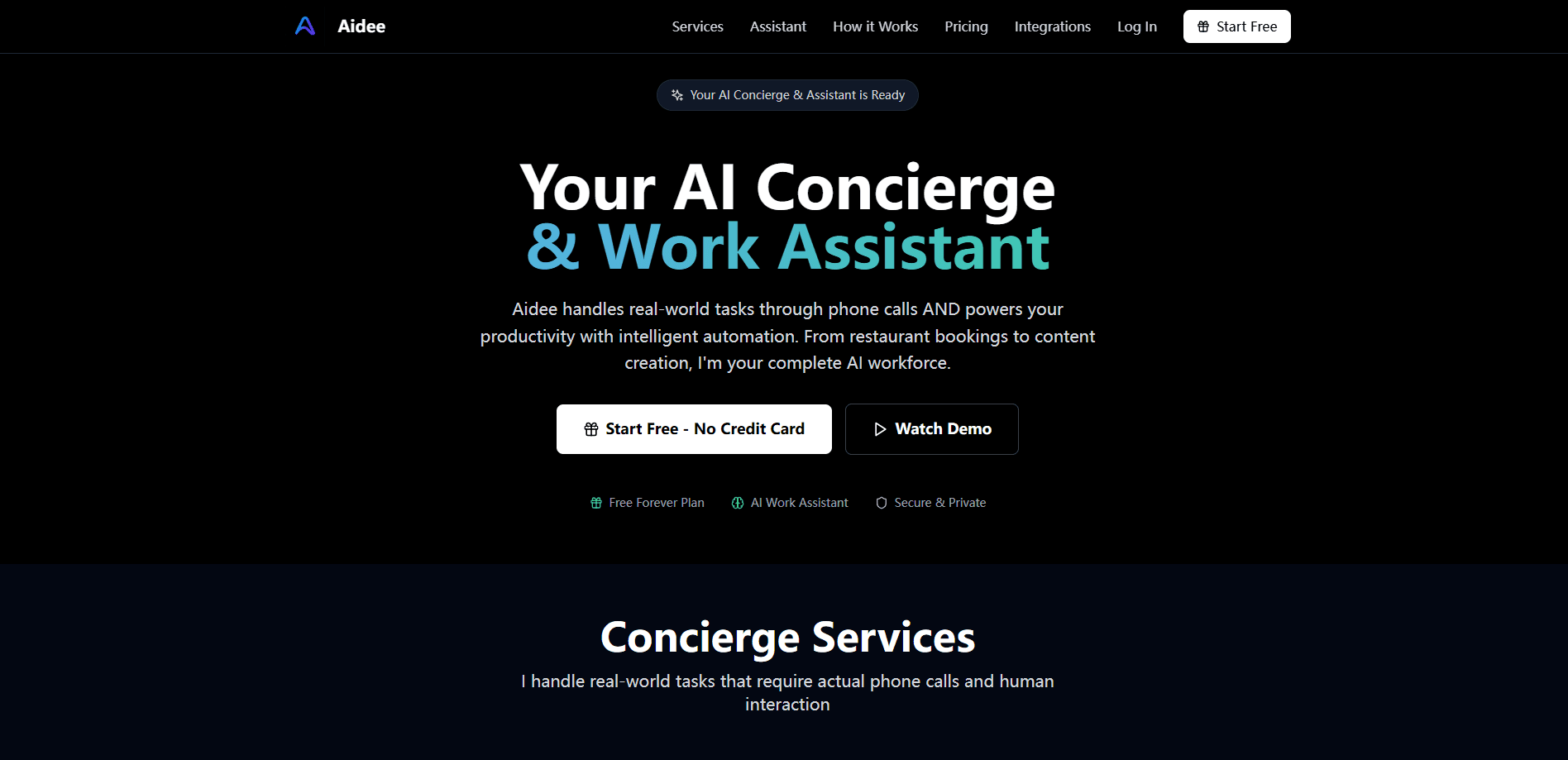
Aidee is an AI concierge, phone call assistant, and AI automation tool. It places real phone calls to book reservations and appointments, then handles content, data, and workflow tasks from one chat.
About Aidee
What Is Aidee
Aidee is a web-based AI service that mixes two jobs into one assistant. As an AI booking assistant, it makes actual phone calls to restaurants, clinics, repair shops, and hotels to check availability and book what you need. On the work side, it drafts emails, analyzes spreadsheets, plans projects, and automates routine steps in the apps you already use.
The product targets people who lose hours to phone tag and small admin work. Instead of juggling a booking app, a writing tool, and a scheduler, you describe the task in plain language and Aidee picks the right method: a call for anything that needs a human on the other end, and connected apps or built-in AI for digital work.
Two limits stand out before you sign up. Phone call features start on the paid Pro plan, so the free tier is digital only. And like any assistant that acts on your behalf, it needs you to hand over access to the tools it should touch, which is the tradeoff for letting it run tasks without supervision.
Getting Started
- Create a free account from the site with an email address. No credit card is required for the free plan.
- Connect the apps you want Aidee to work inside, such as Gmail, Slack, Notion, Calendar, or Drive. The free plan caps this at three apps.
- Describe a task in the chat box. Say whether it is a call, a document, or a workflow, or just explain the goal and let Aidee choose.
- Review the result or confirmation in the same chat, then approve follow-ups or ask for edits.
Product Information
A quick look at Aidee's pricing, supported platforms, and performance.
Best for
The users, tasks, and scenarios where this tool fits best.
Users
- Busy professionals
- Small business owners
- Working parents
- Productivity-focused teams
Tasks
- Restaurant and service bookings
- Appointment scheduling
- Content drafting
- Data analysis and reports
- Workflow automation
Scenarios
- Handling daily repetitive admin
- Early project research
- Event planning
- Personal errands
Key features
AI Phone Calls for Real Bookings
Aidee's concierge side dials businesses directly to check availability and lock in reservations, appointments, and service slots. You describe the goal, it handles the back-and-forth with the venue, and you get a confirmation in chat. This is what separates it from chat-only assistants that never touch a phone line.
Dual Concierge and Work Modes
The same assistant covers real-world errands and digital work, so you do not switch between a booking app and a writing tool. Real-world tasks route to phone calls, while digital tasks use connected apps and built-in AI. One chat box drives both.
Content Creation in Your Voice
Aidee drafts emails, documents, proposals, and marketing copy that follow a described brand voice. You set the tone and standard terms, then ask for rewrites until the draft fits. It suits recurring writing where consistency matters more than one-off flair.
Data Analysis and Reporting
You can point Aidee at spreadsheets to pull out trends and build a report, which helps when a quick read beats a full manual pass. The output leans on what it can access, so file permissions shape how deep the analysis goes. Results are a starting point you should spot-check before sharing.
Workflow and Process Automation
Aidee sets up repeated workflows, such as new-customer onboarding steps or scheduled follow-ups, and runs them on your behalf. It fits teams that want routine handoffs handled without a person tracking each one. More advanced automation is reserved for the Premium tier.
App Integrations Across 100+ Tools
Aidee connects to Gmail, Slack, Notion, Salesforce, Calendar, Drive, and more than a hundred other tools, so tasks run inside the software you already use. On the free plan you can link up to three apps, and higher plans lift that limit. The integration list is what decides whether a given workflow is even possible.
Pros and cons
Pros
- Handles genuine phone calls for reservations and appointments, not just chat replies.
- Combines real-world errands and digital work in a single assistant.
- Generous entry point with a free forever plan and no credit card required.
- Wide integration list, including Gmail, Slack, Notion, Salesforce, and Calendar.
- Clear tiered pricing that lets you test the assistant before paying.
Cons
- Phone call features sit behind the paid Pro plan, so free users cannot make bookings.
- The free plan caps you at 50 AI requests a month and three connected apps.
- No public API for developers, and no native mobile app at launch.
- Like any assistant that acts for you, it needs access to your connected tools.
Frequently asked questions
Aidee is an AI concierge and work assistant. It makes phone calls to book reservations and appointments, and it also drafts content, analyzes data, and automates workflows from the same chat.
Related content
Explore related tools, skills, and articles for Aidee.
Aidee Alternatives

Base Code
Base44 (Wix) · Coding · ProductivityBase Code is a shared cloud development environment from Base44. Teammates describe changes to an existing GitHub codebase in chat, preview them live and send them back as pull requests.

Knocket
Knocket (Tencent RTC team) · Productivity · Business · ChatbotKnocket is a free live chat and contact page tool that lets visitors message you from your website, app, or a shareable link, with every reply handled from Telegram or one inbox.

FloorGen
Vinit Kumar (FloorGen) · Productivity · China AIFloorGen is a browser-based floor plan maker that turns a sentence or a sketch into an editable 2D plan and a 3D walkthrough. Export to PDF, DXF or video, and draw without an account.