
AIEASE
CHENGDU Yile Tech Co., Ltd. · Image
AIEASE is a free online AI photo editor and video generator for creators, marketers, and anyone who needs polished visuals fast.
About AIEASE
What Is AIEASE
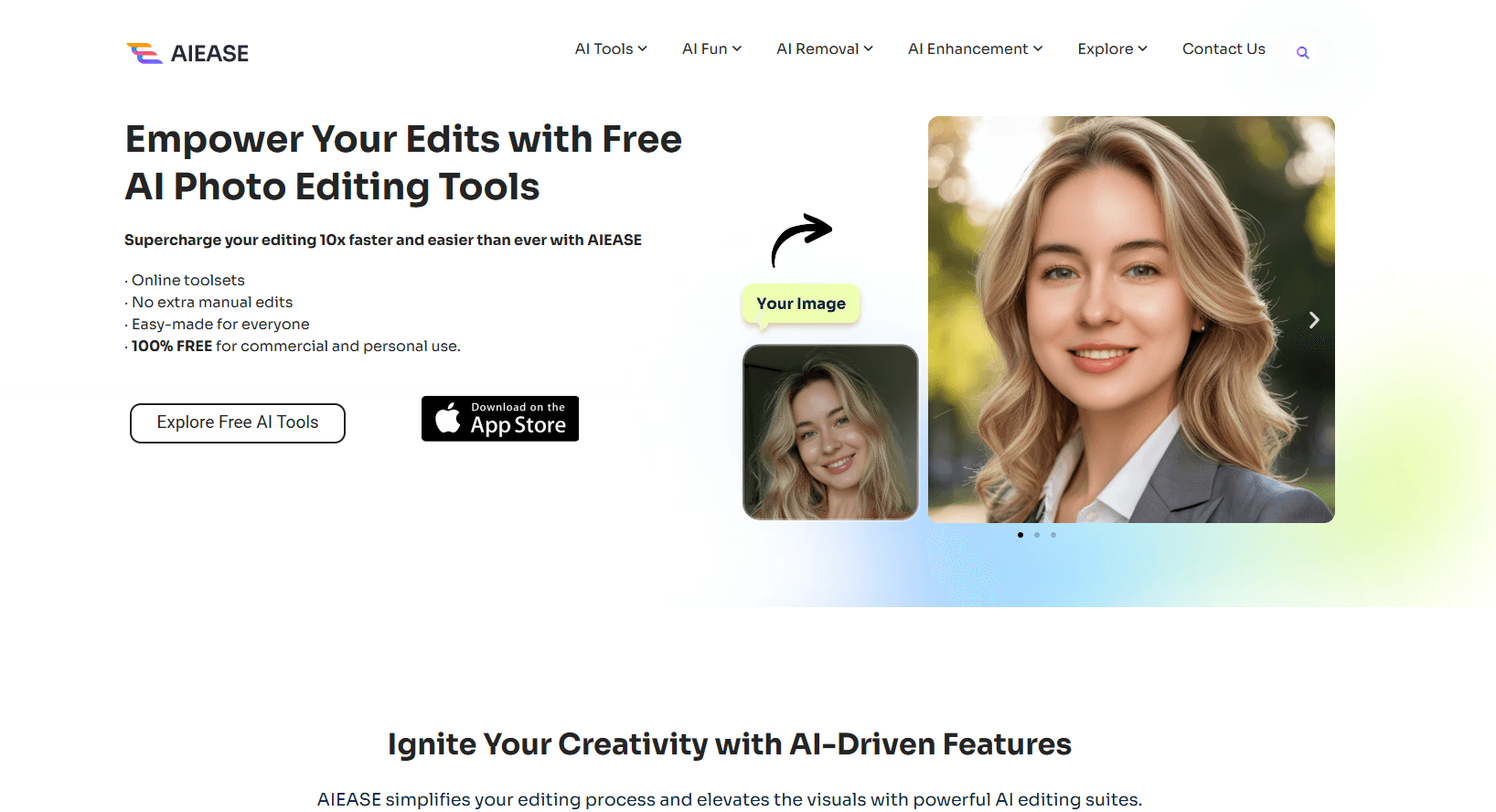
AIEASE is an all-in-one AI creation platform that lives in your browser. It bundles two jobs that usually need separate apps. One is cleaning up photos. The other is generating new images or video from a prompt. The photo side handles the chores people actually search for. Remove a background, erase a watermark, extend a shot's canvas, or restore an old family picture. The generative side pulls in models from several providers. Turn text into an image, or an image into a short video, and you never hop between subscriptions.
The platform is built for people who want decent results without a design degree, and it assumes you'd rather click one button than learn a program. You upload a file, pick a tool, and let the AI do the heavy lifting. No layers. No masking. No tutorials. That's the appeal, and it's also where the limits show up. Most tools run on credits, and the finer points of control that a pro editor expects aren't all there.
AIEASE is developed by CHENGDU Yile Tech Co., Ltd. The site credits a separate entity, Grand Vision Tech Software Limited, on its About page, and it has run since 2023. There's an Android app too, so you can start an edit on your phone and finish on the desktop site.
Getting Started
- Open the AIEASE website and sign in with Google, Apple, or an email address. A daily batch of free credits lands in your account right away.
- Choose a category from the left menu, such as Photo Editor & Creator, Portrait Tools, or Video Tools.
- Upload your image or video, or type a text prompt if you want to generate something new.
- Adjust the few settings the tool offers, then run it and wait for the AI to finish.
- Preview the result and download it. If a tool needs more than your free credits, the pricing page shows the plan and credit packs.
Product Information
A quick look at AIEASE's pricing, supported platforms, and performance.
Best for
The users, tasks, and scenarios where this tool fits best.
Users
- Social media creators
- Small business owners
- People fixing personal photos
Tasks
- Removing backgrounds and objects
- Generating AI headshots
- Creating images and video from prompts
- Prepping official photos
Scenarios
- Refreshing a profile picture before a job hunt or a big client meeting.
- Building a week of social posts when you don't have a photographer on call.
- Digitizing and repairing old family photos that have faded or torn over the years.
Key features
Photo editing and restoration
The core toolkit covers the edits most people need: photo enhancer, object remover, watermark remover, background remover, and old-photo restoration. Each one takes an upload and returns a finished file. No manual masking required. For a browser tool, that's a lot of ground covered in one place.
AI headshot and portrait tools
The portrait section goes well beyond a filter, which is why it tends to be the reason people sign up in the first place. You get a headshot generator, a Pro version for higher-end output, a passport photo maker, and extras like hairstyle and clothes changers plus face swap. For anyone who needs a clean professional portrait without a studio session, this is the headline feature. So is the background remover.
Image generation across multiple models
Rather than locking you into one engine, AIEASE plugs in a stack of popular image models and lets you pick per task, which means you can chase a photorealistic look for one job and a stylized one for the next. Text-to-image and image-to-image both live here, so you can start from a blank prompt or reshape a photo you already have. The breadth is the point.
AI video generation
The video side turns text or still images into short clips, and adds effects like the Kiss, Hug, and Dance generators that trend on social. It's aimed at quick, shareable results rather than film-grade production. If you need a hook for a Reel or a TikTok, it gets you there fast.
Free daily credits
New accounts get free credits on a daily refresh, and the free tier isn't a dead end. You can run real edits before spending a cent, which matters when you're sizing up whether the paid tiers are worth it. Most image tools stay within reach of that free allowance. Video burns through credits much faster, so heavy video users will likely need a paid plan sooner than they expect.
Web and Android access
You can work from the browser on any computer or install the Android app for edits on the go, and because everything saves to your account you can pick up the same project wherever you left off. Projects live in your account, so switching devices doesn't mean starting over. It's a small thing that makes the platform easier to fold into a daily routine.
Pros and cons
Pros
- Covers both photo cleanup and AI generation in one browser tab, so you skip juggling several subscriptions.
- Free daily credits let you test the real tools before paying anything.
- The portrait and headshot tools fill a specific, high-demand need that basic editors ignore.
- Multi-model image generation means you can match the engine to the task instead of settling for one look.
- Android app and web access keep your work available across devices.
Cons
- Advanced image features like watermark removal, Headshot Pro, and all video tools sit behind paid plans, so the free tier won't cover everything.
- Credits expire a year after purchase, which means unused balance can quietly vanish.
- There are no refunds once you buy, so you're committing on the strength of the free trial.
- Fine-grained manual control is limited compared with desktop editors like Photoshop, which matters if you need pixel-level precision.
Frequently asked questions
It's a web platform for editing and generating visuals with AI, and it aims to replace several narrow subscriptions with a single account you sign into once. You can retouch photos, remove backgrounds or watermarks, restore old images, make AI headshots, and generate new images or short videos from prompts. Want one tool for all of it? That's the pitch. Think of it as a one-stop AI studio rather than a single-purpose editor.
Related content
Explore related tools, skills, and articles for AIEASE.
AIEASE Alternatives

Google EmbeddingGemma 2
Google DeepMind · Writing · Image · CodingGoogle EmbeddingGemma 2 is a 740M-parameter open model that turns text, code, images, audio, and video frames into vectors in one 768-dimension space, running on phones and laptops.

Tractionwave
TractionWave · Image · MarketingTractionWave is an AI attention heatmap tool for static ads. Upload a PNG or JPG and it returns predicted attention, ranked hotspots, and fixes before you spend budget.

Imejis.io
Imejis.io · Image · MarketingImejis.io is an AI design studio for agents and marketing teams. Describe an image in plain words, and it writes the copy, builds the layout, reflows it to every size, then exports a finished file.