

AI Math
AIMath · Leaning
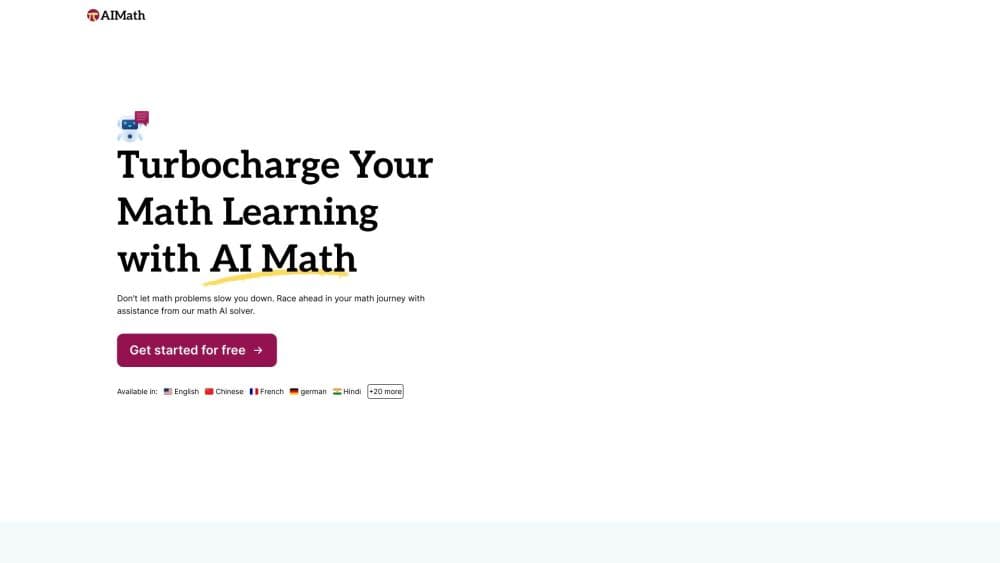
AI Math is a browser based AI math solver and calculator. Type a problem or upload a photo and it returns step by step solutions for algebra, calculus, geometry, and statistics.
About AI Math
What Is AI Math
AI Math is an AI math problem solver for people who get stuck on a question and want the working, not just the answer. You type the question or upload a picture of it, and the solver returns a result with the intermediate steps laid out underneath. That makes it closer to a patient tutor than to a calculator, because the point is to see where the method goes.
As a math homework solver, the coverage runs from arithmetic and fractions up to calculus, trigonometry, probability, and word problems. Answers can come back in more than 30 languages, which matters for students studying in a second language or parents helping with homework in a different school system. New accounts get free solving credits, and paid plans raise the daily limits.
The limits are worth knowing before you commit. The monthly plan allows 30 questions and 30 image uploads per day, so a heavy study session can hit the ceiling. Accuracy claims on the site, including the comparison with GPT-4 on photo problems, come from the vendor and have no independent test behind them. Messy handwriting or a low light photo will also produce worse parsing, no matter how good the model is.
Getting Started
- Go to aimath.com and create an account with an email address. Free credits land on the account, and no card is needed to test the solver.
- Type the problem into the input box, or drag an image in, click to upload, or press Ctrl and V to paste a screenshot.
- Read the answer first, then follow the numbered steps below it to check each move against your own work.
- Ask a follow up question if a step is unclear. When the daily allowance runs out, upgrade to the yearly plan for unlimited questions and uploads.
Product Information
A quick look at AI Math's pricing, supported platforms, and performance.
Best for
The users, tasks, and scenarios where this tool fits best.
Users
- Students from middle school through college
- Parents helping with homework
- Teachers and tutors
Tasks
- Checking a finished problem
- Word problems
- Photo homework
Scenarios
- Late night study sessions
- Working in a second language
- Quick sanity checks before a test
- Tutoring on a phone
Key features
Photo Math Solver
You can drop an image into the page, upload a file, or paste a screenshot straight from the clipboard. The solver reads the expression, works it, and returns the same step by step layout you get from typed input. AIMath says its image parsing is 15% more precise than GPT-4 on photo problems, a figure the company publishes without a public test set.
Step by Step Explanations
Every answer comes with the working shown line by line. It behaves like a math calculator with steps instead of a bare answer machine. That matters more than raw speed for exam prep, because a correct answer with no method teaches nothing. You can trace a derivative or a matrix reduction and see which rule fired at each stage.
Ten Math Branches in One Place
Arithmetic, algebra, geometry, trigonometry, calculus, combinations and permutations, word problems, statistics, and probability all sit behind the same input box. Students juggling three subjects in one evening don't have to switch tools or re learn an interface between chapters.
Answers in More Than 30 Languages
Responses can be delivered in over 30 languages, covering most of the languages a student might study in. The interface itself is available in a long list of locales, including Spanish, French, German, Portuguese, Japanese, Korean, and Traditional Chinese.
Daily Allowance That Scales With the Plan
The monthly plan carries 30 questions and 30 image uploads per day. The yearly plan removes both caps. If you solve a handful of problems a week, the monthly allowance is enough. If you work through a problem set every night, the unlimited tier pays for itself quickly.
No Install, Runs in the Browser
There is no desktop client or app store download. Open the site on a laptop, tablet, or phone and the solver is there. That keeps the tool usable on school hardware where installing software isn't an option.
Pros and cons
Pros
- Photo input covers printed worksheets and screenshots, which saves time on anything with fractions or integral signs.
- The step by step layout makes it usable as a study aid rather than an answer machine.
- Free credits let you judge the output quality before paying anything.
- At $4.90 per month on the yearly plan, it undercuts most human tutoring by a wide margin.
- No install and no platform lock in, so it works on whatever device is at hand.
Cons
- The monthly plan stops at 30 questions and 30 uploads per day, which a serious study session can exhaust in an hour.
- There is no native mobile app, so offline use is out and photo capture depends on the browser's file picker or clipboard.
- No public API is documented, which rules it out for anyone who wants to wire the solver into their own tool.
- Handwriting and dim photos reduce parsing quality, and the accuracy figures on the site are vendor claims rather than independent results.
Frequently asked questions
Yes, new accounts get free solving credits, enough to test several questions and image uploads. Once those run out, you need a paid plan to keep solving.
Related content
Explore related tools, skills, and articles for AI Math.
AI Math Alternatives

HireKey
HireKey · Voice & Language · Productivity · LeaningHireKey is an AI job search copilot built by a former tech recruiter. It checks role fit, tailors resumes, runs interview practice and tracks every application.

Lune
Retrograde Labs · Productivity · LeaningLune is a research search engine for scientific AI agents. It runs as an MCP server that lets Claude, ChatGPT and Cursor search peer-reviewed computer science papers and cite them.
Coddy
Coddy · Coding · LeaningCoddy is a gamified platform to learn to code through short interactive lessons in 20+ languages, with a browser editor, an AI tutor and free certificates.