

Airbook
Airbook · Coding · Productivity
Airbook is an AI data analytics platform that unifies CRM, marketing, and product data, letting GTM teams query it in plain English and act on the results.
About Airbook
What Is Airbook
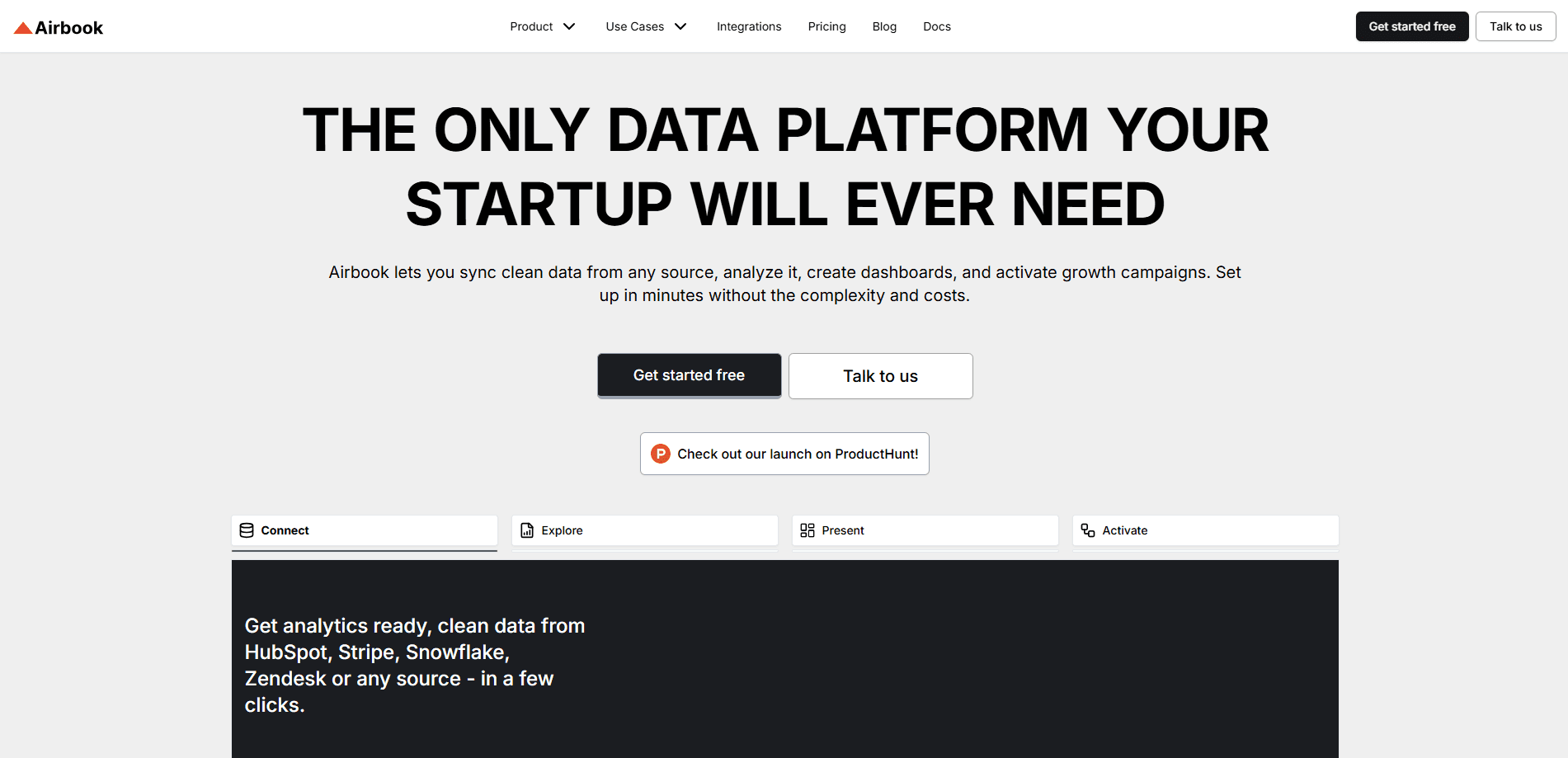
Airbook is a cloud workspace that pulls business data from CRMs, databases, warehouses, and marketing tools into one place. Instead of hiring a data engineer to wire everything together, you connect a source and start asking questions.
The product targets go-to-market and operations teams, the people who own pipeline, revenue, and retention numbers. You can write SQL if you want to, or describe the question in plain English and let the AI assistant build the query. Charts, dashboards, and scheduled reports come out of the same workspace.
The main limit is scope. Airbook ships with preset connectors, so unusual internal systems might need a custom destination or an Enterprise plan. It's also built around business analytics rather than machine learning or model training.
Getting Started
- Sign up at airbook.io with a work email. The Freemium plan starts you with one analyst seat and one database connection.
- Connect a source such as PostgreSQL, MySQL, Snowflake, or HubSpot. Airbook reads the schema automatically.
- Ask a question in the AI assistant or open the SQL IDE, then refine the query until the numbers look right.
- Save the result as a chart or dashboard, then share it with viewers. Growth plans and up can schedule reports and trigger downstream workflows.
Product Information
A quick look at Airbook's pricing, supported platforms, and performance.
Best for
The users, tasks, and scenarios where this tool fits best.
Users
- GTM and revenue operations teams
- Founders and leadership
- Analysts at small teams
- Marketing teams
Tasks
- Pipeline reviews
- Cross-source joins
- Ad-hoc questions
- Scheduled reporting
- Downstream activation
Scenarios
- Weekly revenue standups
- Early analytics setups
- Campaign ROI checks
- Account triage
Key features
Plain-English AI Assistant
The AI assistant turns a typed question into a working query against your connected sources. You don't need to know table names or join keys, which speeds up one-off questions that would otherwise wait in a data team backlog. You can still drop into SQL to check or rewrite what it produced.
Natural Language to SQL
Airbook reads your schema and auto-writes SQL, then joins across sources when a question spans more than one system. This matters when, say, campaign data lives in an ad platform and revenue lives in the CRM. Instead of exporting both, you ask once and get one combined answer.
No-Code Query Builder
A visual builder lets non-technical teammates assemble queries without typing SQL. It opens no-code analytics to ops and marketing people who know the business question but not the syntax, which cuts the dependency on a single trained analyst.
Charts and Dashboards
You turn query results into charts inside this data dashboard tool, all in one workspace. Dashboards are shareable with unlimited viewers on every plan, so a whole team can read the numbers without buying more seats. Metric logic is defined once and reused across reports and segments.
Cross-Source Analytics
Airbook joins CRM, marketing, support, and product data, so you can follow the funnel from first touch to closed won. This is the core of the GTM pitch. It shows which campaigns drive revenue, where the funnel breaks, and which accounts are ready to move.
Workflows and Activation
On higher plans, an insight can trigger actions in downstream tools, setting up segments, campaigns, or alerts. This closes the loop between "we found something" and "we did something about it," which is where most analytics tools stop short.
Scheduled Reports and Snapshots
Growth plans and up can schedule reports and capture point-in-time data snapshots. Scheduled reports keep stakeholders on the current version, and snapshots preserve a fixed set of numbers for audits or comparisons over time.
Security and Permissions
Airbook is SOC 2 Type 2 certified and encrypts data end to end. Admins set roles and permissions so each person sees only what they should, which matters when finance and sales share one workspace but shouldn't share every table.
Pros and cons
Pros
- Plain-English querying lowers the barrier for non-technical teammates while keeping full SQL access for analysts.
- A single workspace replaces several tools, covering the warehouse, BI, dashboards, and workflows in one place.
- Cross-source joins connect CRM and product data without manual exports.
- Unlimited viewer seats on every plan mean sharing dashboards doesn't cost extra.
- SOC 2 Type 2 certification and granular permissions suit teams with compliance requirements.
Cons
- Pricing climbs fast, jumping from $99 to $599 and then $1,499 per month, so smaller teams may stall at the Growth tier.
- The lower tiers cap AI requests at 10 to 100 per month, which runs out quickly for heavy users.
- Connectors are limited on cheaper plans, with the Freemium plan allowing only one database.
- Unusual internal systems may need a custom destination or an Enterprise contract, which isn't self-serve.
Frequently asked questions
Airbook is used to centralize business data and analyze it in one workspace. Teams connect CRMs, databases, and marketing tools, then build charts, dashboards, and reports from the combined data.
Related content
Explore related tools, skills, and articles for Airbook.
Airbook Alternatives

Udon
Udon · Coding · ProductivityUdon turns an Apple Silicon Mac into a home server you run from a browser, with container controls, file shares, and an optional AI sysadmin.

offstage
offstage cloud · Coding · Productivityoffstage gives AI coding agents and CI jobs a real Mac: a fresh macOS account on Apple silicon, driven over an API and billed by the second.

BotBus
Chengdu Tuyang Tusen Technology Co., Ltd. · Coding · ProductivityBotBus lets you control AI coding agents from your phone and watch: approve commands, start tasks and read results while the code stays on your desktop.