

AITalkTutor
Erla · Chatbot
AITalkTutor is an AI language tutor app for speaking practice in 22 languages, mixing voice conversations with short stories, videos, and tap to explain grammar.
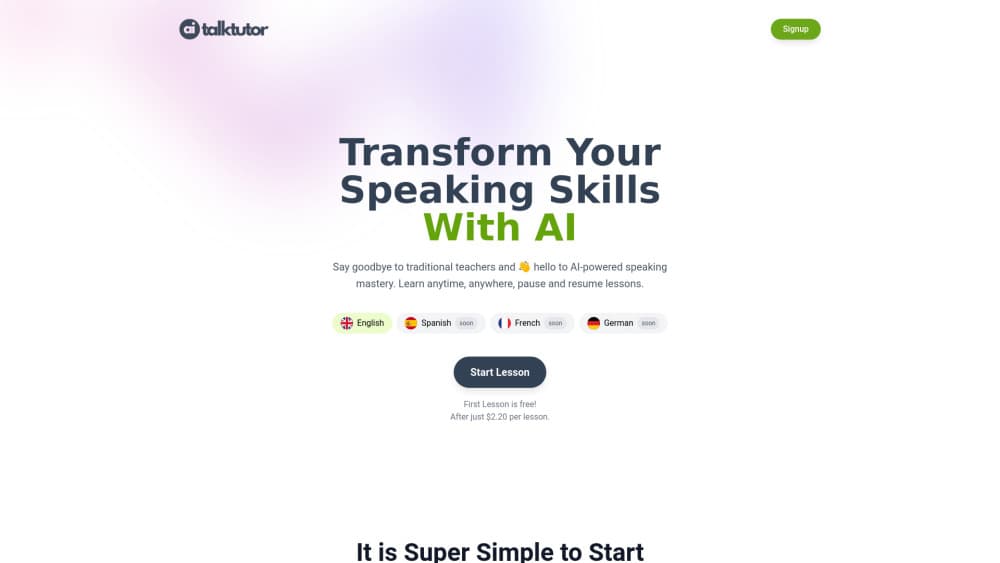
About AITalkTutor
What Is AITalkTutor
AITalkTutor is an AI language tutor for adults who can read a menu in a foreign language but freeze when someone asks them a question. The app builds its lessons around listening and speaking instead of flashcard drills: you hear a real sentence, you say it back, and you can tap any line to see what it means and why it's built that way.
The practice runs in five modes. Listen plays native speech before showing text. Read opens short stories and news style passages. Watch uses short videos, first without subtitles, then with them. Chat puts you in a text conversation with a tutor that matches your level. Talk does the same by voice, and it will repeat a line slowly when you miss it. After a chat session the tutor writes up your strengths, your weak spots, and the grammar points you kept tripping on.
Two things are worth knowing before you download. Practice needs a connection, since lessons, voices, and the tutor all run server side. And the brand has moved: aitalktutor.com now redirects to Erla, the current name of the app, so the store listing and the website use Erla while older pages still say AITalkTutor. Same product, two names.
There's also no exam prep track. If you need IELTS or Goethe speaking scores, this isn't that tool. It's for building the habit of talking, which is a different job.
Getting Started
- Install the app on iOS or Android, then pick your native language and the language you want to practice.
- Set a daily target, since the app is built around sessions of five to ten minutes rather than hour long study blocks.
- Start with Listen. Play a sentence, guess the meaning, then reveal the text and tap anything you didn't catch.
- Move to Chat when listening feels comfortable, and answer the tutor's questions in text until you stop translating in your head.
- Switch to Talk for voice practice, and use the replay button on any line you need to hear again.
Product Information
A quick look at AITalkTutor's pricing, supported platforms, and performance.
Best for
The users, tasks, and scenarios where this tool fits best.
Users
- Adults picking a language back up after years away
- People who freeze when a real person waits for an answer
- Travelers and new residents learning the basics for a specific trip
Tasks
- Daily speaking practice
- Building listening comprehension
- Reading without a dictionary tab open
- Fixing repeated grammar mistakes
Scenarios
- A commute or a coffee break
- The month before a trip
- Keeping a second language alive after a move
Key features
Voice Conversations With an AI Tutor
Talk mode is the core of the product. You speak, the tutor answers in real time, and you can interrupt or ask it to repeat a line slowly. It behaves like a patient conversation partner rather than a scripted dialogue tree, so the same scenario drifts in a different direction each time you run it. That variation is the point: you practice reacting, not reciting.
Tap Any Sentence for a Translation and Grammar Note
In every mode, tapping a sentence opens a full translation, a word by word breakdown, and a grammar explanation. This is the feature that makes the app usable at a low level without switching to a dictionary. You stay in the sentence you were reading, and the explanation tells you why the ending changed rather than just what the word means.
Five Modes That Share One Learning Thread
Listen, Read, Watch, Chat, and Talk all feed the same profile. You can hear a story in Listen, read the same passage in Read, then discuss it with the tutor in Chat. Since each mode reports back to the same place, a weak spot shows up in more than one format, which is how you tell a real gap from a bad day.
End of Session Feedback Reports
After a chat, the tutor writes a short report on what you did well, where you slipped, and which grammar rules kept coming back. It's a summary, not a scored certificate, and the app doesn't break your speech down phoneme by phoneme. Treat the AI pronunciation feedback as general guidance on clarity and phrasing.
22 Languages in One App
The language list covers English, Spanish, French, German, Italian, Portuguese, Dutch, the Nordic set, Polish, Czech, Hungarian, Greek, Turkish, Romanian, Croatian, Slovak, Serbian, Ukrainian, and Russian. Content is written per language with native recordings, so you aren't hearing one voice read machine translated text in every language.
Short Sessions Built for Consistency
The app assumes five to ten minutes a day, and the lessons are cut to that size. There's no long onboarding course before you speak, and no streak guilt mechanics pushing you into forty minute sessions you'll quit. For anyone who has abandoned a language app before, the shorter loop is the reason this one is easier to keep.
Pros and cons
Pros
- Speaking practice comes first, which suits learners who already know some vocabulary and need to use it out loud.
- Tap to explain works in every mode, so you can read above your level without a second app open.
- Voice sessions need no booking and no scheduling, which removes the main friction of human tutoring.
- 22 languages with native recordings give you a real choice if you're learning something other than Spanish or French.
- The daily target is small enough to keep, and progress carries across all five modes.
Cons
- Practice requires an internet connection. Lessons, voices, and the tutor all run on the server, so a flight or a subway ride without signal is dead time.
- No published price list. The app is free to download and paid access runs through an in-app subscription, but the rate depends on your region and store, so check before you commit.
- Feedback stays at the level of clarity and phrasing. If you want phoneme level accent coaching or a scored CEFR assessment, this app won't give you either.
- No exam preparation track for IELTS, TOEFL, or Goethe, which rules it out for anyone with a test date.
- The name change from AITalkTutor to Erla means search results and store listings are split, and older guides may describe a version that no longer matches.
Frequently asked questions
AITalkTutor is an AI language learning app for speaking and listening practice. You work through five modes, listen, read, watch, chat, and talk, and the tutor adapts to your level. It's built for adults who want to learn languages with AI through conversation rather than vocabulary drills.
Related content
Explore related tools, skills, and articles for AITalkTutor.
AITalkTutor Alternatives
Griffin by Tavus
Tavus · Voice & Language · Video · ChatbotGriffin by Tavus is the first Human Interaction Model: a full-duplex, video-to-video system that watches, listens, and answers during a live video call in real time.

Claude Haiku 5.5
Anthropic · Writing · Coding · ChatbotClaude Haiku 5.5 is Anthropic's fastest and cheapest small model, built for high volume tasks at $0.10 per million input tokens with a 1M token context window.

Wabi
Wabi, Inc. · Productivity · AI Assistant · ChatbotWabi is a messenger-style AI assistant for iOS, Android and Mac. It sorts your life into shared threads, builds small apps inside each one, and handles email, calendar and errands after you approve.