

Alai
Alai · Productivity
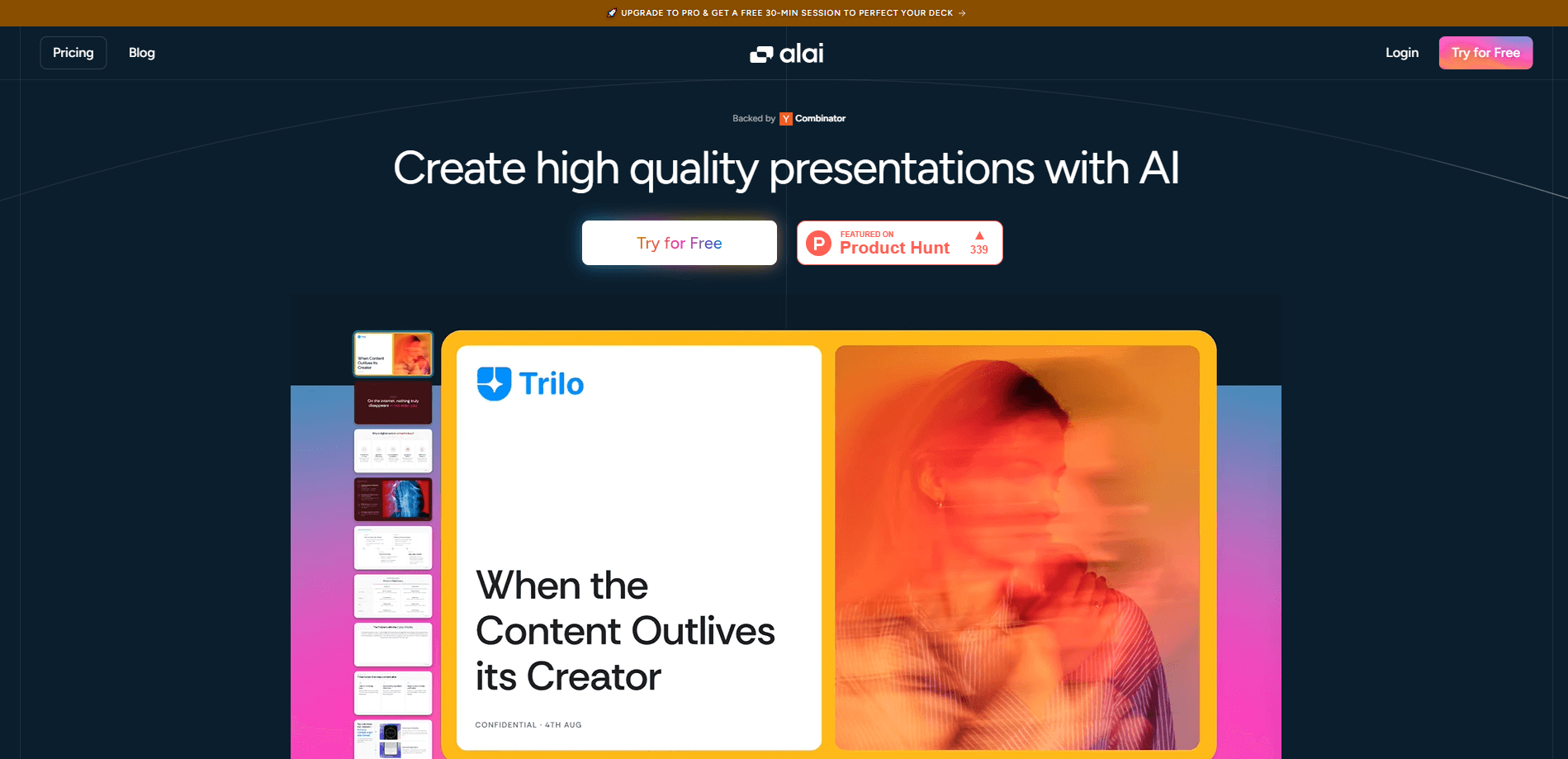
Alai is an AI presentation maker that turns a prompt, outline, or document into editable, on-brand slides, with four design options per slide and export to PowerPoint or PDF.
About Alai
What Is Alai
Alai is a web app for people who have to ship decks but don't want to design them. You describe what the presentation needs to say, and the tool writes the copy, chooses layouts, and produces slides that look like a designer touched them. It came out of Y Combinator and went public in October 2025.
The pitch is iteration rather than a single shot. Most AI tools dump a whole deck from one prompt and call it finished. Alai gives you four variants for every slide, then lets you refine with a prompt or by hand. That matters when the deck is going to a board, an investor, or a client who notices details.
The limits are real. Alai runs in a browser only, so there's no desktop or mobile app. Every plan works on AI credits, and the free tier caps how many AI slides one prompt can produce. The API is newer and aimed at developers rather than casual users.
Getting Started
- Sign up at getalai.com with an email address or a Google account.
- Set up a brand design system by uploading templates, old decks, website screenshots, or logos, or pick one from the built-in library.
- Type a prompt or paste an outline, notes, or a document, then choose the canvas: presentation, social post, infographic, or poster.
- Review the four variants on each slide, keep the one that fits, and edit the text yourself or ask the AI for changes.
- Export as PPTX or PDF, or share a live link and present from the browser.
Product Information
A quick look at Alai's pricing, supported platforms, and performance.
Best for
The users, tasks, and scenarios where this tool fits best.
Users
- Startup founders
- Consultants and analysts
- Marketing teams
Tasks
- Building a pitch deck from a rough outline
- Turning a report or doc into slides
- Restyling an old deck
- Producing social carousels from a deck
Scenarios
- A funding round with a hard deadline
- Weekly client reporting
- Internal all-hands decks
Key features
Four design variants per slide
Every slide comes back as four distinct layouts instead of one guess. You compare them side by side and keep the version that reads best, which turns design into a choice rather than a rewrite. That comparison step is what separates an AI pitch deck maker like Alai from a plain AI slide generator.
Brand design systems
You build a design system from your own material: templates, finished presentations, posters, or screenshots of your website. Alai learns the colors, type, and spacing from those inputs, then applies them across new decks. Teams without a designer get a consistent look without building a template from scratch.
Prompt editing and manual control
You can change a slide by describing the change, or by clicking into the text and layout yourself. Both routes work on the same slide, so a fast AI pass and a careful manual fix don't fight each other. Small corrections stay small instead of triggering a full regeneration.
Multi-format canvas
The same project can output a widescreen presentation, a social post, an infographic, or a poster. Layouts adjust to the canvas size rather than being cropped from a deck. For a two-person marketing team, that's one subscription instead of four.
Clean PPT export
Slides export to PowerPoint and PDF with formatting intact, so the file still looks right when a client opens it in Office. Text stays editable in the PPTX, which matters if someone else has to make last-minute changes. PDF export covers the cases where the deck should be locked.
API, MCP, and agent access
Alai exposes a REST API for generating presentations and exporting them, plus an MCP server for AI editors and a beta agent-to-agent endpoint. Developers can wire deck creation into a product or an internal workflow. This is what makes Alai a presentation design tool rather than only a web app.
Pros and cons
Pros
- Four variants per slide give you a real design decision instead of one AI guess.
- Brand design systems produce consistent decks from your own assets, with no template building.
- Exports to PPTX and PDF hold their formatting and keep text editable.
- Prompt edits and manual edits coexist on the same slide, so fixes stay contained.
- The REST API and MCP server open up automation that most AI deck builders skip.
Cons
- Browser only, so there's no offline mode and no mobile app for editing on the go.
- AI credits run out on heavy months, and the free tier limits how many slides one prompt can generate.
- The free plan adds watermarks, so client-facing work needs a paid plan.
- A brand design system takes an upload and a short setup before output matches your identity.
Frequently asked questions
Yes. The free plan runs on 300 AI credits a month and includes the full design library. Watermark-free slides and larger credit pools require Plus, Pro, or Ultra, which run from $20 to $80 a month.
Related content
Explore related tools, skills, and articles for Alai.
Alai Alternatives

Base Code
Base44 (Wix) · Coding · ProductivityBase Code is a shared cloud development environment from Base44. Teammates describe changes to an existing GitHub codebase in chat, preview them live and send them back as pull requests.

Knocket
Knocket (Tencent RTC team) · Productivity · Business · ChatbotKnocket is a free live chat and contact page tool that lets visitors message you from your website, app, or a shareable link, with every reply handled from Telegram or one inbox.

FloorGen
Vinit Kumar (FloorGen) · Productivity · China AIFloorGen is a browser-based floor plan maker that turns a sentence or a sketch into an editable 2D plan and a 3D walkthrough. Export to PDF, DXF or video, and draw without an account.