
Alfapte
Alfa Education · Leaning
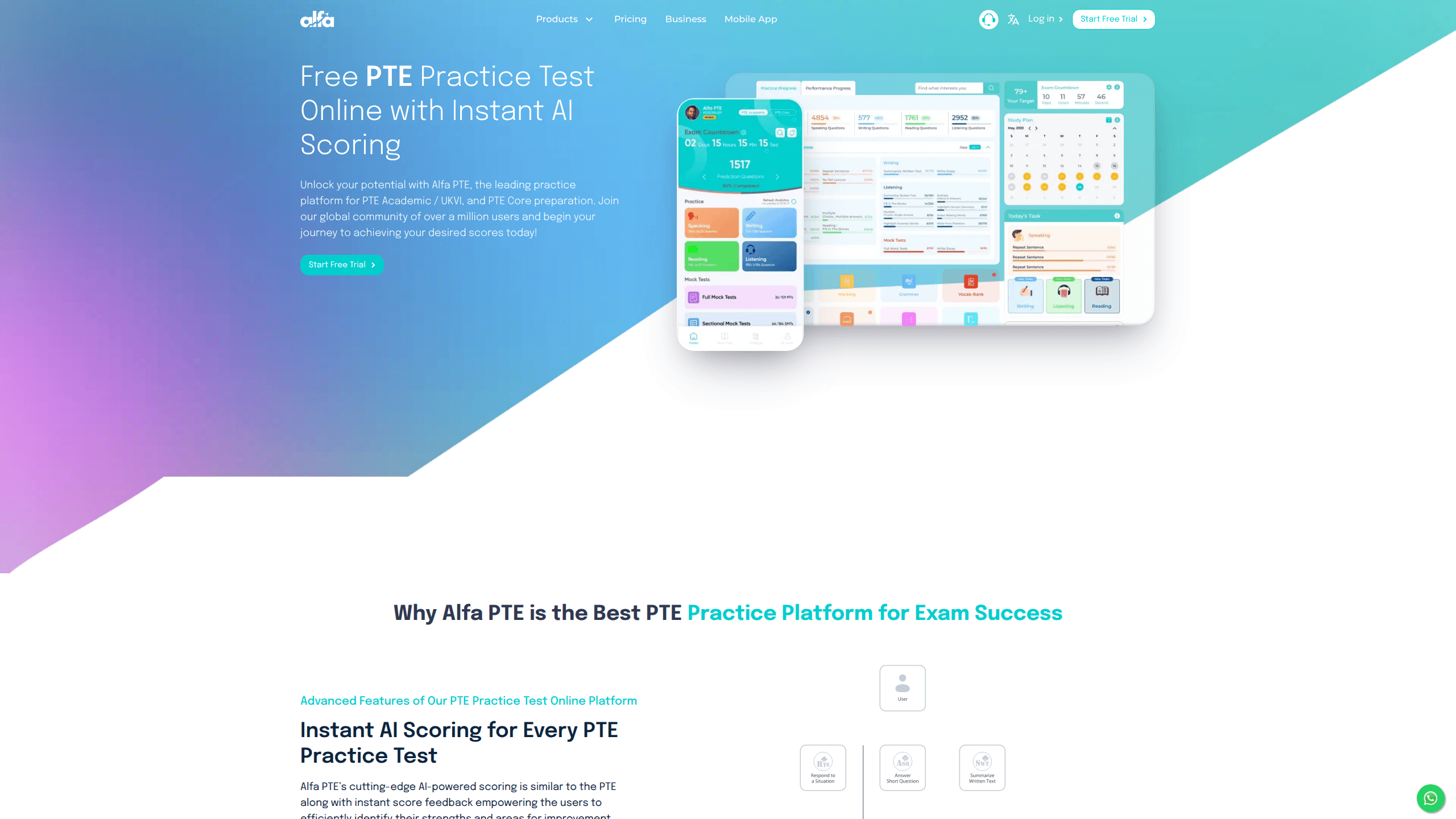
Alfapte is an online PTE practice platform built by Alfa Education, aimed at candidates preparing for PTE Academic, PTE UKVI, and PTE Core. It bundles thousands of practice questions, full and sectional mock tests, and AI scoring that mirrors the real exam's four modules. You can start with a free mock test, then move to premium tests, strategy videos, and custom test building as your exam date gets closer.
About Alfapte
What Is Alfapte
Alfapte is a web and mobile practice platform for people who need an English proficiency score for study, work, or migration. The PTE is a computer-based test scored partly by AI, so the fastest way to improve is repeated practice under exam-like conditions with feedback you can act on. That's the gap Alfapte fills. Simple as that.
The platform leans on volume and simulation. Nothing fancy. It reports more than 20,000 questions, over 300 full tests, more than 500 sectional tests, and around 120 timed mock tests, drawn from recent exam material. The AI scoring engine is designed to echo Pearson's own scoring logic across speaking, writing, reading, and listening, so your mock score should track your real one. Institutions and governments accept PTE results worldwide, which makes accurate self-assessment the whole game.
The catch is that this is practice, not the exam itself. Nothing here can guarantee a specific score, and the AI feedback is an estimate. That's the honest limit. If you want an official result, you still book and sit the real PTE. Treat Alfapte as training, and it does its job well.
Getting Started
- Create an account on alfapte.com, or install the Alfapte app on Android from Google Play.
- Take the free complete mock test to get a baseline score across all four modules.
- Review the score breakdown by task, then pick the modules where you lost the most points.
- Drill those modules with sectional tests, or build a custom mock test from the question bank.
- Move to full timed mocks weekly, and re-check your score trend before booking the real exam.
Product Information
A quick look at Alfapte's pricing, supported platforms, and performance.
Best for
The users, tasks, and scenarios where this tool fits best.
Users
- University applicants
- Migration and visa candidates
- Self-study learners without a tutor
Tasks
- Full mock exams
- Sectional drilling
- Custom test building
- Score forecasting
Scenarios
- A month before exam day, running weekly timed mocks to build stamina for the two-hour session.
- Fixing a specific weakness, like Repeat Sentence timing, with repeated sectional practice.
- Checking if you're near a target score (say 65 or 79) before paying for an official sitting.
- Squeezing short practice sessions into a commute using the Android app.
Key features
AI Scoring That Mirrors Pearson's Logic
Alfapte's selling point is scoring that claims to follow the same contribution-based logic Pearson uses. PTE doesn't average your marks. One task can feed several skill scores at once. The platform scores each task against those parameters and returns an instant result, so you see the number on the screen the moment you submit, not days later.
Full and Sectional Mock Tests
The library covers complete two-hour mocks plus sectional tests that isolate one module. If your listening lags while reading is fine, there's no reason to sit a full exam every time. Sectionals let you hammer one skill in a short session. The full mocks then check that the fix holds up when all four modules run together under real timing. Good plan.
Create Your Own Mock Test
Most platforms hand you a fixed set of mocks. Alfapte lets you assemble your own from the question bank, choosing which questions appear. That matters when you've already seen the standard mocks and want fresh material aimed at your specific weak points, or when you want to rehearse just the task types a target score depends on.
Real Exam Interface and Timing
The mock tests reproduce the official PTE interface, structure, and per-task time limits. Practicing on a look-alike screen cuts the unfamiliarity on test day, which is a real factor when you're managing a strict clock. Time management is where a lot of candidates lose points. Easy to fix.
Per-Task Analytics and Feedback
After each test you get a breakdown by task, not just a single overall figure. That tells you where points leaked: a handful of question types usually carry most of the damage. The feedback narrows where to spend the next week, which beats guessing which module to study.
Built-In PTE Score Calculator
A separate score calculator explains how PTE's integrated scoring works, showing how one skill can lift or drag another. It's aimed at candidates who are preparing without understanding the scoring model, which leads to strategies that waste effort on low-weight task types. Understanding the weighting is half the planning.
Strategy Videos and Study Plans
Beyond tests, the platform ships strategy videos and study plans for PTE Academic, UKVI, and Core. These fill the gap for candidates who know their weak modules but not how to fix them. Call it guidance layered on top of the practice, rather than a bare question bank with a timer.
Pros and cons
Pros
- Large question bank with full, sectional, and custom mock tests in one place.
- AI scoring returns instant per-task results, so you can iterate quickly.
- Free complete mock test gives a baseline before you pay anything.
- Mock interface and timing match the real PTE, which reduces test-day surprises.
- Android app makes short practice sessions possible away from a desk.
Cons
- Pricing isn't shown upfront on the public site, so you have to sign up to see what premium tests cost. That's friction if you're comparing platforms on budget.
- AI scores are estimates, and the site doesn't publish accuracy data against real PTE results. Don't treat a mock score as a guarantee.
- No iOS app is listed, which rules out iPhone users who study on the go.
Frequently asked questions
It's a PTE practice platform. You use it to take AI-scored full and sectional mock tests for PTE Academic, PTE UKVI, and PTE Core, review per-task feedback, and track your score before sitting the real exam.
Related content
Explore related tools, skills, and articles for Alfapte.
Alfapte Alternatives

Kaggle AI
Google · Coding · LeaningKaggle AI is a community platform where people build, test, and compare machine learning models against shared data. It combines data science competitions, tens of thousands of public datasets, and free cloud notebooks with GPU and TPU access, so anyone with a browser can train a model without buying hardware. Google owns the platform, and joining costs nothing.

Bunch
Bunch AI · Leaning · BusinessBunch is an AI leadership coaching app that turns a few spare minutes a day into real management practice. It hands you one short, personalized tip each day, tracks how you respond, and lets you compare notes with peers inside private groups. The pitch is simple: you lead better by practicing a little, often, instead of sitting through a weekend seminar. Think of it as a leadership training app you actually open.

AI Mock Interview
SQLPad · Coding · LeaningAI Mock Interview is a practice tool built into SQLPad that simulates real job interviews and gives you instant feedback on both what you say and how you say it. You pick a role template or upload a job description, answer questions out loud in real time, and then review a transcript with notes on structure, clarity, and grammar. It's aimed at data professionals prepping for SQL, Python, data engineering, machine learning, and system design roles, and it works entirely in the browser. No install needed.