
Alt Text Generator
WebYes · Image · Marketing
AltTextGenerator.ai is an AI alt text tool that scans images and writes descriptive alt tags with a computer vision model. You can run it as a WordPress plugin or upload files directly on the web.
About Alt Text Generator
What Is AltTextGenerator.ai
AltTextGenerator.ai is an AI alt text generator built around a single job: writing image descriptions. You point it at your images, a computer vision model looks at each one, and it returns a short alt tag you can review and edit before it goes live.
Most WordPress alt text plugins make you open images one by one. This one flips the workflow. It scans the media library, finds every image that's missing an alt attribute, generates the descriptions in bulk, then pushes them back to WordPress in a single update.
The tradeoff is narrow focus. It doesn't bundle image compression, SEO audits, or content tools, so teams that want a broad optimization suite will need something else. Credit limits also cap how many images you can process, which matters for large libraries.
Getting Started
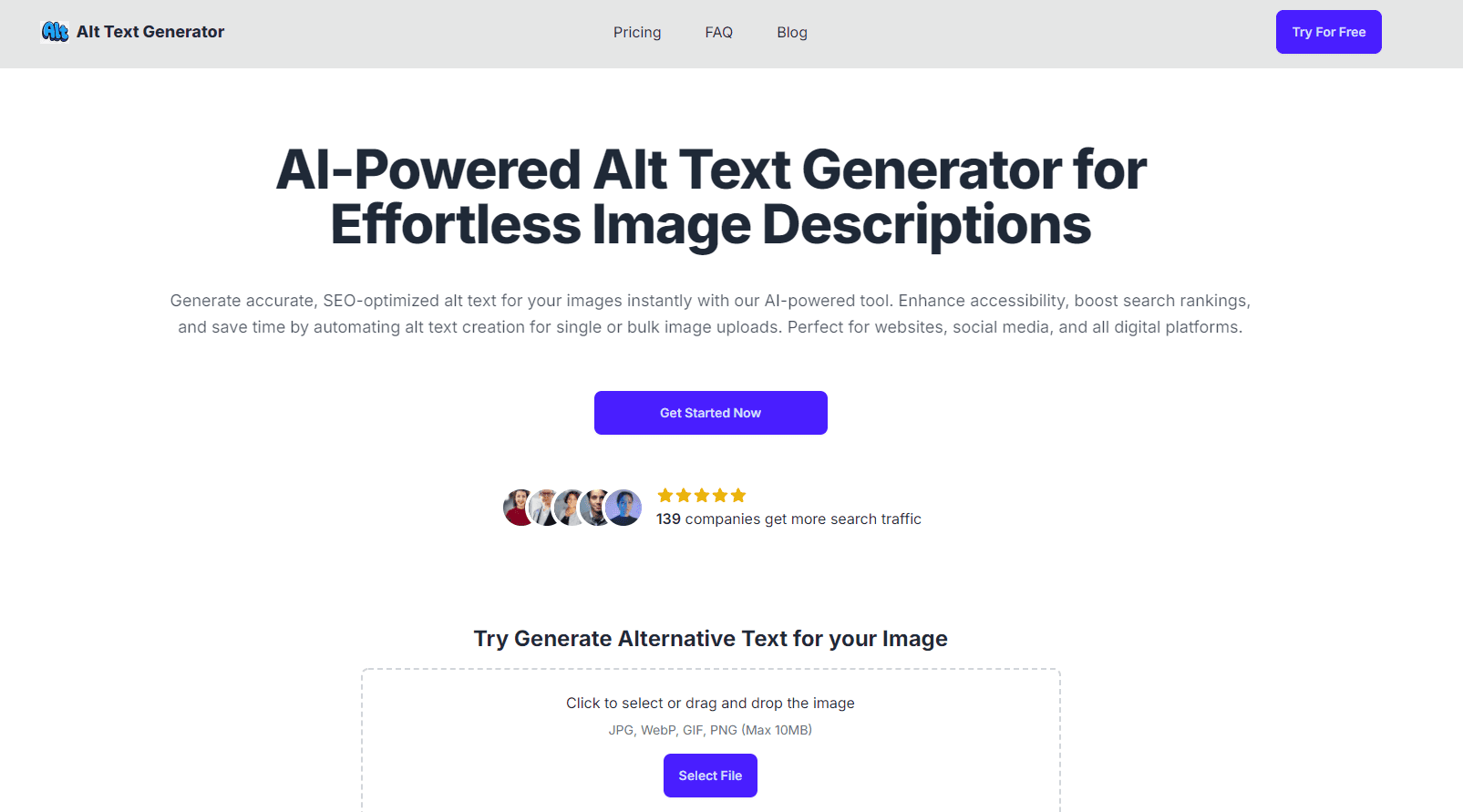
- Install the WordPress plugin, or open the web tool and upload files up to 15 MB or paste an image URL.
- Let the plugin scan the media library for images that have no alt text.
- Run the AI model to generate a description for each detected image.
- Review the suggestions and edit any that need a more specific wording.
- Bulk update the library so every image gets its new alt tag at once.
Product Information
A quick look at Alt Text Generator's pricing, supported platforms, and performance.
Best for
The users, tasks, and scenarios where this tool fits best.
Users
- WordPress publishers
- Bloggers and small business owners
- Ecommerce and catalog shops
Tasks
- Fixing missing alt attributes
- Bulk alt text generation
- Image SEO cleanup
Scenarios
- Publishing a backlog of old posts
- Meeting an accessibility deadline
- Auditing a large catalog before launch
Key features
Computer vision alt text generation
The core model is trained on millions of images and writes a description of what's actually in a photo, not just what a filename suggests. That matters because alt text built from file names or keywords tends to read as spam to both screen readers and search engines.
WordPress media library scan
The plugin connects to the WordPress media library and lists every image that's missing alt text. Instead of guessing which image alt tags need work, you get a report of the ones that fail accessibility checks.
Bulk generate and bulk update
After the model writes the descriptions, the plugin updates every image's alt tag in one action. For a site with hundreds of images, this is the difference between an afternoon of clicking and a single confirm step.
Review and edit before publishing
Generated text isn't locked in. You can rewrite any description before it's applied, which helps when an image needs a product name or a specific phrase that a general model won't know.
Standalone web uploader
If you don't run WordPress, the web tool accepts files up to 15 MB or an image URL and returns the alt text directly. It's a quick way to test the model's accuracy before committing to the plugin.
Pros and cons
Pros
- Free credits let you test the model on your own images before paying.
- Pricing is flat and low: $5 for either a lifetime credit pack or a monthly plan.
- Bulk update removes the slowest part of alt text work, which is editing images one at a time.
- The plugin installs into an existing WordPress site without moving or re-uploading images.
Cons
- Credits are capped, so a large media library may need more purchases than the base plans cover.
- A general vision model won't know brand-specific names, so product images often need manual edits.
- There's no documented API, so it can't be dropped into a custom automation pipeline.
- Alt text quality drops when images are ambiguous, and the review step is the only safeguard.
Frequently asked questions
It scans your images with a computer vision model and writes descriptive alt tags for each one, then helps you apply them in bulk through WordPress or the web tool.
Related content
Explore related tools, skills, and articles for Alt Text Generator.
Alt Text Generator Alternatives

Google EmbeddingGemma 2
Google DeepMind · Writing · Image · CodingGoogle EmbeddingGemma 2 is a 740M-parameter open model that turns text, code, images, audio, and video frames into vectors in one 768-dimension space, running on phones and laptops.

Tractionwave
TractionWave · Image · MarketingTractionWave is an AI attention heatmap tool for static ads. Upload a PNG or JPG and it returns predicted attention, ranked hotspots, and fixes before you spend budget.

Imejis.io
Imejis.io · Image · MarketingImejis.io is an AI design studio for agents and marketing teams. Describe an image in plain words, and it writes the copy, builds the layout, reflows it to every size, then exports a finished file.