

Alter
Alter · Productivity
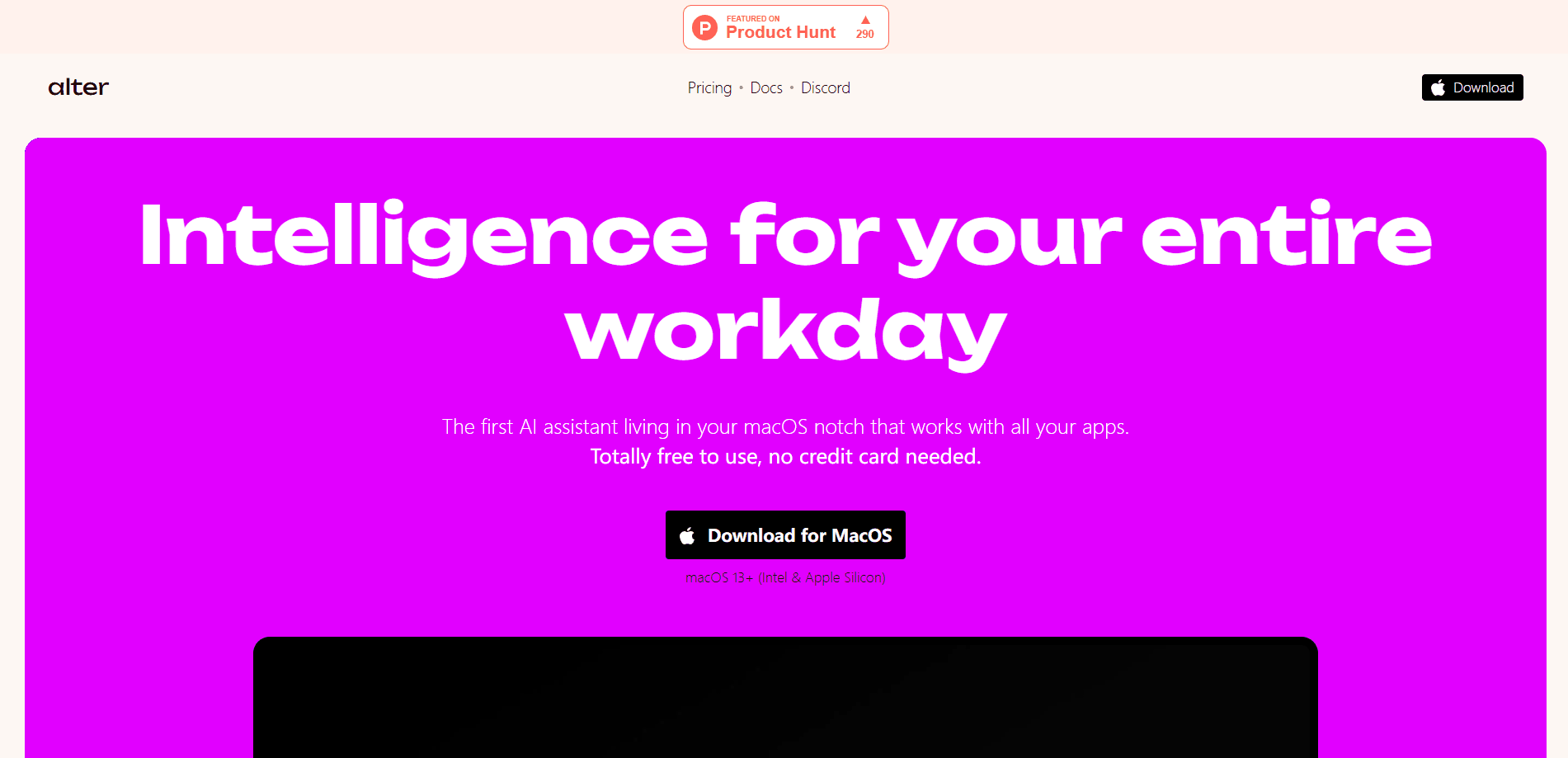
Alter is a native macOS AI assistant that reads your screen and app context, then acts on it. Ask by voice or text, and it covers writing, meetings and automation.
About Alter
What Is Alter
Alter is a macOS AI assistant built around your current work, not a blank chat box. It watches the app you have open, the text on screen and the files you drag in, so a request like "reply to this" already knows what "this" means. From there you can dictate a task, pick a model, or let Alter choose one for you.
Most AI desktop tools make you copy context into a chat window. Alter flips that. It reaches into apps, browsers and native Mac features, then writes the result back where you need it. The pitch is speed: say what you want and the action runs, which the company measures in seconds rather than minutes. It's a voice AI assistant in practice, and because it reads the screen first, people call it screen-aware AI. Under the hood it acts as an AI model router, picking a model per request.
Knowing the trade-offs matters before you install. It runs only on macOS 14 and newer, so Windows and mobile users are out for now. Some interactions are still rough, and early reviews flag the beta feel. There's also a fair-use budget on cloud models even on paid plans. Heavy agentic work, like running a coding agent through its API, is against the rules.
Getting Started
- Download Alter for macOS 14 or newer and grant the screen, microphone and accessibility permissions it asks for
- Open QuickHub with the keyboard shortcut and try a simple request by typing or speaking
- Connect your own AI provider keys or pick a local model, or stay on the managed plans for built-in access
- Add the apps you care about, such as your calendar or notes, so Alter can read and act on their context
- Record a meeting or run a saved action, then check the result before you scale up
Product Information
A quick look at Alter's pricing, supported platforms, and performance.
Best for
The users, tasks, and scenarios where this tool fits best.
Users
- Mac power users
- Privacy-conscious professionals
- Meeting-heavy roles
- Writers and knowledge workers
Tasks
- Reply and draft writing
- Voice dictation
- Meeting capture
- Web research
- Workflow automation
Scenarios
- You're drafting an email and want a reply that matches the thread
- A call runs long and you're taking notes by hand
- You deal with confidential documents
- You forget where a setting lives in an app
- You want a quick answer about a page you're reading
Key features
Screen and App Awareness
Alter reads the context of the app in front of you, including the text on screen, open tabs and files you hand it. That's what lets a vague instruction work. You don't restate what you're looking at, because Alter already has it. Apple's own apps like Notes, Calendar and Keynote are covered natively, and it works with other macOS apps out of the box.
Voice-First Actions and Dictation
You can speak a request and have Alter carry it out, or dictate longer text and let it clean up the wording. The company claims voice workflows finish messages and tasks about three times faster than typing. It ships with a growing set of built-in actions for common jobs, and you can build your own to match your routine.
Model Router and 50+ Models
Alter works as an AI model router for everything you throw at it. It includes 50+ models from providers like Claude, OpenAI, Gemini, Mistral, DeepSeek, Groq and Perplexity, and routes your request to one it thinks fits. There are three managed routers: Light for cheap fast models, Best for a balance of speed and quality, and Fast for the quickest option available. You can also pick a model yourself when you'd rather decide.
Local and Offline Models
If privacy is the priority, Alter connects to Ollama and LM Studio so prompts and files never leave your Mac. That path works offline, which matters on a plane or on a locked-down network. The Local+ plan adds local speech-to-text models for dictation and recording. LM Studio support is Apple Silicon only, so Intel Macs stick with Ollama.
Meeting Recording and Summaries
Alter records meetings, identifies who spoke and produces a written report you can chat with afterward. It works across the usual call platforms and runs either in the cloud or fully on device. For people who sit in back-to-back calls, it works as a meeting transcription app that replaces a separate notetaker subscription.
Automation Across 2,000+ Services
Beyond chat, Alter connects to 2,000+ services and Apple's built-in apps so you can automate multi-step jobs with little setup. Saved workspaces and actions let you rerun a workflow instead of rebuilding it. Webhooks and Shortcuts support push it into the rest of your tool stack. The company also exposes an API gateway for developers.
Pros and cons
Pros
- The core app is free, and you can keep using every feature after the trial by plugging in your own provider keys or local models
- Reading screen and app context is the real differentiator, so prompts need less setup than a plain chat app
- Local and offline models give a genuine privacy path that most desktop rivals skip
- Meeting recording with speaker identification is built in, not bolted on
- Paid plans are cheap compared to most AI subscriptions, at $29 or $240 a year rather than monthly
Cons
- It's macOS 14+ only, so Windows and mobile users have no version to install and no announced date
- Early reviews describe some interactions as fiddly, a sign the app is still maturing past launch
- Cloud access carries a fair-use budget, and heavy agentic use like coding agents is blocked, which limits power users
- All plans are single-user and active on one device at a time, so teams can't pool a license
Frequently asked questions
Alter is a native macOS AI assistant that reads your screen and app context, then acts on it. It handles writing, voice actions and dictation, meeting recording with speaker labels, and automation across connected apps. You can run it on cloud models or keep everything local.
Related content
Explore related tools, skills, and articles for Alter.
Alter Alternatives

Base Code
Base44 (Wix) · Coding · ProductivityBase Code is a shared cloud development environment from Base44. Teammates describe changes to an existing GitHub codebase in chat, preview them live and send them back as pull requests.

Knocket
Knocket (Tencent RTC team) · Productivity · Business · ChatbotKnocket is a free live chat and contact page tool that lets visitors message you from your website, app, or a shareable link, with every reply handled from Telegram or one inbox.

FloorGen
Vinit Kumar (FloorGen) · Productivity · China AIFloorGen is a browser-based floor plan maker that turns a sentence or a sketch into an editable 2D plan and a 3D walkthrough. Export to PDF, DXF or video, and draw without an account.