

Amurex
The Personal AI Company · Productivity · Leaning
Amurex is an open-source AI meeting copilot that joins Google Meet and Microsoft Teams calls, transcribes them live, and turns the talk into summaries, action items, and follow-up emails.
About Amurex
What Is Amurex
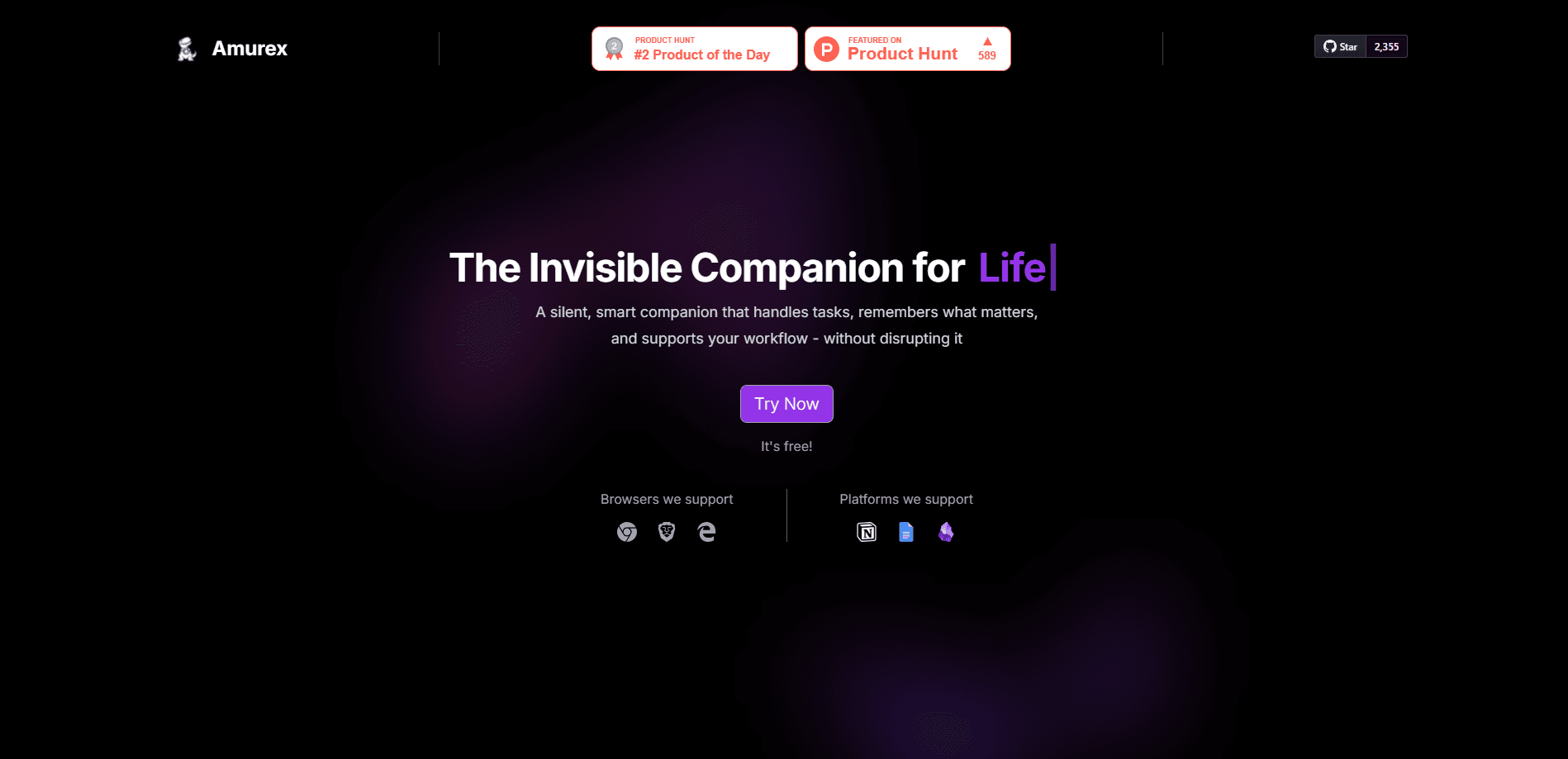
Amurex is a browser extension that sits inside your meetings as an invisible companion. It listens to the call, writes everything down, and hands you clean notes once people stop talking. The company behind it, The Personal AI Company, publishes the whole stack under the AGPL-3.0 license, so anyone can inspect the code or run a private copy.
The core problem it solves is simple. Most people leave a meeting with a vague memory and a messy to-do list. Amurex captures the transcript in real time and converts it into a short summary with the decisions and owner names pulled out. It ships as a Chrome extension today, and a Firefox build is in the same repository.
The biggest limit is platform reach. Amurex supports Google Meet and Microsoft Teams right now, and nothing else. Zoom, Webex, and in-person room audio are not covered. You also install it as a browser extension, so calls that never open a browser tab are out of scope.
Getting Started
- Install the Amurex extension from the Chrome Web Store.
- Finish the 30 second onboarding, which connects your account and sets your preferences.
- Join a Google Meet or Microsoft Teams call. Amurex starts capturing the transcript on its own.
- Read the live transcript and the suggestions panel while you talk.
- Open the meeting afterward to review the summary, action items, and the ready-to-send follow-up email.
Developers who want a private deployment clone the extension, backend, and web repos, then point the extension at their own server. The backend needs Python 3.11, Redis, and a Supabase project, and you can swap the hosted AI providers for a local Ollama model if you would rather keep audio off the cloud.
Product Information
A quick look at Amurex's pricing, supported platforms, and performance.
Best for
The users, tasks, and scenarios where this tool fits best.
Users
- Remote teams that live in Google Meet
- Project managers juggling back-to-back calls
- Developers and privacy-minded teams
Tasks
- Turning a call into written notes
- Writing follow-up emails
- Catching up after joining late
- Searching past conversations
Scenarios
- Weekly standups
- Client calls where you cannot type
- Job interviews and research calls you want to review
Key features
Real-Time Suggestions
While the call is going, Amurex shows prompts and ideas in a side panel. It can surface a fact you might want to mention or a question worth asking. The suggestions update as the conversation moves, so you are not scrolling back to think of something three minutes too late.
Smart Summaries and Action Items
When the meeting ends, Amurex writes a short summary and pulls out the tasks people agreed to. Each item points back to who owns it, which saves the usual scramble to remember who promised what. It replaces the manual notes pass that eats the first ten minutes after any call.
Live Transcription
The extension captures a full transcript as people speak, in real time. You end up with a searchable record of the whole conversation rather than a set of scattered highlights. The transcript feeds every other feature, so it is the part worth checking first when you try the tool.
Late Join Recap
As a Google Meet assistant, Amurex gives you a short catch-up on what already happened when you show up midway. That turns a late entrance into a two-minute read instead of an awkward round of questions. It is aimed at people whose days are stacked with meetings.
Follow-Up Emails
Amurex drafts a follow-up email from the meeting content, ready for you to check and send. It handles the blank-page problem that hits right after a call ends. You stay in control of the final wording, since nothing goes out without your approval.
Self-Hosting and Search
Because the code is open, you can run your own backend and web app, then search across past meetings, notes, and documents in one place. This matters for teams with strict data rules. The trade-off is real setup work, including Redis, Supabase, and API keys or a local model.
Pros and cons
Pros
- Open source under AGPL-3.0, so the code is auditable and self-hostable.
- Covers Google Meet and Microsoft Teams, the two platforms most remote teams use daily.
- Bundles transcription, summaries, action items, and follow-up emails in one extension.
- The late-join recap is a genuinely useful touch for packed calendars.
- Free to install from the Chrome Web Store with a short onboarding flow.
Cons
- No support for Zoom, Webex, or in-person audio, which rules out mixed meeting setups.
- Self-hosting assumes you can run Python, Redis, and Supabase, so it is not a casual option.
- It is a Chrome extension, so calls that never touch a browser tab cannot be captured.
- Pricing and support for a hosted tier are not clearly documented, so teams planning a paid rollout have little to go on.
Frequently asked questions
Amurex joins your online meetings and handles the busywork around them. It transcribes the call, writes a summary with action items, recaps anything you missed if you join late, and drafts a follow-up email. Think of it as a note-taker that also does the paperwork.
Related content
Explore related tools, skills, and articles for Amurex.
Amurex Alternatives

Udon
Udon · Coding · ProductivityUdon turns an Apple Silicon Mac into a home server you run from a browser, with container controls, file shares, and an optional AI sysadmin.

offstage
offstage cloud · Coding · Productivityoffstage gives AI coding agents and CI jobs a real Mac: a fresh macOS account on Apple silicon, driven over an API and billed by the second.

BotBus
Chengdu Tuyang Tusen Technology Co., Ltd. · Coding · ProductivityBotBus lets you control AI coding agents from your phone and watch: approve commands, start tasks and read results while the code stays on your desktop.