
Anifun AI
AniFun · Image
Anifun AI is a free browser-based studio for making anime art, original characters, and full manga pages from text prompts. It also turns stills and stories into short anime videos.
About Anifun AI
What Is Anifun AI
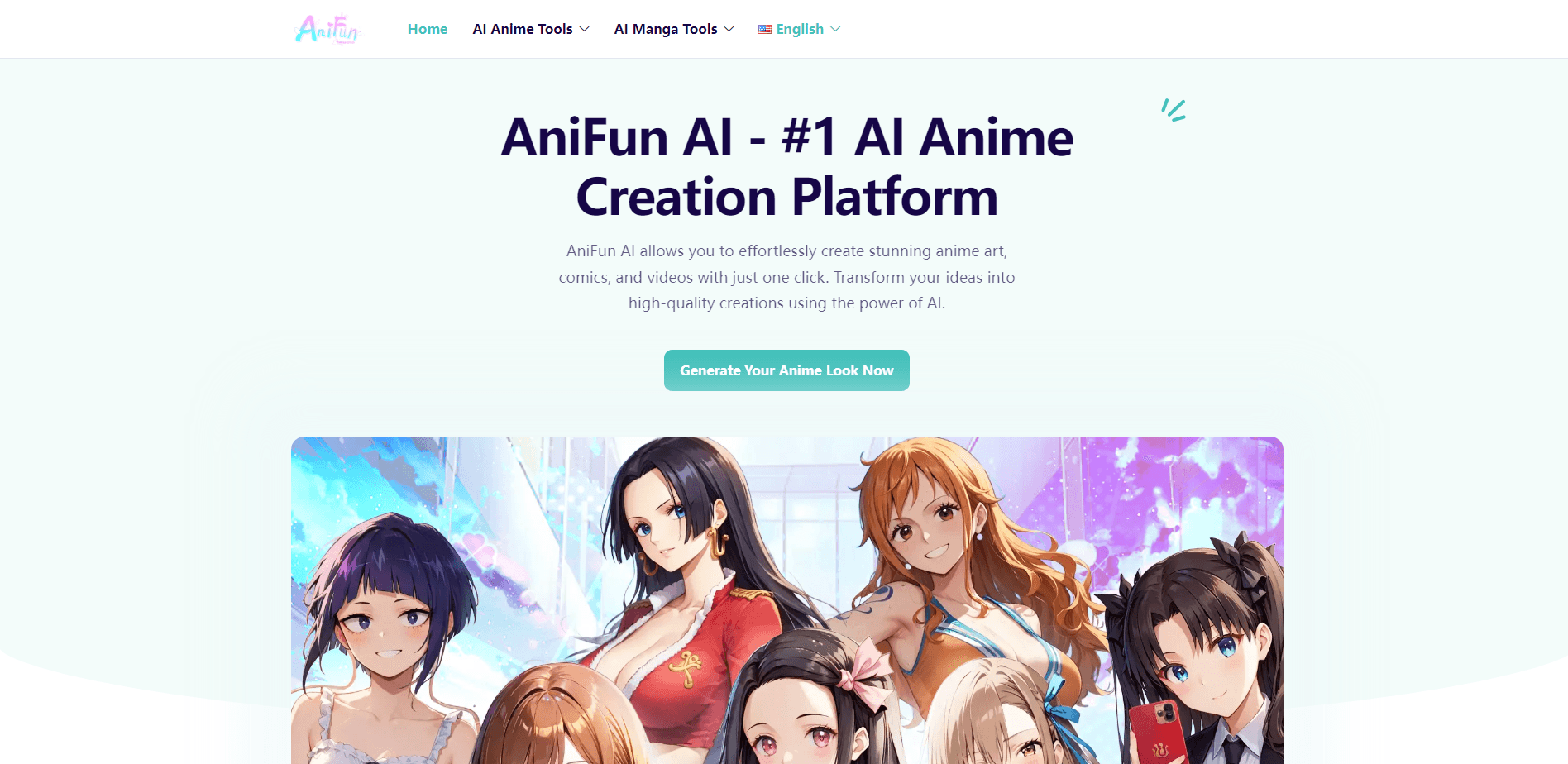
Anifun AI is an online anime creation platform built around one idea: "anime for fun." The name says it plainly. You describe what you want, and the site generates anime-style illustrations, characters, manga pages, or short videos in return. It runs entirely in the browser, so there's nothing to install.
The appeal is that it covers the whole path from a rough idea to a finished page. You can start with a single character, build a cast, arrange manga panels, and animate scenes without hopping between four different apps. That range is what separates it from single-purpose image tools.
The biggest catch is depth. Anifun AI is built for speed and ease, not for the fine-grained control a professional illustrator expects. Line-level tweaks, custom brushes, and precise compositing aren't part of the workflow. It's a fast sketching and production aid, not a replacement for drawing software.
Getting Started
- Open anifun.ai in a browser. No account is needed to start generating anime art.
- Pick a task from the creative suite: anime art, manga, or video.
- Describe your character, scene, or story in the prompt box, then choose a style and output size.
- Generate, review the result, and refine it with image-to-image or the character controls.
- Save your favorite pieces or re-generate with a tweaked prompt.
Product Information
A quick look at Anifun AI's pricing, supported platforms, and performance.
Best for
The users, tasks, and scenarios where this tool fits best.
Users
- Anime fans and hobbyists
- Aspiring manga creators
- Social media creators
- Writers and storytellers
Tasks
- Generating anime art from text
- Turning photos into anime
- Building manga pages
- Animating a still image
Scenarios
- Quick concept art for a personal project or game idea
- Making wallpaper and avatars for a phone or desktop
- Drafting a short manga strip for fun
- Prototyping an anime video for social media
Key features
AI Anime Art Generator
Type a description of a character, style, or scene and the generator returns a polished anime illustration in seconds. You can refine results with image-to-image and character controls. It supports multiple anime styles, from soft shoujo tones to vivid action art, and outputs at high resolution.
Original Character (OC) Maker
The character creator lets you design an original anime character with custom looks, poses, outfits, and expressions. It's aimed at people who want a consistent cast rather than a one-off image. You can save a character and reuse it across projects.
Online Manga Maker
A flexible canvas for arranging panels, artwork, dialogue, and effects into complete manga pages. It ships with 10 panel templates, 31 bubble styles, and 28 manga fonts. You can lay out a page by hand or start from a template.
AI Manga Generator
Feed in a story idea and the manga generator produces complete pages with character art, panel layouts, and speech bubbles. You can still adjust expressions, poses, backgrounds, and dialogue afterward. It's the fastest route from a written scene to a readable page.
AI Anime Video Generator
Turn text, characters, and artwork into animated anime scenes. The video tool adds voiceover, subtitles, background music, and supports 9:16, 16:9, and 1:1 aspect ratios. That covers vertical shorts, widescreen, and square posts.
Image-to-Video Animation
Upload a still anime image and the tool animates it with natural motion and cinematic effects. This is useful when you already have art you like and want a moving version without rebuilding the scene from scratch.
Supporting Creative Helpers
A set of focused helpers rounds out the workflow: photo-to-anime conversion, prompt and story builders, AI-powered coloring for line art, and image quality improvement. Each one handles a single step so you don't need separate apps for each task.
Pros and cons
Pros
- Free to use, with no sign-up required to start generating anime art.
- Combines art, manga, and video tools in one browser workspace, so you skip switching apps.
- Multiple anime styles plus LoRA-style customization for personalized results.
- Manga tools come with 10 panel templates, 31 bubble styles, and 28 fonts built in.
- Works on mobile as well as desktop, so you can create on a phone.
Cons
- It's a web tool, so quality and speed depend on your connection and the server's load.
- Fine-grained control is limited compared to dedicated drawing software, which matters if you need precise line work.
- Users keep ownership of what they make, but the terms let Anifun reuse generated outputs for marketing and research.
- The exact model behind each tool isn't documented on the site, so results can shift over time.
Frequently asked questions
Yes. The site states it's 100% free, and you can start generating anime art without an account. Some features may involve credits, so check the current terms if you plan heavier use.
Related content
Explore related tools, skills, and articles for Anifun AI.
Anifun AI Alternatives

Google EmbeddingGemma 2
Google DeepMind · Writing · Image · CodingGoogle EmbeddingGemma 2 is a 740M-parameter open model that turns text, code, images, audio, and video frames into vectors in one 768-dimension space, running on phones and laptops.

Tractionwave
TractionWave · Image · MarketingTractionWave is an AI attention heatmap tool for static ads. Upload a PNG or JPG and it returns predicted attention, ranked hotspots, and fixes before you spend budget.

Imejis.io
Imejis.io · Image · MarketingImejis.io is an AI design studio for agents and marketing teams. Describe an image in plain words, and it writes the copy, builds the layout, reflows it to every size, then exports a finished file.