

Otaiku AI: Anime Art
Ailla Oy · Image
Otaiku AI: Anime Art is a mobile app from Ailla that turns text prompts or photos into anime-style images, with style presets, expert controls, short animated clips and a community gallery.
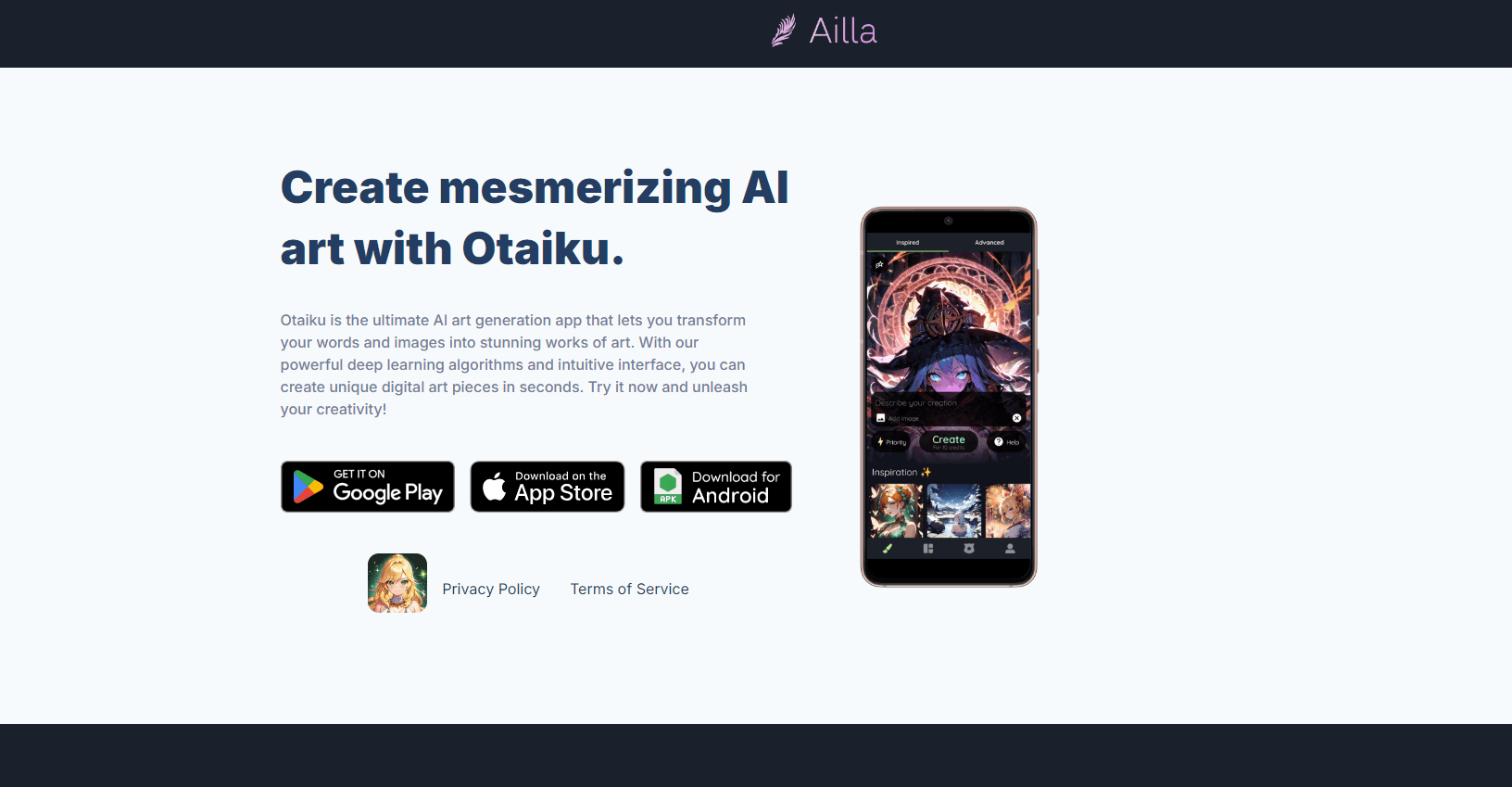
About Otaiku AI: Anime Art
What Is Otaiku AI: Anime Art
Otaiku AI is an anime art generator built for phones, not desktops. You type a description, pick a preset, and the app returns a finished picture in a few seconds. Ailla Oy, a small studio in Helsinki, publishes it on iOS and Android, and the free download is where nearly everyone starts.
The pitch is narrow on purpose. Rather than hand you a general model and a blank prompt box, this anime art app ships presets modelled on classic and modern series, plus a feed of what other people made with them. That feed does more work than it looks like. For anyone who doesn't yet know what a good prompt looks like, seeing finished images next to their source styles is faster than reading a guide.
The focus sets a hard edge too. Photoreal portraits, product shots and text rendering sit outside what the app does, and it doesn't pretend otherwise.
Money works on credits. Every generation draws from a balance, watching an ad adds a little back, and the heavier engines cost more per image. If you plan to generate all afternoon, that adds up.
Getting Started
- Install the app from the App Store or Google Play and sign in.
- Pick a preset style, or open the advanced panel if you'd rather set the engine, sampler, steps and CFG yourself.
- Describe the scene in the prompt box, which stops at 900 characters, or import a photo or sketch to redraw.
- Spend credits to generate, then save the file, share it, or animate it.
Product Information
A quick look at Otaiku AI: Anime Art's pricing, supported platforms, and performance.
Best for
The users, tasks, and scenarios where this tool fits best.
Users
- Anime fans who want fan art without drawing
- Beginners learning how prompts behave
- Hobbyists on a small budget
Tasks
- Turning a photo into an anime portrait
- Making a short clip from a still
- Building a character sheet
- Extending an image past its frame
Scenarios
- Posting daily fan art
- Testing an idea before paying an illustrator
- Making loop clips for short video feeds
Key features
Preset styles instead of a blank prompt
Presets bundle a style, an engine and suggested settings into one tap. For someone who has never written an image prompt, that removes the hardest part of the job. Once you find settings you like, you can save them as a custom preset and skip the setup next time.
Text and image input in one box
Prompt text runs up to 900 characters, enough for a character description with a setting and a mood. You can also import a photo or sketch and let the app redraw it in the chosen style, which is where most portrait edits begin.
Engine choice, including Lily and Zinnia
The app ships several generation engines, with Lily and Zinnia added in the October 2026 update. Fast engines charge fewer AI art credits and finish sooner. The detailed engines cost more and take longer, so the trade is speed against finish.
Expert controls for sampler, steps and CFG
An advanced panel exposes the settings hobbyists argue about: sampler, step count and CFG scale. The defaults work, and most people never touch them. When a preset keeps missing what you pictured. These are the dials that fix it.
Image to video with sound
Any picture from your studio, gallery or the community feed can become a short animated clip with audio. That covers the gap between a still image and a post that moves, without exporting to a second app.
Face sharpening and outpaint
Two editing tools sit next to generation. One sharpens faces on soft results, the other extends the canvas beyond the original frame. Both are one tap and both cost credits.
Community gallery with filters
Finished work lands in a public feed where you can filter by pictures, videos or engine, follow creators and mention them in comments. It's part gallery, part discovery tool for styles you haven't tried.
Pros and cons
Pros
- Free to start, and the $2.99 weekly plan sits well below most AI art subscriptions.
- Presets make the first result usable with no prompt knowledge at all.
- Image to video with sound lives in the same app, so a still and a clip share one workflow.
- Expert controls cover sampler, steps and CFG for anyone who wants them.
- The community feed works as both inspiration and a style reference.
Cons
- Credits drain quickly on detailed engines, and ads are the only free top-up.
- Anime is the entire product. A realistic headshot needs a different app.
- Mobile only, with no web editor and no public API, so batch work is out of reach.
- The prompt box stops at 900 characters, tight for scenes with several characters.
Frequently asked questions
A mobile anime art app from Ailla Oy that generates images from text prompts or imported photos. It runs on iPhone, iPad and Android.
Related content
Explore related tools, skills, and articles for Otaiku AI: Anime Art.
Otaiku AI: Anime Art Alternatives

Google EmbeddingGemma 2
Google DeepMind · Writing · Image · CodingGoogle EmbeddingGemma 2 is a 740M-parameter open model that turns text, code, images, audio, and video frames into vectors in one 768-dimension space, running on phones and laptops.

Tractionwave
TractionWave · Image · MarketingTractionWave is an AI attention heatmap tool for static ads. Upload a PNG or JPG and it returns predicted attention, ranked hotspots, and fixes before you spend budget.

Imejis.io
Imejis.io · Image · MarketingImejis.io is an AI design studio for agents and marketing teams. Describe an image in plain words, and it writes the copy, builds the layout, reflows it to every size, then exports a finished file.