

Antispace 2.0
Antispace · Productivity
Antispace is a free AI operating system that pulls email, calendar, notes and search into one workspace, where an AI sidekick predicts and runs your next action.
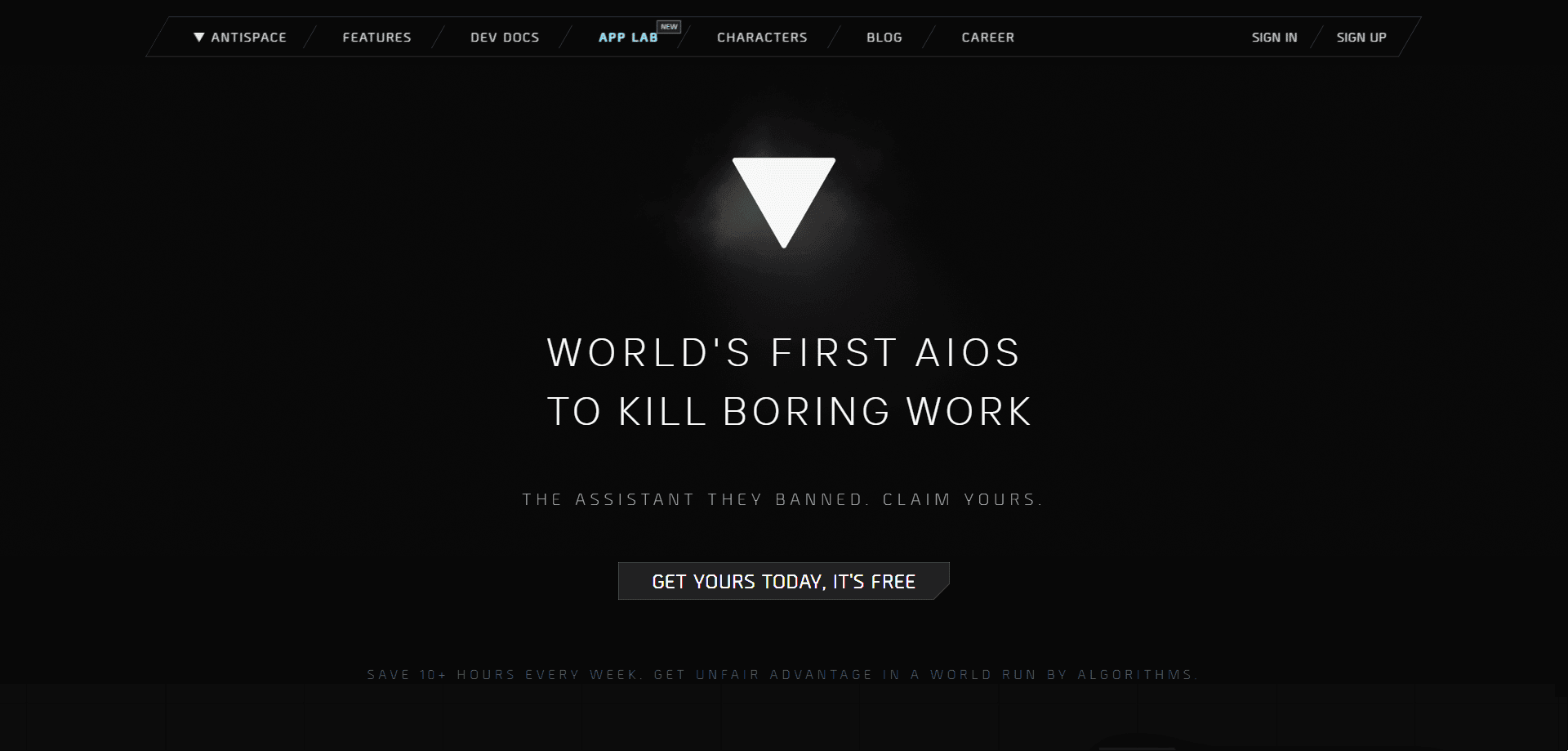
About Antispace 2.0
What Is Antispace
Antispace is a desktop workspace that bills itself as the first Artificially Intelligent Operating System, or AIOS. Instead of opening a mail client, a calendar and a notes app one at a time, you work from a single surface where the AI moves between them. The idea is to cut decision fatigue. The system watches what you're doing and offers the next action rather than waiting for a command.
The tool works as an AI email assistant, an AI calendar assistant and a notes app rolled into one, and the current build is sold as Antispace 2.0. For anyone hunting for an AI productivity tool that covers more than a single app, that spread is the main reason to look.
The hook is the sidekick. Antispace ships a roster of AI characters, each with a different voice and working style, and you pick the one you want to handle mail, calendar, notes and search. The site lists personalities drawn from tech and pop culture alongside original ones, and the workspace is built to feel closer to a game than an office suite. It runs on finetuned and frontier models, so answers come from more than one model under the hood.
Two limits matter before you start. The product is free today, and the company says it stays free for now, which means funding rather than subscriptions keeps it running. It's also tied to Gmail, since the site says it only accesses the information it needs through your Google account.
Getting Started
- Create a free account and connect your Google account so Antispace can read the mail and calendar data it needs
- Pick an AI sidekick from the roster, or let the workspace suggest one that fits how you work
- Ask for something in plain language, like a summary of unread mail or a note from a meeting, and let the agent pull from your connected tools
- Accept the actions it proposes with one click, then adjust which characters handle which part of your day
Product Information
A quick look at Antispace 2.0's pricing, supported platforms, and performance.
Best for
The users, tasks, and scenarios where this tool fits best.
Users
- Busy professionals
- Solo founders and freelancers
- Students and researchers
- Users who want a lighter AI assistant
Tasks
- Inbox triage
- Calendar prep
- Notes and research
- Cross-app actions
- Search across your workspace
Scenarios
- Starting the day
- Drowning in a full inbox
- Keeping research in one spot
- Trying AI without paying
- Switching between tools constantly
Key features
Character-Driven AI Sidekicks
Antispace lets you install AI sidekicks with distinct personalities. Each one handles email, calendar, research notes and todo with its own style, so the assistant feels like a teammate rather than a settings panel. In practice it acts as an AI email assistant that drafts and sorts mail and as an AI calendar assistant that keeps your day in view. The roster mixes original characters with personalities inspired by figures from tech and culture, and you can swap the one you use for a different task.
Cross-App Actions in One Prompt
The workspace predicts and runs the action it thinks fits your work, across apps rather than inside one. You can ask for a reply to be drafted, a meeting added or a note saved, and the agent reaches into the connected tools to carry it out. The company describes this as removing decision fatigue, since it proposes a next step instead of waiting for exact instructions.
Proactive Mail, Calendar and Notes
Antispace connects AI with your internet, mail, calendar and notes so it can act on what's already there. It reads your unread mail, checks your schedule and surfaces the note or doc that answers a question. The point is getting answers from your own workspace, not from a blank chat box.
Workspace-Aware Answers
Ask a question and Antispace pulls from your emails, notes and docs rather than the open web alone. That makes the answers specific to your own material, which matters when the thing you need is buried in a thread or a saved file. From any answer you can run the agent's suggested action with one click.
Frontier Model Backbone
The workspace runs on a mix of finetuned and frontier models, so fast, everyday answers and harder questions get handled by different models under one roof. The company leans on that combination for speed and quality rather than a single model. You get the benefit without picking a model yourself.
Privacy Controls and Free Access
Antispace says it doesn't use your data to train OpenAI, Claude or other providers, and it holds CASA Tier 2 certification. The product is free right now, and the company states your data will never be used for advertising. That combination is the main draw for people who want an AI assistant without a subscription or a data trade.
Pros and cons
Pros
- Free to use today, with no subscription standing between you and the core workspace
- Bundles mail, calendar, notes and search into one surface instead of four apps
- Character-driven sidekicks give the assistant a personality, which suits users who find standard copilots flat
- Works across connected tools, so one prompt can trigger an action in a different app
- States it won't train outside models on your data and carries CASA Tier 2 certification
Cons
- Free-for-now pricing means terms and costs could change once the company needs revenue
- It leans on Gmail, so the value drops for anyone on a different mail provider
- The playful, character-led design won't suit users who want a plain, corporate assistant
- It's a younger product, so the integrations and polish lag more established AI workspaces
Frequently asked questions
Antispace is a desktop workspace the company calls an Artificially Intelligent Operating System. It combines email, calendar, notes and search in one place, and an AI sidekick predicts and runs actions across those tools so you spend less time switching apps.
Related content
Explore related tools, skills, and articles for Antispace 2.0.
Antispace 2.0 Alternatives

Base Code
Base44 (Wix) · Coding · ProductivityBase Code is a shared cloud development environment from Base44. Teammates describe changes to an existing GitHub codebase in chat, preview them live and send them back as pull requests.

Knocket
Knocket (Tencent RTC team) · Productivity · Business · ChatbotKnocket is a free live chat and contact page tool that lets visitors message you from your website, app, or a shareable link, with every reply handled from Telegram or one inbox.

FloorGen
Vinit Kumar (FloorGen) · Productivity · China AIFloorGen is a browser-based floor plan maker that turns a sentence or a sketch into an editable 2D plan and a 3D walkthrough. Export to PDF, DXF or video, and draw without an account.