

Anvil
Anvil · Productivity
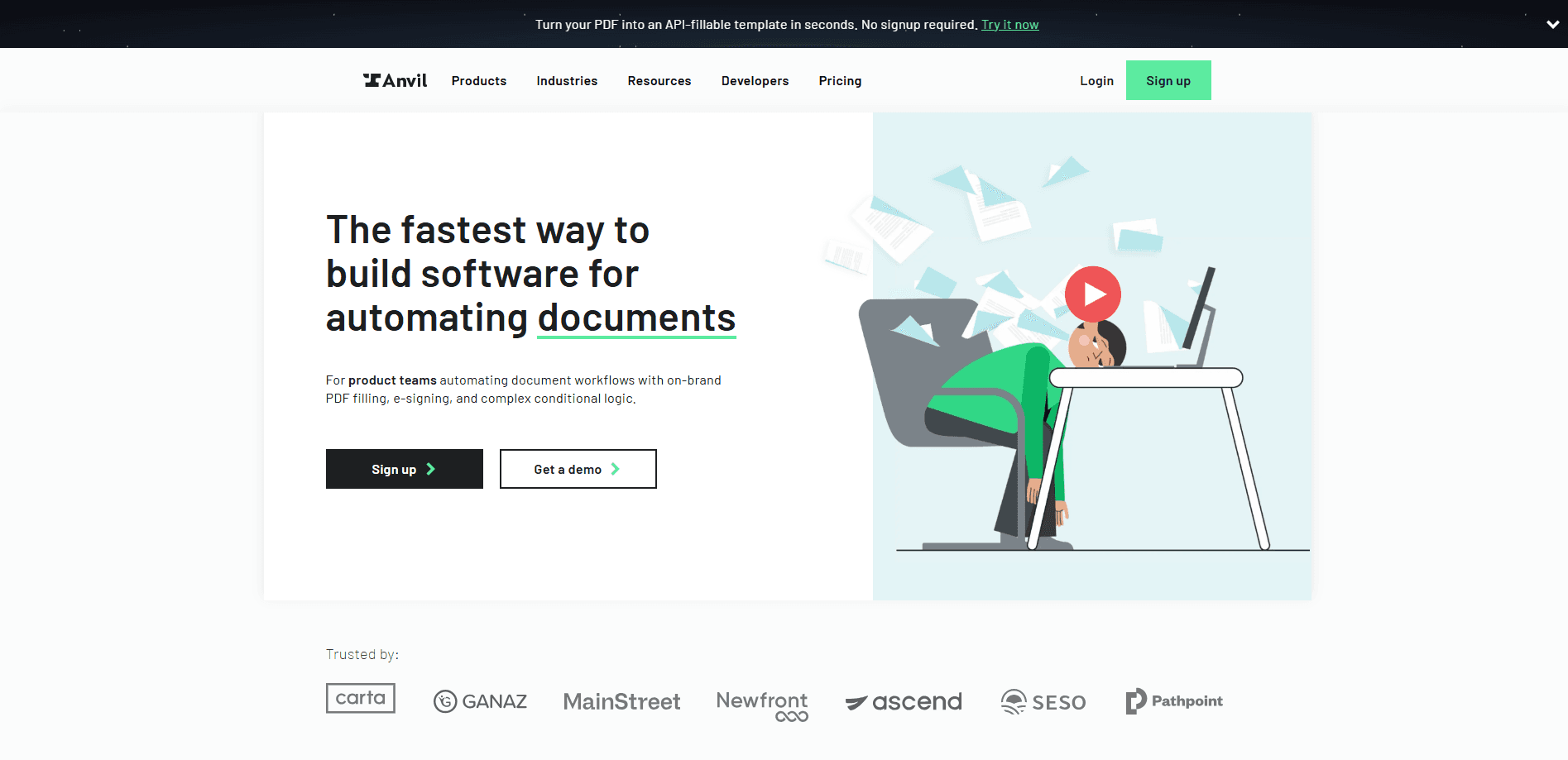
Anvil is a PDF filling API that turns any PDF into an API-fillable template and fills it with JSON data, so product teams can automate forms, contracts, and e-signatures without manual entry.
About Anvil
What Is Anvil
Anvil is a document automation platform built for developers and product teams. Its core job is simple to state: take a PDF you already use, mark where the data goes, then fill that PDF with data from your own systems over an API. The company positions the product as the infrastructure layer for online paperwork rather than a standalone PDF editor.
The main problem it solves is the last mile of PDF form automation. Plenty of tools can read a document, but far fewer can write values back into it at scale and hand back a finished file. Anvil closes that gap by pairing Document AI, which finds and labels fields, with a filling API that places values at the tagged coordinates.
The important limits are worth knowing up front. The product is aimed at teams with some engineering capacity, and the free tier restricts the useful parts to the dashboard. Flat PDFs without form fields can be filled, but the AI that tags them works best on documents built from lines and boxes.
Getting Started
- Create an Anvil account and grab an API key from the organization settings.
- Upload a PDF to build a template. Document AI auto-tags fields on flat PDFs, or you can draw boxes yourself in the Document Editor.
- Send a JSON payload to the fill endpoint with the template ID, matching your field names to the data.
- Receive the filled PDF as binary data, then save it, store it, or route it to an e-signature step.
Product Information
A quick look at Anvil's pricing, supported platforms, and performance.
Best for
The users, tasks, and scenarios where this tool fits best.
Users
- Product engineers
- Operations teams at small companies
- Founders shipping paperwork-heavy products
Tasks
- Filling recurring contracts and agreements
- Turning flat PDFs into fillable forms
- Collecting signatures after a fill
- Generating PDFs from HTML or Markdown
Scenarios
- Onboarding paperwork at scale
- Embedded document workflows
- Migrating off another provider
Key features
Fill PDFs with JSON Data
The core feature takes a template ID and a JSON payload and returns a filled PDF as binary. Your field names in the payload map to the fields on the template, so you can swap values per request without touching the document. This is what lets one template serve thousands of unique documents.
Document AI Field Detection
Document AI scans a PDF, finds input areas by detecting the lines and boxes most documents share, and labels each one with a name and type. Anvil says tagging a 30-field PDF that takes over 50 minutes in a third-party tool finishes in about 15 seconds here. It works on flat PDFs without interactive fields, which older form tools often cannot handle.
Webform Generation
The same AI that tags fields can spin up a user-facing webform from a multi-page PDF. Fields get deduped so people never type the same detail twice, and page breaks and question groupings are set automatically. You still add your own logic on top.
Conditional Logic Without JSON
You can describe a rule in plain English and Anvil generates an editable JavaScript expression for it. That lowers the barrier for non-developers who need branching fields but don't want to hand-write conditionals. Every expression stays editable, so a developer can review it later.
Official SDKs and APIs
Anvil publishes open-source SDKs for C#/.NET, Python, and Node.js, plus React UI components, each with typed models and streaming downloads. The REST and GraphQL APIs are callable from any language, so you aren't locked into the SDK languages. A sample integration, from key to saved file, fits in a short script.
E-signature and Workflow Building Blocks
Anvil isn't only a fill tool. Filled PDFs can move into e-signature packets, webforms, and workflows that chain the steps together. Signers get assigned to their signature fields by the AI, which matters most on long, multi-signer documents.
Pros and cons
Pros
- Fills both interactive and flat PDFs, so scanned or legacy documents aren't a dead end.
- Document AI cuts template setup from tens of minutes to seconds on field-heavy PDFs.
- JSON in, PDF out keeps the integration thin for teams that already build against APIs.
- Official SDKs for three languages plus React components lower the starting cost.
- Free tier lets you test the full platform before paying for API volume.
Cons
- The free plan limits the useful automation to the dashboard, so production API use needs a paid plan.
- Metered per-fill pricing means costs scale with volume, and heavy users have to buy bulk units to get discounts.
- Non-technical teams still need a developer to wire up the first template and endpoint, which isn't a no-code launch.
Frequently asked questions
It takes a PDF template and a JSON payload and returns the same PDF with your data filled in. You upload a PDF once, tag the fields, then send values per request over the API.
Related content
Explore related tools, skills, and articles for Anvil.
Anvil Alternatives

Base Code
Base44 (Wix) · Coding · ProductivityBase Code is a shared cloud development environment from Base44. Teammates describe changes to an existing GitHub codebase in chat, preview them live and send them back as pull requests.

Knocket
Knocket (Tencent RTC team) · Productivity · Business · ChatbotKnocket is a free live chat and contact page tool that lets visitors message you from your website, app, or a shareable link, with every reply handled from Telegram or one inbox.

FloorGen
Vinit Kumar (FloorGen) · Productivity · China AIFloorGen is a browser-based floor plan maker that turns a sentence or a sketch into an editable 2D plan and a 3D walkthrough. Export to PDF, DXF or video, and draw without an account.