

CambioML
CambioML · Productivity · Marketing
AnyParser is CambioML's document parsing API. It turns PDFs, DOCX files, slides, and images into clean Markdown, JSON key-value pairs, or HTML tables using vision language models.
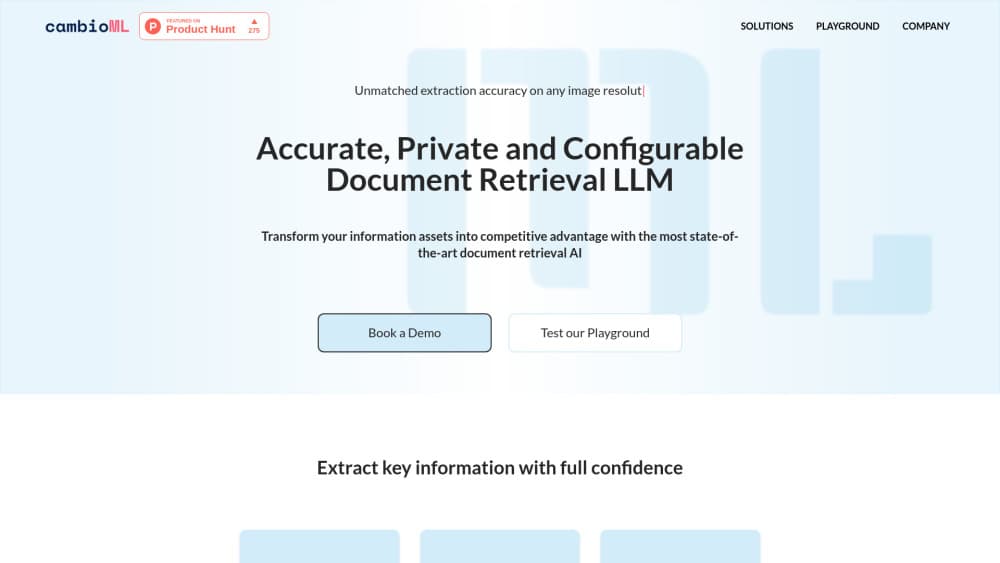
About CambioML
What Is AnyParser
AnyParser is an API and a Python SDK for reading documents that plain text extraction tends to mangle. Send it a PDF, a Word file, a slide deck, or a photo of a printed page, and it gives back the content as Markdown with headings and reading order intact. Ask for tables and you get HTML. Ask for fields and you get JSON.
CambioML builds the parser on vision language models instead of the usual OCR plus template pipeline. That choice explains most of what the product does well. A scanned invoice and a born-digital report go through the same call, and you don't write a layout rule for each new document type. For a team feeding messy paperwork into a retrieval system, that removes a lot of setup work.
The limits show up in three places. Output is a model reading of the page, so dense tables and faint scans still need a spot check before the numbers land in a database. The standalone anyparser.com site currently shows a coming soon page, and CambioML's main site now leads with insurance document automation, so the documentation site is the reliable entry point. Pricing above the free tier runs through sales rather than a checkout page, which makes cost planning slower than with self-serve tools.
Getting Started
- Create an API key on the CambioML account page. Every account starts with 100 free pages, and the free key handles up to 10 pages per call.
- Install the SDK with
pip install any-parserand keep the key in an environment variable such asCAMBIO_API_KEY. The REST API is there if you would rather skip Python. - Parse a short file synchronously with
ap.parse(file_path=...). The sync endpoint gives up after 30 seconds, which suits one or two page documents. - Switch to
async_parseplusasync_fetchfor longer files. The first call returns a file ID, and the second pulls the Markdown when processing finishes. - Choose the output you need: full Markdown, HTML tables, key-value JSON, or PII. Check
pageRemainingthrough the/queryendpoint to keep an eye on your balance.
Product Information
A quick look at CambioML's pricing, supported platforms, and performance.
Best for
The users, tasks, and scenarios where this tool fits best.
Users
- AI and data engineers
- Operations teams drowning in forms
- Recruiting and HR teams
Tasks
- Converting PDF to Markdown for a knowledge base
- Pulling tables out of reports
- Stripping personal data from documents
Scenarios
- Backfilling an archive of old documents
- Building a document AI feature into a product
- Auditing contracts and filings in bulk
Key features
Full Parsing to Markdown
The parse call returns the whole document as Markdown, with heading levels, list structure, and reading order preserved. That matters when you plan to chunk the text for a retrieval system, since a flat text dump loses the section boundaries the model needs. Sync calls handle short files, and async calls take the longer ones.
Table Extraction to HTML
Tables come back as HTML rather than flattened text, so row and column relationships survive. You can parse that markup into a dataframe or render it directly. Complex tables with merged cells deserve a look before the data goes downstream.
Key-Value Extraction to JSON
Instead of a full document, you can request specific fields and receive JSON. There's a general key-value endpoint and a separate resume endpoint tuned for CV layouts, which returns candidate details in a predictable structure. This is the shortest path from a form to a database row.
PII Extraction
A dedicated endpoint pulls personally identifiable information: name, phone number, address, email, LinkedIn URL, GitHub URL, and a short summary. Teams use it to find sensitive fields before a document gets stored, indexed, or passed to another service. Extraction only flags the data. Redaction is your step.
Sync, Async, and Batch Endpoints
Three modes cover different file sizes. The sync endpoint answers immediately and times out at 30 seconds. The async endpoint takes an upload, returns a file ID, and hands back the result on a later fetch. Batch accepts a folder and is still in beta, with runs that can take up to 12 hours and a permission request before your key can use it.
Python SDK and REST Access
The any-parser package wraps the API in a client that reads a key from your environment and exposes one method per task. If you prefer another language, the REST endpoints take base64 file content and an x-api-key header. Rate limits sit at one request per second, so queue large jobs accordingly.
Pros and cons
Pros
- The free tier gives you 100 pages, enough to benchmark output on your own documents before paying anything.
- Markdown, JSON, and HTML outputs are ready for retrieval pipelines, so less glue code sits between parsing and search.
- PII extraction is built into the same API, which avoids bolting on a separate redaction service.
- Async and batch modes handle long files that the 30 second sync window can't finish.
- The Python SDK keeps a working integration under 10 lines of code.
Cons
- Volume pricing sits behind a sales conversation, so you can't model per-page cost from the site alone.
- The sync endpoint stops at 30 seconds, which pushes most real work into the two-step async flow.
- Batch processing is beta, capped at 12 hours, and locked until support enables it on your key.
- One request per second means a large backfill needs throttling, and that stretches timelines on big archives.
Frequently asked questions
It reads documents and returns their content in a structured format. You pick the format: Markdown for the full text, HTML for tables, or JSON for specific fields and personal data.
Related content
Explore related tools, skills, and articles for CambioML.
CambioML Alternatives

Base Code
Base44 (Wix) · Coding · ProductivityBase Code is a shared cloud development environment from Base44. Teammates describe changes to an existing GitHub codebase in chat, preview them live and send them back as pull requests.

Knocket
Knocket (Tencent RTC team) · Productivity · Business · ChatbotKnocket is a free live chat and contact page tool that lets visitors message you from your website, app, or a shareable link, with every reply handled from Telegram or one inbox.

FloorGen
Vinit Kumar (FloorGen) · Productivity · China AIFloorGen is a browser-based floor plan maker that turns a sentence or a sketch into an editable 2D plan and a 3D walkthrough. Export to PDF, DXF or video, and draw without an account.