

AnyStory
AnyStory · Image
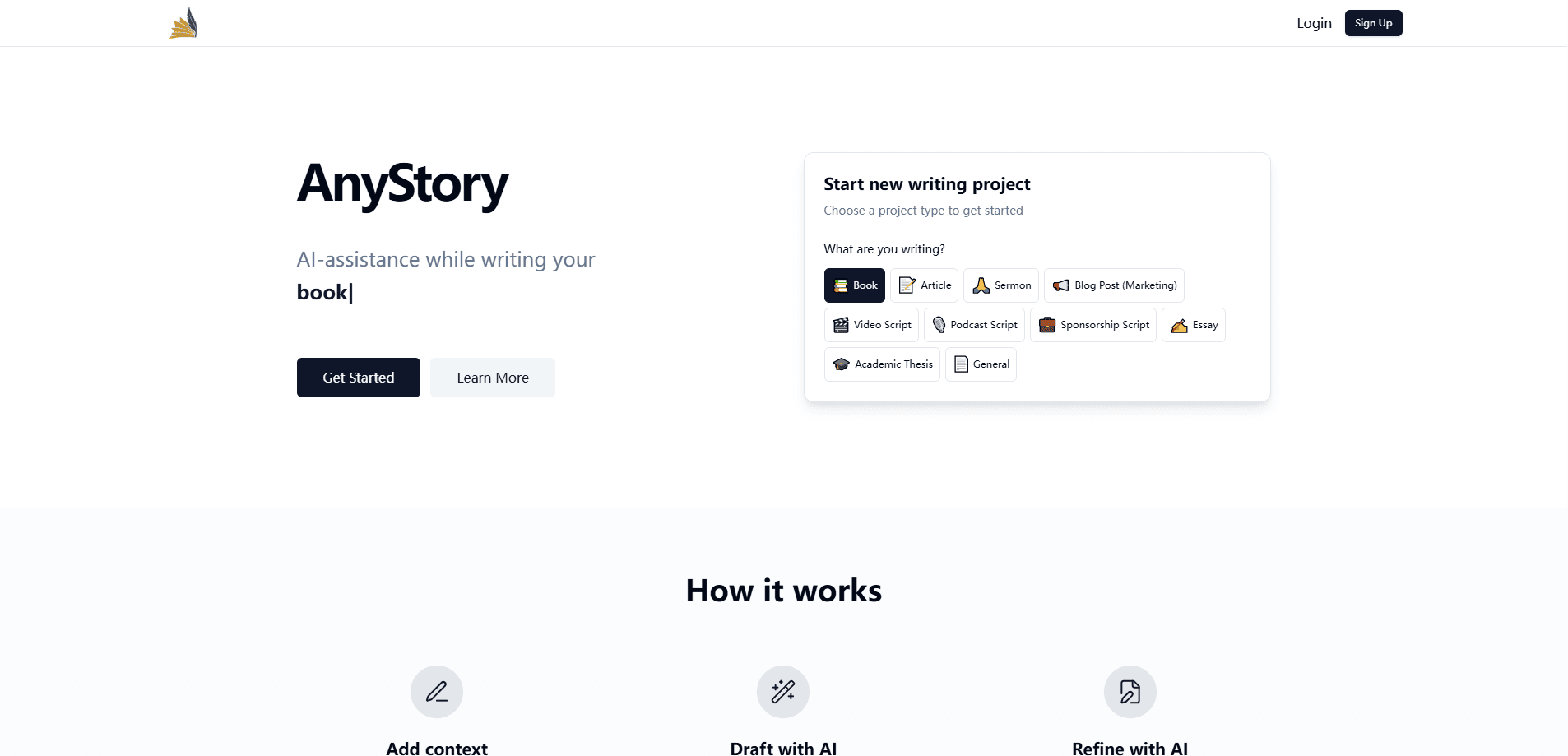
AnyStory is a browser-based AI writing workspace that keeps a manuscript, notes, characters, and research in one project, so the AI rewrites with your voice and your context.
About AnyStory
What Is AnyStory
AnyStory is an AI writing tool for people working on long projects like novels, screenplays, essays, and short fiction. The idea is simple. Instead of pasting text between a chat window and a word processor, you draft inside a project that stores your chapters, character sheets, outlines, and worldbuilding notes together.
The AI reads that context when it rewrites, expands, or summarizes a passage. You set a tone for the project once, and every suggestion aims to match how you write rather than how a chatbot writes. A full revision history tracks each change, with one-click revert when an AI edit misses the mark. Think of it as a novel writing workspace and an AI story editor in one screen.
The catch is that it's still in active development, and the company is upfront about that. It works in a browser, not as an installed app, and the free trial lasts 7 days before a paid plan kicks in. Writers who need heavy offline work or a mature, feature-complete tool may find it early.
Getting Started
- Open anystory.io and start the free 7-day trial, no card required.
- Create a project and add chapters, character sheets, outlines, and research notes.
- Set the tone and voice for the project, then pick your preferred AI model.
- Draft or import your text and use the AI actions (Rewrite, Expand, Redraft, Humanize, Summarize) on selected passages.
- Review changes in the revision history and revert any version that didn't work.
Product Information
A quick look at AnyStory's pricing, supported platforms, and performance.
Best for
The users, tasks, and scenarios where this tool fits best.
Users
- Novelists
- Screenwriters
- Essayists and bloggers
- Hobby writers
Tasks
- AI novel writing in practice
- Expanding a scene
- Organizing a project
- Tracking revisions
Scenarios
- Drafting a novel chapter by chapter
- Reworking dialogue in a screenplay
- Polishing an essay before a deadline
- Picking up a project after a break
Key features
Project Workspace with Context
Every project holds the manuscript alongside character sheets, outlines, and worldbuilding notes in one sidebar. The AI draws on that material when it rewrites, so it keeps facts about your characters and plot consistent instead of losing them between sessions. That context is the difference between a tool that knows your book and one that only sees the paragraph in front of it.
Tone-Matched AI Rewrites
You set a project's tone and style once, and the AI applies it to each Rewrite, Expand, Redraft, Humanize, or Summarize action. The goal is suggestions that sound like you wrote them, not like a chatbot filled the gap. It's the feature the product leans on hardest, and it's what separates it from plain chat tools that forget your voice each time.
Choose Your AI Model
The workspace lets you pick the AI model behind the writing actions rather than locking you into one. That matters if you've found a model whose prose you prefer, or if one handles your genre better than another. You can switch without moving your project to a different tool.
Revision History with One-Click Revert
Every save is tracked, and each version stays accessible, with a diff-style preview of what an AI pass changed. If a rewrite tightens a sentence you liked or flattens a line, one click puts the earlier version back. Autosave runs on every change, so a dropped connection won't cost you a paragraph.
Long-Form Formats
The workspace is built for books, novels, short stories, screenplays, essays, and blog posts, rather than short chat replies. For anyone comparing fiction writing software or weighing a screenplay writing app, the structure holds chapters and scenes as separate units while keeping them connected to the project's notes. Writers moving from a plain document get the organization they were building by hand.
Browser-Based Access
AnyStory runs in a browser on Windows, Mac, and Linux, with no download or install step. That helps on machines where installs are blocked, and it means your project lives in the cloud rather than on one hard drive. The trade-off is that you need a steady connection and there's no offline mode.
Pros and cons
Pros
- Keeps manuscript, characters, outlines, and research in a single workspace.
- Tone settings make AI rewrites match your voice instead of a generic one.
- Revision history with one-click revert protects against a bad AI edit.
- Model choice lets you switch engines without leaving the project.
- Free 7-day trial needs no credit card to start.
Cons
- It's in active development, so features and stability can shift between visits.
- The free tier is time-limited at 7 days, which is short for finishing a long project.
- Browser-only with no offline mode, so a weak connection stops your work.
- No API is listed, so you can't wire it into an external writing pipeline.
Frequently asked questions
AnyStory is an AI writing workspace for long-form projects like novels, screenplays, essays, and short stories. It keeps your draft, characters, and research in one place so the AI can rewrite and refine a passage while holding onto the project's context.
Related content
Explore related tools, skills, and articles for AnyStory.
AnyStory Alternatives

Google EmbeddingGemma 2
Google DeepMind · Writing · Image · CodingGoogle EmbeddingGemma 2 is a 740M-parameter open model that turns text, code, images, audio, and video frames into vectors in one 768-dimension space, running on phones and laptops.

Tractionwave
TractionWave · Image · MarketingTractionWave is an AI attention heatmap tool for static ads. Upload a PNG or JPG and it returns predicted attention, ranked hotspots, and fixes before you spend budget.

Imejis.io
Imejis.io · Image · MarketingImejis.io is an AI design studio for agents and marketing teams. Describe an image in plain words, and it writes the copy, builds the layout, reflows it to every size, then exports a finished file.