

AnythingLLM
Mintplex Labs · Productivity
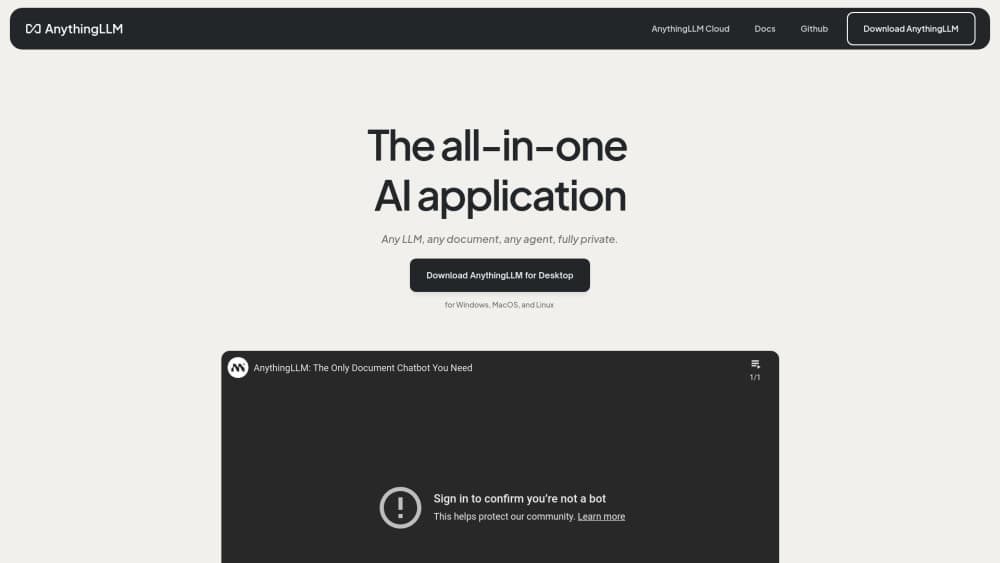
AnythingLLM is a local AI assistant that chats with your documents, transcribes meetings, and runs agents on your own machine. The desktop build is free, and cloud hosting starts at $50/mo.
About AnythingLLM
What Is AnythingLLM
AnythingLLM is a private AI workspace built by Mintplex Labs. You install it, point it at folders, PDFs, web pages, or meeting recordings, and then ask questions about that material. The answer comes back with citations, and it comes from a model running on your own hardware by default.
The appeal is what you skip. No account, no API key, no monthly token bill on the free desktop path. Your files stay on your disk, which matters if the documents are contracts, medical notes, or unreleased product specs. It also runs with the network unplugged, so a flight or a locked-down office network isn't a blocker.
The limits are hardware and reach. Small local models answer fast but think less well than frontier models, so a 4B model on a thin laptop will stumble on multi-step reasoning. AnythingLLM mitigates that by letting you point it at OpenAI, Anthropic, Gemini, or a server on your LAN when you need more muscle. What it can't do is make a weak machine strong.
Getting Started
- Download the desktop app from anythingllm.com or pull the Docker image for a self-hosted AI setup. One file, no dependencies, no login.
- Pick a model. AnythingLLM recommends one that fits your RAM and GPU, and can download it for you. You can also plug in a cloud provider key or connect to LM Studio, Ollama, or llama.cpp on your network.
- Create a workspace and drop in documents. PDFs, Word files, spreadsheets, code, URLs, and audio all get parsed and embedded into a local RAG index.
- Ask questions. Answers cite the passages they came from, so you can check the source before you trust the claim.
- Add the rest of the tools: web search, background jobs, the meeting assistant, or the AnythingLLM API if you want to drive it from your own code.
Product Information
A quick look at AnythingLLM's pricing, supported platforms, and performance.
Best for
The users, tasks, and scenarios where this tool fits best.
Users
- Privacy-conscious professionals
- Solo researchers and analysts
- Small IT teams
Tasks
- Chatting with a document library
- Taking meeting notes
- Drafting from internal material
- Running a private assistant for a team
Scenarios
- Working on a plane or in a locked-down facility
- Auditing a sensitive dataset before a deal
- Writing with sources you can't upload elsewhere
Key features
Local Document Chat
Every workspace holds its own document set, and AnythingLLM parses PDFs, Office files, spreadsheets, code, audio, and URLs into a searchable index. Answers come back with inline citations that point at the chunk they came from, so verifying a claim takes a click instead of a hunt. This is the core of the product: chat with documents offline, on your own disk, with no upload step.
Hardware-Aware Model Setup
The desktop app ships with an engine built on llama.cpp, managed through AMD's Lemonade, and it replaced the older Ollama dependency in late 2026 with a smaller download and better Windows support. On first run it checks your RAM and GPU and recommends a model that will actually load. You can accept that, download a GGUF from Hugging Face, or connect a cloud provider. That flexibility is the reason the app stays useful as your hardware changes.
Meeting Assistant
Calls get recorded, transcribed, and summarized on your machine, with speaker labels and a list of action items at the end. It works with any meeting platform because it listens to system audio rather than joining as a participant. That distinction matters: nobody sees an unfamiliar bot in the attendee list, and the recording never lands on a vendor's server. Transcripts get indexed into your workspace, so you can ask about a call from three weeks ago.
Agents and Background Jobs
Agents can search the web, read workspace documents, run code, and write files. You build custom tools in plain JavaScript, and background jobs run prompts on a schedule, which covers recurring work like a morning digest of new documents. The AnythingLLM API exposes the same capabilities over HTTP for the Docker build, so you can trigger a workspace from a script or another app.
Self-Hosted Multi-User Deployment
The Docker image turns the single-user app into a shared server. Each user gets isolated workspaces, admins control which models and tools are visible, and the whole interface can carry your branding. Enterprise deployments add SSO and role-based access control. For a company that wants a private AI workspace without building one, this is the shortest path.
Mobile App With Desktop Pairing
AnythingLLM Mobile runs small GGUF models directly on Android phones, with web search, document retrieval, and scheduled jobs available offline. Pair it with your desktop over the local network and the phone reaches your full workspaces and larger models. Chats, files, and threads stay in sync without an account or a third-party relay.
Pros and cons
Pros
- The desktop app is free, needs no account, and needs no API key, so the entry cost is zero.
- Documents, embeddings, and chat history stay on your machine, which removes the review most cloud tools require before use.
- Model choice is genuinely open: local GGUF, a LAN server, or any major cloud provider, switchable per workspace.
- The Docker build adds multi-user isolation, admin controls, and white labeling on hardware you already pay for.
- The phone app pairs with the desktop over your own network, so mobile access doesn't mean a new cloud account.
Cons
- Answer quality follows your hardware. A small local model handles summaries fine but struggles with multi-step reasoning, and that shows up as vague or incomplete answers.
- Some headline features sit behind paid tiers. The free build covers chat, RAG, and agents, while the meeting assistant and Magic features are part of the paid product.
- Self-hosting is real server work: Docker, model storage, backups, and upgrades are yours to run, and a bad model choice can make the app feel broken.
- Cloud hosting starts at $50/mo and the Basic tier still expects you to bring an LLM API key, so the sticker price isn't the whole bill.
Frequently asked questions
It's a local AI assistant for working with your own files. You load documents into a workspace, ask questions, and get cited answers from a model running on your computer or a server you control. Meetings, web search, and agents extend the same workspace into note taking and task automation.
Related content
Explore related tools, skills, and articles for AnythingLLM.
AnythingLLM Alternatives

Base Code
Base44 (Wix) · Coding · ProductivityBase Code is a shared cloud development environment from Base44. Teammates describe changes to an existing GitHub codebase in chat, preview them live and send them back as pull requests.

Knocket
Knocket (Tencent RTC team) · Productivity · Business · ChatbotKnocket is a free live chat and contact page tool that lets visitors message you from your website, app, or a shareable link, with every reply handled from Telegram or one inbox.

FloorGen
Vinit Kumar (FloorGen) · Productivity · China AIFloorGen is a browser-based floor plan maker that turns a sentence or a sketch into an editable 2D plan and a 3D walkthrough. Export to PDF, DXF or video, and draw without an account.