

Apex AI - AI Homework Helper
Apex Vision AI LLC · Leaning
Apex Vision AI is an AI study platform that answers homework and quiz questions with step-by-step explanations, then turns the same material into flashcards and practice tests.
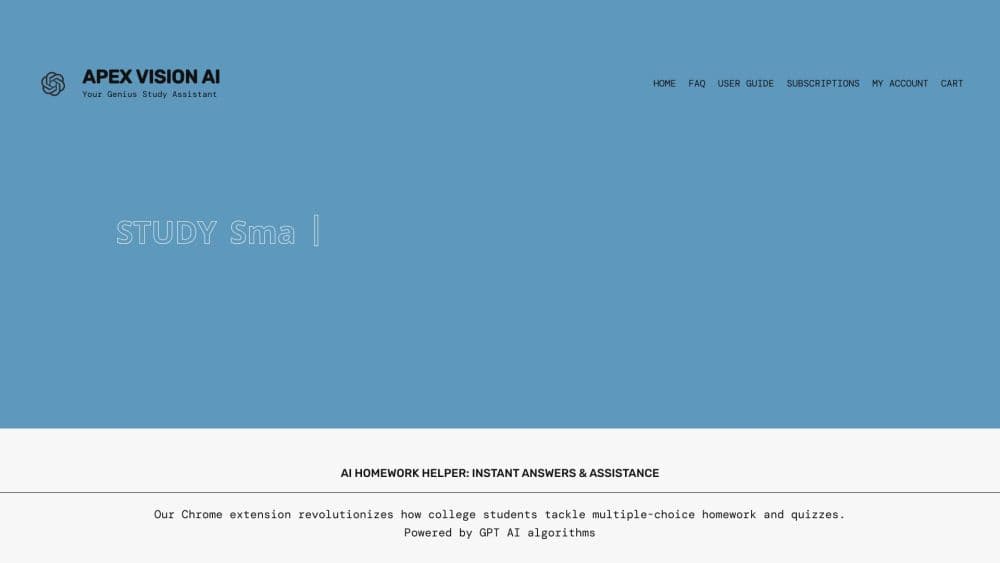
About Apex AI - AI Homework Helper
What Is Apex Vision AI
Apex Vision AI is a study tool from Apex Vision AI LLC. It runs as a homework AI Chrome extension, a web app, and an iOS or Android app. The core promise is simple: you highlight a question on a course page or upload a photo, and the tool returns an answer with the reasoning behind it.
The product is aimed at students working inside a learning management system. It lists Canvas, Blackboard, Moodle, Top Hat, McGraw Hill, and Pearson as supported platforms. That matters because the usual workflow involves copying a question into a separate chatbot tab, then pasting the result back. Apex keeps the answer panel on the same page.
Accuracy is the part to watch. The company says it cross-checks each response against three course-level sources and scores its own confidence before showing anything. In practice, a high confidence score is a hint, not a guarantee. Multi-step calculus and chemistry problems still need a manual check, and any answer you submit is your responsibility under your school's academic honesty rules.
Pricing works on request credits rather than unlimited use. A free tier gives you 30 requests, with a refill every 12 hours. Paid plans run from $7.99 to $19.99 per month and add more requests, stronger models, and study tools.
Getting Started
- Install the Chrome extension from the Chrome Web Store, or download the iOS or Android app. A free account gets you 30 requests without a card.
- Open your course page in Canvas, Blackboard, Moodle, or another supported platform and sign in to Apex.
- Highlight the question, or upload a screenshot or photo of it. Add a short note if the question depends on earlier context.
- Read the answer and the explanation, then ask a follow-up in the same panel if a step doesn't make sense.
- Save the worked solution to your history, or send the topic to the study tools for flashcards and a practice test.
Product Information
A quick look at Apex AI - AI Homework Helper's pricing, supported platforms, and performance.
Best for
The users, tasks, and scenarios where this tool fits best.
Users
- High school students
- College STEM majors
- Students on Canvas or Blackboard
- Non-native English speakers
Tasks
- Checking a quiz answer
- Working through a problem set
- Turning readings into review material
- Drafting an essay response
Scenarios
- A late-night problem you can't crack
- Exam week with several subjects
- Studying on a phone between classes
Key features
On-Page Question Capture
The extension reads the question already on your screen, whether it sits in a Canvas quiz, a Blackboard assignment, or a PDF in the browser. You highlight the text or upload an image, and the answer panel opens beside the coursework. No tab switching, no retyping.
Step-by-Step Explanations With Confidence Scores
Every response includes the reasoning, not just the final answer. Apex also shows a confidence rating before you read the result, which helps you decide when to slow down and check the work yourself. The company quotes a typical turnaround of about 1.7 seconds.
AI Agent for Coursework
On the Mastermind plan, an agent mode can take a task such as "solve this question, fill the answer, and save the steps" and work through it on its own. You still handle the final submission. This is the feature that separates Apex from a plain answer bot, and it is also the one that deserves the most caution.
Built-In Study Tools
The same account generates study guides, flashcards, practice exams, and worked math solutions from your notes or a chapter. A planner and progress view sit in the Study Hub, so revision material stays attached to the course it came from.
Subject Coverage Across STEM and Humanities
Apex routes questions to different models by subject and question type. The library covers calculus, physics, chemistry, engineering, biology, economics, history, and English composition. STEM problems get the heavier models, which is why the Mastermind plan exists.
Chrome, Web, iOS, and Android Access
Your history and saved solutions follow the account across devices. Start a problem set on a laptop, photograph a worksheet on a phone, and review the saved steps later in the browser. The Chrome extension is the most complete version, and the mobile apps cover photo-based questions.
Pros and cons
Pros
- Works inside the course page, so you don't lose your place or retype questions.
- Explanations show the method, which makes the output useful for revision rather than just answer copying.
- The free tier is real: 30 requests with a 12-hour refill and no card required.
- Plan prices are low for a student budget, and request top-ups never expire.
- Support for Canvas, Blackboard, Moodle, and other major LMS platforms covers most US and UK courses.
Cons
- Request caps are the real limit. Heavy users on the $7.99 plan can burn 500 requests in under two weeks.
- The most capable agent features sit behind the $19.99 Mastermind plan, so the cheaper tiers feel like a different product.
- Confidence scores can be wrong, and a wrong answer looks exactly like a right one until you check the steps.
- No public API means you can't plug Apex into your own study scripts or a school dashboard.
Frequently asked questions
It answers homework, quiz, and exam-prep questions and explains the reasoning. Students use it on course pages in Canvas, Blackboard, and Moodle, or by uploading a photo of a worksheet. It also builds flashcards, study guides, and practice tests from the same material.
Related content
Explore related tools, skills, and articles for Apex AI - AI Homework Helper.
Apex AI - AI Homework Helper Alternatives

HireKey
HireKey · Voice & Language · Productivity · LeaningHireKey is an AI job search copilot built by a former tech recruiter. It checks role fit, tailors resumes, runs interview practice and tracks every application.

Lune
Retrograde Labs · Productivity · LeaningLune is a research search engine for scientific AI agents. It runs as an MCP server that lets Claude, ChatGPT and Cursor search peer-reviewed computer science papers and cite them.
Coddy
Coddy · Coding · LeaningCoddy is a gamified platform to learn to code through short interactive lessons in 20+ languages, with a browser editor, an AI tutor and free certificates.