

Arcade
Arcade · Productivity
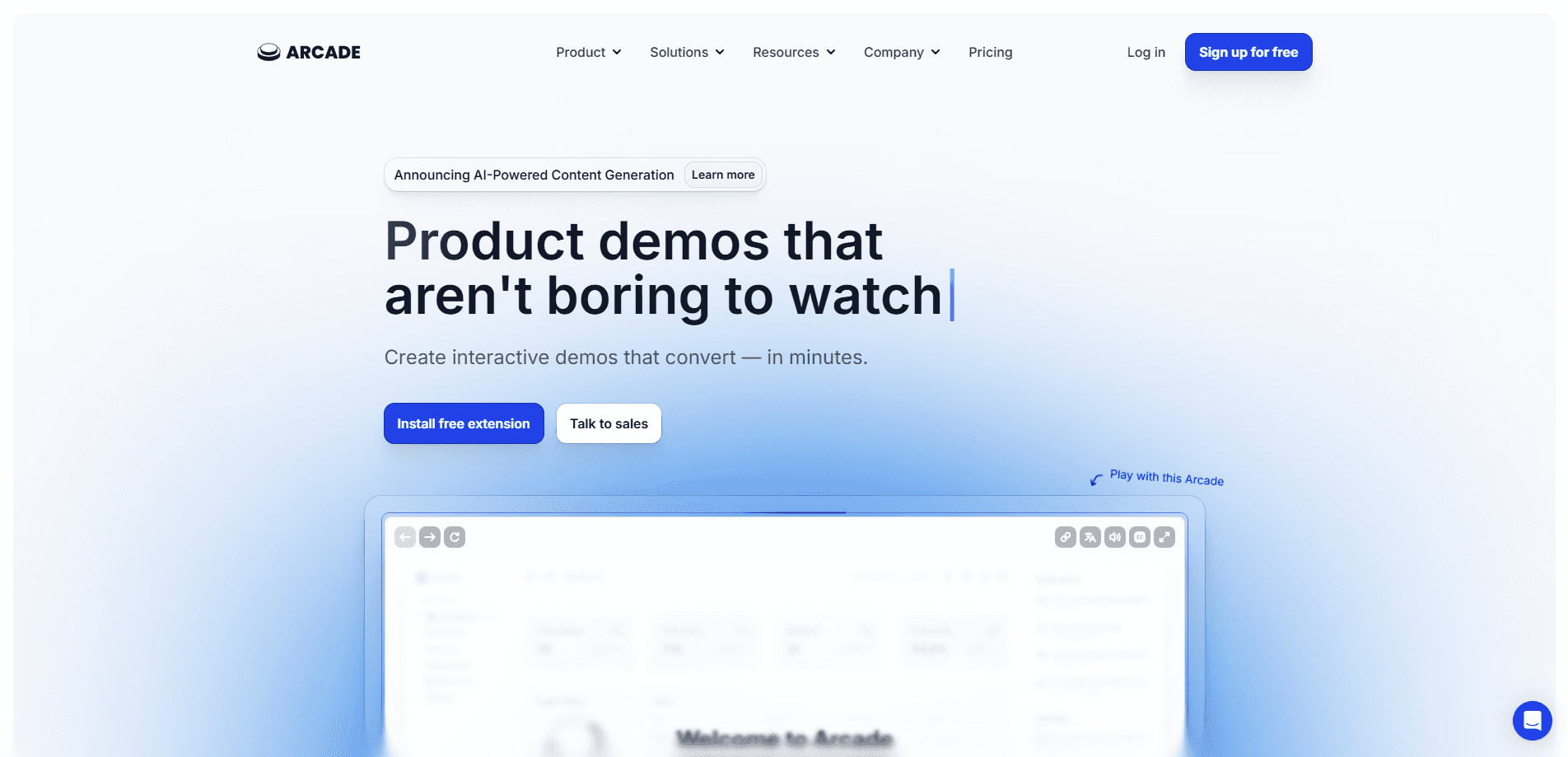
Arcade is an interactive demo and AI video platform that turns your product into shareable demos, videos and visuals without a design team or code.
About Arcade
What Is Arcade
Arcade is an AI demo creator for building interactive product demos and AI-generated videos straight from your own software. You record your app, and Arcade captures the flow as a clickable walkthrough that viewers can explore on their own. It also spins up videos and visuals from a prompt, using your website and brand as the starting point for every asset.
The product targets go-to-market teams that need to explain software fast. Marketing uses it for landing pages and launches, sales for personalized demos, and customer success for onboarding content. Over 30,000 companies use it, and the company says a short video takes about 6 minutes to make on average.
The main limits are price and control. Useful features like branching, custom branding and MP4 or GIF export sit behind the paid Growth plan, and heavy video or visual generation is metered through AI credits. Teams that want precise motion design still hit a ceiling compared with a full video editor.
Getting Started
- Sign up at arcade.software and install the Chrome extension or desktop app to record your product.
- Set up a brand kit so Arcade pulls your logos, colors and fonts for on-brand output.
- Record a flow step by step, or paste a prompt to generate a video or visual with AI.
- Edit scenes, add hotspots, callouts and voiceover, then publish a share link or embed the demo on your site.
Product Information
A quick look at Arcade's pricing, supported platforms, and performance.
Best for
The users, tasks, and scenarios where this tool fits best.
Users
- Product marketers who need landing-page assets
- Sales engineers running tailored pitches
- Customer success and enablement teams
Tasks
- Building an interactive product tour
- Generating a product overview video
- Personalizing a demo for a prospect
- Onboarding new users
Scenarios
- Shipping a launch page fast
- Keeping sales collateral current
- Explaining a complex feature without a test environment
Key features
Interactive demo recorder
The Chrome extension and desktop app capture your product as you click through it, then rebuild the steps as a clickable demo. Viewers explore at their own pace instead of watching a fixed screen recording, so this product tour builder feels more like using the app. You add hotspots and callouts to point out what matters.
AI video generator and visuals
Arcade's video agent builds product overviews and social clips from a prompt, pulling context from your site, docs and screenshots. You get custom animations and can fine-tune scene by scene with AI or switch to manual editing for precise edits.
Brand kit and on-brand output
A brand kit pulls your logos, colors, fonts and writing style from your website, and Enterprise plans support up to 10 separate kits. Every demo and video comes out looking like your brand, which removes the back-and-forth with a design team.
Analytics and insights
This product demo software tracks how viewers move through a demo, including which paths and steps they take, and the tracking sits on paid plans. That data feeds lead scoring and integration syncs, so you can see which content actually moves a deal forward.
Personalization and branching
Custom variables let one demo serve many accounts, and branching sends viewers down different paths based on their choices. Custom share links give each seller a tailored URL, which suits personalized sales outreach at scale.
Integrations and sharing
Arcade connects to tools such as Salesforce, HubSpot, Slack, Google Analytics, Segment and Amplitude, and you can export GIFs and MP4s or embed a demo anywhere. Forms and CTAs turn a passive viewer into a lead, and the sync to your CRM handles demo automation without manual follow-up.
Pros and cons
Pros
- Records a clickable product demo in minutes, so you do not need engineers or a designer to build one.
- AI video and visual generation pulls from your own product context, which keeps output on brand.
- Integrations with Salesforce, HubSpot, Slack and analytics tools connect demos to the rest of your go-to-market stack.
- A free plan covers unlimited AI demos and a published demo, so you can test it before paying.
Cons
- The most useful features, such as branching, custom branding and MP4 or GIF export, sit behind the Growth plan at $50 per month.
- Video and visual generation is metered by AI credits, so 50 credits per 30 seconds of video adds up on heavy use.
- Manual motion control is limited compared with a full video editor, which caps how polished a custom animation can get.
- Free plan allows only one seat and one published demo each, so it is a trial rather than a working setup for a team.
Frequently asked questions
Arcade is used to create interactive product demos, AI-generated videos and visuals for marketing, sales and onboarding. You record your product, and Arcade turns the flow into a shareable, clickable experience.
Related content
Explore related tools, skills, and articles for Arcade.
Arcade Alternatives

Udon
Udon · Coding · ProductivityUdon turns an Apple Silicon Mac into a home server you run from a browser, with container controls, file shares, and an optional AI sysadmin.

offstage
offstage cloud · Coding · Productivityoffstage gives AI coding agents and CI jobs a real Mac: a fresh macOS account on Apple silicon, driven over an API and billed by the second.

BotBus
Chengdu Tuyang Tusen Technology Co., Ltd. · Coding · ProductivityBotBus lets you control AI coding agents from your phone and watch: approve commands, start tasks and read results while the code stays on your desktop.