

Archly
Archly · Coding
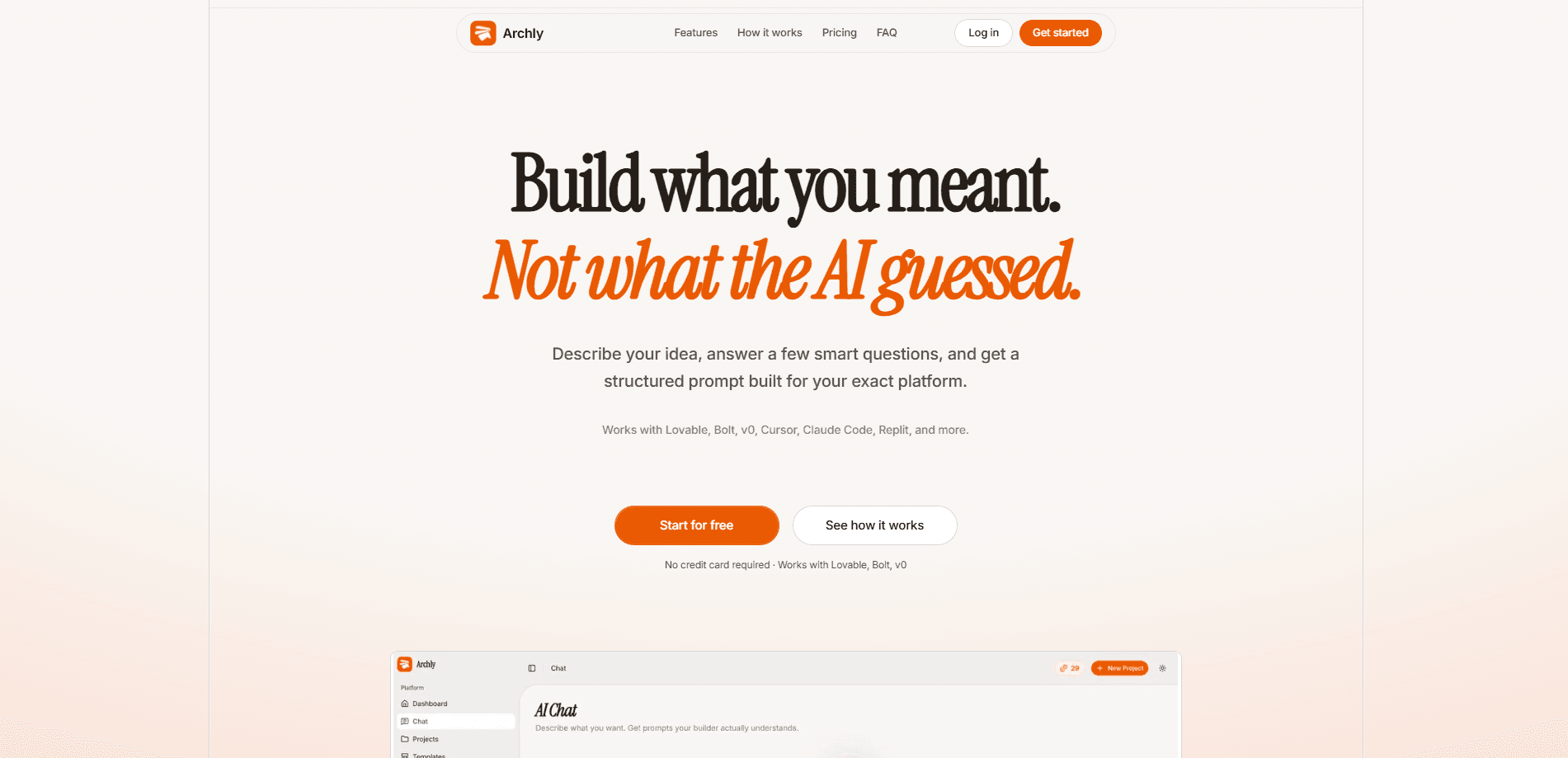
Archly is a prompt generation workspace for people who build with AI app builders. It takes a rough idea, walks you through a 7-step intake, and returns a structured craft prompt tuned to a specific platform like Lovable, Bolt, v0, Cursor, Replit, or Claude Code. Instead of retyping the same context every session, you keep projects, profiles, and refinements in one place.
About Archly
What Is Archly
Archly solves a small but constant annoyance in AI app building. You describe an idea to a builder, it makes a first pass, and then you spend the next hour re-explaining your stack, your audience, and your design rules. Sound familiar? Archly front-loads that information so your first prompt already knows the basics.
The workspace is built around a seven-step intake. You name the goal, pick who it's for, choose the target platform, load a saved profile of your stack and guardrails, activate prompt modifiers called skills, and review before handing it off. The agent then researches that builder and formats the prompt to match how it prefers to read instructions.
The tradeoff is that Archly doesn't build anything itself. It writes prompts. You still copy them into Lovable, Bolt, or whichever tool you use, and the quality of what comes back tracks closely with how much thought you put into the intake questions before you hit generate. Give it vague answers and you get a vague prompt back.
Getting Started
- Open archly.online and create an account. No credit card is required to start.
- Start a new intake and describe your goal in plain language, like a SaaS landing page for a fitness app.
- Add context: who the product is for and what ships in the first version.
- Pick your platform from the list, then load or set up a profile with your stack, design system, and guardrails.
- Review the setup, let the agent generate the craft prompt, then copy it into your builder or open it directly.
Product Information
A quick look at Archly's pricing, supported platforms, and performance.
Best for
The users, tasks, and scenarios where this tool fits best.
Users
- Non-technical founders and solo makers
- Designers and product managers
- Developers using AI build tools
Tasks
- Starting a new app project
- Refining an existing build
- Reusing a stack across projects
Scenarios
- Turning a Product Hunt launch you liked into a builder-ready prompt
- Kicking off a weekend side project
- Handing a project to a collaborator
Key features
Smart Agentic Intake
The core of Archly is a 7-step flow that collects your goal, audience, platform, profile, and skills. Once you confirm the setup, an agent researches your chosen builder and produces a craft prompt formatted for that tool. It's the difference between a one-line request and a briefing.
Multi-Platform Output
Archly supports Lovable, Bolt, v0, Cursor, Replit, Claude Code, and several others. Each builder reads prompts differently, so the workspace adjusts structure and detail to fit. That matters more than it sounds. If you switch tools mid-project, you can regenerate rather than rewrite.
Projects and Sessions
Every intake creates a project tied to a platform profile, and later sessions stay connected to it. That means refinements stack on what you already defined. You stop re-explaining your app from scratch each time you return.
Reusable Profiles
A profile holds your stack, design system, and guardrails in one place. Load it into any new intake and your prompts inherit those constraints automatically. It's most useful when you build several apps on the same foundation.
Prompt Modifiers (Skills)
Skills are prompt modifiers that shape the entire output, not just the last line. Pick a Tailwind expert and prompts come back with precise utility classes instead of vague color names. Pick a shadcn specialist and components are referenced by their exact names.
Product Hunt Inspiration Feed
Archly pulls a live feed of trending launches across developer tools, AI, no-code, and SaaS. You can bookmark launches you like and turn them into builder-ready prompts with the context already loaded, which is a fast way to go from "I saw something cool" to "I'm building my version."
Pros and cons
Pros
- The 7-step intake forces you to clarify scope and audience before you build, which reduces wasted generations.
- Saved profiles and projects mean less retyping when you work across multiple sessions.
- Platform-aware output adapts to how each builder, from Lovable to Cursor, reads instructions.
- Skills give fine control over output style, down to specific component libraries and class patterns.
- Free to start with no credit card required.
Cons
- Archly only writes prompts. You still copy them into your builder, so it adds a step rather than replacing your workflow.
- Output quality depends heavily on how much detail you put into the intake. Thin answers produce thin prompts.
- There's no public pricing page and no API, so teams that need automation or billing details have to ask directly.
Frequently asked questions
Archly turns your app idea into a structured prompt tailored to a specific AI builder. You answer a 7-step questionnaire, and it generates a "craft prompt" you paste into tools like Lovable, Bolt, v0, Cursor, or Replit.
Related content
Explore related tools, skills, and articles for Archly.
Archly Alternatives

Udon
Udon · Coding · ProductivityUdon turns an Apple Silicon Mac into a home server you run from a browser, with container controls, file shares, and an optional AI sysadmin.

offstage
offstage cloud · Coding · Productivityoffstage gives AI coding agents and CI jobs a real Mac: a fresh macOS account on Apple silicon, driven over an API and billed by the second.

BotBus
Chengdu Tuyang Tusen Technology Co., Ltd. · Coding · ProductivityBotBus lets you control AI coding agents from your phone and watch: approve commands, start tasks and read results while the code stays on your desktop.