

Assista
Paul Burca · Productivity
Assista is an AI ghostwriter for social media that turns your ideas into posts, graphics and carousels in your own voice and brand, then publishes only what you approve.
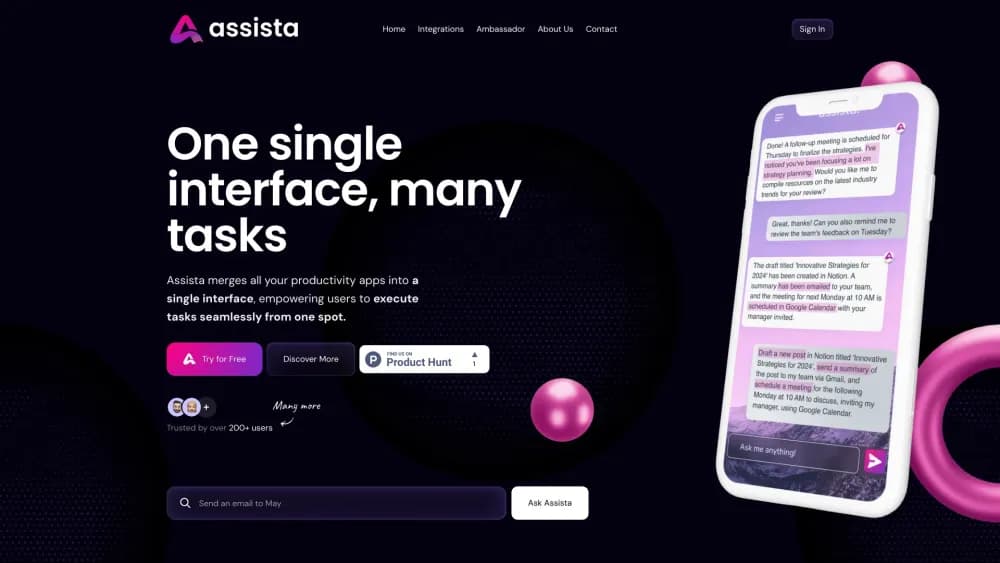
About Assista
What Is Assista
Social platforms reward people who post often, in a voice readers recognize. Most AI writing tools do the opposite: they hand back posts that read like the average of everything they have read. Assista, built by founder Paul Burca, takes the narrower route. It studies how you already write, drafts in that style, and stops at your approval before anything goes out.
The setup rests on a Voice Brief, a short written description of your rhythm, your recurring phrases, the stories you tell, the positions you hold and the words you never use. You build it from a few past posts or a LinkedIn data export, read it, and correct it. Every draft then gets two separate verdicts: does it sound like you, and is the writing clean. The two answers never merge into one score.
You can also skip Assista's writing entirely. Connect Claude Code, Codex or Cursor through an MCP endpoint, and your own tool drafts from your Voice Brief and sends the results back for the same checks. That route costs nothing on the Free plan.
The limits matter. There is no auto-posting mode, by design, so you approve every post from the app, email or Telegram. Short video and TikTok publishing stay in preview, and Instagram posts need an image or video attached.
Getting Started
- Open app.getassista.com and start the 14 day trial. No card is needed.
- Paste three posts you wrote, upload your LinkedIn export, or describe your work in one line so the Voice Brief gets built.
- Read the brief and fix anything that does not match how you write.
- Add your website so Assista picks up your colours, fonts and logo, then approve the photos it may use.
- Connect LinkedIn, X, Facebook or Instagram, ask for a post, and approve or edit the draft before it publishes.
Product Information
A quick look at Assista's pricing, supported platforms, and performance.
Best for
The users, tasks, and scenarios where this tool fits best.
Users
- Founders and small business owners
- Solo consultants and freelancers
- Content leads in small teams
Tasks
- Writing a daily LinkedIn post
- Turning text into a branded graphic
- Drafting inside the tools you already pay for
Scenarios
- A café owner announcing a second location
- A consultant keeping a daily streak
- A team running a product launch
Key features
The Voice Brief
The brief holds five things: your sentence rhythm, phrases that are recognizably yours, the stories you keep telling, the positions you defend in public, and a hard no list. Assista writes it from three to ten past posts and shows it to you in plain text. When a draft misses and you tap Not me with a reason, the brief takes the correction.
Two independent verdicts
Every draft gets checked twice, and the answers stay separate. One verdict asks whether it sounds like you, measured against your own published writing. The other asks whether it reads like a person, using fixed rules on stock openers, stacked buzzwords, three beat lists and dense runs of dashes. A post can be clean and still not be you, which is why one score would hide the problem.
Brand accurate graphics
Assista reads your website or brand book PDF and pulls out your colours, fonts and logo. It then lays out square graphics and carousels across 16 design systems, from a Swiss grid to an editorial serif. Only photos you uploaded and approved appear in the output, and finished designs export as PNG or SVG with the caption as text.
Publishing to four networks
After you approve, posts go to LinkedIn, Instagram, Facebook and X. Threads is ready to paste. You can approve from email, Telegram or the app, and you set the hour each post goes live. The Free plan covers one network, Starter two, and Pro four.
Connect your own AI tool
The MCP server at mcp.getassista.com works with Claude Code, Codex and Cursor through the same account, with no API key to copy. Twelve tools cover reading your voice, answering the weekly interview, sending drafts, graphics and video timelines. None of them can publish, and the design makes that permanent.
Slack conversations
On Starter and up, you connect a Slack workspace and talk to Assista in a channel or a direct message. Ask for today's post, talk through an idea, or pause the daily schedule. Drafts return to the same thread, and only the person who asked can approve them.
Approval trail and history
Approvals by email, Telegram or the app are recorded with the post, the hour and the channel, which gives you a simple audit trail for anything published under your name. Rejected drafts and their reasons stay in the record too.
Pros and cons
Pros
- The Voice Brief gives you a readable, correctable description of how you write, which is more useful than a hidden style profile.
- Nothing publishes without a human tap, so a bad draft never lands on a client's feed overnight.
- The Free plan covers unlimited drafts when your own Claude, Codex or Cursor does the writing, with both verdicts included.
- Graphics follow your real brand assets, and carousels or single images export as PNG or SVG.
- The MCP endpoints separate reading and writing from publishing, so your own tool can never post for you.
Cons
- There is no batch scheduler or queue, so a week away from the app means a week without posts unless you approve ahead of time.
- Short video and TikTok posting stay in preview, and TikTok currently allows private posts only, which limits anyone planning visual heavy campaigns.
- The Free plan caps you at two posts a week on one network, so a real daily habit needs a paid plan.
- LinkedIn carousels are not supported as PDF documents, and carousels only go out through Instagram.
Frequently asked questions
It writes social posts in your voice, makes matching graphics, and publishes them to LinkedIn, Instagram, Facebook and X after you approve each one. You can also let your own AI tool write the drafts while Assista handles the checking and the social media scheduling.
Related content
Explore related tools, skills, and articles for Assista.
Assista Alternatives

Udon
Udon · Coding · ProductivityUdon turns an Apple Silicon Mac into a home server you run from a browser, with container controls, file shares, and an optional AI sysadmin.

offstage
offstage cloud · Coding · Productivityoffstage gives AI coding agents and CI jobs a real Mac: a fresh macOS account on Apple silicon, driven over an API and billed by the second.

BotBus
Chengdu Tuyang Tusen Technology Co., Ltd. · Coding · ProductivityBotBus lets you control AI coding agents from your phone and watch: approve commands, start tasks and read results while the code stays on your desktop.