

AI Photo Generator - AURA AI
Superapp Labs · Image
AURA AI is a mobile AI photo generator from Superapp Labs. It turns your selfies into professional headshots, dating photos and themed portraits you can export in high resolution.
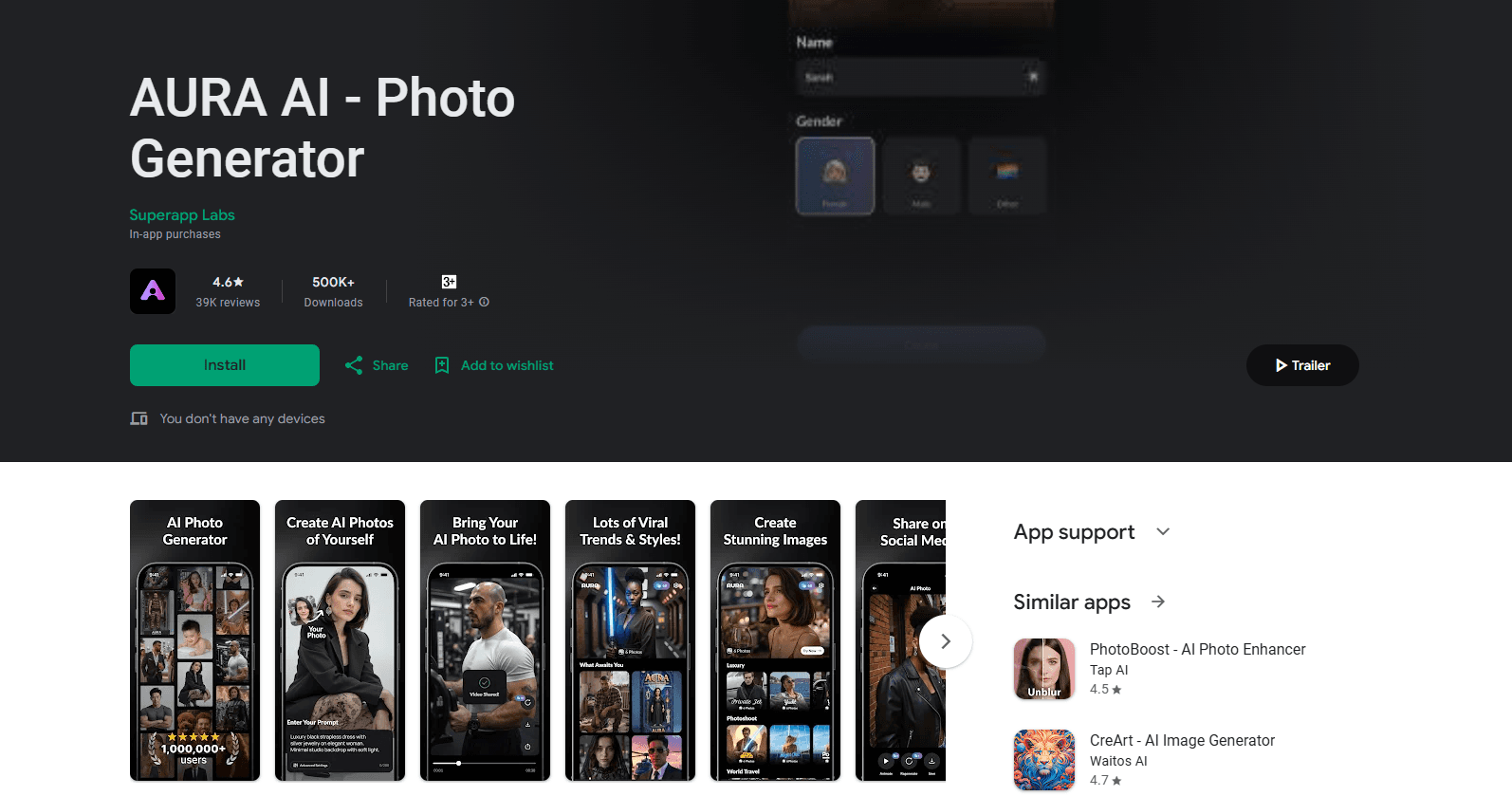
About AI Photo Generator - AURA AI
What Is AURA AI
AURA AI is an AI photo generator built for personal photos. You feed it a handful of selfies, choose a look, and it produces portraits that keep your face while swapping the setting, lighting and outfit. Superapp Labs, the studio behind it, markets this AI portrait app to people who want better pictures for dating apps, work profiles and social feeds without booking a photographer.
The app covers a spread of styles. Career portraits built for LinkedIn sit next to casual dating shots, luxury scenes like yachts and private jets, and creative looks such as red carpet, travel and old money. As an AI headshot generator, it also doubles as a selfie to photo tool for dating bios, where each finished image can work as an AI profile picture. A newer feature adds motion: you can animate a still AI photo so it moves, which gives you something closer to a short clip for social posts.
The limits matter here. AURA AI is a subscription app with no free tier for its core features, so you pay before you generate much. Reviewers on Google Play also report spotty connectivity and slow renders at busy times. Because the output is AI-generated, faces can drift from your real look in stylized scenes, so treat the results as polished approximations rather than exact portraits.
Getting Started
- Install AURA AI from Google Play or the App Store.
- Sign in and choose a subscription plan to unlock generation.
- Upload a set of clear selfies so the app learns your features.
- Pick a style pack, such as professional, dating or a themed look, and start a generation.
- Review the results, save the ones you like, and export them in high resolution.
Product Information
A quick look at AI Photo Generator - AURA AI's pricing, supported platforms, and performance.
Best for
The users, tasks, and scenarios where this tool fits best.
Users
- Job seekers and freelancers
- Dating app users
- Content creators
- People who dislike being photographed
Tasks
- Building a professional profile picture
- Refreshing an old dating profile
- Making themed visuals for a post
- Animating a still photo
Scenarios
- Preparing for a job search
- Updating dating app photos before a busy week
- Filling a social calendar with fresh visuals
- Testing a new look before committing
Key features
AI Portraits From Your Selfies
The core feature takes a batch of your selfies and generates portraits that keep your facial features while changing the setting, clothes and lighting. You get a set of finished images from photos you already own, with no camera session involved. The app leans on high-resolution output, so results hold up on profiles and feeds.
Style Packs for Different Goals
Styles are grouped by purpose. Career packs produce corporate headshots, dating packs lean casual and flattering, and themed packs cover red carpet, travel, luxury scenes and old money looks. Picking the right pack is the main lever on how your result turns out, so it pays to match the pack to where the image will live.
Dynamic Avatars and Photo Animation
You can animate a finished AI photo so it moves. That turns a still portrait into a short dynamic clip, which Superapp Labs added as a newer feature aimed at social media. Motion tends to draw more attention than a static image, and it works on images the app has already generated.
High-Resolution Export and Sharing
Once a generation finishes, you can save images in high resolution and export them for profiles, messages or posts. The export step is quick, and the files are sized for the platforms where these photos usually end up, so there's little resizing on your end.
Personal Style Matching
Rather than applying a generic filter, the app tries to match the generated image to your own features and look. That keeps a thread of consistency across a set of photos, so a profile built from several generations doesn't look like it was stitched from different people.
Simple Photo-First Workflow
Getting a result takes a few taps: upload, choose, generate, export. There's no editing timeline or layer stack to learn. The trade-off is flexibility, since you're working inside the styles the app offers rather than building a look from scratch.
Pros and cons
Pros
- Turns existing selfies into polished portraits without a photo shoot or studio booking.
- Style packs cover career, dating and themed looks, so one app handles several profile needs at once.
- Dynamic avatar feature adds motion to stills for social posts.
- High-resolution exports are ready for LinkedIn, dating bios and social feeds with little cleanup.
Cons
- No free tier for core generation, so you pay before you can test how well it matches your face.
- User reviews flag connection issues and slow renders during peak times.
- Stylized scenes can shift your likeness, so heavily themed images may not read as exactly you.
Frequently asked questions
No. The app is free to download, but its core generation features sit behind a subscription, and there's no free trial for them. You pick a plan before you can create photos.
Related content
Explore related tools, skills, and articles for AI Photo Generator - AURA AI.
AI Photo Generator - AURA AI Alternatives

Google EmbeddingGemma 2
Google DeepMind · Writing · Image · CodingGoogle EmbeddingGemma 2 is a 740M-parameter open model that turns text, code, images, audio, and video frames into vectors in one 768-dimension space, running on phones and laptops.

Tractionwave
TractionWave · Image · MarketingTractionWave is an AI attention heatmap tool for static ads. Upload a PNG or JPG and it returns predicted attention, ranked hotspots, and fixes before you spend budget.

Imejis.io
Imejis.io · Image · MarketingImejis.io is an AI design studio for agents and marketing teams. Describe an image in plain words, and it writes the copy, builds the layout, reflows it to every size, then exports a finished file.