
Aurora AI
Aurora Solar Inc. · Image
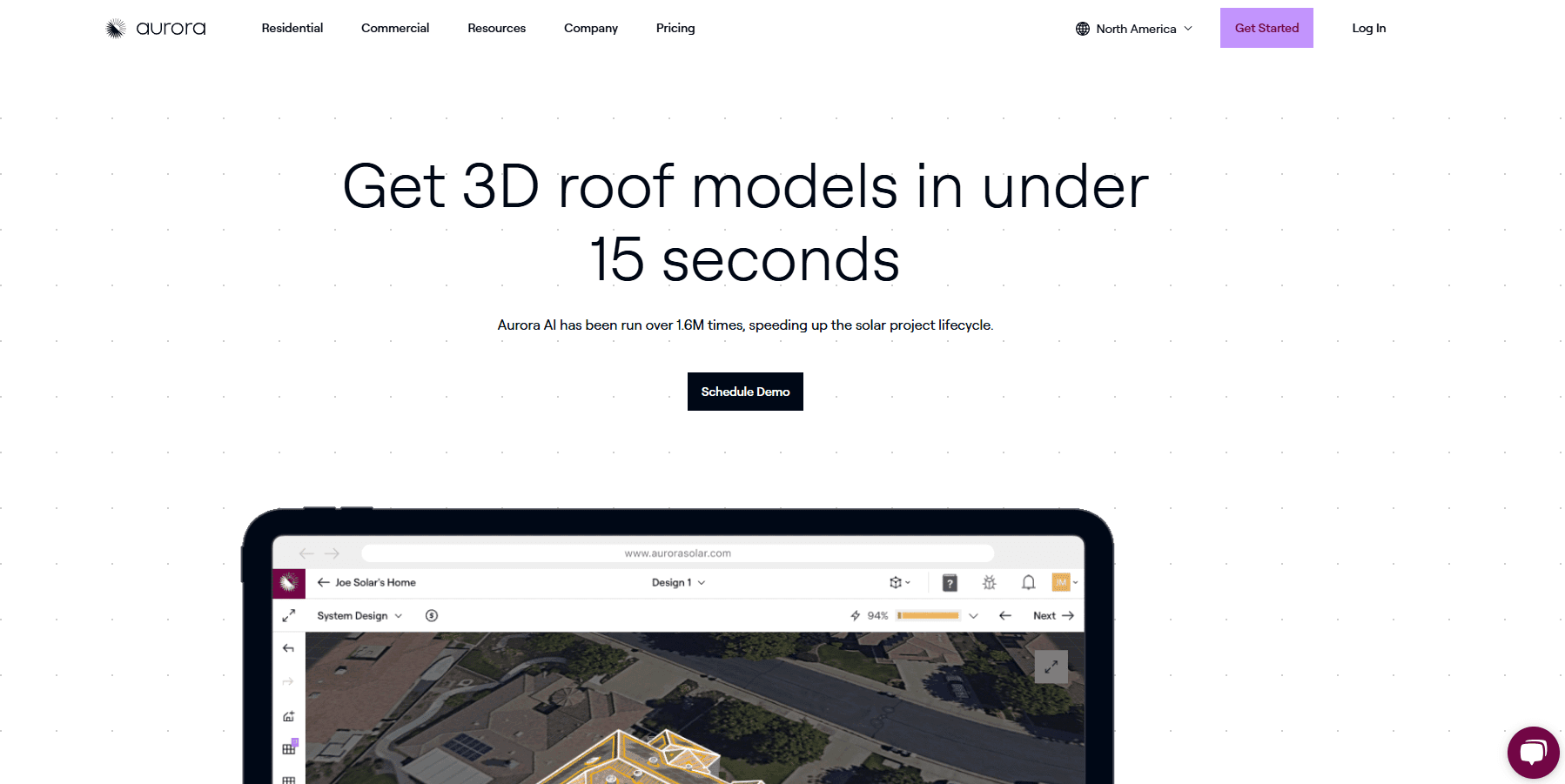
Aurora AI is Aurora Solar's AI engine that turns a home address into a 3D roof model in under 15 seconds for solar installers and sales teams.
About Aurora AI
What Is Aurora AI
Aurora AI is the artificial intelligence layer inside Aurora Solar, a platform that solar companies use to design, sell, and deliver residential projects. It reads satellite and aerial imagery of a property, finds the roof, and builds a 3D model you can put panels on. According to Aurora, the model takes under 15 seconds, which matters when a rep is sitting across from a homeowner and needs an answer now.
The pitch is simple: cut the busywork between "address" and "proposal-ready design." Instead of drawing roof faces by hand, a rep types an address and lets the AI produce a starting point. That's the whole idea. Aurora says the feature has been run over 1.6 million times, and its reporting leans on NREL-validated calculation engines for shading and production estimates.
It's not a standalone product. You can't buy Aurora AI on its own. It's bundled into Aurora Solar plans, with the full AI-assisted modeling reserved for higher tiers, so the real question is whether this solar design software subscription fits your team. Aurora also notes the AI is best as a head start, especially on moderate or complex roofs, where a designer may still want to refine the output.
Getting Started
- Choose an Aurora Solar plan (Basic, Premium, or Enterprise) and create your account.
- Enter a customer's address to pull up the property imagery.
- Run Aurora AI to generate a 3D roof model with roof faces and obstructions.
- Place panels, run the shading analysis, and check the production estimate.
- Save the design and turn it into a sales proposal.
Product Information
A quick look at Aurora AI's pricing, supported platforms, and performance.
Best for
The users, tasks, and scenarios where this tool fits best.
Users
- Solar sales reps
- Residential PV designers
- Solar installers and channel managers
Tasks
- Generating a 3D roof model from an address
- Building proposal-ready sales designs
- Estimating shading and production
Scenarios
- In-home or virtual sales appointments
- Early-stage project scoping
- Handling moderate or complex roofs
Key features
Under-15-second roof modeling
Aurora AI's main selling point is speed. Give it an address and it returns a 3D roof model in under 15 seconds, so a rep can design during a live conversation. For teams that quote often, that turnaround changes how a sales call flows.
Automatic roof faces and obstructions
The engine doesn't just find the roof outline. It infers the individual roof faces and marks obstructions, and it can also place 3D tree models across a site. You get a model you can edit rather than a flat image, which saves the tedious first pass of manual tracing.
Shading and production estimates
The designs connect to Aurora's shading analysis and production calculations, which the company says NREL validated. The model carries real weight here. It feeds the production numbers you show a homeowner, and you can back the estimate with a named method.
Sales Mode and Design Mode fit
Aurora AI works inside both of Aurora Solar's core modes. Sales Mode turns it into a swipe-friendly sales tool with proposal-ready models, while Design Mode uses it to automate the initial roof model so engineering teams start further along. Same engine, two very different workflows.
Integrated with proposals and financing
Because it lives in Aurora Solar, the model flows into contracts, financing tools, and e-signature without a separate export. For a sales team, that means one platform from address to signed deal, so there's no re-keying data between tools. This is the part that separates it from a plain solar proposal software add-on.
Plan-tiered AI access
Full AI-assisted site modeling sits in the Enterprise tier, alongside drone mapping and unlimited users. Basic and Premium plans cover the essentials, which is worth checking before you assume every tier gets the same AI. Picking the wrong plan means the feature you wanted isn't in it.
Pros and cons
Pros
- Under-15-second 3D roof models cut the time between address and proposal.
- Produces editable roof faces and obstructions, not just a static image.
- Shading and production estimates run on Aurora's NREL-validated engines.
- Fits directly into Aurora Solar's sales and design workflows, so no separate tool to manage.
Cons
- Not sold on its own; you have to buy an Aurora Solar plan to use it.
- Full AI-assisted site modeling is limited to Enterprise, so smaller teams pay more for the top tier.
- Entry plans cap projects at 50 per month, which can bite high-volume teams.
- Complex roofs still often need a designer's manual cleanup after the AI draft.
Frequently asked questions
It generates 3D roof models for solar projects. You enter an address, and it builds a model of the roof that you can place panels on and turn into a sales proposal.
Related content
Explore related tools, skills, and articles for Aurora AI.
Aurora AI Alternatives

Google EmbeddingGemma 2
Google DeepMind · Writing · Image · CodingGoogle EmbeddingGemma 2 is a 740M-parameter open model that turns text, code, images, audio, and video frames into vectors in one 768-dimension space, running on phones and laptops.

Tractionwave
TractionWave · Image · MarketingTractionWave is an AI attention heatmap tool for static ads. Upload a PNG or JPG and it returns predicted attention, ranked hotspots, and fixes before you spend budget.

Imejis.io
Imejis.io · Image · MarketingImejis.io is an AI design studio for agents and marketing teams. Describe an image in plain words, and it writes the copy, builds the layout, reflows it to every size, then exports a finished file.