
Automaited
Automaited · Productivity · Business
Automaited is a sales order automation platform that uses AI agents to read incoming customer orders, match them against your internal item numbers and business rules, and push the finished result into your existing ERP. It's built for mid-sized manufacturers and distributors whose inside sales teams still retype orders by hand. It connects to the systems you already run instead of replacing them. The pitch is simple: the agent handles capture and validation, and your people only step in for genuine exceptions.
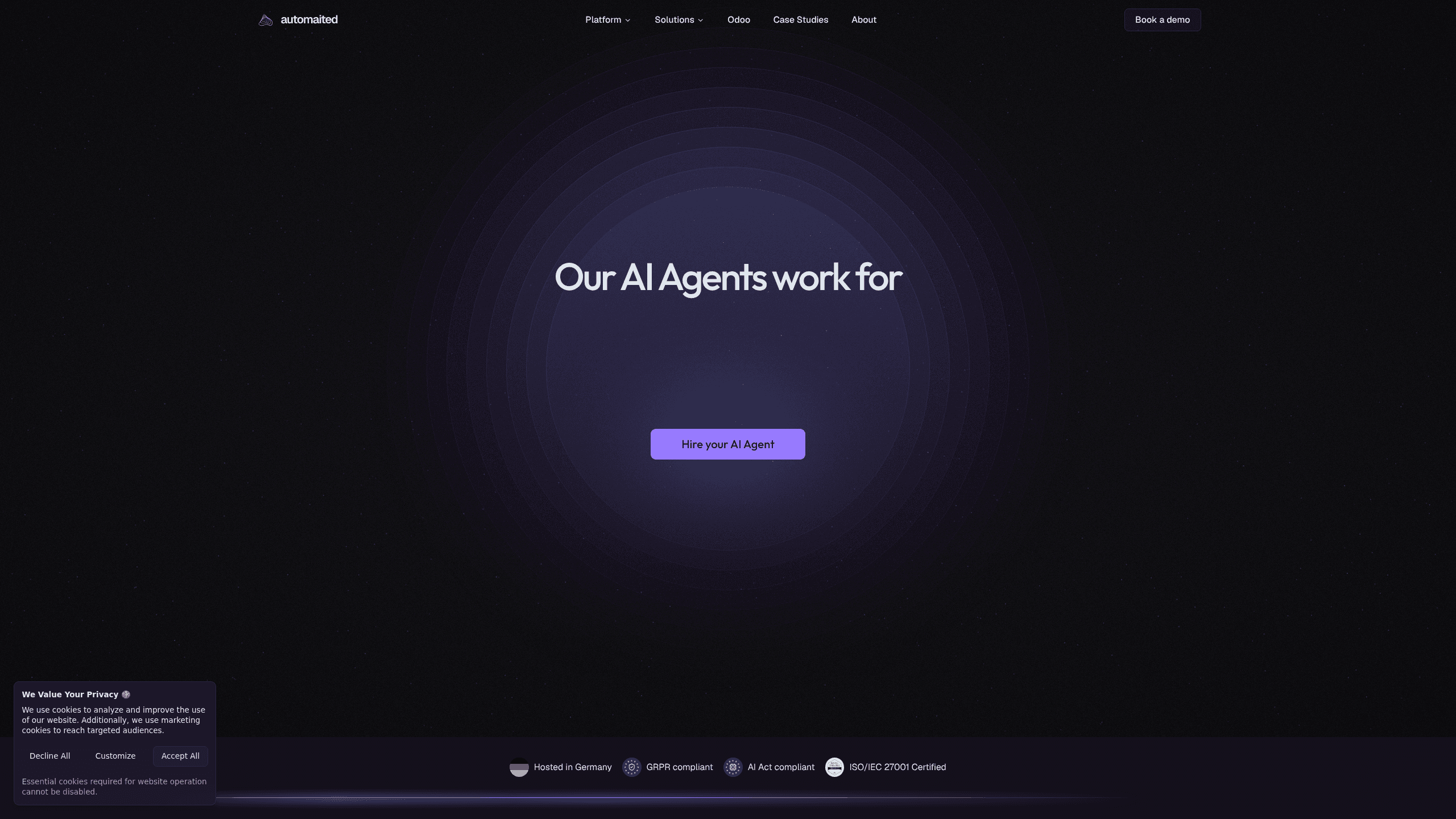
About Automaited
What Is Automaited
Automaited is a German software company that builds AI agents for order processing. Its main product reads customer purchase orders sent by email or document, pulls out the items, quantities, and units, then maps them to your internal item master data before writing the order into your ERP. That matters if you sell industrial goods where the same part can arrive as "72 pieces" in a customer email but needs to leave as "3 boxes" in your system. Automaited does that conversion using rules you define.
The company says more than 300 companies rely on it, mostly mid-sized businesses in industry and commerce. It's not a general-purpose chatbot or a no-code workflow builder. It's a narrow, opinionated tool aimed at one job: turning messy customer orders into clean ERP entries without a human retyping them.
The biggest limitation is scope. Automaited covers sales order intake and order confirmation review, and it plugs into your ERP rather than replacing it. If you need a broad automation platform for marketing, HR, or finance workflows, this isn't it. It also leans on your existing master data being reasonably clean, since the whole mapping step depends on it.
Getting Started
- Sign up on the Automaited site and activate your free trial allowance.
- Upload one of your own orders and compare what the agent extracted against the source document.
- Connect your ERP and confirm that your item master data and customer rules are accessible to the platform.
- Define the customer-specific rules, like item aliases and unit conversions, that the agent should apply.
- Turn the agent loose on live orders and have your team review only the flagged exceptions.
Product Information
A quick look at Automaited's pricing, supported platforms, and performance.
Best for
The users, tasks, and scenarios where this tool fits best.
Users
- Inside sales teams at mid-sized manufacturers
- Operations and order management staff
- Distribution businesses with customer-specific item numbers
Tasks
- Processing emailed purchase orders
- Mapping customer item numbers to internal codes
- Converting order units
- Reviewing order confirmations
Scenarios
- A week of orders piling up while two people are out sick
- A customer reorders the same part every month in a slightly different format
- Onboarding a new inside sales hire
- Auditing a disputed order
Key features
Order Capture From Customer Documents
Automaited reads customer orders from email and document input, then extracts the order number, items, descriptions, quantities, and units. It doesn't need a rigid template. That's the point. Customers send orders the way they always have, and the agent adapts to the format instead of the other way around.
Item and Unit Mapping
This is the core of the product. The agent maps a customer's item description to your internal item number and converts the ordered quantity into your order units, using your master data and business rules. A customer asking for 72 EPDM rings can leave your system as 3 boxes, because the agent knows from your item master that a box holds 24. Every mapping is traceable, so you can check the reasoning later.
Rules Based on Your Business Logic
You define the customer-specific rules the agent follows, such as item aliases and unit conversions. The agent applies them the same way every time, which is why small data quirks stop causing errors. Set the rule once. It keeps working order after order.
ERP Integration as System of Record
Automaited connects to your existing ERP and writes processed orders into it. Your ERP stays the system of record for business data. No migration, no second source of truth. Anyone evaluating this should confirm their specific ERP is supported before committing.
Order Confirmation Review
On the same platform, the agent compares supplier order confirmations against your purchase orders. It highlights discrepancies in items, quantities, prices, and delivery dates, which is handy when one confirmation line covers two order lines and someone has to reconcile it.
Security and Compliance Posture
The platform is ISO/IEC 27001 certified, hosted in Germany, and built to be GDPR and EU AI Act compliant. For companies in the EU handling sensitive business documents, that combination matters more than any single feature. Hosting and certification details are the kind of thing procurement teams will ask about first.
Pros and cons
Pros
- Handles the mapping work most automation tools skip, turning customer item descriptions into your internal codes.
- Works with your existing ERP instead of asking you to replace it, so adoption is lighter.
- Free trial lets you test the agent on one of your own orders before committing.
- Traceable mappings make it easier to verify an order and resolve disputes.
- ISO/IEC 27001 certification and German hosting suit EU companies with strict data rules.
Cons
- Pricing isn't published, so you have to contact sales to get a number, which slows comparison shopping.
- The feature set is narrow, focused on sales orders and confirmations rather than general business automation.
- Quality depends on your master data. If item numbers and pack sizes are messy, the agent has less to work with.
- No Google Play app is available, so it's a web-only tool for teams at a desk.
Frequently asked questions
It reads incoming customer orders, extracts the line items, maps them to your internal item numbers and units, and writes the processed order into your ERP. Think of it as an extra pair of hands on order entry. Your team reviews only the exceptions.
Related content
Explore related tools, skills, and articles for Automaited.
Automaited Alternatives

Swms
Swms AI · Writing · Productivity · BusinessSwms is an AI safety compliance tool that turns a plain description of a job into ready-to-use safety documents. Describe your project, trade, and known hazards, and it writes a safe work method statement, job hazard analysis, safe work procedure, RAMS, or safety data sheet in seconds. It also ships with Oscar, a chat assistant that answers workplace safety questions in any language. Teams in construction, mining, transport, and warehousing use it to cut the paperwork that usually eats into a workday.

Wordly AI Translation
Wordly · Voice & Language · ProductivityWordly AI Translation is a real-time AI translation and captioning platform built for meetings, conferences, and events. It delivers live translation, captions, transcripts, and summaries in more than 60 languages, and attendees join by scanning a QR code or opening a link instead of using dedicated headsets. The platform works with Zoom, Microsoft Teams, Google Meet, and Webex, and it's designed for organizations that want multilingual access without hiring human interpreters for every session. Simple as that.

Rows
Rows (Superhuman) · Productivity · BusinessRows is an AI spreadsheet and data analysis tool that imports live data from more than 50 sources, then lets you work with it using plain language instead of SQL queries or nested formulas. You can pull numbers out of PDFs, connect ad platforms, databases, and bank accounts, and ask the AI to build reports, merge datasets, or set up models that recalculate themselves. It runs in the browser, works like a spreadsheet, and now sits under the Superhuman umbrella.