

Autosana
Autosana · Coding
Autosana is an AI end-to-end testing tool for mobile and web apps. You describe a test in plain language, the agent runs it like a real user, and the test repairs itself when the UI changes.
About Autosana
What Is Autosana
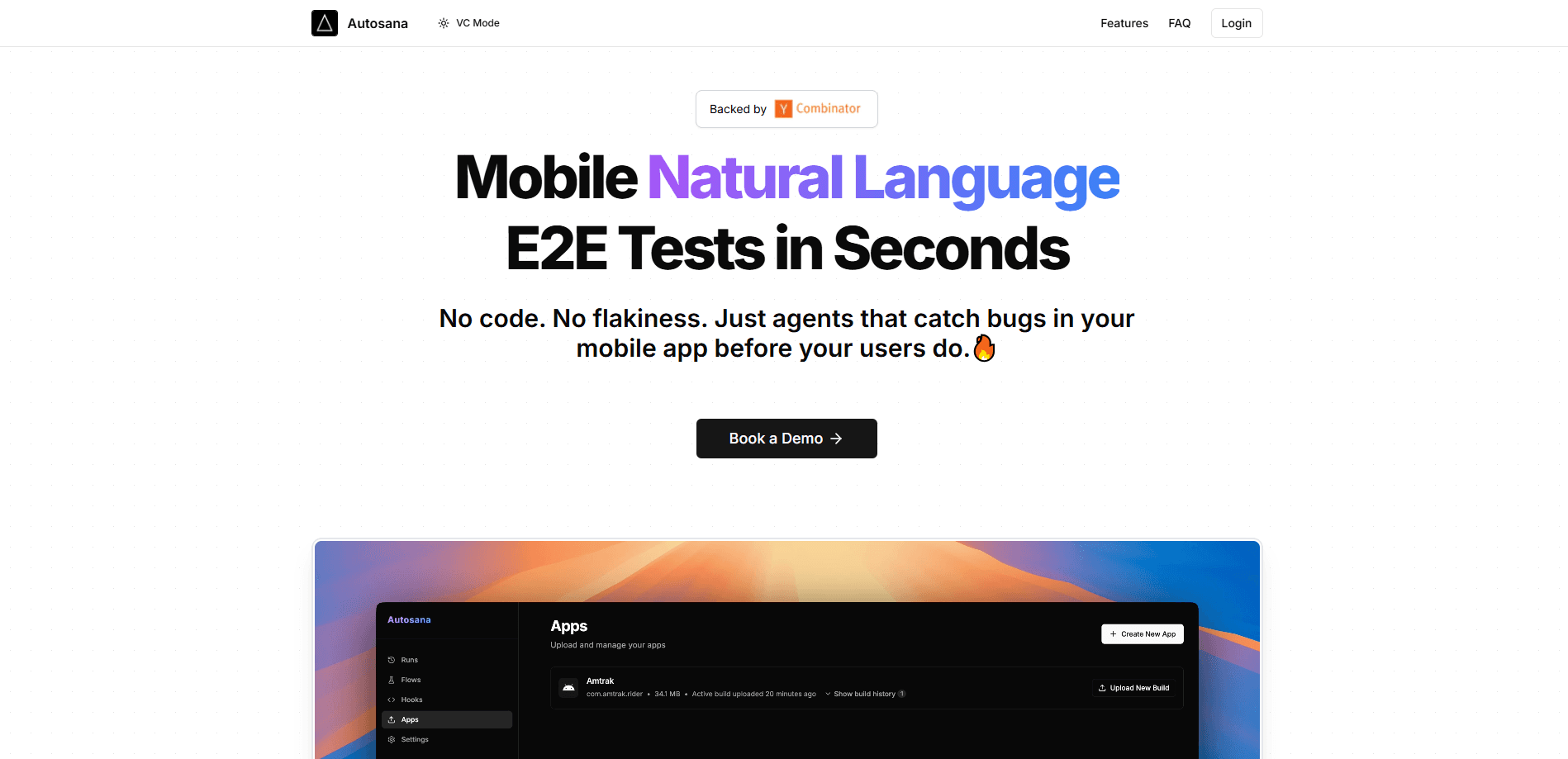
Autosana is an AI testing platform for end-to-end (E2E) tests on mobile apps and websites. Instead of writing brittle scripts full of selectors, you describe a flow in normal words, such as "log in and verify the home screen loads," and an agent drives the app the way a person would. It taps, scrolls, and types, then hands back results with screenshots at every step.
The product comes from a Y Combinator-backed team and is aimed at engineering and QA teams that ship often. Its pitch is narrow on purpose: your test suite shouldn't break every time your app's UI moves. Autosana keeps tests alive by adapting them to code changes, so you spend time fixing bugs instead of fixing tests or testing by hand. Teams like Gobi, Lucra, and Ziina use it, and one case study claims Ziina cut testing time by more than 90 percent.
Two limits matter before you commit. It's a young product, and pricing isn't public, so you have to book a demo to learn the cost. It also comes at the flow level: it replaces flaky UI automation and manual regression passes, not unit tests or a full test-management suite.
Getting Started
- Add your app or site: upload an iOS (.app) or Android (.apk) build, or enter a website URL.
- Write a flow in plain language, for example "log in with the test account and confirm the dashboard loads."
- Run the flow so the agent executes it and returns screenshots for each step.
- Schedule or trigger runs through your CI/CD pipeline, or on a timer, to catch bugs before release.
- Review reports in your pull requests, by email, or in Slack.
Product Information
A quick look at Autosana's pricing, supported platforms, and performance.
Best for
The users, tasks, and scenarios where this tool fits best.
Users
- Startup engineering teams
- QA engineers
- Mobile and web developers
- Product teams that ship daily
Tasks
- E2E regression testing
- Cross-platform checks
- CI/CD gating
- Bug reproduction
Scenarios
- Adding test coverage to an app that has none, without a big setup project.
- Keeping automation alive when a redesign breaks existing selectors.
- Catching broken flows like deep links and auth before release.
- Running the same checks on every merge without a person watching.
Key features
Flows in plain language
The core of Autosana is writing tests the way you'd explain them to a colleague. You type "tap the login button and enter the test email," and the agent works out the steps itself. There are no XPath or CSS selectors to maintain, which is the usual source of broken automation. For teams that have watched a test suite die after a UI refresh, the change is that the instructions describe intent, not a specific element in the layout.
Tests that repair themselves
When the interface changes, the agent adapts the flow instead of failing outright. Autosana says its agents update tests based on code diffs, so a moved button or a renamed screen doesn't leave you fixing scripts by hand. This carries real weight for fast-moving teams: the CI suite keeps running through redesigns, and you spend less time on maintenance. It's the feature the product is built around, and the one that separates it from older E2E tools.
Runs on iOS, Android, and web
Autosana covers mobile apps and websites from the same platform. You can run flows on iOS, Android, or web browsers, either locally or on cloud-hosted devices with no setup. It works across common frameworks, including Flutter, React Native, Swift, Kotlin, React, and Ionic. For teams that ship on more than one surface, that means one place to describe a flow and check it everywhere, rather than juggling separate test stacks.
Session replay for every run
Each run is recorded and posted, so you can watch what the agent did instead of trusting a pass or fail line. Screenshots mark each step, which makes a failure easy to diagnose without reproducing it yourself. When a test fails in CI and nobody saw it happen, the replay is often what tells you whether the app broke or the test did. It's a small feature that saves a lot of back and forth.
Automations and CI/CD hooks
You can schedule flows on triggers or wire them into your pipeline, then get reports through pull requests, email, or Slack. That puts tests in front of the people who need them at the moment a change lands, not in a dashboard someone checks later. For teams already running CI, the value is catching a regression before it ships. Autosana also mentions backend calls for test setup, so flows can prepare their own data.
Code-managed flows in your repo
Teams that prefer version control can keep flows as files in their repository and sync them through GitHub. That keeps tests next to the code they cover and lets changes move through the same review process. It's a fit for engineering orgs that want test definitions tracked and diffed like any other source file, rather than living only in a web dashboard.
Pros and cons
Pros
- Writes tests in plain language, so no selectors or script maintenance.
- Self-healing flows keep working when the UI changes.
- One platform covers iOS, Android, and web app testing.
- Session replays and per-step screenshots make failures easy to diagnose.
- Plugs into CI/CD and reports through pull requests, email, or Slack.
Cons
- Pricing isn't public, so you have to book a demo to learn what it costs.
- It's a young product, so the feature set and integrations may still shift.
- Focused on end-to-end and regression testing, so it doesn't replace unit tests or broader test management.
- No public API is documented, which limits custom automation beyond the built-in integrations.
Frequently asked questions
Autosana runs end-to-end tests for mobile apps and websites. You describe a flow in plain language, and an agent executes it like a real user, then reports back with screenshots.
Related content
Explore related tools, skills, and articles for Autosana.
Autosana Alternatives

Udon
Udon · Coding · ProductivityUdon turns an Apple Silicon Mac into a home server you run from a browser, with container controls, file shares, and an optional AI sysadmin.

offstage
offstage cloud · Coding · Productivityoffstage gives AI coding agents and CI jobs a real Mac: a fresh macOS account on Apple silicon, driven over an API and billed by the second.

BotBus
Chengdu Tuyang Tusen Technology Co., Ltd. · Coding · ProductivityBotBus lets you control AI coding agents from your phone and watch: approve commands, start tasks and read results while the code stays on your desktop.