

Aymo AI
Aymo AI · Productivity
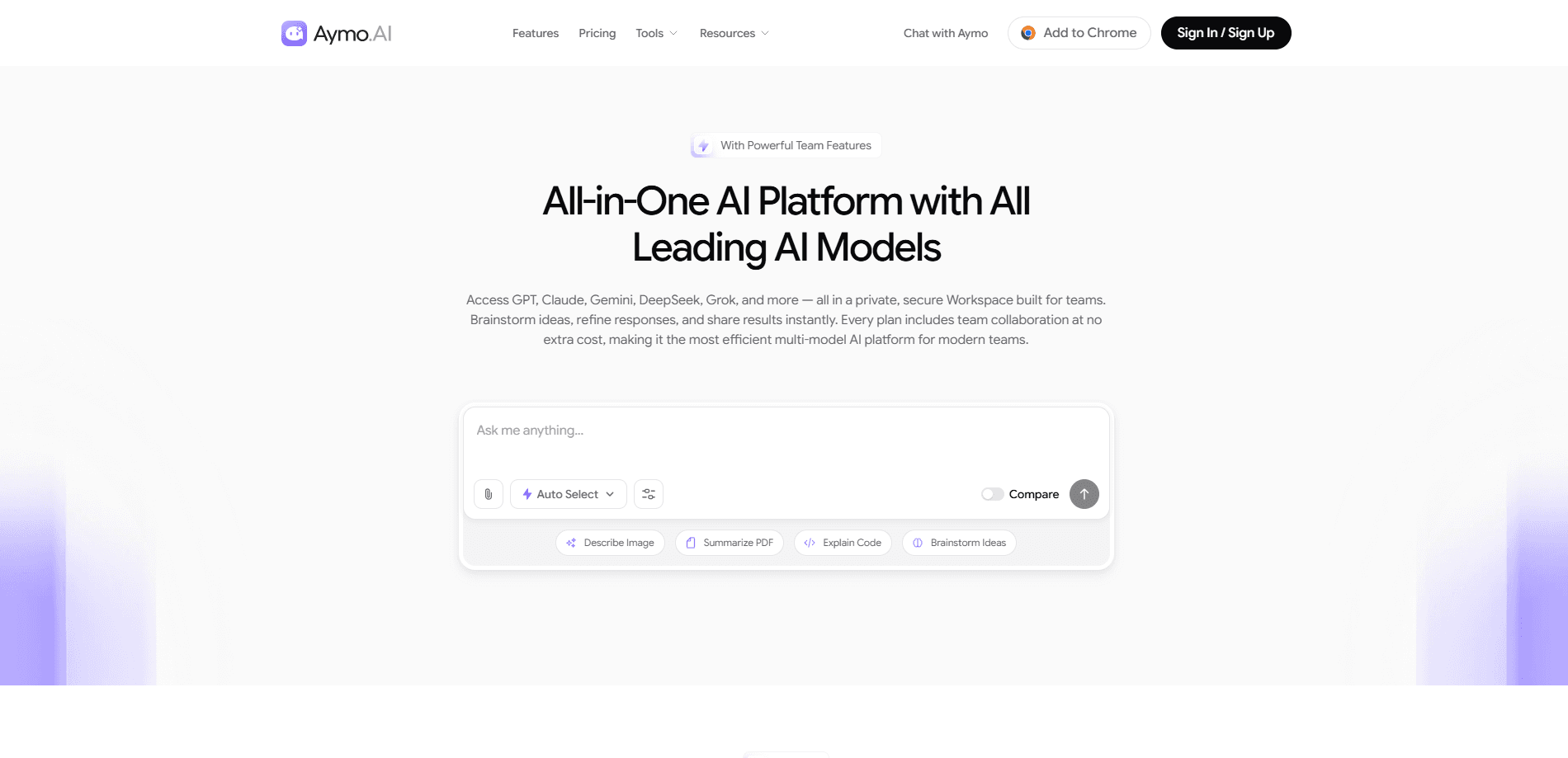
Aymo AI is an all-in-one AI platform that doubles as a private multi-model AI workspace, where teams reach GPT, Claude, Gemini, DeepSeek, Grok, and other leading models from a single window. Instead of juggling a dozen subscriptions, you pick a model per task, drop in files for context, compare answers side by side, and share the results with teammates. Team collaboration is included on every plan. That's the part most multi-model AI platforms charge extra for. On price, Aymo AI pricing stays simple: free, then a few dollars a month for the tiers that matter.
About Aymo AI
What Is Aymo AI
Aymo AI is a workspace that collects the big language models behind one login and one subscription. You get GPT, Claude, Gemini, DeepSeek, Grok, Mistral, LLaMA, Qwen, Kimi, GLM, and MiniMax in the same interface. The pitch is simple: stop paying $20 a month to five different vendors and stop flipping between browser tabs to compare answers. Why bother? Most teams already know that different models are good at different jobs, and juggling vendor logins to prove that point gets old fast.
The product leans on a few things teams actually ask for. File-based context means you can upload a PDF, a spreadsheet, or code and ask questions against it. Compare mode runs one prompt through several models so you can see where they disagree. Web search and a deep research mode ground answers in current sources rather than stale training data, which matters a lot when you need facts that changed last week rather than facts the model memorized at training time. And because the workspace is shared, a teammate can pick up a thread you started without asking you to paste the whole history. Simple as that.
The honest limits matter too. The free tier caps you at 500 messages and 50 credits a month and only unlocks the lightest models, so anyone doing serious work will hit the wall fast. The bigger models, larger file uploads, and the bring-your-own-API-key option sit behind the paid tiers. So who should pay? If your team needs heavy usage on frontier models, you're paying for Premium or Business. Not coasting on free.
Getting Started
- Create a free account at aymo.ai and land in your first workspace.
- Pick a model from the model switcher, or open compare mode to run one prompt across several.
- Type your question or upload a file such as a PDF, doc, sheet, or code file and let the workspace read the context.
- Refine the answer, then share the thread with a teammate or invite them into the workspace.
- Upgrade to Plus, Premium, or Business when you need stronger models, bigger files, or more seats.
Product Information
A quick look at Aymo AI's pricing, supported platforms, and performance.
Best for
The users, tasks, and scenarios where this tool fits best.
Users
- Small teams that already pay for several AI subscriptions and want one bill
- Founders and solo creators comparing AI model switching before committing
- Writers and researchers who work with long documents
Tasks
- Drafting and rewriting
- Research with sources
- Coding help
- Image generation
Scenarios
- A marketing team drafting posts and replies with the browser extension while working in another tab.
- A student summarizing a stack of papers with file uploads instead of copying text into a chatbot.
- A small agency that wants shared team memory so a colleague can continue a chat without a recap.
Key features
Multi-Model Access in One Window
Aymo AI pulls GPT, Claude, Gemini, DeepSeek, Grok, and a long list of open models into one workspace. You switch models without switching tabs or paying separately for each one. This is the core reason people look at a multi-model AI workspace in the first place. Model choice becomes a per-task decision. Not a product decision. That's the shift.
Compare Mode
Compare mode runs a single prompt through multiple models and lines up the answers. You can see which model is more precise, which one hedges, and which one is simply wrong. Teams that care about quality tend to live in this view. Put a weak answer next to a strong one. The gap is obvious.
File-Based Context
Upload a PDF, a doc, a spreadsheet, or a chunk of code and ask questions against it. File context is what turns a chat window into something you can actually work in. The free tier allows one file per message up to 3MB. Premium and Business lift that to 25 and 30 files per message and up to 250MB per file. That's a big jump.
Built-In Team Collaboration
Shared threads, roles, and shared team memory come with every plan, including free. You can hand a conversation to a coworker, keep a shared library of past work that anyone on the team can search later, and let teammates build on each other's prompts without starting from a blank page every time a new person joins the thread. Most AI stacks charge per seat for this. Bundling it in is a real difference for small teams. And it's the kind of thing an AI collaboration tool should include by default. Nobody wants to pay extra just to share a chat.
Live Web Search and Deep Research
Real-time search pulls answers from what's happening now, with sources attached. Deep research mode goes further for questions that need more than a quick lookup. Both beat a bare chatbot when you need current facts rather than the model's memory of a few years back. Worth having.
Bring Your Own API Key
On the Business plan you can plug in your own AI API keys and route around the platform's usage caps. That matters for teams that already have vendor contracts or want unlimited model calls without credit limits. It's also the escape hatch when a monthly message limit feels too tight, since you no longer depend on the platform's own credit pool for every request you make. Nice to have.
AI Image Generation
Light image models are available on the free plan, with pro and max models and higher resolution on paid tiers. Paid plans also give you three variants per generation, which helps when you want a few directions to choose from instead of committing to whatever the first render happens to look like. That's handy when you want options instead of one take. Pick the best. Move on.
Browser Extension and AI Tools
A browser extension brings the workspace into other tabs for AI post and AI reply, with email writing and YouTube summaries unlocked on higher tiers. It's a small thing. But it keeps you from copy-pasting between the workspace and wherever you actually work.
Pros and cons
Pros
- One subscription covers a long list of frontier and open models, so you stop stacking $20 monthly bills.
- Team collaboration is included on every plan, including the free tier.
- Compare mode makes model differences visible instead of theoretical.
- File uploads with context handle the document-heavy work most teams actually do.
- Bring-your-own-API-key on Business removes usage ceilings for teams with existing vendor accounts.
Cons
- The free plan caps you at 500 messages and 50 credits a month and only unlocks light models, so real work means paying.
- Larger files and max-tier models sit behind Premium or Business, which leaves Plus feeling narrow for document work.
- There's no mobile app, so on-the-go use depends on the browser.
Frequently asked questions
Aymo AI is a multi-model workspace for teams that want GPT, Claude, Gemini, DeepSeek, and Grok in one place. You use it to write, research, analyze files, and compare how different models answer the same prompt.
Related content
Explore related tools, skills, and articles for Aymo AI.
Aymo AI Alternatives

Base Code
Base44 (Wix) · Coding · ProductivityBase Code is a shared cloud development environment from Base44. Teammates describe changes to an existing GitHub codebase in chat, preview them live and send them back as pull requests.

Knocket
Knocket (Tencent RTC team) · Productivity · Business · ChatbotKnocket is a free live chat and contact page tool that lets visitors message you from your website, app, or a shareable link, with every reply handled from Telegram or one inbox.

FloorGen
Vinit Kumar (FloorGen) · Productivity · China AIFloorGen is a browser-based floor plan maker that turns a sentence or a sketch into an editable 2D plan and a 3D walkthrough. Export to PDF, DXF or video, and draw without an account.