

Backflip AI
Backflip AI · Image
Backflip AI is an AI CAD copilot that turns photos, 3D scans, and drawings into editable parametric 3D models for engineers and designers.
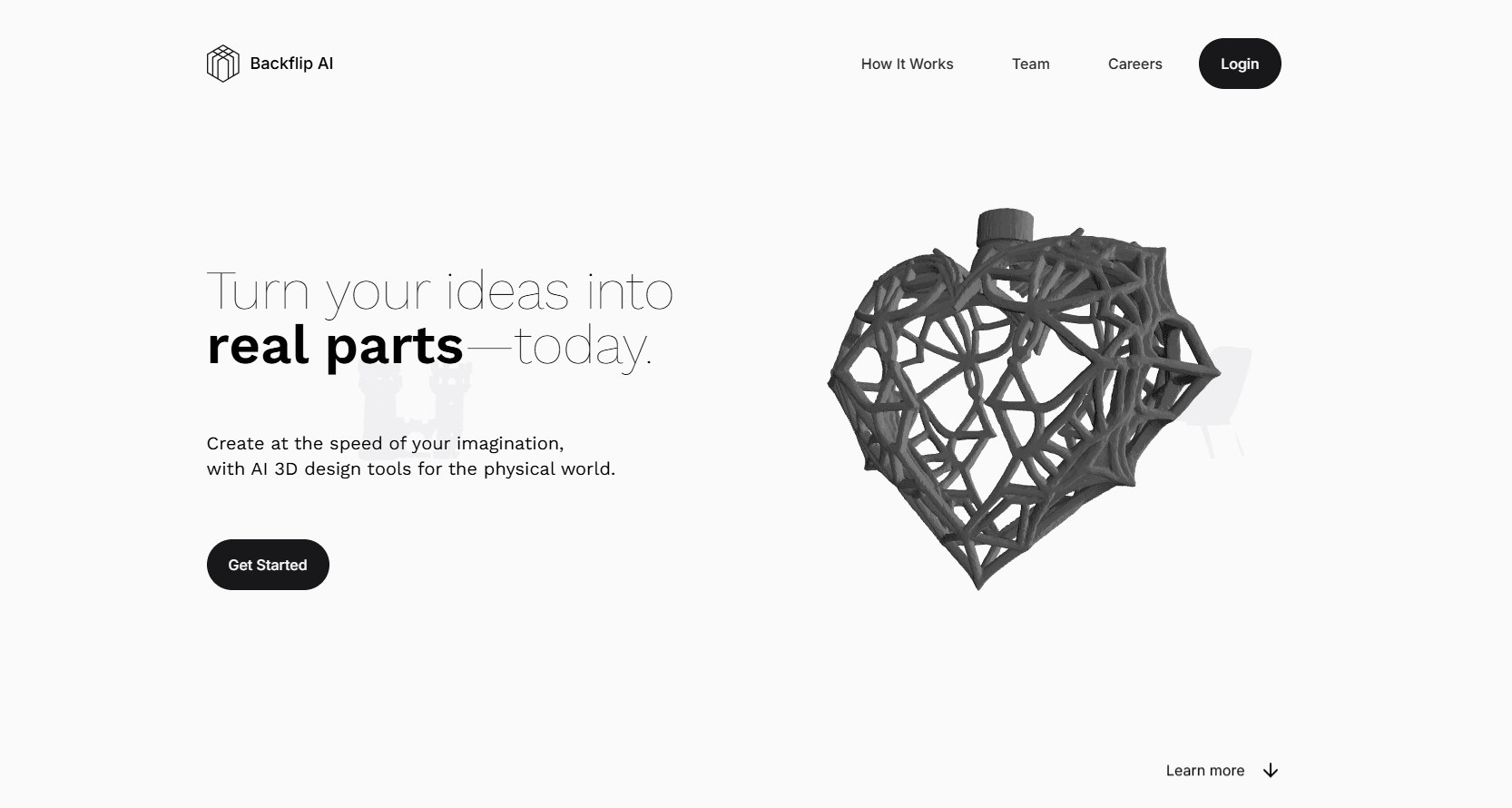
About Backflip AI
What Is Backflip AI
Backflip AI is a 3D design platform built on a foundation model trained specifically for CAD work. Instead of generating a mesh that only looks right, it rebuilds objects as parametric models with real sketches, constraints, and a feature tree you can edit in your usual CAD software. The team behind it previously founded Markforged, a 3D printing company, so they know hardware design from the inside.
The core problem it targets is old and expensive. Factories rarely hold digital models of their own parts, and reverse engineering one part manually can take hours and cost around $1,500. Backflip AI aims to do the same job in minutes. That kind of CAD automation matters if you maintain equipment, restore old drawings, or just want to model a physical object without starting from a blank sketch.
It isn't a full CAD replacement. You still need a CAD package to open and refine the model it produces, and quality depends on clean input. A blurry photo or a messy mesh gives weaker results. So what should you expect? Treat it as an accelerator, not an autopilot.
Getting Started
- Create an account at the Backflip AI website. New users get 50 free credits, and no credit card is required.
- Pick an input type: upload a few photos, a 3D scan or mesh file, or a legacy engineering drawing.
- Add one known dimension so the tool can scale the model to real-world size.
- Choose Fast Mode or Thinking Mode, then run the job and wait for the parametric model to build.
- Download the result and open it in your CAD software to refine the feature tree.
Product Information
A quick look at Backflip AI's pricing, supported platforms, and performance.
Best for
The users, tasks, and scenarios where this tool fits best.
Users
- Mechanical engineers who need to digitize existing parts fast, as long as they have a CAD tool to open the output.
- Product designers exploring concepts without rebuilding every sketch by hand.
- Manufacturing teams reverse engineering spare parts, where the time and cost savings are the biggest draw.
- Hobbyist makers and 3D printing fans who want to model a real object from phone photos.
Tasks
- Converting a stack of paper engineering drawings into editable 3D CAD models.
- Turning a 3D scan or mesh file into a parametric model with a sensible feature tree.
- Rebuilding a physical part from a few phone photos plus one known dimension.
- Creating a first draft of a part so a designer can skip repetitive extrude and fillet work.
Scenarios
- A factory line goes down and no CAD file exists for the broken part.
- Restoring archived drawings from decades ago into modern CAD.
- Scanning a sample part to sketch and modify a new version.
- A student or hobbyist modeling an object for a 3D print.
Key features
Photo to CAD
Point your phone at a physical object, take a few photos, and Backflip AI rebuilds it as a parametric 3D model. Give it one known dimension and it scales everything else to match. You end up with real sketches and constraints, not a static scan.
3D Scan to Editable Feature Tree
3D scanners produce accurate meshes that take hours to rebuild by hand in CAD. This tool converts those scans and other mesh files into CAD geometry with logical sketch constraints and external references, so the model feels like something you built yourself.
Drawing to CAD
Decades of engineering knowledge sits in paper drawings. Backflip AI inspects the geometry and dimensions in a drawing and reconstructs it as a parametric 3D model with a full feature tree, ready to edit in your own CAD package.
CAD-Native Reasoning
The foundation model doesn't just make geometry that looks like CAD. It reasons through a construction strategy using the same operations an engineer would reach for: extrude, revolve, pattern, chamfer, fillet. Because it plans the build the way a human would, the results stay editable instead of turning into an unchangeable blob.
Works With Your Existing CAD Stack
You don't have to switch tools. Backflip AI exports native parametric models you can open and refine in your favorite CAD software, so it slots into a workflow you already know.
Fast Mode and Thinking Mode
Every job runs in one of two modes. Fast Mode costs 10 credits. Thinking Mode costs 50. Pick speed for simple shapes and spend more on the hard ones where the model needs to think longer.
Credit-Based Pricing
Each paid plan bundles monthly credits: 100 on Builder, 300 on Pro, and 2,500 on Business. Standalone credit packs cover heavy months without changing your plan.
Pros and cons
Pros
- Outputs parametric models with a real feature tree, so you can keep editing instead of fighting a frozen mesh.
- Doubles as an AI 3D model generator that handles photos, 3D scans, and legacy drawings.
- Works with the CAD software you already use, no migration required.
- New accounts get 50 free credits with no credit card, so you can test it on a real part.
Cons
- Not a standalone CAD program. You need separate CAD software to open and refine the models.
- Results depend on input quality. Blurry photos or messy meshes lead to weaker reconstructions.
- Monthly credits don't roll over, and the top Business plan is $380/mo, which is steep for solo users.
- API availability isn't clearly documented on the site, so developers can't count on integrations yet.
Frequently asked questions
It converts photos, 3D scans, and engineering drawings into editable parametric 3D CAD models. The output comes with sketches, constraints, and a feature tree. That tree opens in standard CAD software.
Related content
Explore related tools, skills, and articles for Backflip AI.
Backflip AI Alternatives

Google EmbeddingGemma 2
Google DeepMind · Writing · Image · CodingGoogle EmbeddingGemma 2 is a 740M-parameter open model that turns text, code, images, audio, and video frames into vectors in one 768-dimension space, running on phones and laptops.

Tractionwave
TractionWave · Image · MarketingTractionWave is an AI attention heatmap tool for static ads. Upload a PNG or JPG and it returns predicted attention, ranked hotspots, and fixes before you spend budget.

Imejis.io
Imejis.io · Image · MarketingImejis.io is an AI design studio for agents and marketing teams. Describe an image in plain words, and it writes the copy, builds the layout, reflows it to every size, then exports a finished file.