
Baidu Input Method
Baidu (China) Co., Ltd · Productivity · Other
Baidu Input Method is a free AI keyboard from Baidu that blends pinyin, voice and handwriting typing with an AI writing helper for chat, search and quick replies across Android, iOS and PC.
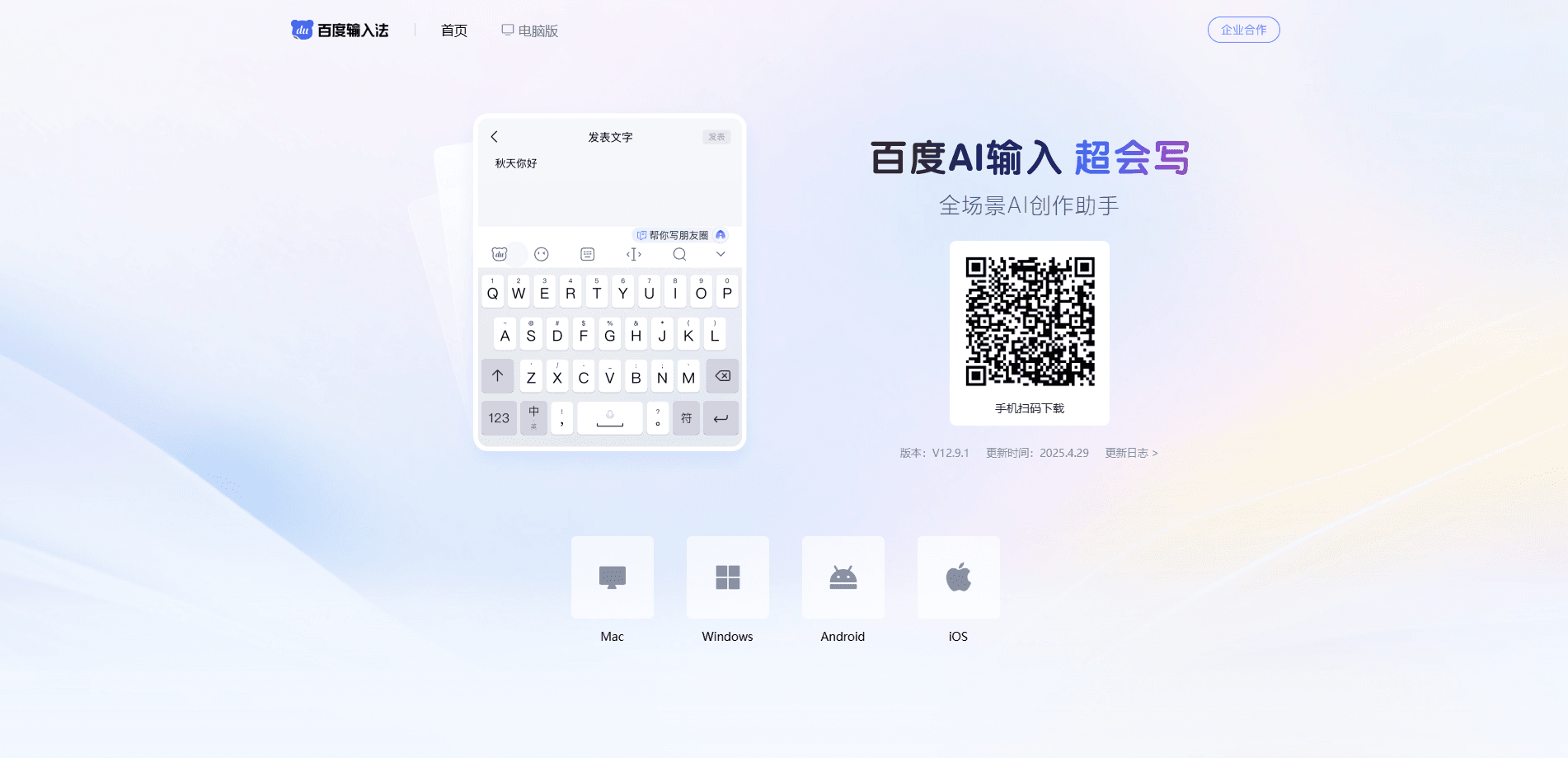
About Baidu Input Method
What Is Baidu Input Method
Baidu Input Method is a Chinese input method built by Baidu, the search and AI company behind Ernie. It started as a pinyin keyboard and grew into a full keyboard platform with voice, handwriting and AI generation tools. The pitch is simple: type Chinese faster, and get help writing when you run out of words.
The core problem it solves is everyday text input on phones. Pinyin guessing for long words is slow, and switching between Chinese, English and numbers breaks your flow. Baidu Input Method leans on a large word bank, sentence-level prediction and mixed-language typing to keep the keystrokes down. It also carries an offline voice engine, so dictation still works on a weak signal.
The main limits are worth knowing up front. It's tuned for Chinese, so the AI writing and search tools are most useful to Chinese speakers. A few of the flashier features, like the AI skins and the in-keyboard search, send data to Baidu servers. And the app has run ads inside its candidate word strip in the past, which annoyed a lot of users.
Getting Started
- Download the app from your app store or the Baidu Input Method site.
- Open it and allow the keyboard in your system language settings.
- Pick your layout: pinyin, double pinyin, wubi, stroke or handwriting.
- Long-press the space bar to dictate, or type normally and let the AI suggest the full sentence.
- Sign in if you want your dictionary and settings synced across devices.
Product Information
A quick look at Baidu Input Method's pricing, supported platforms, and performance.
Best for
The users, tasks, and scenarios where this tool fits best.
Users
- Chinese speakers who type a lot on their phone
- People who dictate more than they type
- Students and office workers
Tasks
- Sending messages in a hurry
- Cleaning up a draft before you send it
- Adding a personal touch
Scenarios
- Chatting in group apps
- Writing while walking or cooking
- Setting up a new phone
Key features
Voice Input That Works Offline
Hold the space bar and talk, and Baidu Input Method turns your speech into text on the spot. The offline engine keeps recognition running when you lose signal, and it handles mixed Chinese and English without you switching modes. Baidu says its streaming model pushed accuracy higher than the industry average for offline voice.
AI Writing Helper
A built-in assistant drafts and rewrites text inside the keyboard. It offers warmer versions of blunt messages, comment ideas and social posts. This is the part aimed at people who know what they want to say but not how to phrase it.
Pinyin, Wubi and Handwriting in One Keyboard
The app covers pinyin, double pinyin, wubi, stroke and handwriting input in a single install. Handwriting supports overlapping strokes, so you can keep writing while earlier characters are still being recognized. Switching between methods doesn't require a separate app.
In-Keyboard Search
You can search without leaving the conversation. Type or dictate a query and results surface above the keyboard, so you can drop an answer into a chat without jumping to a browser tab. Recent versions added a DeepSeek-R1 deep thinking mode to the search tool.
AI Skins, Emoji and Avatars
Upload a photo and the app generates a matching keyboard skin. AI emoji and avatar tools generate or edit stickers in several art styles. It's a cosmetic layer, but it's the kind of thing that keeps people from switching to a plainer keyboard.
Cloud Sync and Personal Dictionary
Your personal phrases, network words and settings back up to the cloud and follow you across devices. Sign in once and a new phone picks up your typing habits instead of rebuilding them by hand.
Pros and cons
Pros
- Free across Android, iOS, Windows and macOS, with no paid tiers.
- Strong voice input, including an offline mode that holds up on a weak signal.
- Wide input coverage: pinyin, double pinyin, wubi, stroke and handwriting in one app.
- AI tools for writing, search, emoji and skins go beyond a basic keyboard.
- Cloud sync carries your dictionary and settings to a new device.
Cons
- Built around Chinese, so the AI writing and search features are far less useful if you don't read the language.
- Some AI features and the in-keyboard search depend on Baidu servers, which means your text leaves the device.
- The app has tested ads inside the candidate word strip, which interrupted typing for the users who saw them.
Frequently asked questions
Yes. The app is free to download and use, and there are no paid subscription tiers. Some cosmetic items, like premium skins, sit behind in-app purchases.
Related content
Explore related tools, skills, and articles for Baidu Input Method.
Baidu Input Method Alternatives

Udon
Udon · Coding · ProductivityUdon turns an Apple Silicon Mac into a home server you run from a browser, with container controls, file shares, and an optional AI sysadmin.

offstage
offstage cloud · Coding · Productivityoffstage gives AI coding agents and CI jobs a real Mac: a fresh macOS account on Apple silicon, driven over an API and billed by the second.

BotBus
Chengdu Tuyang Tusen Technology Co., Ltd. · Coding · ProductivityBotBus lets you control AI coding agents from your phone and watch: approve commands, start tasks and read results while the code stays on your desktop.