

Baroque
Baroque · Image
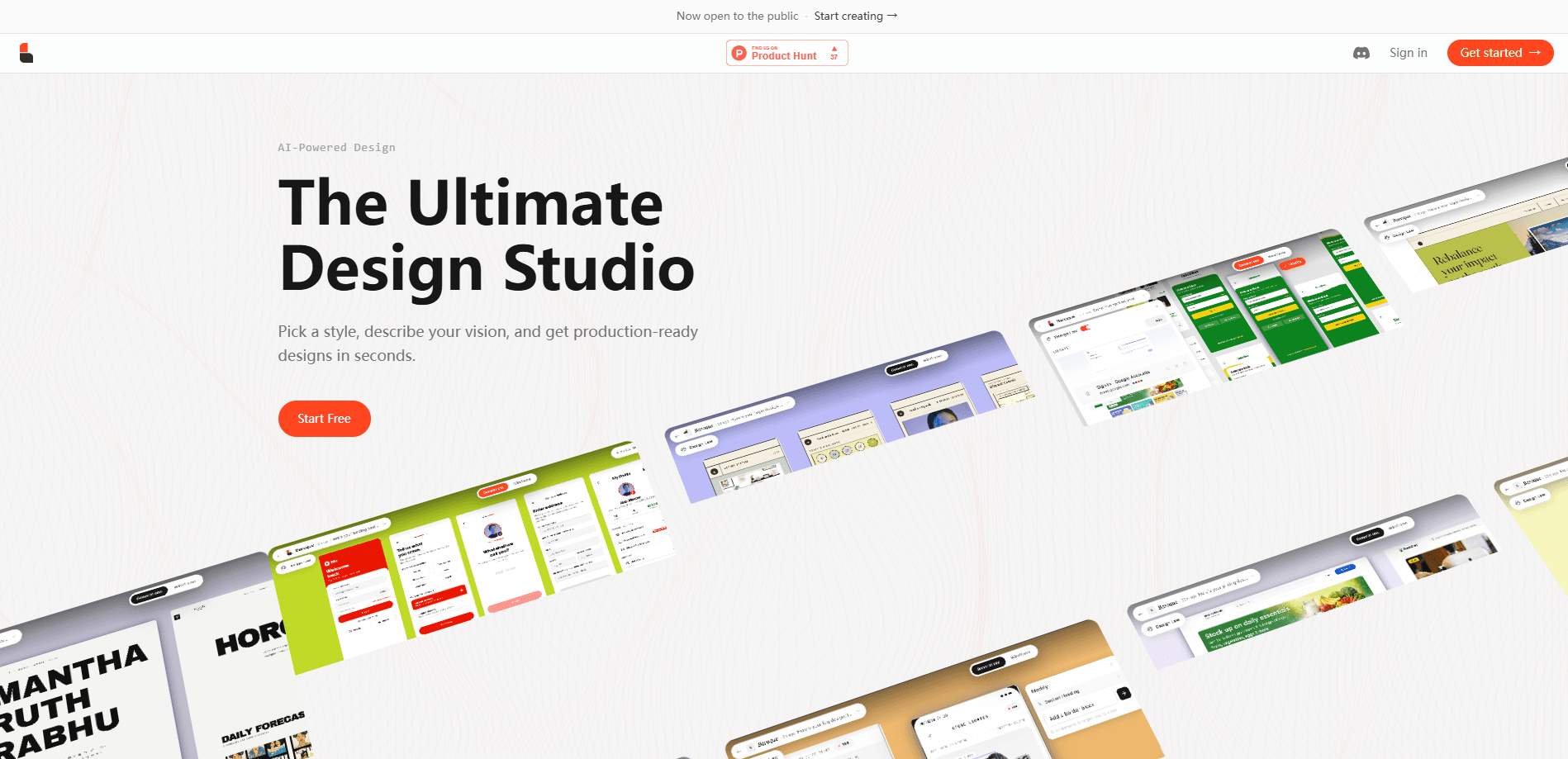
Baroque is an AI UI design generator that turns a short text prompt, a ready-made template, or a pasted URL into finished web and mobile interfaces within seconds. You pick a style, describe the layout you want, and it assembles the typography, grid, and components for you. It's aimed at solo founders, product managers, and small teams who need a polished interface without hand-coding. No design tool required.
About Baroque
What Is Baroque
Baroque is a browser-based AI design tool for people who need a working interface fast. You type what you want. You choose a style. It generates a complete page instead of a loose collection of elements. The output is meant to be production-ready. A marketing page or a dashboard gets you most of the way to something you'd actually ship.
The tool covers the common page types a small team runs into. SaaS landing pages. Dashboards. E-commerce storefronts. Portfolios, corporate sites, and mobile app screens. Each one comes out as an editable, structured design rather than a flat image, which matters if you plan to hand it off or keep iterating.
The clearest limit is the one any generator has. It's fast at first drafts and slower at the last five percent. Fine detail work, brand-specific edge cases, and unusual interaction states still take a human pass. If you expect a finished, pixel-reviewed interface with zero editing, Baroque will get you close but not all the way there.
One feature worth calling out early is the URL redesign flow. You paste an existing site's address, pick a new style, and Baroque reimagines the page before you commit to any code. It's a quick way to test a direction or show a client what a refresh could look like.
Getting Started
- Open Baroque in your browser and start a new design.
- Pick a style and either describe your layout in a prompt, choose a template, or paste a URL to rebuild.
- Let the generator assemble the page, then review the layout, typography, and components it produced.
- Adjust the content, colors, and structure until the design matches what you need.
- Export or hand off the finished design to your build process.
Product Information
A quick look at Baroque's pricing, supported platforms, and performance.
Best for
The users, tasks, and scenarios where this tool fits best.
Users
- Solo founders
- Product managers
- Early-stage design teams
Tasks
- Building a SaaS landing page
- Redesigning an existing site
- Drafting a dashboard
Scenarios
- Pitching a client
- Testing a visual direction
- Shipping a quick marketing page
Key features
Text-to-UI generation
You describe the interface in plain language and Baroque builds it, handling layout, type scale, and component placement on its own. Instead of dragging boxes around, you state what you want and refine the result. It works best when your prompt names the page type and the specific sections you care about, because a detailed brief tends to produce a page much closer to what you had in mind than a broad one-liner ever will. Vague prompts give vague pages.
Template library
The tool ships with a set of editable templates covering the pages small teams use most. Dashboards. Analytics views. SaaS landing pages. E-commerce stores, portfolios, corporate sites, and magazine-style layouts. You start from one, swap in your own content, and adjust the style rather than building from scratch.
URL redesign
Paste any web address and Baroque reimagines the page in a style you choose. Ever wondered what your homepage would look like with a completely different visual identity? Now you can find out without rebuilding anything. You see the transformation before you commit to any code, which makes it useful for pitching, rebranding, or simply comparing directions. It's a fast way to test a direction without a rebuild. No code, no risk.
Wireframe generation
From a single prompt, Baroque assembles a structured wireframe covering typography, grid, spacing, and components. Speed is only part of it. The underlying structure stays sensible, so the wireframe is something you can build on instead of throwing away.
Style selection
Before it generates anything, Baroque asks you to pick a visual style. That choice drives the typography, color, and overall feel of the output, which means two prompts on the same content can produce very different results. It's a simple control that does a lot of the work. Pick carefully.
Editable, production-ready output
Generated designs stay editable and are built to be handed off, so a developer or another designer can pick them up and keep working without rebuilding the whole thing from scratch. You can tweak content and structure after generation rather than treating the result as a locked image. For teams without a dedicated designer, that keeps the work moving after the first draft.
Pros and cons
Pros
- Turns a short text prompt into a complete page, which cuts the time from idea to a viewable design.
- The URL redesign feature lets you see a restyled version of a real site before committing to any code.
- Template library covers the common page types a small team actually needs, from landing pages to dashboards.
- Output stays editable, so you can keep refining instead of being stuck with a fixed image.
- Runs in the browser, so there's nothing to install to get started.
Cons
- Fine detail work and brand-specific edge cases still need a human pass, so it won't replace a designer for a final production build.
- Unusual interaction states and complex logic aren't the focus, which matters if your design depends on them.
- Since the tool is fairly new, community resources and third-party guides are limited compared to longer-established design tools.
Frequently asked questions
It generates web and mobile UI designs from a text prompt, a template, or a pasted URL. You pick a style, describe what you want, and it assembles a complete page with layout, typography, and components.
Related content
Explore related tools, skills, and articles for Baroque.
Baroque Alternatives

Google EmbeddingGemma 2
Google DeepMind · Writing · Image · CodingGoogle EmbeddingGemma 2 is a 740M-parameter open model that turns text, code, images, audio, and video frames into vectors in one 768-dimension space, running on phones and laptops.

Tractionwave
TractionWave · Image · MarketingTractionWave is an AI attention heatmap tool for static ads. Upload a PNG or JPG and it returns predicted attention, ranked hotspots, and fixes before you spend budget.

Imejis.io
Imejis.io · Image · MarketingImejis.io is an AI design studio for agents and marketing teams. Describe an image in plain words, and it writes the copy, builds the layout, reflows it to every size, then exports a finished file.