

Baseline Core
Baseline Studio · Productivity
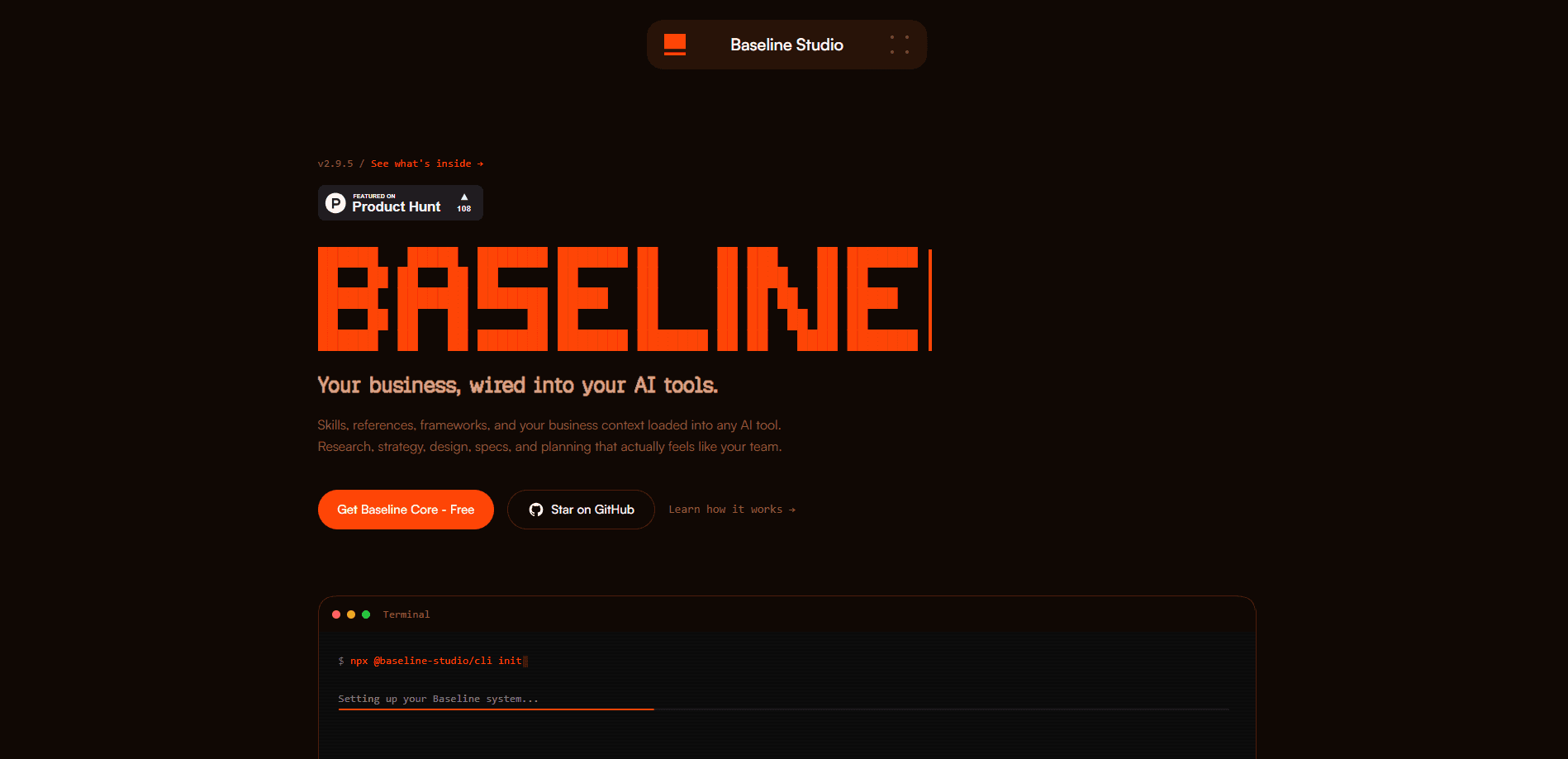
Baseline Core is an open-source system that gives AI coding tools the missing half of product work: your business context. You install it with one command, drop it into Claude Code, Cursor, or Codex, and describe what you need. It's the kind of AI context for Claude Code that most teams set up by hand and never finish. A skills system then routes the task, loads the right frameworks and your company files, and produces output that follows a real, repeatable method instead of a generic prompt. It's built for product teams who already use AI but keep getting generic results. So what's the catch? The system only works as well as the context you feed it. Nothing here costs money, and the whole thing is MIT licensed.
About Baseline Core
What Is Baseline Core
Baseline Core is a free, open-source product system from Baseline Studio in New York. The idea is blunt. Most AI tools are smart but know nothing about your company. They write a PRD that could belong to any startup. Baseline Core fixes that by wiring structured knowledge into the tool. Some of that knowledge is universal method. The rest comes from your own business.
As an AI skills system, it works as three pieces. Skills are domain modules that teach an AI how to do a specific job, like user research or roadmap prioritization. Context is your business knowledge, covering identity, voice, customers, and product. Frameworks are the reusable methods for things like decision-making and prioritization, and together they form a set of AI frameworks for product teams. When you run a skill, it loads the other two, so the output follows proven steps and sounds like your brand.
The setup is quick. You run one command, answer a question about your company name, and it scaffolds everything in about a minute, which is fast enough that most people finish the install before they'd normally get around to reading the docs. The bigger job is the context. A setup skill walks you through it by parsing docs you already have, like a pitch deck or brand guide, and only asks about what's missing. If you skip that part, you get correct output that misses your voice.
The trade-off is that it isn't a product you log into. There's no dashboard and no hosted app. It lives inside your AI tool as files, so you need to be comfortable working in a code editor or terminal. It also assumes you're already using a capable AI assistant. Without one, the system has nothing to run on.
Getting Started
- Run
npx @baseline-studio/cli init. It asks for your company name, scaffolds skills, frameworks, and context templates, then commits a fresh git repo. - Open the new folder in your AI tool, such as Claude Code, Cursor, or Codex.
- Tell the assistant to run the setup skill. It parses any docs you have and asks gap-filling questions to build your context files.
- Describe a real task in plain language, like writing a PRD or prioritizing a roadmap, and let the system pick the matching skill.
- Review the output, correct the context where it's off, and commit your changes so the repo stays current.
Product Information
A quick look at Baseline Core's pricing, supported platforms, and performance.
Best for
The users, tasks, and scenarios where this tool fits best.
Users
- Product managers
- Designers and researchers
- Small product teams
Tasks
- Writing product docs
- Prioritization and strategy
- User research synthesis
Scenarios
- A startup wants AI output that reads like the brand, not like a generic chatbot.
- A team already using Claude Code needs a shared method rather than scattered prompts.
- Someone wants to compare how structured context changes output quality before paying for any tool.
Key features
A Skills System That Picks the Right Method
The core of Baseline Core is its skills. Each one is a domain module for a kind of product work, covering areas like strategic advisory, research, product communications, UX design, analytics, and prototyping. You don't pick the skill yourself in most cases. You describe a task, and the system maps it to the right module. That mapping is the part that saves time, because you stop reinventing a workflow every time a new request lands.
Business Context That Makes Output Yours
Context is where the product earns its name. It holds your identity, voice, customers, and product details in structured files the skills can read. The setup skill does the heavy lifting by ingesting docs you already have and turning them into those files. The payoff is direct: two teams running the same skill get different results, and only one of them sounds like their own company.
Frameworks That Give Structure
Alongside skills, Baseline Core ships reusable frameworks for decisions, prioritization, and research. These are the shared methods the skills lean on, so an output doesn't just look organized, it follows a documented approach. For teams that lose time arguing about how to structure a decision, having the method baked in removes a recurring debate.
One Command to Install
Onboarding is a single npm command. The CLI asks for your company name, scaffolds the skills, frameworks, and context templates, installs dependencies, and commits a git repo. For a busy team, that low setup cost is the difference between trying a product workflow AI and abandoning it. Startup takes roughly a minute. That low friction matters for a system like this, because the usual reason teams abandon an AI workflow tool is that setting it up takes longer than the first task it was meant to solve.
Works Inside the Tools You Already Use
Baseline Core doesn't ask you to adopt a new app. It sits inside product team AI tools, including Claude Code, Cursor, and Codex, and runs through the AGENTS.md file, so the automation happens from a normal task description. You keep your editor and your assistant. The system is just the layer that tells them how your team does product work.
Update Path for Existing Users
Once installed, the CLI handles version checks. Running the status command shows whether a newer release exists, and the update command pulls it. Since the project is actively developed and open source, this gives you a clean way to stay current without manually re-scaffolding your setup.
Pros and cons
Pros
- Free and open source under MIT, so there's no license cost and you can read exactly what each skill does.
- The context layer solves a real problem: generic AI output that ignores your brand and customers.
- Setup is genuinely fast at around a minute, which lowers the barrier for trying it.
- It plugs into AI tools you likely already use rather than forcing a new platform.
Cons
- No web app or dashboard. It lives in files, so you need comfort with a terminal or code editor.
- Quality depends on a capable AI assistant. Without Claude Code, Cursor, or similar, it has nothing to drive.
- The setup skill only fills context you provide. If you skip it, output stays generic and the whole point is lost.
Frequently asked questions
It's an open-source system that adds business knowledge and product methods to AI coding tools. You install it into a project, and it routes tasks to skills that combine shared frameworks with your company's own files.
Related content
Explore related tools, skills, and articles for Baseline Core.
Baseline Core Alternatives

Base Code
Base44 (Wix) · Coding · ProductivityBase Code is a shared cloud development environment from Base44. Teammates describe changes to an existing GitHub codebase in chat, preview them live and send them back as pull requests.

Knocket
Knocket (Tencent RTC team) · Productivity · Business · ChatbotKnocket is a free live chat and contact page tool that lets visitors message you from your website, app, or a shareable link, with every reply handled from Telegram or one inbox.

FloorGen
Vinit Kumar (FloorGen) · Productivity · China AIFloorGen is a browser-based floor plan maker that turns a sentence or a sketch into an editable 2D plan and a 3D walkthrough. Export to PDF, DXF or video, and draw without an account.