

Beautiful.ai
Beautiful.ai · Image · Productivity
Beautiful.ai is an AI presentation maker that turns a prompt or outline into a full deck and uses auto-aligning Smart Slides to keep every layout clean as you edit.
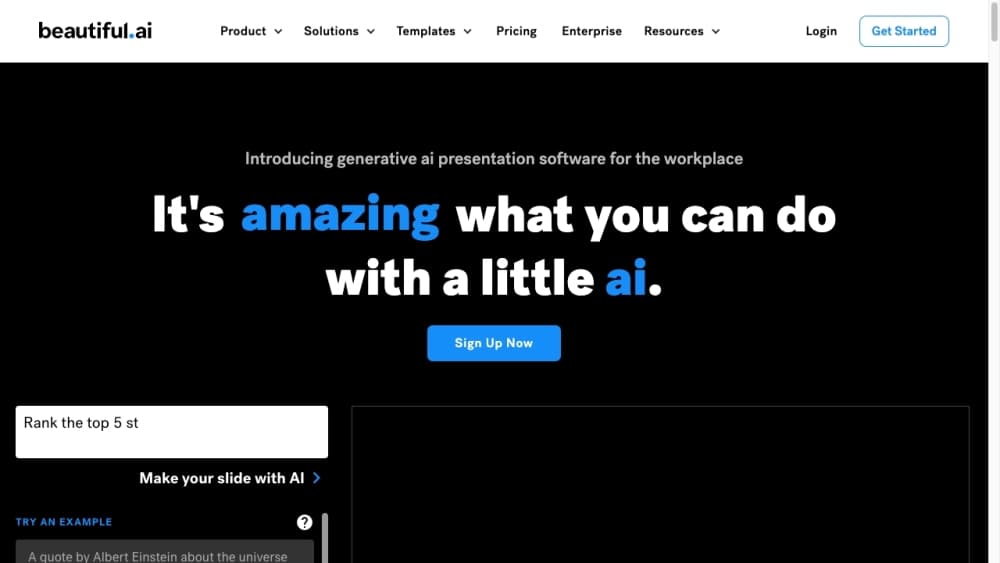
About Beautiful.ai
What Is Beautiful.ai
Beautiful.ai is an AI presentation tool from Beautiful.ai (formerly Beautiful.ai Inc.), a company founded in 2017 to remove the busywork from slide design. Instead of placing every box by hand, you add content and the software arranges it for you. Smart Slides resize, realign, and rebalance the layout each time you add or remove text, images, or charts, so a deck stays visually consistent without manual pixel pushing. DesignerBot, its AI assistant, goes a step further and drafts a whole presentation from a short prompt.
The value is speed for people who don't design for a living. Someone facing a blank deck can get a presentable first draft in minutes and spend the saved time on the message. As an AI slide generator it leans on templates and automation rather than manual layout, so sales teams, consultants, students, and marketers all use it to build work-ready slides without hiring a designer.
The limits matter too. Automated layouts trade fine control for consistency, so anyone who needs pixel-level positioning will feel boxed in. AI-generated copy reads well but often needs a human rewrite before it goes in front of a client. And the free trial is time-limited, so long-term use means a paid plan.
Getting Started
- Sign up at beautiful.ai and start the 14-day free trial, which unlocks the full Pro feature set.
- Pick a starting point: describe your topic to DesignerBot, import an existing PowerPoint, or open a blank Smart Slide.
- Add your content and let Smart Slides auto-align the layout as text, images, and charts change.
- Use DesignerBot or the writing assistant to generate, rewrite, or trim copy and to create images.
- Export to PowerPoint or PDF, or share a live link and track viewer engagement from the dashboard.
Product Information
A quick look at Beautiful.ai's pricing, supported platforms, and performance.
Best for
The users, tasks, and scenarios where this tool fits best.
Users
- Sales teams
- Consultants and freelancers
- Students and educators
Tasks
- Drafting a full deck from a prompt
- Keeping slides aligned as content changes
- Maintaining brand consistency
Scenarios
- A pitch or sales proposal due tomorrow
- Recurring team reporting
- Early project planning
Key features
Smart Slides
Smart Slides are the engine behind the product. As you add text, images, or charts, the layout resizes and realigns itself to keep spacing and hierarchy in order. This is what separates Beautiful.ai from a plain template library, where you'd fix every overflow by hand. The trade-off is control: the software decides placement, so exact positioning is limited.
DesignerBot
DesignerBot is the AI assistant that builds a presentation from a short prompt. It produces an outline, slide content, and a matching design in one pass, which is useful for beating a blank page. The copy it writes is a starting point rather than a finished script, so expect to revise key claims and numbers before presenting.
Presentation Design Automation
Every element you drop in is styled to match the deck's theme automatically. This is what makes it more than an ordinary AI presentation software tool, since the design system does the formatting work for you. Fonts, colors, and spacing stay consistent across slides, so the result looks deliberate even if you never touched the design. For teams that need a uniform look, this removes the main source of off-brand slides.
Team Collaboration and Brand Control
Teams can share template libraries and lock slides to control what coworkers can change. Real-time collaboration and viewer analytics round out the workflow, letting a group work on one deck and see how audiences engage with it. As a team presentation platform, it aims at organizations that want consistency across many people and many decks.
PowerPoint Import and Export
You can import an existing PowerPoint deck and export your work back out in PowerPoint or PDF. That keeps Beautiful.ai usable inside a workflow built around Microsoft tools, where a deck often needs a final pass before it ships. The app stays lean and leaves deep formatting to those editors.
Viewer Analytics and Sharing
Shared links come with engagement tracking, so you can see which slides hold attention and which get skipped. That feedback loop helps speakers cut weak sections before a real pitch. For sales teams, it turns a static deck into something closer to a measured asset.
Pros and cons
Pros
- Smart Slides keep layouts clean automatically, so you rarely fix spacing or overflow by hand.
- DesignerBot turns a short prompt into a structured first draft, which cuts the time to a presentable deck.
- Shared templates and locked slides make it easy to keep a large team on brand.
- PowerPoint and PDF export means the output fits workflows built around Microsoft tools.
- Viewer analytics show how audiences engage with shared decks, useful for refining pitches.
Cons
- Automated layouts limit pixel-level control, so detailed, custom designs are hard to achieve.
- AI-drafted copy often needs rewriting, especially for numbers and client-facing claims.
- There is no free plan to keep using long term, so ongoing work requires a subscription.
Frequently asked questions
Beautiful.ai builds presentations, mainly business decks like sales pitches, reports, and proposals. You add content and its Smart Slides keep the design aligned, while DesignerBot can draft a full deck from a short prompt.
Related content
Explore related tools, skills, and articles for Beautiful.ai.
Beautiful.ai Alternatives

Google EmbeddingGemma 2
Google DeepMind · Writing · Image · CodingGoogle EmbeddingGemma 2 is a 740M-parameter open model that turns text, code, images, audio, and video frames into vectors in one 768-dimension space, running on phones and laptops.

Tractionwave
TractionWave · Image · MarketingTractionWave is an AI attention heatmap tool for static ads. Upload a PNG or JPG and it returns predicted attention, ranked hotspots, and fixes before you spend budget.

Imejis.io
Imejis.io · Image · MarketingImejis.io is an AI design studio for agents and marketing teams. Describe an image in plain words, and it writes the copy, builds the layout, reflows it to every size, then exports a finished file.